
We may earn a commission if you buy through links on this page. It never changes a score or a ranking. How we make money
The bottom line
Strong security and workflow features, but quote-based pricing makes small-team budgeting difficult.
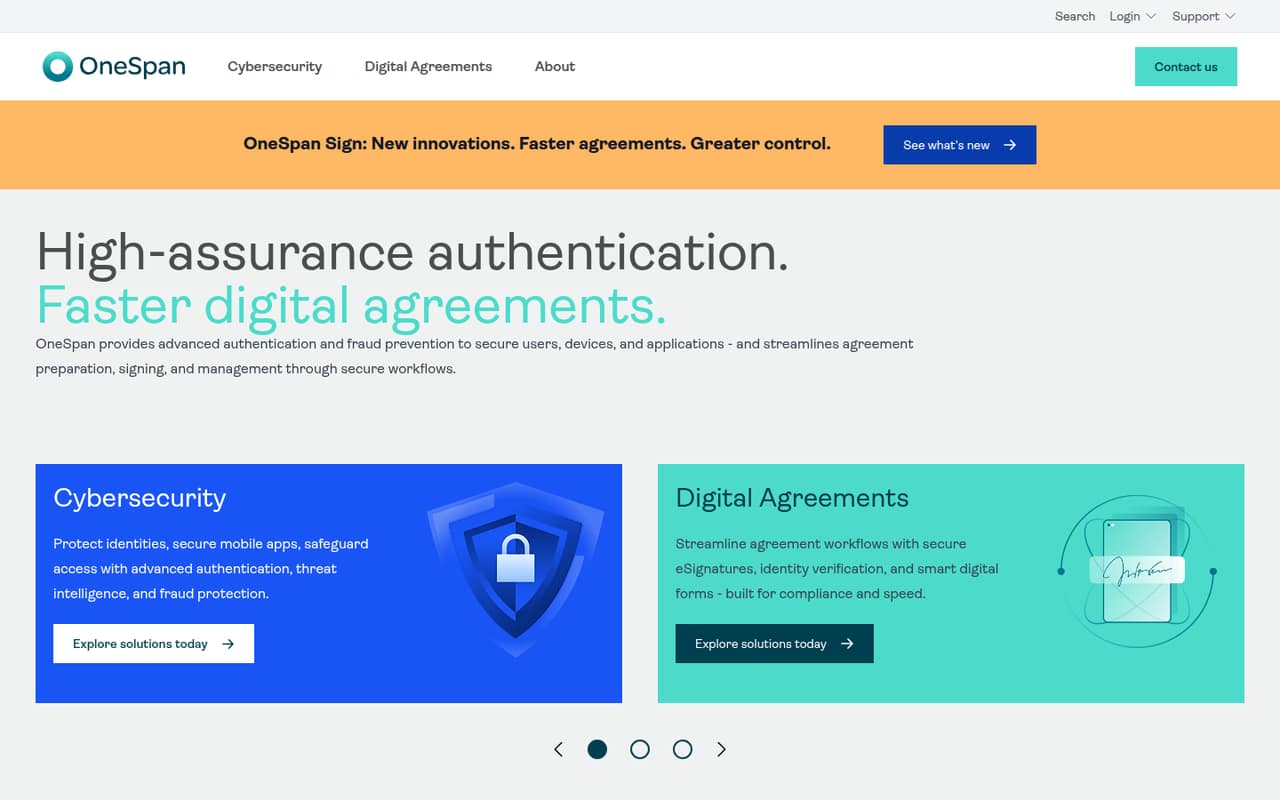
OneSpan Sign brings e-signatures, identity verification, smart forms, and agreement management into secure digital workflows. Its Enterprise plan is aimed at high-volume organizations and includes a free sandbox, but the vendor does not publish a starting price or per-seat rates.
For a small team, the main drawback is budgeting: Enterprise uses transaction-based pricing, and extra charges may apply for SMS, identity verification, and some integrations. It’s worth asking for a quote if security and workflow needs justify a sales conversation; teams seeking a clear, low-cost entry price may find it hard to compare.
Good fit if
- High-volume agreement workflows
- Teams needing identity verification
- Organizations using signing APIs
Skip it if
- Teams needing a free production plan
- Buyers requiring published seat prices
- Occasional, low-volume signers
ScoresHow it rates
What works
- Secure digital agreement workflows
- Identity verification is available
- Smart forms support agreement workflows
- Transactions can include any number of recipients and documents
- Enterprise includes a free sandbox with no time limit
What doesn't
- No published Enterprise starting price
- No free plan is listed
- No per-seat pricing for small teams
- Identity verification has a minimum commitment
- Some integration use cases may cost extra
01Who OneSpan Sign is for
OneSpan Sign is aimed at organizations handling high-volume or security-sensitive agreement workflows. It covers agreement preparation, signing, and management, with e-signatures, identity verification, smart digital forms, and fraud prevention described as part of its offering.
A team of one to ten can use it, but the fit depends more on workflow needs and budget than headcount. If your team needs identity checks or has many agreements moving through defined steps, the feature set may merit a quote. If you mainly need a few straightforward signatures and need to know the monthly cost before talking to sales, the pricing model is a hurdle. The Enterprise plan uses transaction-based pricing rather than a published per-seat rate, and the vendor does not publish a starting price. Ask sales to price your expected transaction volume and any verification or SMS needs before deciding.
02OneSpan Sign free plan and trial
The pricing page lists no free plan, and a free trial is not listed. Enterprise does include a free sandbox with no time limit, but that is not presented as a free production plan for sending real agreements. The vendor does not publish a separate low-cost plan as a starting option.
The cheapest way in is therefore Enterprise, with transaction-based pricing that requires contacting sales. Before you request a quote, ask whether the sandbox supports the workflows you want to evaluate and what moving from sandbox use to production would cost. Also confirm whether your quote includes identity verification, SMS notifications, and the integrations you need. Those costs can change the total, so a sandbox alone does not establish the price of a working setup.
03What a small team pays for OneSpan Sign
The pricing page lists Enterprise as transaction-based pricing and says buyers must contact sales. It does not publish a starting price, monthly or annual billing rates, or per-seat fees. So we can’t calculate a reliable cost for one person, three people, or five people—or compare monthly with annual billing. Transactions can include any number of recipients and documents, so ask how your expected volume is counted rather than assuming each signer needs a paid seat.
Two add-ons have listed starting rates: SMS notifications start at $0.40 per transaction and cover all SMS notifications for all signers; identity verification starts at $2.50 per verification, is volume-based, and has a minimum commitment. The pricing page also says some specific integration use cases may cost extra. For a small-team quote, give sales your likely transaction volume, verification needs, SMS use, and integration requirements. Ask for the full recurring and usage-based cost in writing; the published prices aren’t enough to estimate your bill.
04Getting started with OneSpan Sign
OneSpan describes workflows for preparing, signing, and managing agreements, but the setup steps and time required are not published in the pricing details. We can’t give a reliable hours-or-days estimate. A small team should ask the vendor what configuration is needed for its forms, identity checks, and approval process, and whether that work is included in its quote.
For a technical rollout, Enterprise lists a REST API and .NET, Java, Apex, iOS, and Android SDKs. Those options may matter if signing needs to connect to an existing system; the pricing page warns that some specific integration use cases may cost extra. If you only need the standard agreement workflow, confirm what setup is required without custom integration. The free sandbox has no time limit, giving a team a listed environment to explore, but ask what it can demonstrate before treating it as a complete trial.
05When small teams outgrow OneSpan Sign
OneSpan Sign’s listed Enterprise plan already targets high-volume workflows, so a small team is more likely to outgrow its budget fit or need clearer pricing than hit a published seat cap. The vendor does not publish seat limits, transaction thresholds, or a lower plan to move to. Ask sales what happens to your rate as volume changes and whether your quote has a minimum commitment.
Costs can also rise with usage: identity verification starts at $2.50 per verification with a volume-based minimum commitment, SMS starts at $0.40 per transaction, and some integrations may cost extra. If your agreement volume grows, get a revised quote that spells out those charges before expanding use. If you are a low-volume team that needs predictable per-person billing, a product with public seat prices may be easier to budget. OneSpan’s Enterprise plan lists APIs and SDKs, but the available material does not describe a higher tier or specific upgrade trigger.
Questions people ask
Does OneSpan Sign have a free plan?
The pricing page lists no free plan or free trial. It does list a free Enterprise sandbox with no time limit, but does not describe that sandbox as a free production plan. Ask OneSpan what the sandbox allows and what a production setup would cost.
How much does OneSpan Sign cost?
OneSpan Sign’s Enterprise plan uses transaction-based pricing, and the vendor does not publish a starting price or monthly and annual rates. Contact sales with your expected volume. SMS starts at $0.40 per transaction, while identity verification starts at $2.50 per verification and has a minimum commitment.
Does OneSpan Sign charge per user?
The pricing page describes Enterprise as transaction-based, not per-seat, and does not publish a user rate. It says a transaction can include any number of recipients and documents. Ask sales how your expected activity is counted and whether your quote includes any minimum commitment.
What does OneSpan Sign include?
OneSpan describes secure e-signatures, identity verification, smart digital forms, and agreement preparation, signing, and management workflows. Enterprise also lists signing in 22 languages, a free sandbox with no time limit, and a REST API plus .NET, Java, Apex, iOS, and Android SDKs.
Can OneSpan Sign verify signer identities?
Yes. OneSpan describes identity verification as part of its agreement workflows. The pricing page lists it as an add-on starting at $2.50 per verification, with volume-based pricing and a minimum commitment. Ask sales what verification methods and volumes your quote covers.