
We may earn a commission if you buy through links on this page. It never changes a score or a ranking. How we make money
The bottom line
Good for scheduled multistreaming; free is narrow, and team costs depend on seats and destinations.
OneStream Live combines multistreaming, scheduled pre-recorded broadcasts, a live studio, and web players in a cloud-based app. The free plan covers one person sending streams to two destinations, with 720p video and three scheduled events.
For a team, the plan choice matters more than the headline starting price. Basic costs $15 monthly or $12 per month when billed yearly, but includes only one seat. Standard adds four seats; Professional includes six.
Good fit if
- Solo creators scheduling streams
- Teams streaming to several platforms
- Businesses embedding live video
Skip it if
- Teams needing many seats cheaply
- Broadcasters needing unlimited destinations
- Teams wanting published support details
ScoresHow it rates
What works
- Free plan includes two destinations
- Supports 45+ social platforms and the web
- Schedules pre-recorded broadcasts and playlists
- Connects OBS, Zoom, and Streamlabs
- Offers an embeddable player and branded pages
What doesn't
- Free plan is limited to one seat
- Basic also includes only one seat
- 1080p starts with Standard
- Destination and bandwidth caps vary by plan
- Add-on annual billing terms aren't published
01Who OneStream Live is for
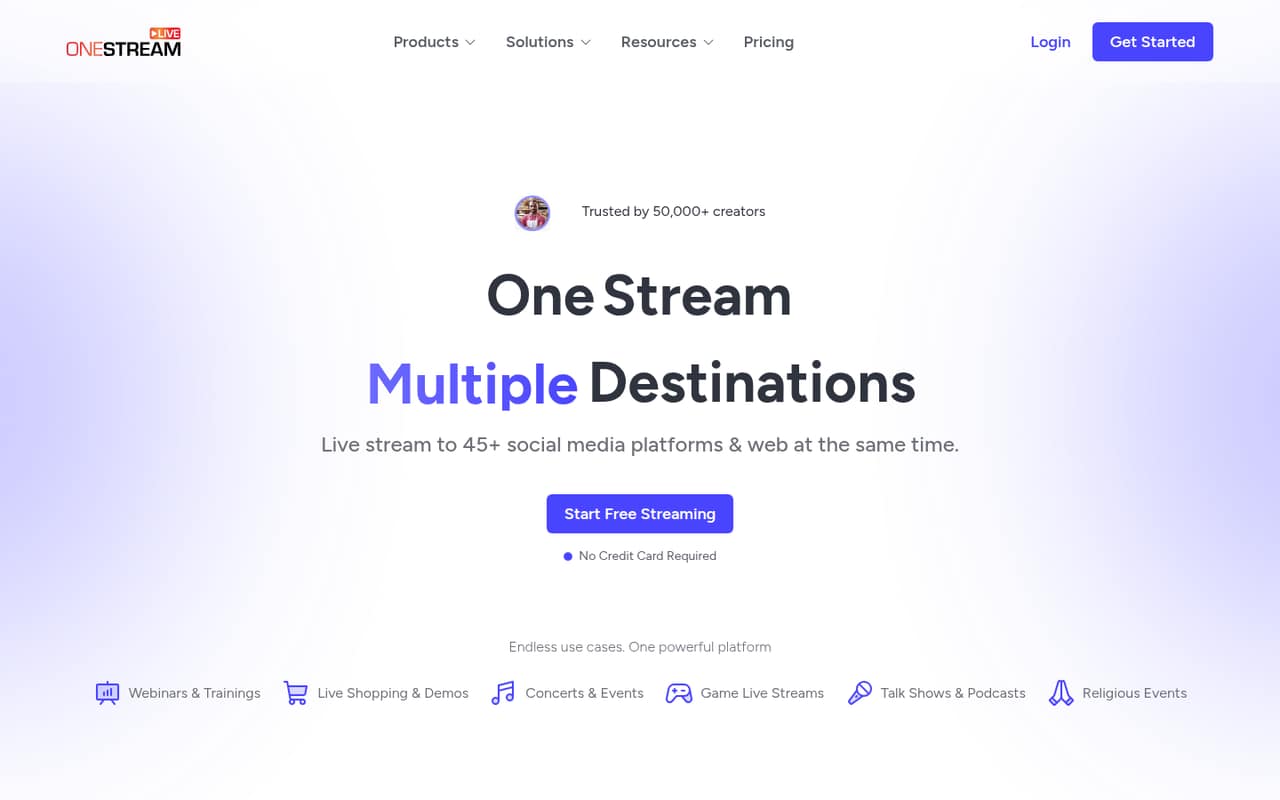
OneStream Live suits solo streamers and small teams that need to publish live or pre-recorded video to several places at once. The cloud-based app can send streams to 45+ social platforms and the web, while its scheduling tools support pre-recorded broadcasts, playlists, and continuous YouTube streams.
For one person testing a regular streaming routine, Free or Basic may be enough. A team of three or four should compare Standard with a lower plan plus team-seat add-ons. Standard includes four seats, 10 destinations, and 1080p streaming. A five-person team can look at Professional, which includes six seats and 30 destinations. These plans make more sense when the team will use scheduled streams, a live studio, or an embedded player—not just a one-off broadcast. The right fit depends on how many destinations, seats, and how much bandwidth your streams need.
02OneStream Live free plan and trial
The Free plan costs $0 and includes two destinations, 720p streaming, one team seat, 1 GB of storage, and three scheduled events. That gives a solo streamer room to try scheduled broadcasts and multistreaming on a small scale, but it is not a free plan for a team: there is only one seat, and the destination and storage limits are low.
The free plan also does not include the 1080p resolution listed on Standard and higher plans. OneStream Live's pricing information lists no free trial. If you need more than two destinations or a second team member, check the add-ons or move to a paid plan. Basic is the cheapest paid option at $15 monthly, or $12 per month when billed yearly, but it still has one seat.
03What a small team pays for OneStream Live
One person can start free, or pay $15 monthly for Basic. Basic drops to $12 per month when billed yearly, equivalent to $144 for the year. It includes five destinations, 720p, one seat, 5 GB of storage, and 0.5 TB of monthly bandwidth.
For three people, Standard is the straightforward fit: $39 monthly or $32 per month billed yearly, with four seats, 10 destinations, 1080p, 20 GB of storage, and 1.5 TB of bandwidth. Basic plus the $10 monthly team-member add-on may cost less, but its annual billing treatment isn't published. For five people, Professional includes six seats for $49 monthly or $39 per month billed yearly. Standard plus a seat add-on is another option, but the add-on's annual cost isn't listed.
Watch the extras: $10 monthly adds five multistreaming destinations, 10 GB of storage, or 1 TB of player bandwidth. A 24-hour YouTube stream costs $30 per concurrent stream monthly.
04Getting started with OneStream Live
OneStream Live is cloud-based, so you can use its listed streaming and scheduling features without setting up your own streaming server. The setup effort depends on how you plan to broadcast. A scheduled pre-recorded stream uses the scheduling features; an encoder-based stream needs a compatible source and connection details.
The listed encoder options include OBS, Zoom, and Streamlabs, connecting through RTMP or RTMPS, SRT, or WHIP. The live studio offers multi-camera views, overlays, and screen sharing. For a website stream, the product also lists an embeddable player and branded landing pages with a custom domain option. That gives a small team several routes to learn, so it is worth starting with the one workflow you need rather than configuring everything at once. The vendor doesn't publish a setup-time estimate. Confirm the steps for your encoder and destinations in the docs before scheduling a stream.
05When small teams outgrow OneStream Live
The first pinch point is usually a plan limit: Free allows two destinations and one seat, while Basic allows five destinations but still only one seat. Adding a teammate can mean paying for the team-member add-on or choosing a higher plan. Standard gives four seats and 10 destinations; Professional gives six seats and 30 destinations.
Capacity can also drive an upgrade. Free and Basic list 720p, while Standard and higher list 1080p. Storage and monthly bandwidth rise by plan, from 1 GB on Free and 0.5 TB on Basic to 50 GB and 2.5 TB on Professional. If you exceed a plan's storage, destination, or player-bandwidth allowance, the listed add-ons cost $10 monthly each for their stated increments. Larger teams may need Enterprise, which includes 10 seats and 50 destinations. Check whether an add-on or the next plan is cheaper for your actual needs.
Questions people ask
How much does OneStream Live cost?
The Free plan costs $0. Basic costs $15 monthly or $12 per month billed yearly. Standard is $39 monthly or $32 yearly; Professional is $49 monthly or $39 yearly; Enterprise is $99 monthly or $83 yearly. Annual prices are monthly equivalents billed yearly.
How do I activate live streaming?
OneStream Live lists a live studio and encoder streaming as options. For encoder streaming, it supports OBS, Zoom, and Streamlabs through RTMP or RTMPS, SRT, or WHIP. Check the docs for the connection steps for your encoder and chosen destinations.
Can I schedule pre-recorded streams?
Yes. OneStream Live lists scheduled pre-recorded broadcasts, playlists, and continuous YouTube streams among its features. The Free plan includes three scheduled events; check your plan's limits before planning a larger schedule.
Can I stream to multiple platforms at once?
Yes. OneStream Live says it supports multistreaming to 45+ social platforms and the web. The number of destinations included depends on your plan: from two on Free to 50 on Enterprise.
Does OneStream Live offer a free trial?
The listed plans include a Free plan, but no free trial is listed. Free includes two destinations, 720p streaming, one seat, 1 GB of storage, and three scheduled events.