We may earn a commission if you buy through links on this page. It never changes a score or a ranking. How we make money
A small team may not need paid streaming software at all: OBS Studio is free, if someone on the team can handle its setup. For a simpler browser studio, StreamYard has a free plan and a listed starting price of $14.99. Those starting prices are not the same as a confirmed multi-seat total, so ask what your team will pay before upgrading. Pick based on your actual show: interviews, multistreaming and multicamera production call for different tools, and some options cost far more than a small team needs.
Quick picksThe shortlist
 StreamYardStreamYardBest for small teams · $14.99/mo
 OBS StudioOBS StudioBest free · Free
 RestreamRestreamBest for multistreaming · $19/mo
 RiversideRiversideBest for recorded content · $24/mo
 OneStream LiveOneStream LiveBest for scheduled streams · $12/mo
 StreamlabsStreamlabsBest free starter kit · $15.75/mo
 ZencastrZencastrBest free recording · Free
 Ecamm LiveEcamm LiveBest for Mac teams · $16/mo
 vMixvMixBest for live production · $50/mo
 CastrCastrBest for many destinations · $16.67/mo
 VimeoVimeoBest for video hosting · $12/mo
 Switcher StudioSwitcher StudioBest for phone cameras · $45/mo
 ResiResiBest for regular events · $49/mo
 BoxCastBoxCastBest for organizations · $109/mo
01Compared at a glance
| Tool | Score | From | Free plan | Trial |
|---|---|---|---|---|
| StreamYardStreamYard | 7.1 | $14.99/mo | Yes | 7 days |
| OBS StudioOBS Studio | 8.6 | Free | Yes | — |
| RestreamRestream | 7.2 | $19/mo | Yes | — |
| RiversideRiverside | 7.2 | $24/mo | Yes | 14 days |
| OneStream LiveOneStream Live | 7.0 | $12/mo | Yes | — |
| StreamlabsStreamlabs | 6.8 | $15.75/mo | Yes | Yes |
| ZencastrZencastr | 6.6 | Free | Yes | — |
| Ecamm LiveEcamm Live | 7.1 | $16/mo | No | 14 days |
| vMixvMix | 7.5 | $50/mo | No | 60 days |
| CastrCastr | 7.1 | $16.67/mo | No | 7 days |
| VimeoVimeo | 6.5 | $12/mo | Yes | — |
| Switcher StudioSwitcher Studio | 6.8 | $45/mo | No | 14 days |
| ResiResi | 6.8 | $49/mo | No | — |
| BoxCastBoxCast | 7.2 | $109/mo | No | — |
02The picks, in detail
- Best for small teamsStreamYardStreamYard
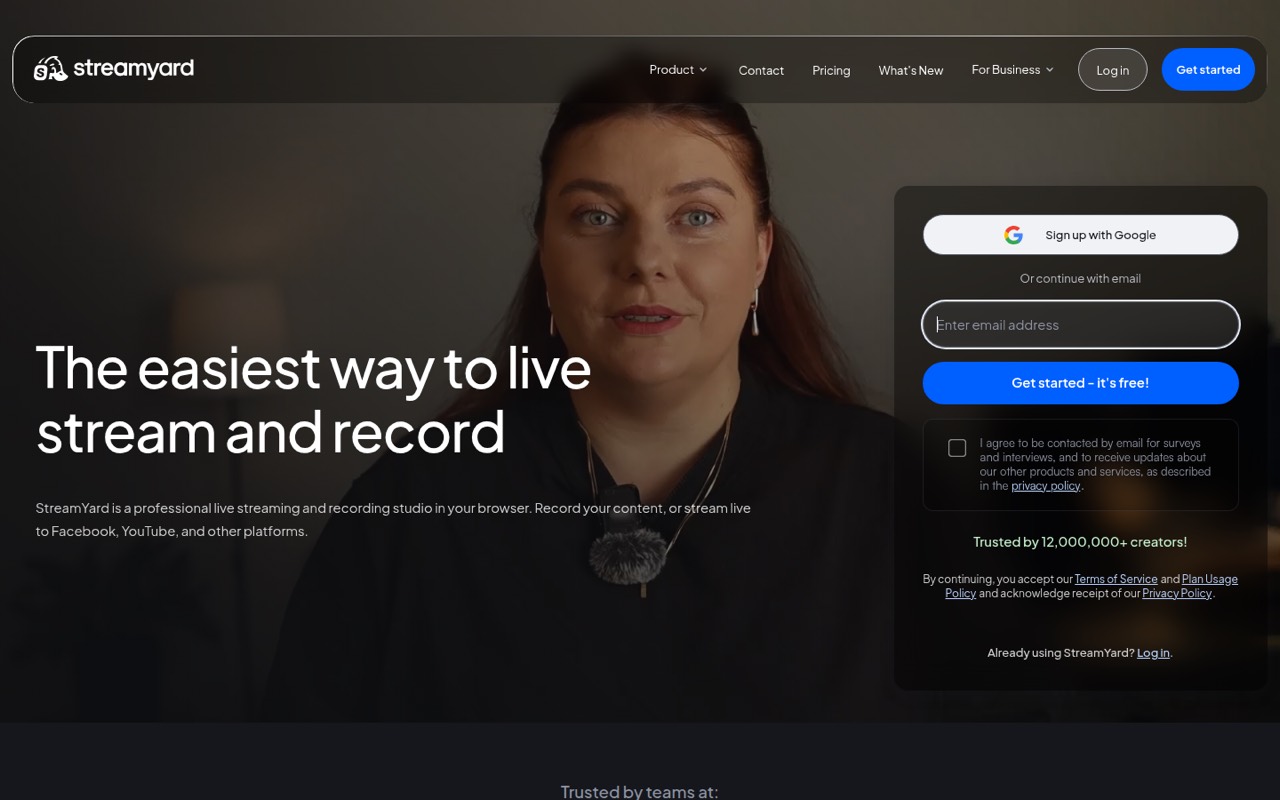
StreamYard is our first pick for a small team that wants to host remote interviews or run branded shows without starting with a complex production setup. It has a free plan and a listed starting price of $14.99. Before upgrading, ask how team seats affect the bill; the listed starting price does not confirm what several collaborators will pay.
What works
- Guests can join from a browser or phone
- Streams to several major social platforms
- Local recordings capture separate participant files
What doesn't
- Free plan has streaming limits and branding
- Free local recordings stop at two hours monthly
- Paid-plan seat allowances aren't published
- Best freeOBS StudioOBS Studio
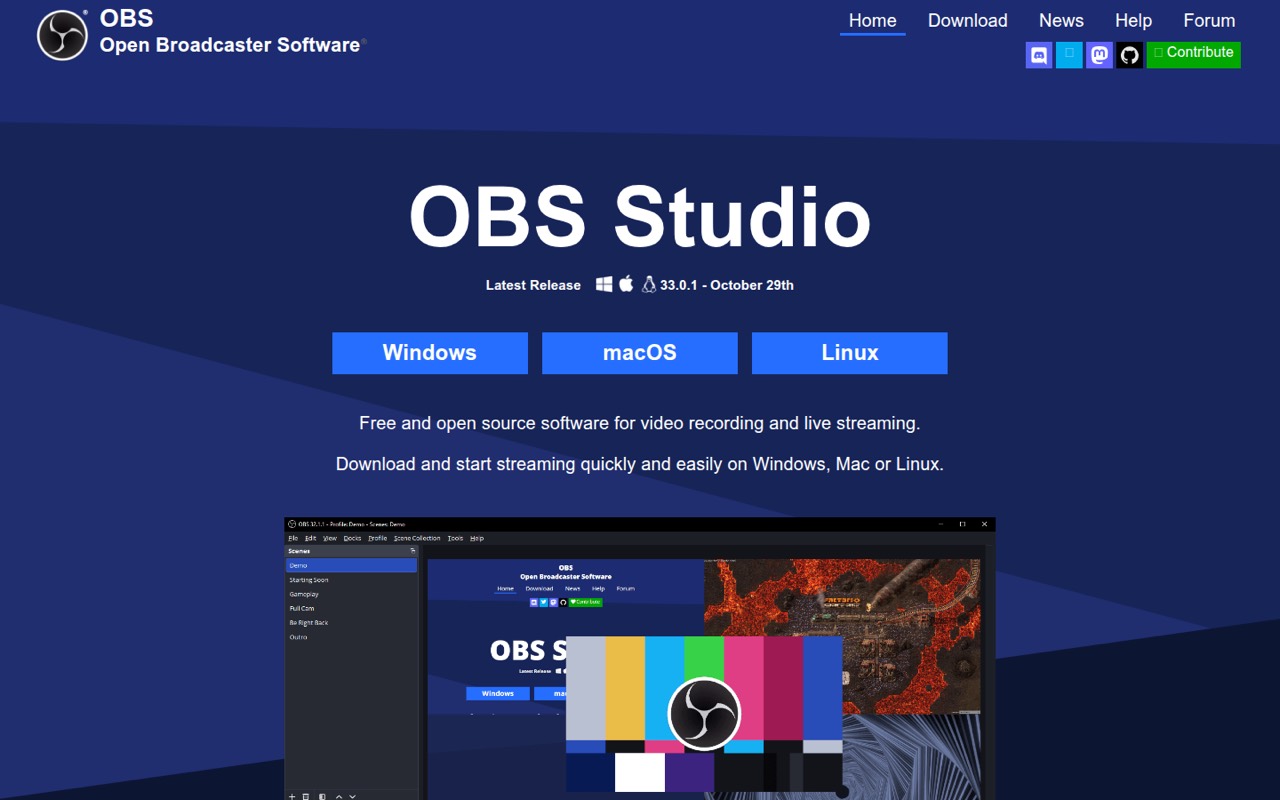
OBS Studio is free, with streaming, recording, custom scenes and plugin support listed among its strengths. That makes it a strong fit when keeping subscription costs at zero matters more than a quick setup. The trade-off is learning the software: a small team should decide who will build and maintain scenes before making OBS its regular show setup.
What works
- Free, open-source software with no paid tiers
- Runs on Windows, macOS and Linux
- Unlimited scenes with custom transitions
What doesn't
- Scene and audio setup can take time to learn
- Seat and usage limits are not published
- No paid tier for teams to upgrade into
- Best for multistreamingRestreamRestream
Restream suits a small team that wants a browser-based studio and simple multistreaming, including streaming to three channels. It has a free plan and a listed starting price of $19. The key budget question is paid seats: if several people need to share hosting and production work, ask for the total rather than treating the starting price as the team price.
What works
- Free plan supports two simultaneous channels
- Supports more than 30 destinations
- Browser-based studio is part of the product
What doesn't
- Free plan includes Restream branding
- Free plan is limited to two channels
- Standard includes only one team seat
- Best for recorded contentRiversideRiverside
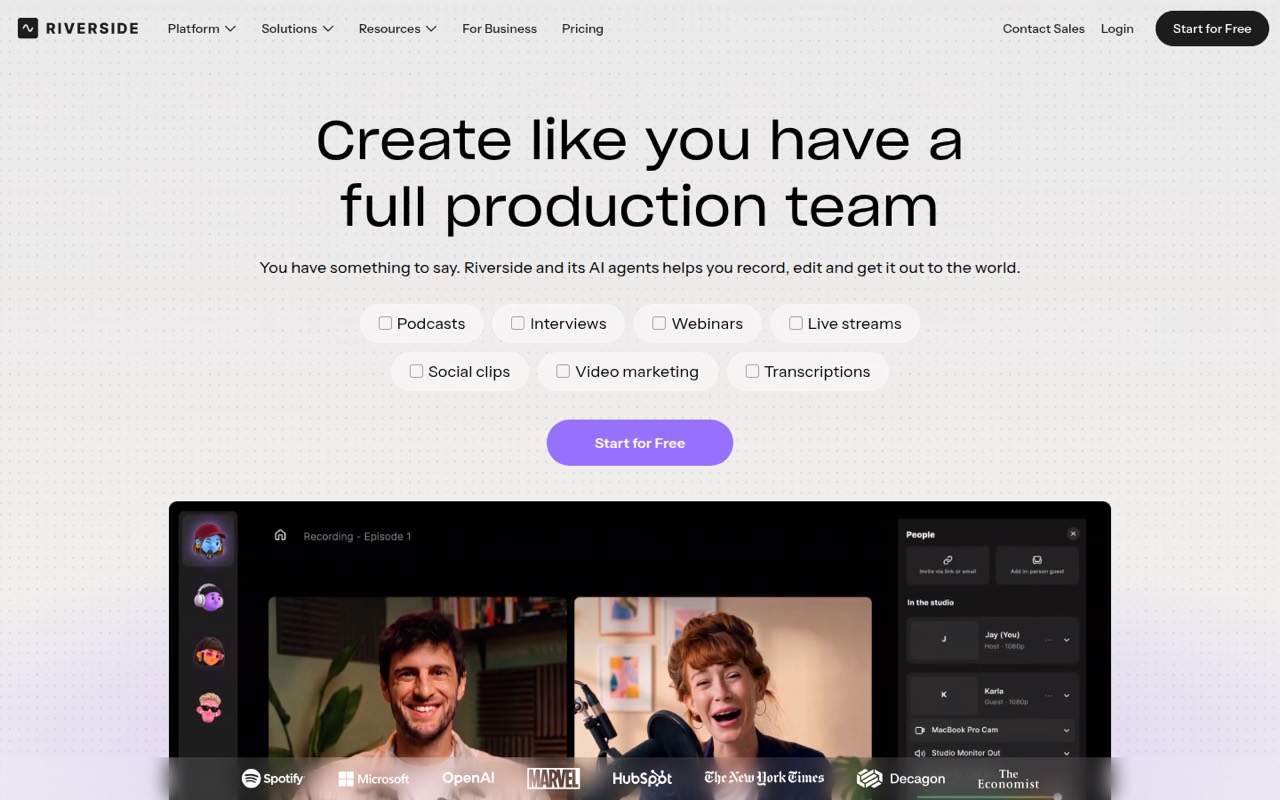
Riverside is a good fit for remote podcast and video teams that want recording and editing in one place, then repurpose what they record. A free plan is available, and the listed starting price is $24. It is feature-packed, but check the cost of adding seats before choosing it for a team rather than one main creator.
What works
- Free plan includes unlimited single-track recording and editing
- Pro supports up to 4K video and 48kHz audio
- Transcript-based editing helps cut and rearrange content
What doesn't
- Free multitrack recording is limited to two hours total
- Free exports include a Riverside watermark
- Extra editor seat prices aren't listed
- Best for scheduled streamsOneStream LiveOneStream Live
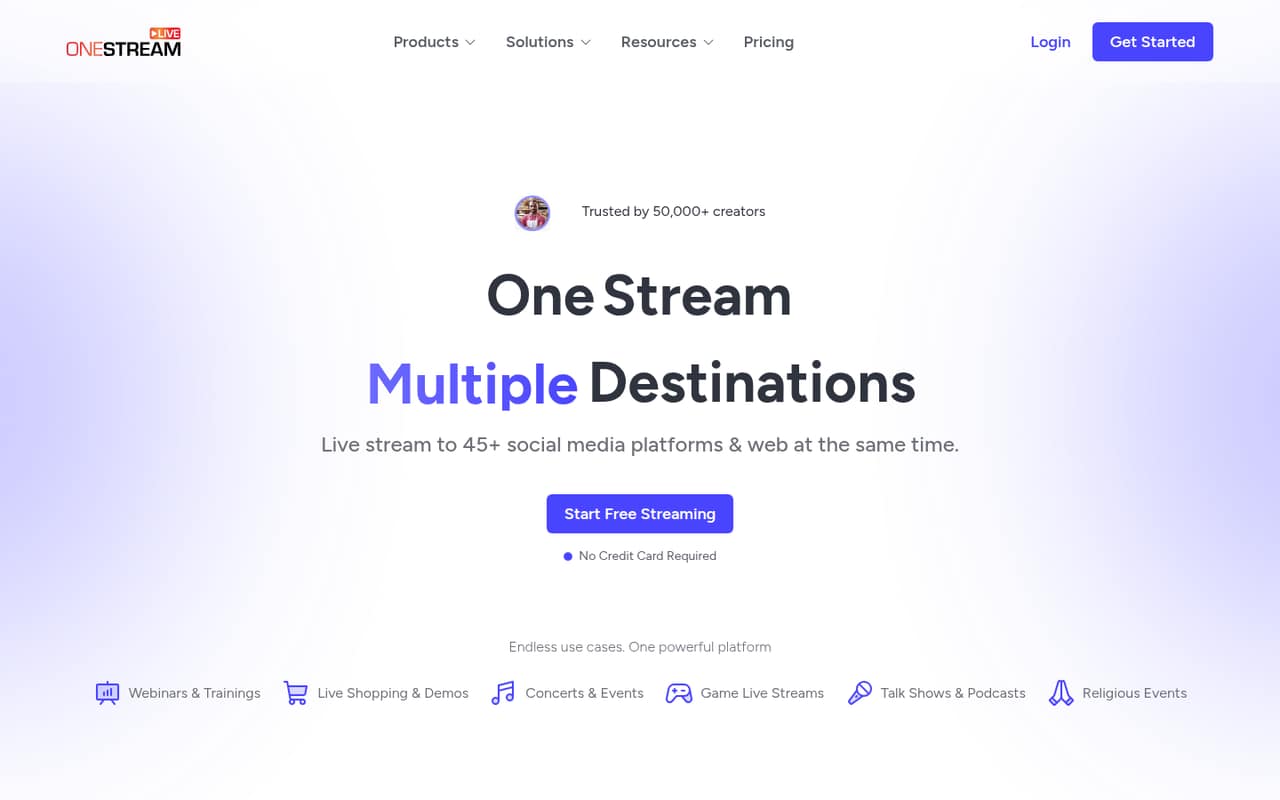
OneStream Live is worth considering when a team mainly schedules streams to several platforms or embeds live video. It has a free plan and a listed starting price of $12. The free option is described as narrow, and team costs depend on seats and destinations, so check the limits for your exact channel list before relying on it.
What works
- Free plan includes two destinations
- Supports 45+ social platforms and the web
- Schedules pre-recorded broadcasts and playlists
What doesn't
- Free plan is limited to one seat
- Basic also includes only one seat
- 1080p starts with Standard
- Best free starter kitStreamlabsStreamlabs
Streamlabs offers a free plan and bundles tools for creators starting on a tight budget, with guest feeds among its listed strengths. Its listed starting price is $15.75. For a team, ask about seat pricing and confirm that its performance reporting meets your needs; the starting price alone does not settle either question.
What works
- Free Starter plan includes broadcasting and guest-feed limits
- Desktop, browser, mobile, and clip tools in one suite
- Free plan includes one vertical and one horizontal destination
What doesn't
- No published per-seat or team pricing
- Annual Ultra total is reported inconsistently
- Free cloud storage is limited to 1GB

- Best free recordingZencastrZencastr
Zencastr is a feature-packed free starting point for small teams recording remotely, with recording and publishing listed as part of its appeal. Its paid starting price is not published, so ask the vendor what the plan you need costs. Reliability reports are mixed, which makes it sensible to check recent user feedback before depending on it for a regular show.
What works
- Free plan lists four seats
- Records 4K video and 48 kHz audio
- Unlimited track storage on the listed free plan
What doesn't
- Producer pricing is not published
- Free plan is limited to four seats
- Free plan allows up to six participants

- Best for Mac teamsEcamm LiveEcamm Live
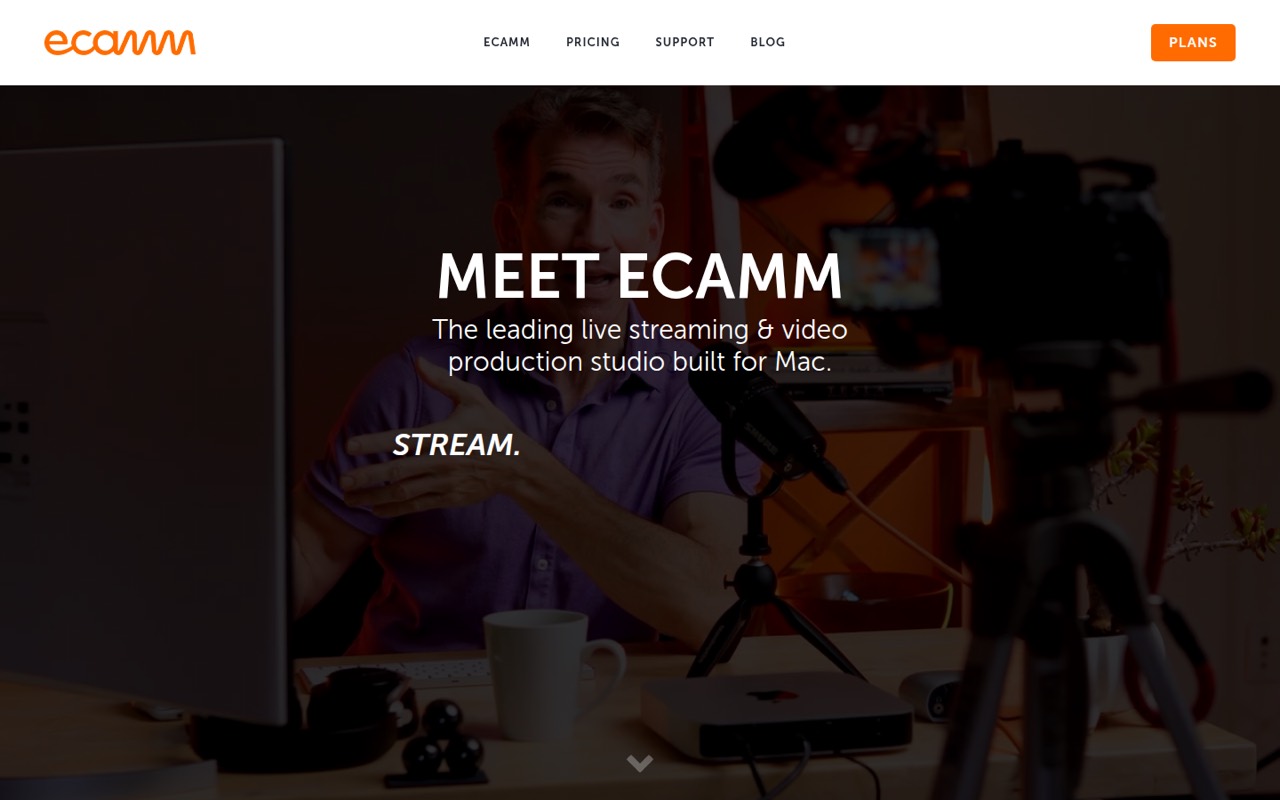
Ecamm Live is aimed at Mac-based marketing teams running branded livestreams, interviews or podcasts. Its listed starting price is $16, and no free plan is listed. It may fit a team that wants a Mac streaming studio, but compare the paid plan against your budget and ask whether its seat setup works for everyone involved.
What works
- Supports up to ten remote video guests
- Unlimited multistreaming to ten destinations on Standard
- Custom scenes, overlays and green screen
What doesn't
- Mac only
- No ongoing free plan
- Standard costs $192 upfront when billed annually
- Best for live productionvMixvMix
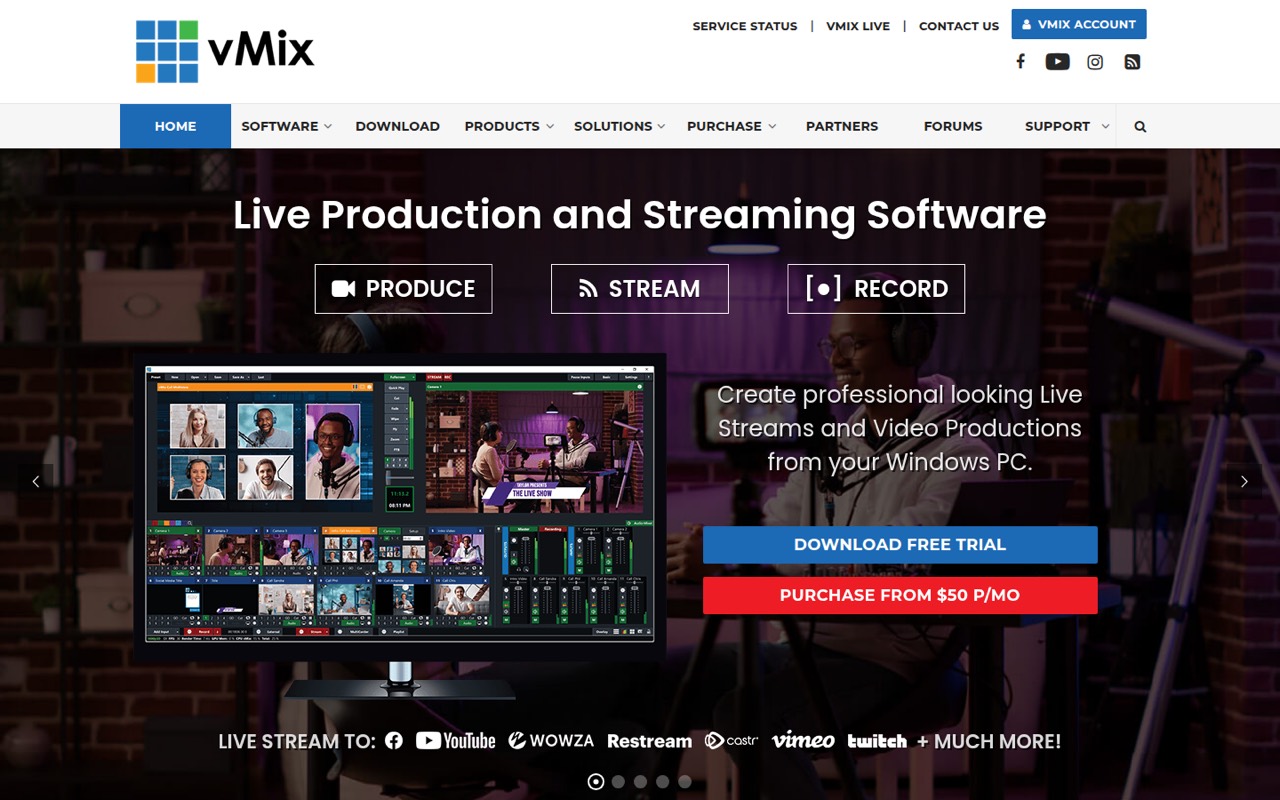
vMix is a stronger match for Windows-based teams producing multicamera events, shows with remote guests or broadcasts that need replay. The listed starting price is $50, and one-time licenses start at $60; there is no free plan. It offers more production depth than many small teams need, so consider it when the show format justifies the extra setup and spend.
What works
- Handles cameras, IP video, NDI and SRT inputs
- Supports up to eight remote guests on some tiers
- Can stream to multiple destinations at once
What doesn't
- Windows only
- No free plan after the 60-day trial
- Remote guest and replay limits vary by license
- Best for many destinationsCastrCastr
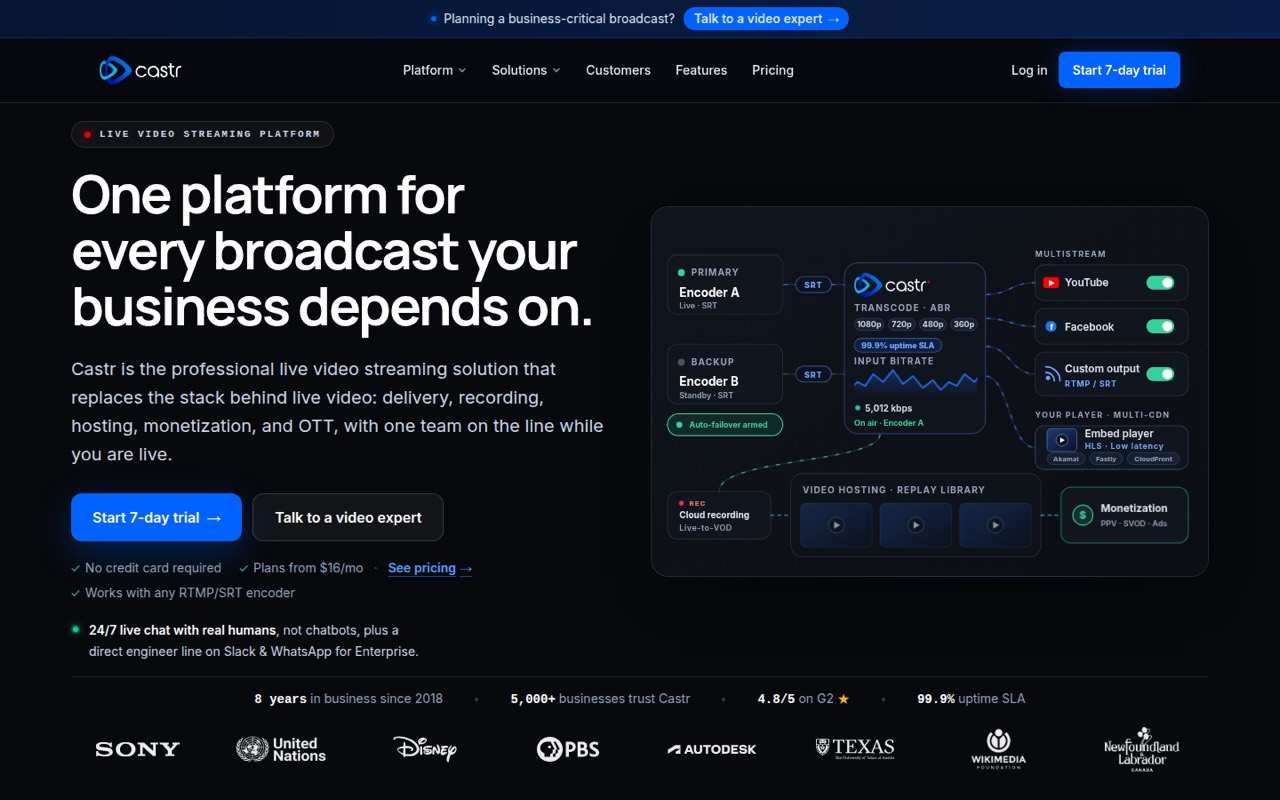
Castr suits small teams streaming to several destinations, as well as churches and event broadcasters that want branded OTT service options. Its listed starting price is $16.67, with no free plan. Before buying, confirm seat costs and whether the destinations and delivery options you need fit the plan; the starting price does not establish a multi-person total.
What works
- One platform for streaming, hosting and playout
- Multistreaming to 30+ platforms and custom destinations
- 24/7 support listed on every plan
What doesn't
- No free plan
- Starter team-member limit isn’t published
- Additional-seat pricing isn’t published
- Best for video hostingVimeoVimeo
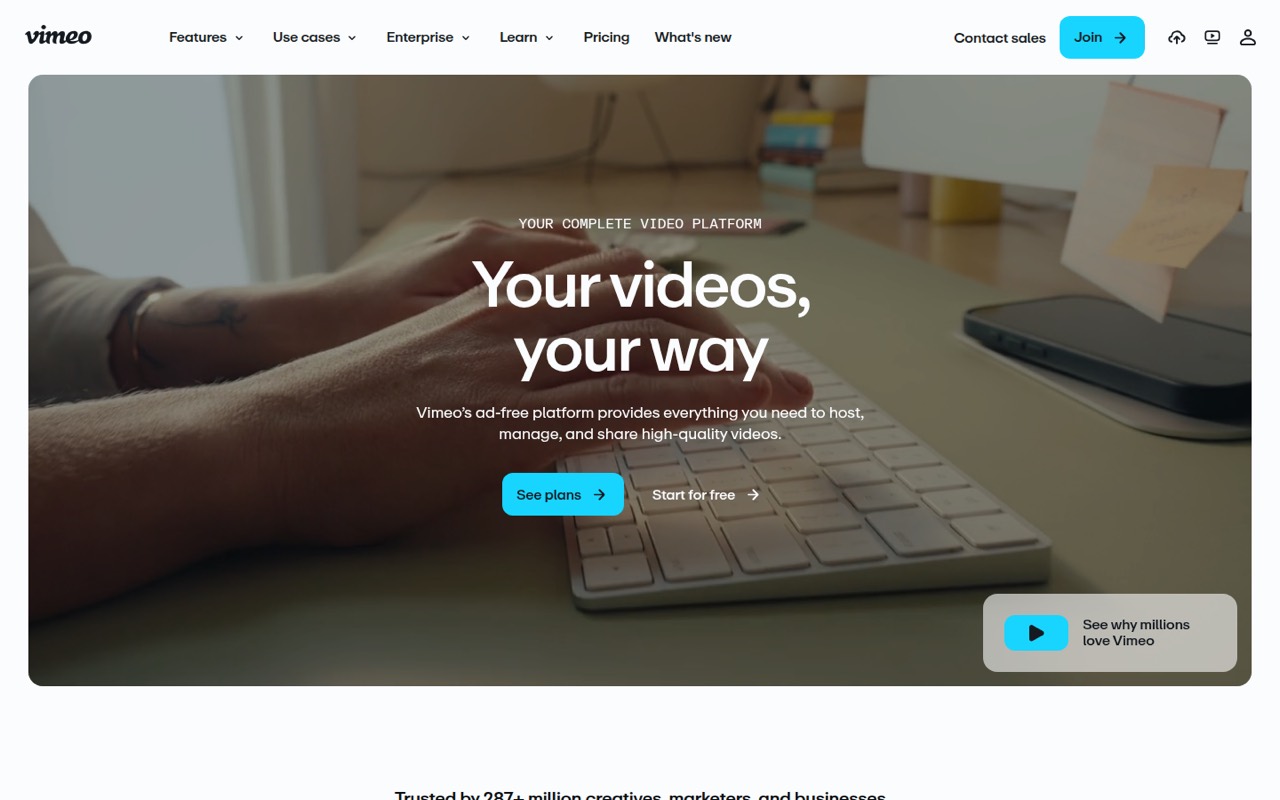
Vimeo is a better fit for ad-free website embeds, client video review and hosted live events than for a team focused on broad audience reach. It has a free plan and a listed starting price of $12. If several teammates need access, check the seat cost and plan limits; a low starting price does not tell you the total for your workflow.
What works
- Ad-free playback is included on the free plan
- Paid plans list customizable player options
- Standard adds branding and lead capture
What doesn't
- Free-plan specifications are limited
- Starter lists just one user
- Standard costs $25 per seat monthly
- Best for phone camerasSwitcher StudioSwitcher Studio
Switcher Studio is built for regular multicamera live shows, teams using phones as cameras and creators selling access to video. Its listed starting price is $45, with no free plan listed. That can be a lot for occasional broadcasts, so it makes more sense when phone-based multicamera production is central to the show.
What works
- Switch between up to nine wireless cameras
- Studio includes unlimited livestreaming time
- Remote guests can join live broadcasts
What doesn't
- No permanent free plan
- Studio costs $65 month to month
- Studio includes only two streaming destinations

- Best for regular eventsResiResi
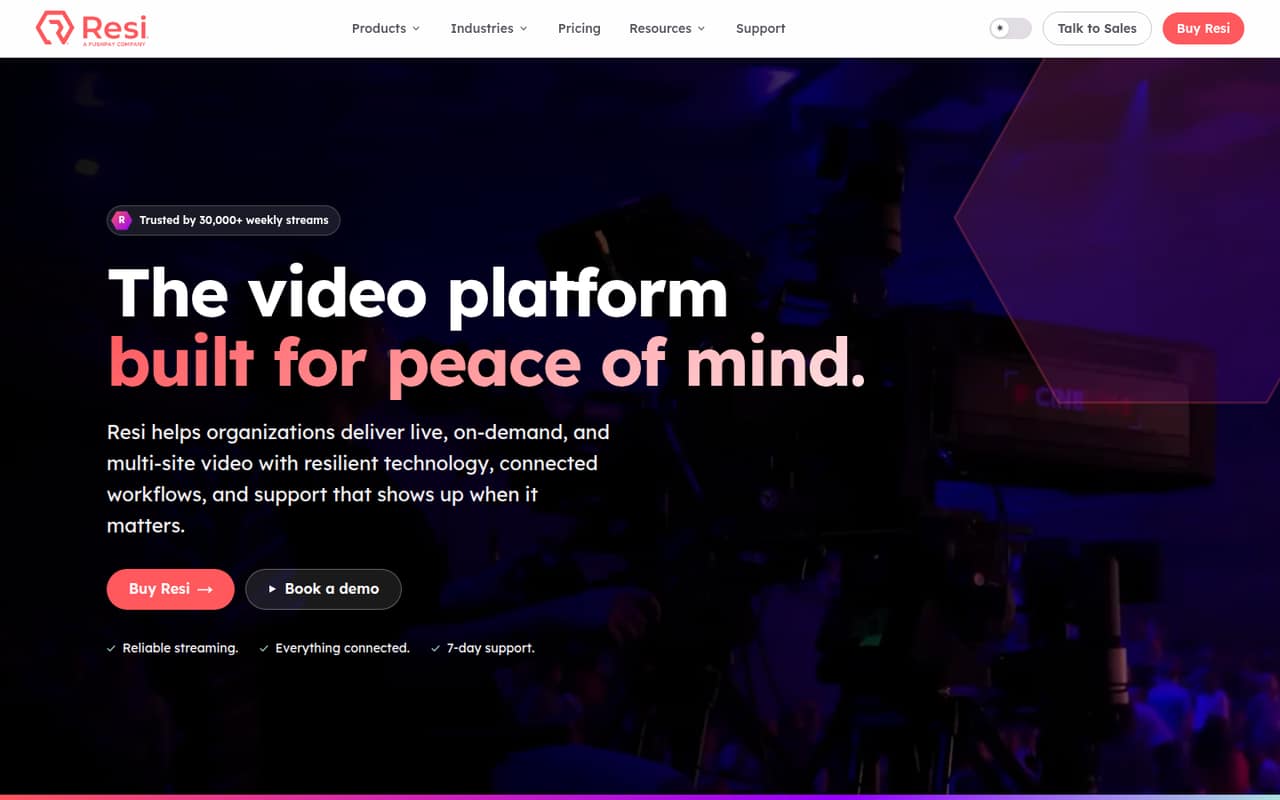
Resi is aimed at organizations running regular live events, streaming to multiple locations or building a video library. Its listed starting price is $49, but small teams pay at least $99 a month, and no free plan is listed. That minimum makes it a tougher fit for an occasional show or a team watching every subscription.
What works
- Live, on-demand and multisite plans
- Social plan streams to Facebook and YouTube
- Website plans include a white-labeled player
What doesn't
- No free plan or listed free trial
- Live streaming starts at $99 per month
- Add-on prices are not published
- Best for organizationsBoxCastBoxCast
BoxCast is designed for organizations with regular broadcasts, overlapping live events or plans for branded apps. Its listed starting price is $109, and there is no free plan for a team to grow into. It offers broadcast-oriented tools, but that price makes it a poor starting point for most small teams unless those needs justify the spend.
What works
- Streaming plans include at least 10,000 viewer hours monthly
- Advanced supports three concurrent broadcasts
- Remote audio mixing has its own low-cost plan
What doesn't
- No free plan or published free trial
- Streaming starts at $109/month with annual billing
- OTT mobile and TV app add-on prices are unpublished
03How we chose
We ranked these tools for a team of one to ten, putting free access, practical starting prices and likely setup effort ahead of production depth a small show may not need. We also weighed destinations, guest workflows and the plan limits teams should check. A listed starting price is not a multi-seat quote, so we call out seat costs to confirm. Documentation and Reddit sentiment are useful checks for setup and reliability; verify current guidance and recent reports before buying rather than treating anecdotes as guarantees.
04Match the tool to your show
Start by deciding what your team actually needs to produce. For a remote interview or branded browser-based show, StreamYard is a practical first option. If the priority is sending a stream to several destinations, compare Restream and OneStream Live, and check the channel limits on the plan you would use. For recording interviews or podcasts to edit and repurpose, look at Riverside or Zencastr. Teams building custom scenes on a tight budget can start with OBS Studio, but should plan for someone to learn its setup. Multicamera events call for a different level of production: vMix, Switcher Studio and BoxCast target more involved broadcasts. Don’t pay for replay, branded apps or OTT options unless your show needs them.
05Work out the real team cost
Treat every listed starting price as a starting point, not a quote for your whole team. Several tools specifically call for checking seat costs, and OneStream Live’s team cost depends on seats and destinations. Before you choose a paid plan, ask the vendor how many collaborators can host, produce or manage a stream, and what adding people costs. Then check the plan limits for your destinations, guests and recording or publishing needs. Free plans can help you begin, but their limits matter: OneStream Live’s free option is described as narrow, while OBS Studio is free but asks more of whoever sets it up. If pricing or seat limits aren’t published, ask the vendor directly and compare the full team total—not just the advertised entry price.
Questions people ask
What is the #1 live streaming platform?
There is no single best fit for every small team. We rank StreamYard first for small teams that want a browser studio for remote interviews or branded shows. OBS Studio is our free pick for teams willing to learn its setup, while Restream suits teams focused on simple multistreaming.
Do streamers still use OBS?
OBS Studio remains a listed option for streaming and recording, with custom scenes and plugin support. We can’t say how common it is among streamers from those features alone. For a budget-conscious team that can handle setup, its free plan makes it worth considering.
What is the best software for broadcasting TV?
For Windows-based live production, vMix is a relevant option: it is suited to remote guests, multicamera events and replay. BoxCast targets organizations with regular broadcasts and overlapping live events. The right choice depends on your production needs and budget; vMix starts at $50 and BoxCast at $109.
What are the top 5 live streaming apps?
For small teams, our top five are StreamYard, OBS Studio, Restream, Riverside and OneStream Live. They cover browser-based interviews, free custom-scene production, multistreaming, recorded content and scheduled streams. Check the plan limits and team-seat costs that match your workflow before choosing one.