
We may earn a commission if you buy through links on this page. It never changes a score or a ranking. How we make money
The bottom line
A capable document suite with a 10-user Home plan, but no permanent free tier.
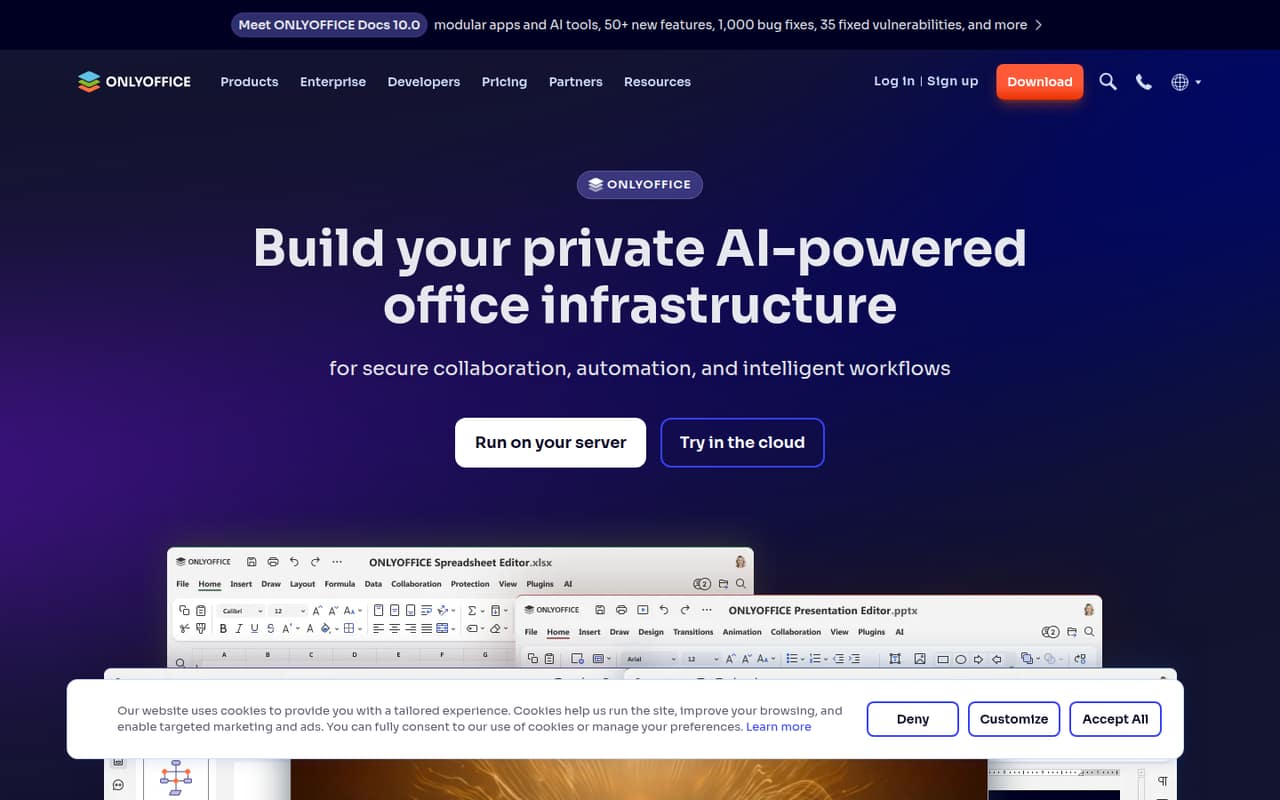
ONLYOFFICE brings document editing, real-time collaboration, AI tools, and private deployment options together. Its Home plan covers up to 10 users for $149 per server per year, but there is no permanent free plan.
We’d shortlist it for teams working with documents across devices or needing control over deployment. Reddit users praise its familiar interface and Microsoft-format compatibility, while others flag missing advanced features and concerns about its open-source status and ownership.
Good fit if
- Small teams sharing office files
- Teams wanting private deployment
- Microsoft Office-style workflows
Skip it if
- Teams requiring a permanent free plan
- Power users needing advanced office features
- Teams with strict licensing concerns
ScoresHow it rates
What works
- Edits documents, spreadsheets, presentations, and PDFs
- Supports real-time document collaboration
- Offers web, desktop, and mobile apps
- Can run on private servers
- Home covers 10 users per server
What doesn't
- No permanent free plan
- Home pricing is annual, not monthly
- Enterprise starts at 50 connections
- Developer pricing is custom
- Reddit users report some missing advanced features
01Who ONLYOFFICE is for
ONLYOFFICE is worth considering for a small team that regularly creates and shares documents, spreadsheets, presentations, or PDFs. It offers web, desktop, and mobile apps, with options to use the cloud, run it on your own server, or connect it to other platforms. That gives a team of one to 10 people room to choose how it works with files and where they’re hosted.
The Home plan lists 10 users for $149 per server per year, making it the clearest fit for a small team that can budget for an annual subscription. It may suit teams that want document collaboration, AI tools, and the option to keep documents under their control. A commenter on r/linux says ONLYOFFICE feels similar to Microsoft Office, which may help people familiar with that style of interface. Teams needing advanced office functions should check their workflows first: Reddit commenters say some features, including mail merge and citation management, are missing.
02ONLYOFFICE free plan and trial
ONLYOFFICE does not list a permanent free plan. Its pricing page lists a free trial for Home, but the trial’s duration is not published. Ask the vendor how long the trial lasts and whether it covers the deployment you plan to use before you commit.
The lowest listed paid option is Home at $149 per server per year. It includes 10 users, and the pricing page says users and guests are free. That is a paid annual plan, not a free tier: the included user count does not remove the server charge. If you only need to test the product, check the trial terms; if you need an ongoing service, budget for Home or ask the vendor about a suitable plan.
03What a small team pays for ONLYOFFICE
Home costs $149 per server per year, with 10 users included. The annual bill stays $149 whether there is one user, three, or five. Allocated across those users, that works out to $149 per person per year for one person, about $49.67 for three, or $29.80 for five. The equivalent monthly amounts are about $12.42, $4.14, and $2.48 per person, respectively; these are calculations from annual pricing, not monthly billing prices. The pricing page does not list monthly billing.
Enterprise is listed at $33 per connection per year and starts at 50 connections. At that minimum, the annual total is $1,650, so it is a substantial jump for a team with only a few people. Developer pricing is custom and starts at 250 connections. White Label for Docs Developer is a paid add-on with a price by quote. For most teams of one to 10, Home is the plan to compare first; ask the vendor what the server-based license covers for your deployment.
04Getting started with ONLYOFFICE
The main setup choice is where the team will work: ONLYOFFICE offers web, desktop, and mobile apps, as well as cloud use and private-server deployment. A small team can also connect it to other platforms, embed editors, or build a document workspace. The right path depends on whether you want a ready-to-use cloud option or control over your own server.
The vendor does not publish a setup-time estimate in the pricing details, so we wouldn’t promise a quick rollout for every deployment. A private server or custom integration may need more planning than simply choosing an app and inviting colleagues. Start by deciding where files should live, which apps the team needs, and whether you need collaboration or AI tools on day one. Reddit comments are mixed on the interface: one commenter likes its similarity to Microsoft Office, while another describes popups and settings as frustrating.
05When small teams outgrow ONLYOFFICE
The first obvious growth trigger is the plan structure. Home lists 10 users per server; Enterprise starts at 50 connections, priced per connection per year. That creates a sizeable step from a small team’s entry plan to the next listed option. If you need embedded editors or commercial rebranding, Developer starts at 250 connections and uses custom pricing, so ask for a quote before planning a budget around it.
Feature needs can also be a reason to reconsider. One Reddit commenter says mail merge, citation management, and direct stylesheet configuration are missing; another says LibreOffice offers more functionality for power users. These are individual user reports, not a complete feature comparison, so check your must-have tasks before switching. Reddit sentiment is mixed more broadly: some commenters prefer ONLYOFFICE’s familiar interface, while others question its open-source status or raise concerns about its ownership. Teams with licensing or procurement requirements should get current answers from the vendor.
From the threadsWhat users say
Reddit sentiment is mixed: users appreciate the familiar interface and report good compatibility with Microsoft formats, while others prefer competing tools for advanced functions. Some commenters also raise concerns about licensing and ownership.
I use OnlyOffice because I use Excel every day at work and onlyoffice works very similar
If you use the Microsoft formats, OnlyOffice supports them better than LibreOffice
E.g. mail merge functionality and citation management are missing
I don't believe Onlyoffice is actually fully FOSS
Questions people ask
Does ONLYOFFICE have a free plan?
ONLYOFFICE does not list a permanent free plan. The pricing page lists a free trial for Home, but does not publish its duration. Home costs $149 per server per year and includes 10 users; the included users and guests do not have separate listed charges.
Can a small team run ONLYOFFICE on its own server?
ONLYOFFICE offers the option to run it on a private server and keep documents under your control. Home is listed at $149 per server per year for 10 users. Confirm with the vendor which deployment arrangements are covered by that plan before you buy.
What kinds of files can ONLYOFFICE edit?
ONLYOFFICE offers tools for text documents, spreadsheets, presentations, PDF forms, and PDF files. It also lists real-time collaboration and AI tools for writing, content generation, summarization, search, and task automation.
Does ONLYOFFICE work with Microsoft Office formats?
Reddit commenters report that ONLYOFFICE works well with Microsoft Office formats, and one says it supports those formats better than LibreOffice. Those are user opinions, not a guarantee for every file. Test important documents during the trial before moving team workflows.
Is ONLYOFFICE open source?
Reddit users disagree about whether ONLYOFFICE is fully open source, and some raise concerns about licensing. Check the current license information for the specific apps and components you plan to use, and ask the vendor for clarification if open-source terms are a procurement requirement.