
We may earn a commission if you buy through links on this page. It never changes a score or a ranking. How we make money
The bottom line
Good value for teams willing to manage a self-hosted stack or track cloud data volume closely.
Small teams that need logs, metrics, and traces together should consider OpenObserve, especially if they can self-host. Its open-source edition is free, while the managed cloud plan charges by usage rather than seats.
The trade-off is operational effort and uncertain cloud bills: the pricing page lists ingestion and query charges, but no fixed monthly price. Reddit feedback is mixed on resource use and performance, so validate the fit with your own workload.
Good fit if
- Teams consolidating logs, metrics, and traces
- Budget-conscious self-hosting teams
- Teams tracking LLM application usage
Skip it if
- Teams wanting predictable flat-rate cloud pricing
- Teams needing free SSO and RBAC
- Teams avoiding infrastructure maintenance
ScoresHow it rates
What works
- Free open-source edition for self-hosting
- Combines logs, metrics, and traces
- Cloud plans include unlimited users
- SQL log search with Parquet storage
- Self-hosted Enterprise is free up to 50 GB/day
What doesn't
- Cloud has no published fixed monthly price
- Cloud charges for ingestion and queries
- Self-hosting requires your team to operate the deployment
- SSO and RBAC are Enterprise features
- Reddit feedback raises questions about memory use and scale
01Who OpenObserve is for
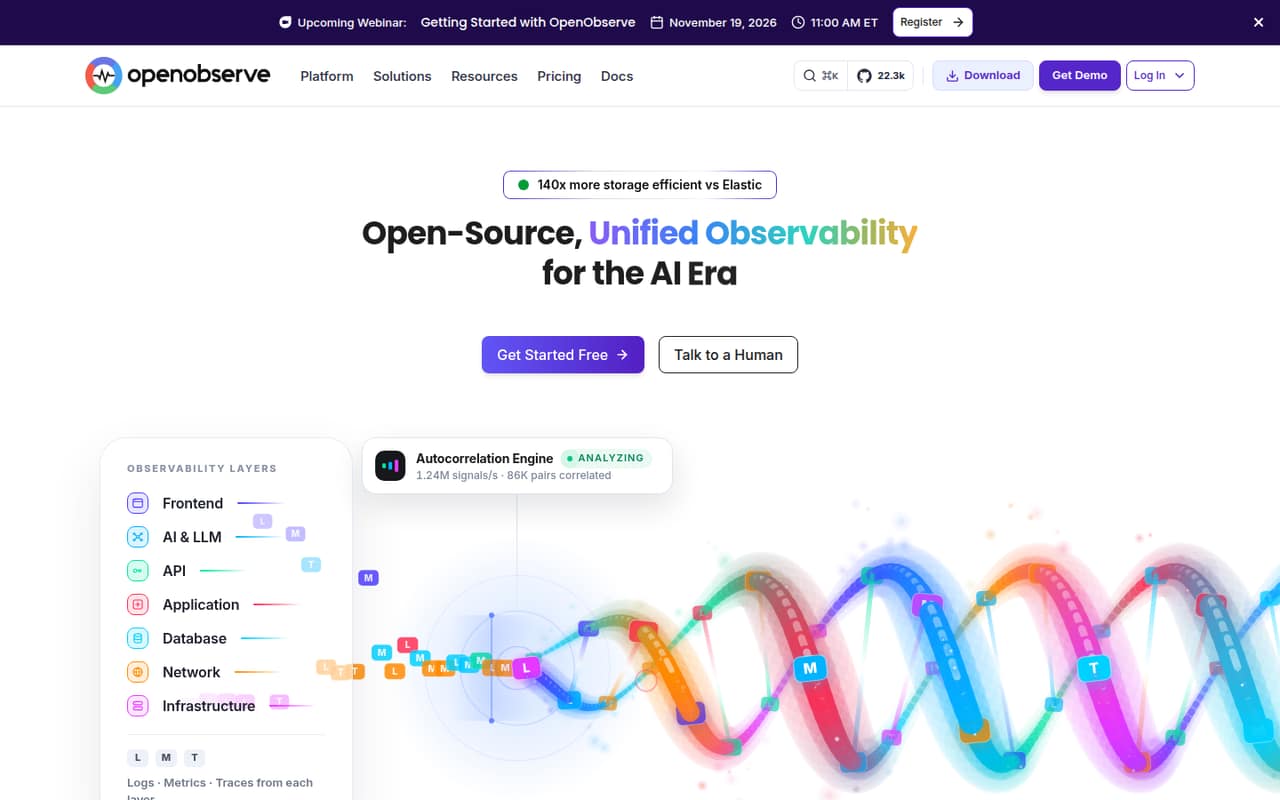
OpenObserve fits small engineering teams that need to investigate service issues without paying per user. It brings logs, metrics, and traces into one platform, with log search, dashboards, alerts, and incident analysis. The product also lists features for monitoring AI applications, including tracing prompts, completions, token use, and cost.
For a team of one to ten, the free self-hosted edition is the clearest budget option if someone can manage the deployment. Teams that prefer a managed service can use Cloud Professional, where the pricing page lists ingestion and query charges but no fixed monthly fee. That makes the bill depend on data volume, not headcount. OpenObserve is less attractive if your team needs a predictable subscription or wants to avoid operating infrastructure. Its AI SRE agent and LLM observability may suit teams building AI services, but check with the vendor which features are included in the plan you’re considering.
02OpenObserve free plan and trial
The Self-Hosted Open Source plan is free forever, and the pricing page identifies its core as open source under AGPL-3.0. That gives a small team a way to run OpenObserve without a subscription charge. Your team still needs to operate the deployment; the vendor does not publish a single setup or infrastructure cost in the pricing details.
There is also a Self-Hosted Enterprise plan listed at $0 per month for up to 50 GB/day. It adds SSO and RBAC, federated search and query management, workload management, audit trail, and sensitive data redaction. Above 50 GB/day, the pricing page says to contact sales. Cloud Professional includes a 14-day trial, but it is not a permanently free cloud plan. Ask the vendor whether the trial’s limits and included features fit your expected usage.
03What a small team pays for OpenObserve
Cloud Professional is billed by usage, not seats. The pricing page lists $0.50 per GB ingested with an annual commitment, a rate that includes a 30% annual-commitment discount, plus $0.01 per GB queried. There is no fixed monthly price published, so we can’t give a reliable one-person, three-person, or five-person monthly total without knowing data volume. The listed plan includes unlimited users, so adding seats does not change the listed per-GB rate.
For one person, three people, or five, the cloud calculation is the same: ingestion volume multiplied by the applicable rate, plus query charges. The monthly rate without an annual commitment is not published. Extra non-metrics retention costs $0.02 per GB for each additional 30 days; the plan lists 30 days of non-metrics retention and 15 months for metrics. Self-hosted Open Source costs $0 per month, while Self-Hosted Enterprise is free up to 50 GB/day. Above that Enterprise limit, ask sales for a quote. Budget for your expected ingestion and queries before choosing Cloud.
04Getting started with OpenObserve
Setup effort depends on whether you choose cloud or self-hosting. Cloud avoids running the platform yourself, while self-hosting means your team must operate its deployment; the vendor does not publish a setup time in the pricing details. The product supports SQL log queries, and its listed capabilities include dashboards, alerts, metrics, traces, and AI workload monitoring.
For day one, identify the telemetry you need to send and how much you expect to ingest. OpenObserve supports Prometheus-compatible metrics, and a launch-thread comment says OpenTelemetry is supported. A Reddit user also described replacing Elastic and Kibana and using Vector.dev, though that is one person’s report, not a setup guarantee. SQL search may be a learning step for teams used to another query language. The vendor’s docs are the place to confirm current installation steps, supported integrations, and plan availability for specific features.
05When small teams outgrow OpenObserve
A team may outgrow the free self-hosted route when it needs the Enterprise controls and capabilities, such as SSO, RBAC, audit trails, or workload management. Self-Hosted Enterprise is listed as free up to 50 GB/day; above that, the pricing page says to contact sales. Cloud can also get harder to budget as ingestion, queries, or extra retention rise, because charges are usage-based and no fixed monthly price is published.
Scaling concerns deserve a workload-specific check. In one self-hosted Reddit discussion, a commenter reported higher memory use than several alternatives in their comparison, while another reported replacing Elastic and querying multiple days of data in a few seconds on a home setup. These are individual reports, not a promise about your environment. If your team’s volume grows, test its own data patterns and ask the vendor about capacity, support, and Enterprise pricing before relying on a larger deployment.
From the threadsWhat users say
Reddit sentiment is mixed: some users report good query experiences and a useful Elastic alternative, while others question resource use, scale, or the open-core model. Treat those reports as anecdotes and validate OpenObserve against your workload.
performance is pretty good. My home network generates around 500k-1m/events/audit/logs per day and I can query multiple days of data in less than ~2-4 secs
openobserve eats more memory than other solutions
RBAC, SSO, fine-grained access — all locked behind “Enterprise.”
there are currently no benchmarks regarding the computing power requirements
Questions people ask
Is OpenObserve free?
Yes. The pricing page lists Self-Hosted Open Source as free forever. Self-Hosted Enterprise is also listed at $0 per month up to 50 GB/day, with features including SSO and RBAC. Cloud Professional has a 14-day trial, then charges by ingestion and queries.
How much does OpenObserve Cloud cost?
The pricing page lists Cloud Professional at $0.50 per GB ingested with an annual commitment, including a 30% annual-commitment discount, plus $0.01 per GB queried. It does not publish a fixed monthly price or the monthly ingestion rate without an annual commitment.
Does OpenObserve charge per user?
Cloud Professional includes unlimited users, and its listed charges are based on ingested and queried data rather than seats. That means a one-person team and a five-person team face the same listed rate for the same data volume. Estimate usage to forecast the bill.
What does OpenObserve support for telemetry?
OpenObserve brings logs, metrics, and traces into one platform. Its listed features include SQL log search, Prometheus-compatible metrics, dashboards, and alerts. A Reddit launch-thread comment also says OpenTelemetry is supported. Check the vendor’s current documentation for the integrations and setup details your team needs.
Does OpenObserve include SSO and RBAC?
The pricing page lists SSO and RBAC for both Cloud Enterprise and Self-Hosted Enterprise. The Self-Hosted Open Source plan does not list those features. If your team needs access controls, confirm the feature set and pricing with the vendor before choosing a deployment.
Sources
- OpenObserve homepage
- OpenObserve pricing page
- Reddit: OpenObserve: Open source Elasticsearch alternative in Rust for logs. 140x lower storage cost
- Reddit: OpenObserve: Open source Elasticsearch/Datadog/Splunk alternative in Rust for logs, metrics, traces. 140x lower storage cost
- Reddit: So OpenObserve is ‘open-source’… until you actually try using it
- Reddit: OpenObserve? Is it good?