
We may earn a commission if you buy through links on this page. It never changes a score or a ranking. How we make money
The bottom line
A capable time clock with unlimited free users, if you can live without report downloads.
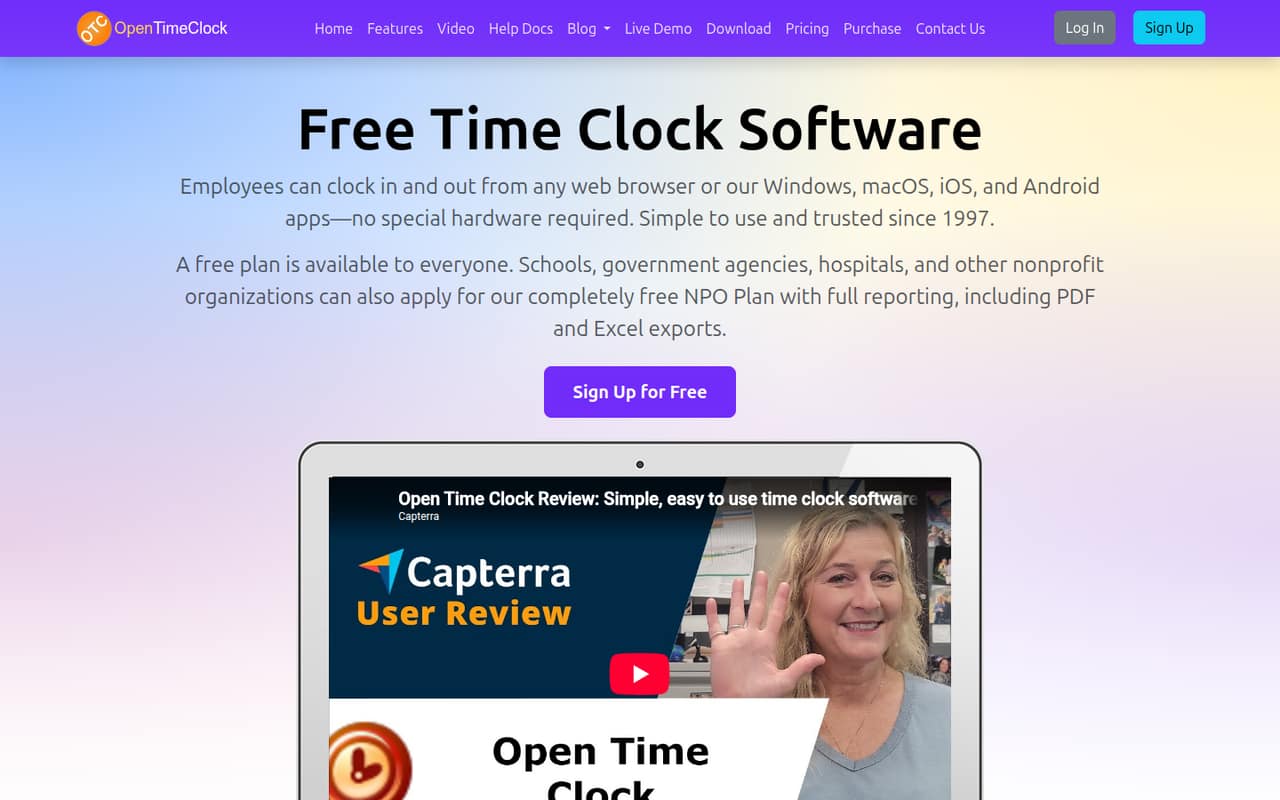
OpenTimeClock handles browser and app clock-ins, scheduling, PTO, attendance controls, and payroll reports without special time-clock hardware. Its free plan supports unlimited users, but PDF and Excel downloads are excluded.
The paid plan costs $39 month to month or $399 per year for the company, with no per-seat charge. That can make it a good deal for a small team that needs downloadable reports; eligible organizations may also apply for a free NPO plan.
Good fit if
- Small teams tracking employee hours
- Organizations avoiding per-seat fees
- Teams needing location-based clock-ins
Skip it if
- Teams needing free report downloads
- Businesses requiring confirmed integrations
- Teams wanting published support details
ScoresHow it rates
What works
- Free plan includes unlimited users
- Browser and app clock-ins need no special hardware
- Supports GPS and geofencing controls
- Scheduling, PTO, and attendance tools included
- Paid price stays flat as seats increase
What doesn't
- Free plan excludes PDF and Excel downloads
- Paid plan costs $39 monthly for any team size
- NPO plan requires an application
- Sponsor plan requires a homepage text link
- Integration availability is not published
01Who OpenTimeClock is for
OpenTimeClock suits small teams that want to track attendance without buying a dedicated time clock. Employees can clock in through a browser or app, and the software also handles schedules, time off, attendance rules, and reports. That makes it worth considering for teams of one to ten people that need more than a basic timesheet but want to keep subscription costs predictable.
The free plan supports unlimited users, so a team can start without a per-seat bill if it can work without PDF and Excel downloads. If downloadable reports matter, the paid plan is $39 per company per month or $399 per year, whether you have one employee or five. GPS, geofencing, PINs, facial recognition, QR codes, and group clock-ins offer different ways to control punches. For eligible schools, government agencies, hospitals, and nonprofits, an application-based free plan may cover paid features.
02OpenTimeClock free plan and trial
The Free Plan includes unlimited users and full features except PDF and Excel downloads. The listed terms also say PDF and Excel report access is available for 30 days, so teams should confirm what happens after that window before relying on free access for ongoing payroll reporting. If a team only needs to track time and manage attendance, the free plan may cover the basics without a seat limit.
There are two other $0 routes listed. Eligible nonprofits, schools, government agencies, and hospitals can apply for the NPO Plan, which includes paid-plan features. The Sponsor Link Plan also includes paid features, in exchange for adding the text link “Open Time Clock” to the organization’s homepage. The listed 30-day trial applies to PDF and Excel report access; it is not described as a trial of the whole service.
03What a small team pays for OpenTimeClock
The Paid Plan is $39 per company each month, or $399 yearly, which works out to $33.25 per month. It includes unlimited users and PDF and Excel downloads. Because the fee is flat, one person costs $39 monthly or $33.25 monthly on the annual rate. For three people, that is $13 per person monthly or about $11.08 on the annual rate. For five, it is $7.80 monthly or $6.65 on the annual rate. The annual charge is $399 upfront.
The free plan costs $0 for unlimited users but excludes report downloads, while the NPO and Sponsor Link plans are also listed at $0 subject to their conditions. Prepaid options are $800 for three years, $1,200 for five years, or $2,000 for ten years. No add-ons are listed. The key budget question is whether your team needs downloadable reports: if so, the flat paid price is the straightforward option; if not, the free plan may be enough.
04Getting started with OpenTimeClock
OpenTimeClock does not require special clock hardware, and employees can clock in through a browser or apps. That gives a small team a way to get started without purchasing a physical time clock. The available feature details include different punch methods—PINs, facial recognition, QR codes, and group clock-ins—plus GPS and geofencing controls. A team will need to decide which methods and location rules it wants to use.
The vendor does not publish a setup-time estimate in the pricing details, so we would not assume configuration is instant. Plan to work out employee access, schedules, approval rules, and any location restrictions before relying on the records. Integration availability is not published; ask the vendor whether your payroll or scheduling tools connect before choosing a plan. Teams can also start on the free plan, but should check report access terms if they need PDF or Excel files.
05When small teams outgrow OpenTimeClock
OpenTimeClock’s listed plans do not add a per-seat charge as a team grows: both free and paid options include unlimited users. So headcount alone does not trigger a higher listed subscription price. The more immediate reason to upgrade is needing PDF or Excel downloads beyond the free plan’s stated access terms. The paid plan supplies those downloads for $39 monthly or $399 annually per company.
A team may need to look elsewhere if a required payroll or scheduling integration is unavailable, since integration availability is not published. The same goes for support requirements: confirm service and response terms directly with the vendor before making OpenTimeClock part of payroll operations. Eligible organizations can apply for the NPO Plan, while teams willing to add the specified homepage link can use the Sponsor Link Plan. Those options may delay a paid upgrade, but their conditions may not suit every organization.
Questions people ask
Is OpenTimeClock free?
Yes. Its Free Plan lists unlimited users and full features except PDF and Excel downloads. The listed terms also mention PDF and Excel report access for 30 days. Eligible nonprofits, schools, government agencies, and hospitals can apply for a free NPO Plan with paid-plan features.
How much does OpenTimeClock cost per month?
The paid plan is $39 per company per month, regardless of user count. Annual billing is $399, equivalent to $33.25 per month. A free plan is available, but it excludes PDF and Excel downloads; a Sponsor Link Plan and application-based NPO Plan are also listed at no charge.
Can employees clock in with OpenTimeClock on a phone?
Yes. OpenTimeClock supports clock-ins through apps as well as a browser, and it does not require special time-clock hardware. The listed clock-in methods include PINs, facial recognition, QR codes, and group clock-ins.
Does OpenTimeClock support GPS or geofencing?
Yes. OpenTimeClock can record clock-in locations and restrict punches to approved work areas. Teams can use those controls to manage where employees are allowed to clock in, alongside its other attendance rules and clock-in restrictions.
Can I download reports on the OpenTimeClock free plan?
PDF and Excel downloads are excluded from the Free Plan. The listed terms say PDF and Excel report access is available for 30 days, while the paid plan includes downloads. If downloadable payroll reports are essential, confirm the free-plan access window with the vendor before depending on it.