
We may earn a commission if you buy through links on this page. It never changes a score or a ranking. How we make money
The bottom line
Good for speeding up clipping; check the watermark and team-seat costs before you commit.
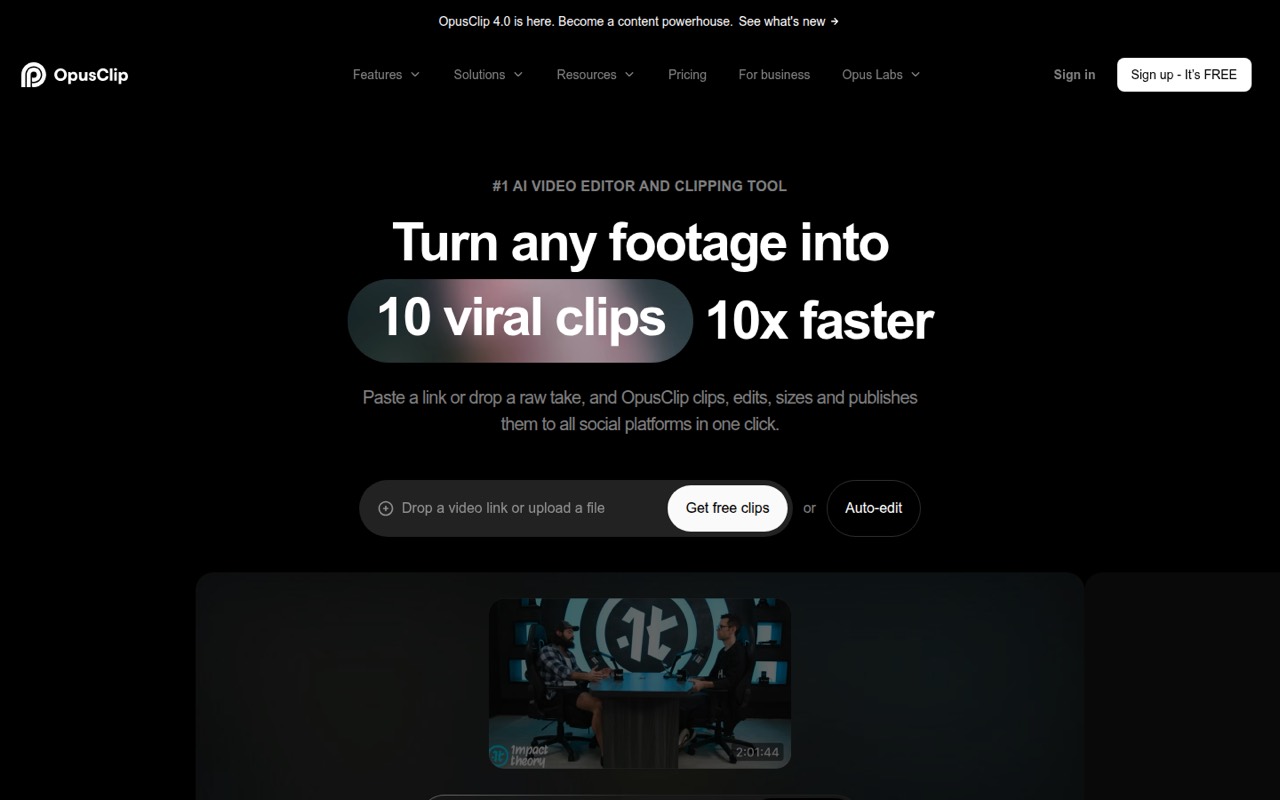
Opus Clip turns long videos into short clips, with AI reframing, captions, brand templates, B-roll and a scheduler. The free plan is useful for trying basic clipping, but its watermark and 9:16-only output make it a limited option for finished work.
For a solo creator, Starter costs $15 per month; Pro is $29 per month and adds a team workspace for up to four users. Extra-seat pricing isn't published, so teams should ask for the full cost before budgeting. Reddit users report that clip picks can need manual editing, even when the tool saves time.
Good fit if
- Creators repurposing long videos
- Small teams sharing clip workflows
- Teams scheduling social posts
Skip it if
- Teams needing custom seat pricing upfront
- Editors who want full manual control
- Users requiring watermark-free free exports
ScoresHow it rates
What works
- Turns long videos into short social clips
- AI reframing and object tracking
- Pro includes a workspace for up to four users
- Starter exports without a watermark
- Business lists API, MCP and SSO
What doesn't
- Free exports have watermarked captions
- Free output is limited to 9:16
- Extra Pro seat pricing isn't published
- Reddit users report clip picks can miss context
- Business pricing is custom-quoted
01Who Opus Clip is for
Opus Clip is for creators and small teams that already have long videos and need a faster way to turn them into social posts. It finds potential moments, formats clips for platforms, adds captions and can apply brand templates. The homepage says more than 20 million creators and businesses use it.
For a one-person operation, Starter at $15 per month is the straightforward paid option if you need watermark-free exports and imports from YouTube, Drive, Vimeo or Zoom. A team of two to four can look at Pro at $29 per month, which lists a team workspace for two users per pack, up to four users. The added-seat price isn't published, so confirm the total before choosing it.
This is a practical fit when clipping is a recurring job but a dedicated editor is out of budget. It is less compelling if your team prefers to select every moment by hand or needs exact control over clip choices. Reddit users say the AI can save time, but its selections and cuts may still need human editing.
02Opus Clip free plan and trial
The Free plan costs $0 and allows local video imports up to 10GB per video. It outputs in 9:16 only, without reframe customization, and caps MP4 exports at 1080p with a three-day storage limit. You get one brand template, watermarked captions and support through Discord AI chat only.
That makes Free a reasonable way to see whether Opus Clip's basic clipping workflow suits your videos. It is not a good fit for polished posts if the watermark is a problem, or if you need other aspect ratios or more storage time. The pricing lists no separate free trial; the Free plan is the no-cost starting point. Starter, at $15 per month, is the cheapest listed plan with watermark-free MP4 export and a 30-day storage limit.
03What a small team pays for Opus Clip
The pricing page lists flat monthly rates: Starter is $15 per month and Pro is $29 per month. It shows no visible annual-discount option. For one person, Starter is $15 monthly, or $180 over 12 months at that rate. Pro for one person is $29 monthly, or $348 over 12 months.
For a team of three, Pro is the relevant listed plan: it includes a workspace for two users per pack, up to four users. The base rate is $29 per month, but the price for an added-seat pack isn't published, so the actual three-person total is unknown. For five people, Pro's listed workspace limit is four; Business is custom-quoted, and the vendor doesn't publish its seat pricing. Ask for a five-seat quote.
Pro also includes 100GB fixed storage and up to 300 Zapier credits. Additional Pro seats are sold in packs of two, up to four total, but their cost isn't published. Business has custom seat and storage limits, also not published. Budget for a quote rather than assuming the listed Pro rate covers every seat.
04Getting started with Opus Clip
The basic job is simple to understand: bring in a long video, review suggested clips, make any edits, then export or schedule posts. The product lists local imports on Free and Starter; Starter also lists YouTube, Drive, Vimeo and Zoom imports. Pro adds public MP4 URL imports and more than 10 import sources.
The listed one-click features—ClipAnything, AI Reframe and brand templates—suggest a relatively light start for ordinary clipping. Teams that want consistent branding will need to set up a template, and teams using the scheduler will need to connect their social accounts; the specific setup steps aren't published here. Users on Reddit say clip selections or cuts can need manual cleanup, so leave time to review clips rather than treating them as final.
API, MCP and CMS integrations are listed for Business, not as standard Pro features. A small team can begin with imports and exports, then consider automation later if the workflow justifies a custom Business quote.
05When small teams outgrow Opus Clip
The first pressure point is the Free plan's watermarked captions, single 9:16 format and three-day storage. Starter removes the export watermark and extends storage to 30 days, but it still has one brand template and B-roll limits. Teams wanting shared work should compare those limits with Pro's $29 monthly listed rate.
Pro's workspace is listed for two users per pack, up to four users. Extra seats come in packs of two, up to four total, and the added-seat price isn't published. A team growing beyond four should ask about Business, whose seat and storage limits are custom. Business also lists SSO, SOC II Type 2 compliance, API, scheduler API, MCP and CMS integrations, with custom pricing.
There may also be a creative ceiling. Reddit users report that clip choices can miss context and cuts can need adjustment; some say manually chosen clips feel more intentional. If your team spends substantial time correcting suggestions, compare that editing time with a human editor or another workflow before adding seats.
From the threadsWhat users say
Reddit sentiment is mixed: some users say Opus Clip saves time and value its scheduler, while others find the selections generic or in need of manual cleanup. Several commenters emphasize that human judgment can produce more intentional clips.
saves ton of time compared to doing everything from scratch
you still gotta do some manual editing after cause sometimes the cuts are slightly off or it misses context
The thing about it that is most useful is the post scheduler
the picks are intentional and human, which is the whole point
Questions people ask
Is Opus Clip worth paying for?
It can be worth paying for if you regularly turn long videos into social clips and value faster clipping, reframing and scheduling. Starter is $15 per month for watermark-free exports; Pro is $29 per month and adds a team workspace for up to four users. Reddit users say clips may still need manual editing, so weigh that review time against the subscription.
What does the Opus Clip free plan include?
Free includes local video imports up to 10GB per video, 9:16 output, one brand template and MP4 export capped at 1080p. Exports have watermarked captions and a three-day storage limit. The plan doesn't include reframe customization, and support is through Discord AI chat only.
Does Opus Clip add a watermark?
The Free plan includes watermarked captions. Starter lists watermark-free MP4 export, with a 30-day storage limit and the highest resolution. Pro also lists export without a time limit, but its stated storage allowance is 100GB fixed.
How many people can use Opus Clip Pro?
Pro lists a team workspace for two users per pack, up to four users. Additional seats are sold in packs of two, up to four total, but the price for those seats isn't published. For a team of five, ask Opus Clip about its custom-quoted Business plan.
Can Opus Clip schedule social posts?
Yes. Opus Clip lists a social scheduler and says it can schedule a month of posts across platforms in 10 minutes. The Pro plan includes a team workspace, while Business lists a scheduler API. Check the vendor's current plan details to confirm which scheduler features and connected platforms fit your workflow.
Sources
- Opus Clip homepage
- Opus Clip pricing page
- Reddit: Looking for a free Opus Clip alternative
- Reddit: Actual 100% Free Opus Clip alternative
- Reddit: Opus Clip? Anyone use it yet?
- Reddit: I tested every major AI Video Clipper to find the best cheaper Opus Clip alternative for high volume. Here is what I found.