
We may earn a commission if you buy through links on this page. It never changes a score or a ranking. How we make money
The bottom line
Palmier pairs a full free editor with AI-agent workflows, but team costs and billing terms need checking.
Small teams that already edit video on a Mac may not need to pay to try Palmier: its free plan lists a full multi-track editor, MCP access for Claude, Codex or Cursor, and local transcription. The main draw is letting an AI agent work on the timeline while a person refines the edit.
Pro is listed at $29 per month, with $5,000? No: 5,000 monthly credits included. The pricing page also shows a crossed-out $49 rate, but does not clearly label the billing cadence. Confirm how team seats and credit overages work before committing.
Good fit if
- Mac-based video editing teams
- Editors using Claude, Codex, or Cursor
- Creators who need media generation
Skip it if
- Teams editing outside macOS
- Buyers needing clear seat pricing
- High-volume generation on a fixed budget
ScoresHow it rates
What works
- Free plan includes the full multi-track editor
- Connects Claude, Codex, or Cursor through MCP
- Local transcription and footage search are free
- Exports video or NLE XML
- Pro includes 5,000 monthly credits
What doesn't
- Pricing page does not clearly label billing cadence
- Per-seat pricing is not explicitly published
- Generation can add usage-based costs
- Free plan's generation limits are not listed
- Priority support is reserved for Max
01Who Palmier is for
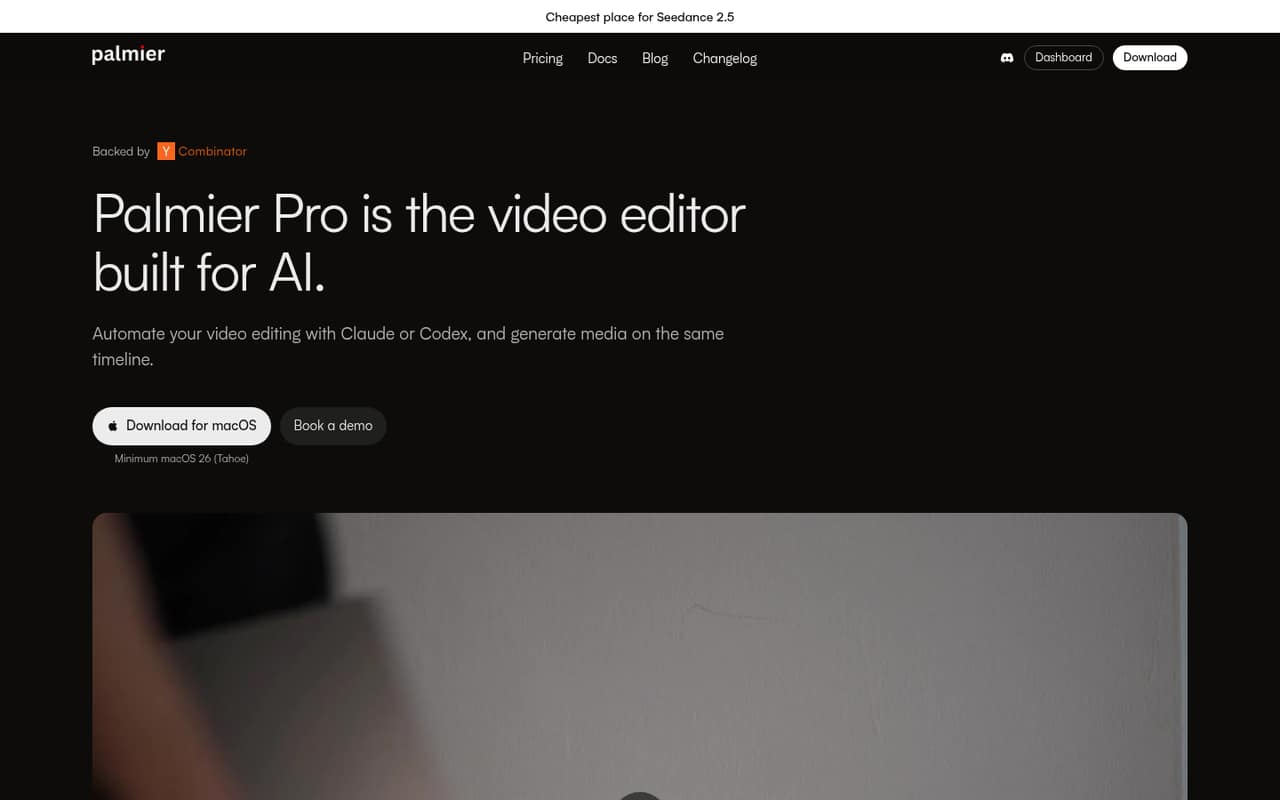
Palmier is for small, Mac-based teams that edit video and want an AI agent involved in the timeline—not just in writing a script or making a rough transcript. A founder, marketer, or editor can connect Claude, Codex, Cursor, or another agent through MCP, then refine the result in Palmier or export it to other editing software.
For a one-to-five-person team watching its software budget, the free plan is a sensible place to start if local transcription and footage search are enough. You can also save an editing process as a reusable Skill, which may help when the team repeats the same kind of edit. Paid plans make more sense when you need cloud transcription or regular media generation. Palmier is a poor fit if your team does not use macOS, or if you want a simple shared workspace with clearly stated per-seat pricing. The Enterprise plan lists shared workflows and Skills, but its price is custom.
02Palmier free plan and trial
Palmier’s free plan includes a full multi-track video editor, MCP access for Claude, Codex, or Cursor, local transcription, footage search, and video rendering or NLE XML export. The pricing page says no account is required. That is a useful amount to evaluate the editing workflow without putting a subscription on a small team’s budget.
The listed free features do not include cloud transcription, which the paid plans describe as more accurate. Pro adds 5,000 credits per month, access to supported media models, and Palmier chat. The vendor does not publish a separate free-trial term in the listed pricing. It also does not state a free-plan credit allowance or generation limit, so ask before relying on the free tier for regular AI-generated media.
03What a small team pays for Palmier
The pricing page lists Pro at $29 per month and shows $49 crossed out; Max is $69 per month with $99 crossed out. It does not explicitly label the billing cadence, so we would confirm whether the lower figures require annual payment before budgeting. The page also does not clearly publish per-seat terms. If each editor needs a separate subscription, Pro would be $29 or $49 per person at the displayed rates: $87 or $147 for three people, and $145 or $245 for five. Max would be $207 or $297 for three, or $345 or $495 for five. These are simple seat-multiplication estimates, not confirmed team quotes; annual totals and billing terms need confirmation.
Pro includes 5,000 monthly credits, listed as a $50 value. Max includes 12,000, listed as a $120 value, plus priority support. Generation can also have usage rates: examples include Seedance 2.5 at $0.24 per second at 720p and ElevenLabs v4 at $0.08 per 1,000 characters. Ask how those charges interact with plan credits.
04Getting started with Palmier
The first step is choosing a Mac and setting up the editor. Palmier lists no-account access on Free, so a team can begin without first arranging a paid subscription. To use an AI agent, connect Claude, Codex, Cursor, or another compatible agent through MCP. The pricing material does not spell out the exact setup steps or technical requirements, so confirm those with Palmier before planning a team rollout.
The learning curve depends on whether your team already edits on a timeline. Palmier lists familiar editor tasks such as trimming clips, adding text, setting keyframes, and color grading, alongside agent editing and media generation. That gives an editor a hands-on way to refine an agent’s work, but it also means there are more concepts than in a basic clip trimmer. Start with one project and check whether the agent workflow fits your existing process. NLE XML export offers a route to continue editing in other software.
05When small teams outgrow Palmier
Palmier may stop fitting when the team needs predictable, shared spending more than individual editing tools. Its public pricing does not clearly state per-seat rules or the billing cadence behind the crossed-out rates. For three or five editors, confirm the actual quote and whether each person needs a separate plan before scaling up. Enterprise is the listed option for volume generation, centralized billing and invoicing, shared team workflows, and Skills, but the price is custom.
Generation-heavy teams should also watch credit use and listed usage rates. Pro includes 5,000 monthly credits and Max 12,000, but the pricing material does not state how quickly a typical project uses them or publish a free-plan generation limit. Ask Palmier for project-specific estimates if you generate often. Teams needing priority support would have to consider Max; Enterprise lists white-glove onboarding and a private Slack channel. If your team needs a different operating system or cannot make the MCP workflow fit, the listed product may not cover that need.
Questions people ask
Is Palmier free to use?
Yes. Palmier lists a free plan with a full multi-track editor, MCP access for Claude, Codex, or Cursor, local transcription and footage search, and video rendering or NLE XML export. The plan requires no account according to the pricing page. Its generation allowance is not listed, so check that before planning a production workflow.
How much does Palmier Pro cost?
The pricing page lists Pro at $29 per month and shows a crossed-out $49 rate. It does not explicitly label the billing cadence behind those figures. Pro includes 5,000 credits per month, access to supported media models, more accurate cloud transcription, and Palmier chat. Confirm the billing terms directly before purchasing.
Can AI agents edit videos in Palmier?
Palmier lists agent editing through MCP, including access for Claude, Codex, or Cursor. Agents can build timelines, make edits, and export finished videos. People can refine cuts in the editor or export work to other editing software. The exact setup requirements are not stated in the pricing material.
What does Palmier’s free plan include?
Free includes the multi-track editor, MCP access, local transcription and footage search, plus rendering or NLE XML export. The pricing page does not list cloud transcription or a monthly credit allowance for Free. Paid plans add cloud transcription, and Pro includes 5,000 monthly credits for media generation.
Does Palmier charge extra for AI-generated media?
Palmier lists monthly credits with Pro and Max, and it also publishes usage rates for some media models and services. Examples include Seedance 2.5 at $0.24 per second at 720p and ElevenLabs v4 at $0.08 per 1,000 characters. Ask Palmier how credits apply to each model and when separate usage charges apply.