
We may earn a commission if you buy through links on this page. It never changes a score or a ranking. How we make money
The bottom line
Strong litigation tools, steep per-seat pricing, and no free plan.
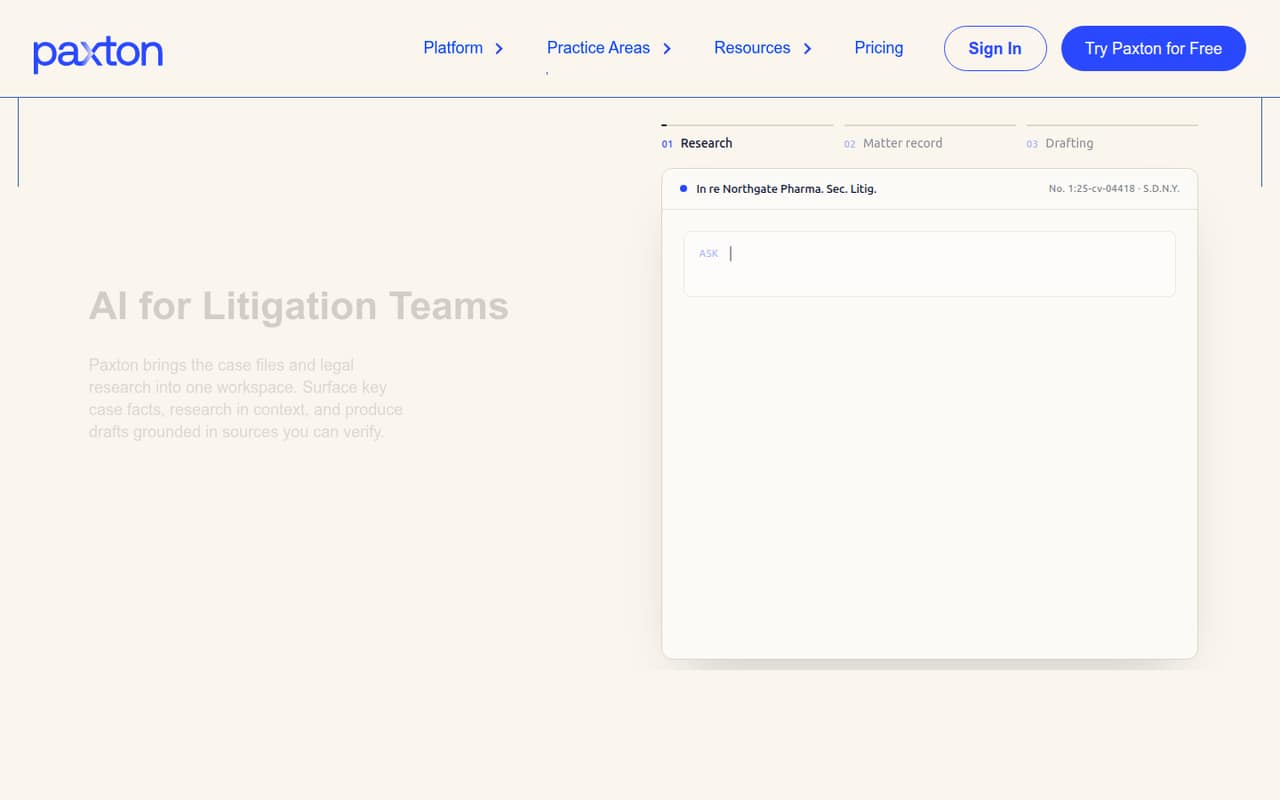
Paxton AI brings litigation research, matter analysis and drafting into one workspace. It is designed to find facts and contradictions in case files and prepare legal work grounded in the record and relevant law.
The Individual plan starts at $249.92 per user per month with annual billing, or $499 month to month. There is no free plan, just a seven-day trial. For a small team, the price is easiest to justify when litigation work is central and the listed features match its workflow.
Good fit if
- Litigation-focused solo attorneys
- Small firms with active matters
- Teams needing record-grounded drafting
Skip it if
- Teams seeking a free legal AI tool
- Small teams on tight budgets
- Businesses without litigation workloads
ScoresHow it rates
What works
- Research across 30,000+ legal sources
- Drafting grounded in case records and law
- Case facts and tables across matters
- Medical chronologies and billing summaries
- Cloud storage connectors on Individual
What doesn't
- No free plan
- Monthly billing is $499 per user
- Annual billing still costs $2,999 per user
- Enterprise pricing is custom
- Trial inclusions and setup time aren't published
01Who Paxton AI is for
Paxton AI is for attorneys and legal teams whose work centers on litigation, not a general-purpose workspace for every small business. It connects matter files, legal research and drafting so users can look for relevant facts, gaps and contradictions, then prepare work grounded in the record and applicable law.
For a solo attorney, the Individual plan is the way in, at $499 per month or $2,999 per year. A firm with a few attorneys can also buy Individual seats, but should budget per person: three annual seats cost $8,997 per year. Enterprise is aimed at firms and legal teams that need features such as Word and Outlook plugins, additional document-management connectors, Claude MCP integration or tailored implementation. Paxton AI may fit a team of one to ten when litigation work is frequent enough to support that spend. It is a harder fit for a small team that only needs occasional research or drafting.
02Paxton AI free plan and trial
The pricing page lists no free plan. Paxton AI offers a seven-day trial, but the vendor does not publish what features, usage limits or seat count the trial includes. Ask whether the trial covers the matters and integrations your team needs before relying on it to evaluate the workflow.
The cheapest listed way to keep using Paxton AI is the Individual plan with annual billing: $2,999 per user per year, equivalent to $249.92 per month. Month-to-month billing is $499 per user. The Individual plan lists research across 30,000+ legal sources, review-ready court-formatted drafting, case facts and tables, cloud storage connectors, timelines and evidence summaries. There is no lower-cost free tier for occasional use.
03What a small team pays for Paxton AI
The Individual plan costs $499 per user per month, or $2,999 per user per year when billed annually. That annual price works out to $249.92 per month per user. One person pays $499 monthly or $2,999 annually. For three people, month-to-month billing is $1,497 per month; annual billing is $8,997 per year, or $749.76 per month equivalent. For five, it is $2,495 monthly or $14,995 annually, equivalent to $1,249.60 per month.
The pricing page lists no add-ons. Individual includes Box, Dropbox, OneDrive and SharePoint connectors. Enterprise pricing is custom and includes everything in Individual, plus Word and Outlook plugins, iManage, NetDocuments and other connectors, Claude MCP integration, tailored implementation and enterprise controls. The vendor does not publish Enterprise pricing, so ask for a quote if those capabilities are necessary. For a small team, the key budget question is whether each seat will use the litigation workflow enough to justify its own subscription.
04Getting started with Paxton AI
The vendor does not publish a typical setup time or describe the learning curve. Expect to confirm your team's matter workflow and document connections with Paxton AI before committing, especially if you need more than the Individual plan's listed cloud storage connectors. The Individual pricing page names Box, Dropbox, OneDrive and SharePoint.
Paxton AI describes a connected workflow involving document management, Claude, Microsoft Word and Outlook. The pricing page places Word and Outlook plugins, iManage, NetDocuments and Claude MCP integration under Enterprise, alongside tailored implementation. Confirm which connections are available for your chosen plan rather than assuming every connector is included with Individual. The platform also lists medical chronologies and medical billing summaries among its capabilities. Ask the vendor what onboarding covers, how matter files are connected, and whether your intended integrations are included in the trial or require Enterprise.
05When small teams outgrow Paxton AI
The pricing material does not publish a seat cap, matter limit, file limit or usage quota for Individual, so there is no stated numeric threshold at which a team must upgrade. The practical pressure is likely to be workflow needs and cost: each additional Individual seat adds $499 per month, or $2,999 per year with annual billing.
A team may need to discuss Enterprise when it wants Word and Outlook plugins, iManage or NetDocuments connectors, Claude MCP integration, tailored implementation or enterprise controls. Enterprise pricing is custom, so compare a quote with the cost of the Individual seats you would otherwise buy. If the team does not need those capabilities, adding more Individual seats may remain simpler, but the per-user bill grows directly with headcount. Ask Paxton AI about limits and plan boundaries before expanding, since the pricing page does not specify them.
Questions people ask
Does Paxton AI have a free plan?
No. The pricing page lists no free plan and offers a seven-day trial. The vendor does not publish the trial's feature access, usage limits or seat count, so ask what your team can evaluate during those seven days. Ongoing access starts with Individual, at $499 per user monthly or $2,999 per user annually.
How much does Paxton AI cost for a small team?
Individual costs $499 per user per month, or $2,999 per user per year with annual billing. Three seats cost $1,497 monthly or $8,997 annually. Five seats cost $2,495 monthly or $14,995 annually. Enterprise pricing is custom, and the vendor does not publish a price for that plan.
What is included in the Individual plan?
The pricing page lists research across 30,000+ legal sources, review-ready court-formatted drafting, case facts and tables across matters, Box, Dropbox, OneDrive and SharePoint, plus case timelines and evidence summaries. Paxton AI also lists medical chronologies and medical billing summaries among its capabilities.
Which integrations are included with Paxton AI?
Individual lists Box, Dropbox, OneDrive and SharePoint. Enterprise adds Word and Outlook plugins, iManage, NetDocuments and other connectors, plus Claude MCP integration. Paxton AI describes a connected workflow, but confirm with the vendor which specific connections are included in the plan you are considering.
What does Paxton AI Enterprise cost?
The vendor lists Enterprise pricing as custom rather than publishing a per-user price. The plan includes everything in Individual, plus Word and Outlook plugins, additional document-management connectors, Claude MCP integration, tailored implementation and enterprise controls. Contact Paxton AI for a quote based on your team and requirements.