
We may earn a commission if you buy through links on this page. It never changes a score or a ranking. How we make money
The bottom line
Payhawk brings spend workflows together, but ask for a quote before counting it into a small-team budget.
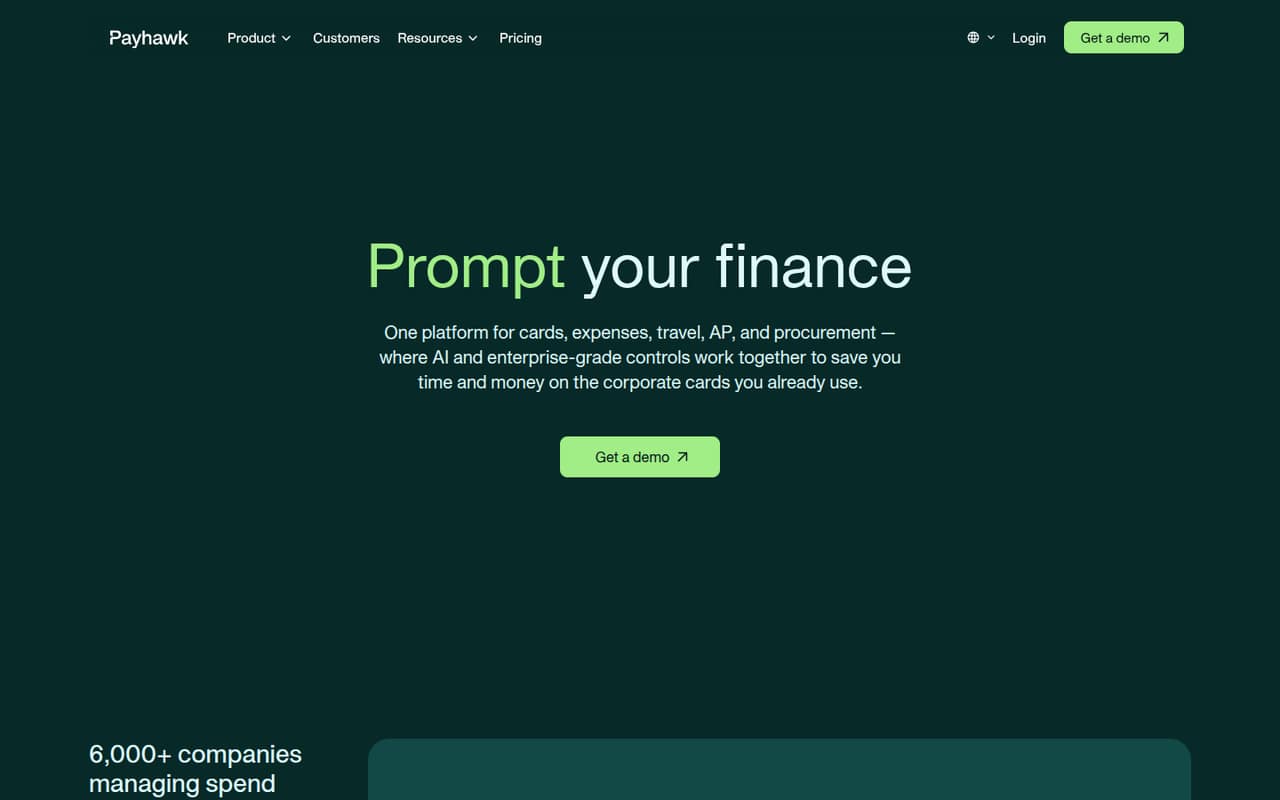
Payhawk combines corporate cards, expenses, invoices, procurement and business travel, with automation for tasks such as receipt collection and transaction coding. That breadth may suit a team trying to manage more of its spending in one place.
For a team watching every subscription, the main drawback is uncertainty: the pricing page lists no prices or billing terms, and there’s no published free plan or trial. Get a demo and a written quote before comparing its cost with simpler expense tools.
Good fit if
- Teams consolidating spend workflows
- Companies managing multiple entities
- Finance teams automating approvals
Skip it if
- Teams that need a free plan
- Buyers needing clear public pricing
- Teams wanting expenses only
ScoresHow it rates
What works
- Cards and expenses in one platform
- Includes invoice and supplier payment workflows
- Procurement and travel are available
- AI automates several spend tasks
- Controls support policies across entities
What doesn't
- The vendor doesn't publish prices
- No free plan or trial is listed
- Add-on prices are not published
- Setup effort isn't clear from public details
- Reddit feedback includes a dated-tech complaint
01Who Payhawk is for
Payhawk is for teams that want to manage more than employee expenses: it brings corporate cards, expense tracking, accounts payable, procurement and business travel into one platform. Its automation covers tasks such as collecting receipts, routing approvals, applying policies and coding transactions. The vendor also describes controls for managing spend across entities.
For a small team of 1–10, the fit depends less on headcount than on whether you need those workflows together. A five-person business that only needs to file reimbursements may be paying for more system than it needs. A small finance team handling cards, invoices, purchase requests and travel could find the broader scope useful, if the quote works for its budget. Payhawk may also suit businesses that need to coordinate policies and visibility across entities. Since prices aren't public, we’d ask for a quote based on your actual users and required modules before deciding.
02Payhawk free plan and trial
The vendor doesn't list a free plan or free trial. Its pricing page publishes no plan prices or billing terms and directs visitors to get a demo, so there’s no advertised no-cost way to start using the product.
That makes Payhawk harder to evaluate on a tight budget than an expense tool with a published free tier. The cheapest way in is to request a demo and ask for a quote for only the features your team needs. Confirm whether cards, expenses, invoice payments and any required add-ons are included, and ask whether the quote changes with user count or billing term. The vendor doesn't publish a starting price, so don't budget from an assumed per-seat rate.
03What a small team pays for Payhawk
The pricing page lists no starting price, plan prices or billing terms. That means we can't give a sourced cost for one person, a three-person team or a five-person team, or calculate monthly versus annual billing. The vendor directs buyers to get a demo; ask for a written quote covering your seat count and the features you actually need.
Several capabilities are listed as add-ons, with prices not published: Business Travel, Budget Management, SAP S/4HANA integration, and advanced HR integrations for Workday, SAP and ADP. A small team should confirm which are optional, which are included in its quote, and whether any minimum commitment applies. None of those costs or terms is published on the pricing page. Until you have a quote, it's not possible to tell whether Payhawk fits a small-team budget or compare its few-seat cost fairly with expense-only software.
04Getting started with Payhawk
The vendor describes a broad set of workflows—cards, expenses, accounts payable, procurement and travel—but doesn't publish a setup-time estimate or a step-by-step onboarding requirement in the pricing information. We can't responsibly call implementation quick or difficult. Ask during the demo how long setup takes for your team, what information you need to provide, and whether support is included.
Check integrations before signing. The listed add-ons include SAP S/4HANA integration and advanced HR integrations for Workday, SAP and ADP; their prices aren't published. If your team depends on one of these, confirm whether it is available for your package and what setup it involves. One Reddit commenter said Payhawk seemed to work across the US, UK and Europe, but that's an individual view, not a vendor guarantee. Get your country, bank, card and accounting requirements confirmed directly.
05When small teams outgrow Payhawk
A small team may outgrow Payhawk—or decide it's too much tool—if it only needs basic expense reimbursements and doesn't use the card, invoice, procurement or travel workflows. The vendor doesn't publish prices, seat costs or plan limits, so we can't identify a specific headcount or spend level that triggers an upgrade. Ask what changes as you add users, entities or modules, and whether your quote includes the controls you need.
The Reddit comments are mixed rather than a clear verdict. One commenter praised Payhawk's apparent reach across the US, UK and Europe; another called its technology dated and said its functionality needed an overhaul. A separate commenter said they had liked Payhawk but worried about the price. These are individual accounts, not proof of a general limitation. Use them as prompts for a demo: check the workflows your team relies on, ask about updates and support, and get the full cost in writing before expanding.
From the threadsWhat users say
Reddit feedback is mixed and limited: one commenter sees an advantage in international coverage, while another criticizes the technology. Cost is also a concern for one commenter, but the comments don't establish a general customer consensus.
Payhawk seems to be the only one on that list that works fully in both the US and UK/ Europe
Don't go with Payhawk... It is the worst. The tech is so dated- functionality needs a major overhaul
Leaning Payhawk if they don't want my firstborn as payment
I really liked Payhawk
Questions people ask
Is Payhawk a credit card?
No. Payhawk is spend management software, not a credit card by itself. The platform includes corporate cards and lets teams link existing corporate cards, then control and reconcile spending. Ask the vendor what card options and terms are available for your business, since the pricing page doesn't publish prices or billing terms.
How much does Payhawk cost?
The vendor doesn't publish plan prices, a starting price or billing terms on its pricing page. It directs visitors to get a demo. Request a quote for your team size and the features you need, and check whether travel, budget management or integrations add to the cost.
Does Payhawk have a free plan or trial?
The vendor doesn't list a free plan or a free trial. Its pricing page directs buyers to get a demo and doesn't publish plan prices. If you want to assess it before committing, ask during the demo what evaluation options are available and whether a quote requires a minimum commitment.
What does Payhawk include?
Payhawk brings corporate cards, expenses, accounts payable, procurement and business travel into one platform. It also describes automation for receipt collection, approval routing, policy enforcement and transaction coding, plus controls for budgets, workflows and spend across entities. Confirm which functions are included in your specific quote.
Does Payhawk support international teams?
A Reddit commenter said Payhawk seemed to work across the US, UK and Europe, but that is an individual report, not a vendor guarantee. The vendor describes controls for managing spend across entities. Ask Payhawk to confirm availability, card and payment support, and any country-specific requirements for your business.