
We may earn a commission if you buy through links on this page. It never changes a score or a ranking. How we make money
The bottom line
Useful payment tools and integrations, with transaction-based pricing that makes budgeting harder.
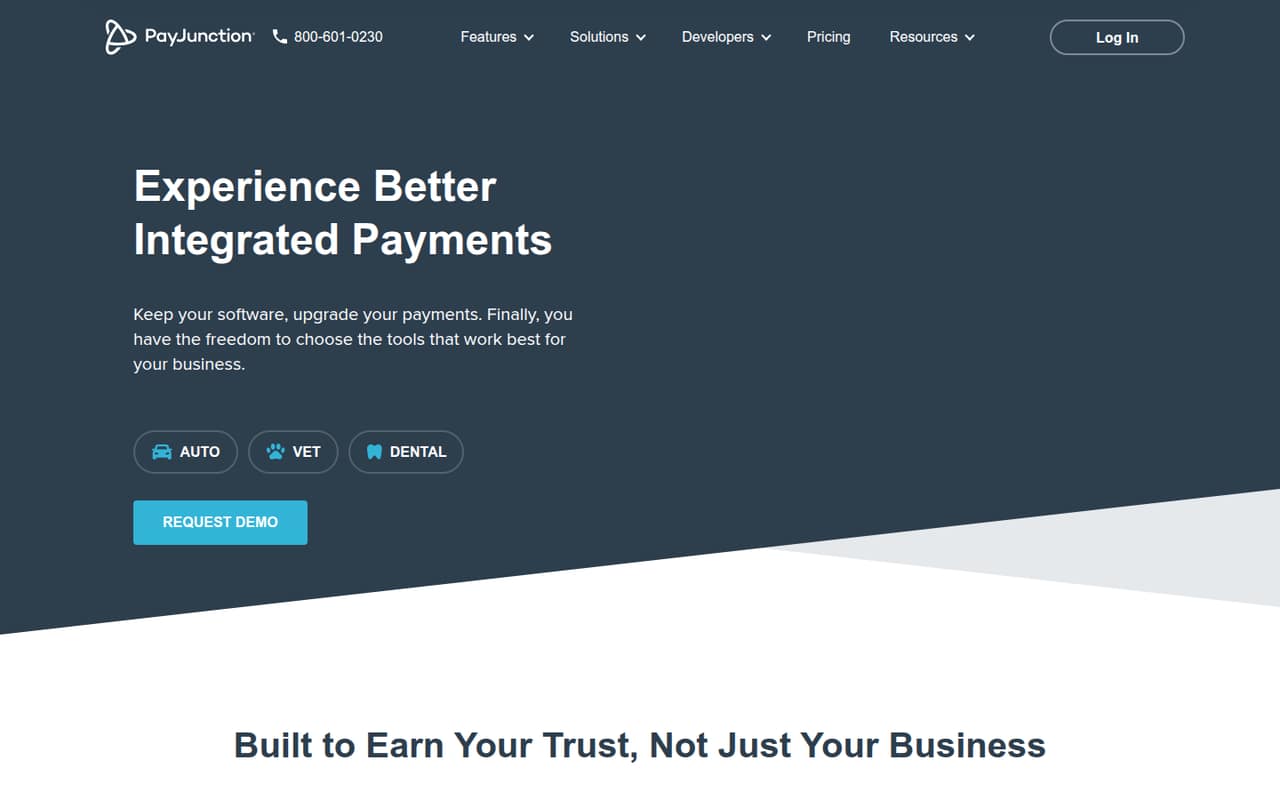
PayJunction is worth considering if your business wants payment processing without replacing its existing management or browser-based software. It offers a virtual terminal, payment terminals, no-code integrations, surcharging tools and Text to Pay. The homepage says support is available in under 60 seconds.
There’s no free plan or trial listed. Standard processing starts at 1.49% + $0.15 per card transaction and 0.75% for ACH, with no monthly plan price published. That can suit a small team that values software compatibility, but you’ll need your transaction volume to estimate the bill.
Good fit if
- Small businesses keeping current software
- Teams needing in-person and online payments
- Businesses comparing processing rates
Skip it if
- Teams needing a free payment plan
- Buyers requiring predictable seat pricing
- Businesses seeking published monthly costs
ScoresHow it rates
What works
- Works with existing management and browser-based software
- Virtual terminal includes reconciliation and reporting
- Standard card rates start at 1.49% + $0.15
- Month-to-month service with no long-term contract
- Homepage says support is available in under 60 seconds
What doesn't
- No free plan or free trial is listed
- No monthly plan price is published
- Total cost depends on transaction volume
- Additional fees may apply under the Merchant Agreement
- Surcharging excludes debit, ACH, refunds and some sales taxes
01Who PayJunction is for
PayJunction is aimed at businesses that want to take payments while keeping their current management or browser-based software. For a 1–10 person team, that can be useful if replacing the software would disrupt day-to-day work, but you still need payment processing, a virtual terminal or physical terminals.
In plain terms, PayJunction connects payment tools to the software a business already uses. Its offerings include a browser-based virtual terminal for payments, reconciliation and reporting; no-code payment integrations; portable and customer-facing terminals; Text to Pay; and tools for surcharging eligible credit card transactions. The right fit depends less on headcount than on payment needs: the listed rates are per transaction, not per user. Teams that mostly need a simple, fixed monthly bill may find the pricing harder to budget. PayJunction also offers custom pricing for businesses that submit statements and want a rate analysis.
02PayJunction free plan and trial
PayJunction lists no free plan and no free trial. Its cheapest listed option is Standard, which charges per transaction rather than a monthly subscription. The pricing page lists card rates as low as 1.49% + $0.15 per transaction and ACH as low as 0.75%.
Those are starting rates, not a fixed monthly amount, and the page says additional fees may apply; it points buyers to the Merchant Agreement for details. The vendor does not list a monthly plan price or a total cost for a typical small business. Before signing up, ask PayJunction for a full fee schedule, any setup or terminal costs, and an estimate based on your expected card and ACH volume. The service is month-to-month with no long-term contract, according to the pricing page.
03What a small team pays for PayJunction
PayJunction does not price Standard by seat, so one person, three people and five people do not have separate listed monthly or annual totals. The Standard plan is priced per transaction: cards start at 1.49% + $0.15 each, and ACH starts at 0.75%. For example, a team of three pays the same listed transaction rates as a solo operator if they process the same transactions. The vendor does not publish the transaction volume or monthly amount needed to calculate a bill for any of those team sizes.
The Enterprise option uses custom pricing. Businesses can submit statements for a rate analysis intended to match or beat current rates. Surcharge pricing lists eligible credit cards as low as 0%, while PIN debit fees still apply; debit cards, ACH, refunds and some sales taxes are ineligible for surcharge. Additional fees may apply under the Merchant Agreement. The pricing page lists month-to-month service with no long-term contract, but it does not publish annual billing rates or a monthly subscription price. Ask for a written estimate that includes processing, terminal and other applicable fees.
04Getting started with PayJunction
PayJunction’s listed tools include browser-based payments, payment terminals and a no-code integration intended to connect payments with existing software. That could reduce the need to replace a system, but the vendor’s pricing details do not explain how long setup takes, which software integrations are available, or what configuration a business must handle itself. The learning curve and setup effort therefore depend on your software and payment workflow.
Before choosing a plan, identify the system you need to connect and confirm that PayJunction supports it. Ask whether the integration covers reconciliation and reporting, what information you need to provide, and whether PayJunction or your software provider handles setup. If you take payments in person, confirm which terminal type fits your checkout process and whether terminal costs apply. The homepage says support is available in under 60 seconds, but ask what support channels and onboarding help are included.
05When small teams outgrow PayJunction
PayJunction does not publish seat limits or transaction-volume thresholds in its listed pricing, so there is no stated point when a team must upgrade. A growing team may still need to revisit its costs as transaction volume rises: Standard charges per transaction, and the pricing page does not provide a monthly total or annual discount to make forecasting straightforward.
If processing fees are becoming a concern, Enterprise is the listed route for submitting statements and requesting a custom rate analysis. That is a pricing conversation, not a published upgrade tier with a stated price. Surcharge tools also have limits: debit cards, ACH, refunds and some sales taxes are ineligible, and PIN debit fees apply. A business may need another approach for those payments. Before expanding, compare a written PayJunction estimate with the fees and integration needs of other providers. If your team needs known monthly costs or clearly stated user limits, ask PayJunction directly whether it can meet those requirements.
Questions people ask
Is PayJunction a legitimate company?
PayJunction describes payment processing tools, terminals and integrations for businesses. Its pricing page lists transaction rates and month-to-month service with no long-term contract. Before signing up, review the Merchant Agreement and ask the vendor for a full fee schedule, including any additional fees that may apply.
Does PayJunction have a free plan?
PayJunction lists no free plan or free trial. Its Standard option charges per transaction, with card rates listed as low as 1.49% + $0.15 and ACH as low as 0.75%. Ask the vendor for an estimate based on your transaction volume and payment mix.
How much does PayJunction cost for a small team?
PayJunction does not list per-seat or monthly plan prices. Standard rates start at 1.49% + $0.15 per card transaction and 0.75% for ACH, so the bill depends on transaction volume. Additional fees may apply. Ask for a written estimate for your expected payment mix.
Can PayJunction work with our existing software?
PayJunction offers a no-code integration described as connecting payments with existing software. The vendor does not list which specific systems are supported in the pricing details. Confirm that your software is compatible and ask which payment, reconciliation and reporting workflows the integration covers.
Does PayJunction charge a long-term contract?
The pricing page says PayJunction is month-to-month with no long-term contract. It also notes that additional fees may apply and directs customers to the Merchant Agreement for details. Review that agreement and ask about any terminal, setup or other charges before signing up.