
We may earn a commission if you buy through links on this page. It never changes a score or a ranking. How we make money
The bottom line
Consider Payslip for complex multinational payroll; ask for a quote before budgeting.
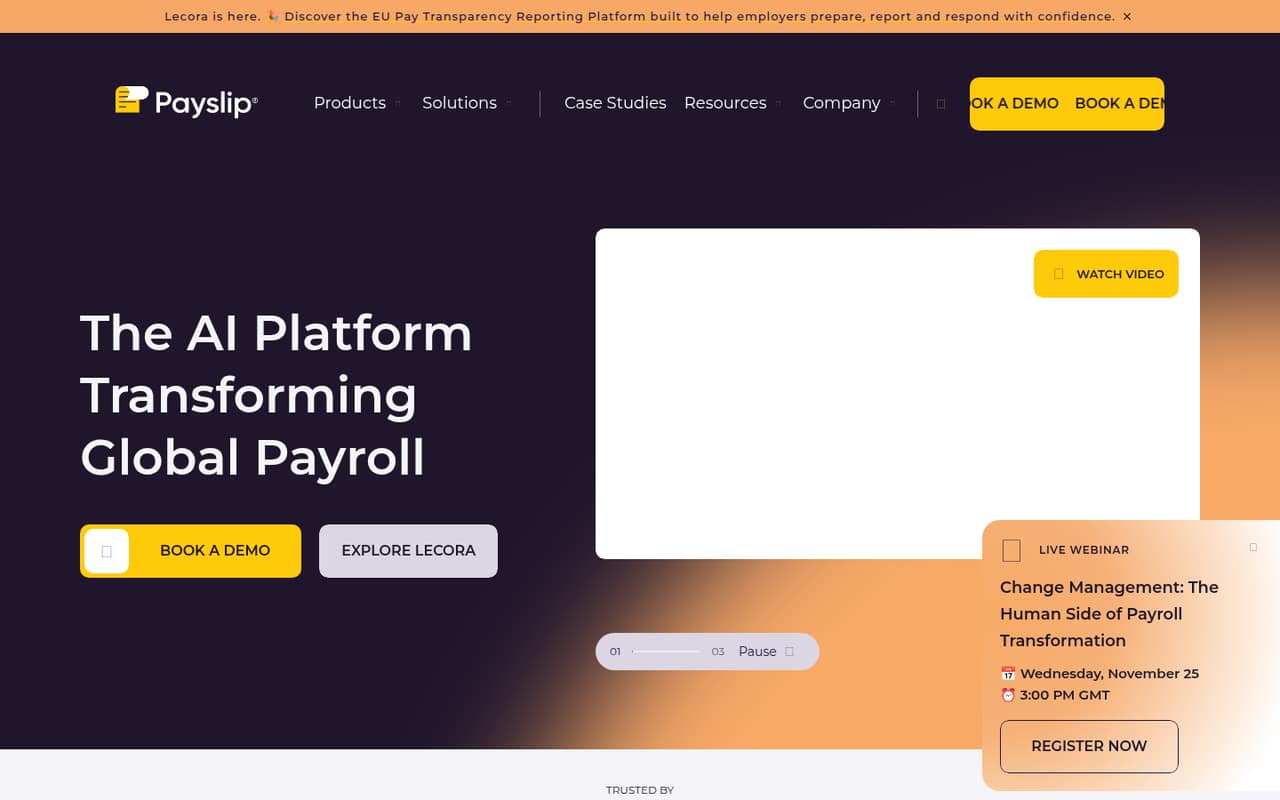
Payslip brings payroll data, processes and vendors together for multinational organizations, with automation, checks, visibility and reporting. That focus may suit a small team managing payroll across countries, but it is more platform than a simple payslip maker.
There’s no free plan, and the vendor doesn’t publish a starting price or trial terms. Pricing is by custom quote, so a small team can’t compare the cost of a few seats without talking to sales.
Good fit if
- Small teams running multinational payroll
- Teams coordinating several payroll vendors
- Payroll leads needing cross-region reporting
Skip it if
- Teams needing a free payslip maker
- Single-country payroll with simple needs
- Buyers requiring published per-seat pricing
ScoresHow it rates
What works
- Brings payroll data, processes and vendors together
- Automates payroll inputs, checks and validation
- Offers cross-region payroll reporting and analytics
- Connects payroll systems
- Imports pre-payroll data from Workday
What doesn't
- No free plan
- Starting price is not published
- Pricing requires a custom quote
- Monthly and annual terms are not published
- Trial terms are not published
01Who Payslip is for
Payslip is aimed at multinational organizations that need control over payroll across countries, vendors and systems. A team of one to ten could consider it if a small payroll staff is coordinating that kind of complexity; headcount alone isn’t the deciding factor. The job is to bring payroll data and processes together, automate inputs and checks, and provide visibility and reporting across regions, countries and employees.
For a small business running straightforward payroll in one country, this may be more platform than the job requires. We’d put it on the shortlist only if cross-border operations, multiple vendors or payroll oversight are real needs. The pricing page lists custom quotes, not a small-team plan or per-seat rate, so budget-conscious buyers will need to ask for a tailored quote before deciding whether the control features justify the spend.
02Payslip free plan and trial
The pricing information lists no free plan. It also doesn’t publish trial terms, so don’t assume there’s a no-cost trial or evaluation period. Ask Payslip directly whether it offers a trial, demo or limited evaluation, and what that includes.
The cheapest way in is a custom quote: the vendor doesn’t publish a starting price or a lower-cost self-serve plan. That makes it difficult for a team of one to ten to test the product against a simple payroll need without first discussing scope and cost. Before booking a sales conversation, outline the countries, payroll systems and vendors you need to manage, then ask which features and services are included in the quote.
03What a small team pays for Payslip
The pricing page lists custom pricing by quote, with no starting price. It doesn’t publish a per-seat rate, so we can’t give a grounded cost for one person, three people or five. Monthly versus annual billing terms are also not published. Ask the vendor for a quote covering your actual team size and whether the quoted amount changes with users, countries, payroll vendors or payroll volume.
No add-ons are listed in the pricing information, so it’s unclear whether extra services or capabilities cost more. Don’t treat that as confirmation that everything is included: ask what the quote covers, whether implementation or support is priced separately, and whether there are minimum commitments. For a small team watching every subscription, the main budgeting drawback is the lack of a public figure to compare with simpler payroll options. Get the full price and billing terms in writing before treating Payslip as a fit.
04Getting started with Payslip
Payslip describes connections to payroll systems and imports of pre-payroll data from Workday. Its stated job is to bring payroll data, processes and vendors together, then automate inputs, checks and validation. Those capabilities suggest that setup depends on the systems and vendors your team needs to connect, rather than being just a matter of adding a few employee records.
The vendor doesn’t publish setup steps, an implementation timeline, training details or a list of specific integrations beyond the Workday import mentioned in its materials. We can’t estimate the effort or learning curve from published details. Before committing, ask which of your payroll systems and vendors are supported, what data you need to prepare, who handles configuration and how long onboarding usually takes. A small team should also confirm what ongoing work is needed to maintain connections and payroll checks.
05When small teams outgrow Payslip
Payslip is positioned for multinational payroll control, so the first question for a growing team is whether its payroll complexity has caught up with the platform’s purpose. If you still run simple, single-country payroll and mainly need to create employee payslips, the broader vendor coordination, automation and regional reporting may be unnecessary overhead.
There are no published seat limits, plan tiers or upgrade thresholds to use as a clear signal for when to move up. Custom pricing also means a team can’t forecast how costs change as it adds people or countries. Ask the vendor how the quote scales and whether features or support change at particular sizes. If you need predictable per-seat costs, a free entry point or a basic payslip workflow, Payslip may stop fitting before you reach a technical limit; the issue is published pricing and product scope, not a stated cap.
Questions people ask
Does Payslip have a free plan?
No free plan is listed in the pricing information. Payslip pricing is by custom quote, and the vendor doesn’t publish a starting price. Ask whether it offers a demo or evaluation before purchase, since trial terms aren’t published.
How much does Payslip cost for a small team?
The vendor doesn’t publish a starting price or per-seat rate, so the cost for one, three or five people can’t be calculated from public pricing. Request a quote for your team size and ask how countries, vendors and billing terms affect it.
Does Payslip integrate with Workday?
Payslip says it imports pre-payroll data from Workday and connects payroll systems. The vendor doesn’t publish a full integration list in the published pricing and feature details, so confirm that your specific systems and data flows are supported.
What does Payslip automate?
Payslip describes automating payroll inputs, checks and validation using data from source software or vendors. It also brings payroll data, processes and vendors together for visibility and reporting. Ask the vendor which checks are included for your systems and countries.
Is Payslip suitable for a small company?
It may suit a small team handling payroll across countries or coordinating multiple vendors. For a simple, single-country payroll workflow, its multinational control focus may be more than you need. Custom pricing and the lack of a free plan make a quote important.