
We may earn a commission if you buy through links on this page. It never changes a score or a ranking. How we make money
The bottom line
Strong Canadian payroll support, but small teams must request a custom quote to know the cost.
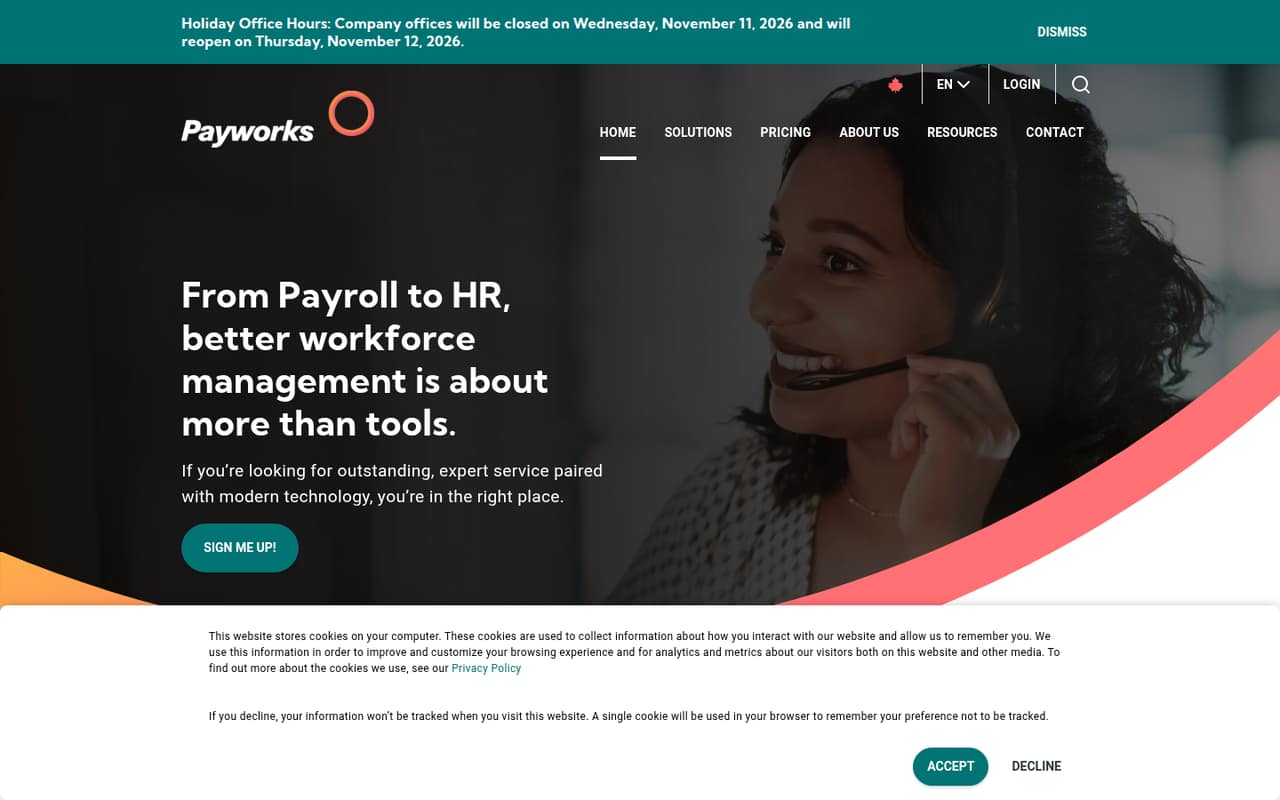
Payworks is Canadian payroll software with compliance resources, a five-step onboarding process, and access to NPI-trained support. Its clearest advantage for a small team is help from people, including phone support the homepage says answers in under 60 seconds.
The trade-off is price uncertainty: the vendor does not publish a starting rate, and there is no free plan. Ask for a quote based on your employee count, pay frequency, and chosen modules before deciding whether the support is worth the spend.
Good fit if
- Canadian teams needing payroll help
- Employers with complex labour categories
- Teams that prefer phone support
Skip it if
- Teams that need a free plan
- Buyers requiring upfront seat pricing
- Teams seeking a self-serve-only setup
ScoresHow it rates
What works
- Built for Canadian employers
- NPI-trained client service team
- Homepage says support is unlimited
- Phone calls answered by a person
- Five-step implementation process
What doesn't
- No free plan
- Starting price isn't published
- Quote depends on several factors
- Reddit users report an outdated interface
- Integration details aren't published
01Who Payworks is for
Payworks is payroll software and support for Canadian employers, from businesses with one employee to those with thousands. For a small team, it makes the most sense when payroll compliance and access to a person for help matter more than choosing a tool from a posted price list.
The suite is designed for Canadian payroll needs, with compliance resources covering labour standards and legislation. The homepage also highlights NPI-trained support and a five-step onboarding process. A Reddit commenter who implemented Payworks said its labour categorization suited their manufacturing needs, including department, role, job description, and union status. That is one user's account, not a guarantee that every setup needs or includes those fields.
Budget-conscious teams should get a quote before committing. Payworks does not publish a starting rate, and its quote depends on active employee count, pay frequency, and selected modules. If you mainly want the lowest known monthly cost, the lack of public pricing makes comparison harder.
02Payworks free plan and trial
Payworks does not offer a free plan, according to its pricing information. A free trial is not published either, so a small business should not count on trying the full product at no charge before buying.
The cheapest way in is to request a custom quote for the payroll modules you need. The pricing page lists active employee count, pay frequency, and selected modules as factors in the price. It does not publish a minimum monthly fee or a starting rate, so even a one-person business needs to ask Payworks what it would pay.
Before signing, ask whether there is a setup charge, whether any onboarding work costs extra, and what the quote includes. One Reddit poster mentioned a $300 setup fee, while another commenter said fees may be negotiable; treat those as individual reports, not standard Payworks pricing.
03What a small team pays for Payworks
The pricing page lists custom quotes rather than monthly or annual rates. It says the quote depends on pay frequency, active employee count, and selected modules. There is no published starting price, so we can't calculate a reliable one-person, three-person, or five-person bill—or compare monthly with annual billing. Ask Payworks for all three team sizes if you expect to hire soon.
The vendor does not publish per-seat rates or a standard add-on list. The pricing information identifies selected modules as a cost factor, but doesn't name module prices or say which options cost extra. Ask for an itemized quote that separates payroll, any additional modules, setup, and ongoing charges. Confirm whether the price changes with each pay run; one Reddit poster described Payworks as charging per run, but that does not establish the terms of every quote.
A Reddit user said their five-employee business found the setup fee worthwhile, but shared no ongoing price. For a budget-conscious team, the practical next step is a written quote for your current headcount and pay schedule—not an assumed per-seat calculation.
04Getting started with Payworks
Payworks promotes a five-step onboarding process to support a switch. That gives a new customer a defined implementation path, but the homepage does not publish how long setup takes or how much work the employer must do. Ask who handles payroll data migration, configuration, and employee onboarding, and whether those tasks are included in your quote.
The learning curve may depend on your payroll structure. A Reddit commenter who implemented Payworks said it was easy to set up when they understood their manufacturing process and needed detailed labour categories. Another commenter, a bookkeeper, described the site as outdated and not especially intuitive. Those are individual experiences, and the homepage does not explain the interface in detail.
If you need an accounting or HR integration on day one, confirm availability and any fees directly with Payworks. Integration details are not published in the pricing information. Get the answer in writing alongside your setup responsibilities and support contact before scheduling a switch.
05When small teams outgrow Payworks
Payworks supports employers from one employee to thousands, so headcount alone is not a published reason to move on. The more immediate pressure point for a small team is cost visibility: without public rates, adding employees or modules may change your quote in ways you cannot estimate from a price list. Recheck the cost as your headcount and pay frequency change.
Your team may also look elsewhere if it wants a clearly documented self-service interface or needs integration details before buying. A bookkeeper on Reddit called the site outdated and not very intuitive, while another commenter said a refresh was underway at the time of that discussion. These are user reports, not confirmation of the current interface.
Some Reddit users describe positive support and consistent payroll runs, including one business that said it had used Payworks for five employees. Others favor alternatives for price or interface preferences. If your needs shift toward a broader HR platform, compare the added functions and total quote rather than assuming Payworks has a particular limitation.
From the threadsWhat users say
The Reddit comments lean positive on support and payroll reliability, with some users praising Payworks for small businesses. The clearest criticism is the interface, while the lack of published pricing makes value harder to judge.
Hats off to their service
the site is really outdated and not super intuitive or user friendly
Payroll runs have been consistent, taxes paid, T4s ran
Questions people ask
What is Payworks used for?
Payworks provides payroll software and support for Canadian employers, from businesses with one employee to those with thousands. Its homepage highlights Canadian payroll products, compliance resources, NPI-trained client support, and a five-step onboarding process. Ask Payworks which modules suit your payroll setup and what each one costs.
How much does Payworks cost?
The pricing page does not publish monthly or annual rates. Payworks says its custom quote depends on pay frequency, active employee count, and selected modules. Request an itemized quote for your current team size and expected pay schedule, including setup and any additional module charges.
Does Payworks have a free plan or trial?
Payworks does not offer a free plan, and a free trial is not published. The way to get a price is to request a custom quote. Before agreeing, ask whether there are setup fees, what onboarding includes, and whether you can see a product walkthrough.
How hard is it to set up Payworks?
Payworks describes onboarding as a five-step process, but does not publish a setup timeline or list the work expected from employers. One Reddit commenter said implementation was easy when they understood their manufacturing workflow. Ask who handles configuration and data migration, and confirm any fees.
What support does Payworks offer?
The homepage says Payworks offers unlimited support from a client service team trained by the National Payroll Institute. It also says calls are answered by a person in under 60 seconds. Reddit users have praised the support, though individual service experiences can vary.
Sources
- Payworks homepage
- Payworks pricing, compiled via web search from workzoom.com, hr.software, tradebrain.ca, payworks.ca, peoplemanagingpeople.com
- Reddit: [ON] Anyone using Payworks or Rise People for payroll/HR?
- Reddit: Payroll Service Other Than Wagepoint?
- Reddit: [ON] Wagepoint vs Payworks vs PayEvo
- Reddit: Does anyone here (Canadian) use Payworks?