
We may earn a commission if you buy through links on this page. It never changes a score or a ranking. How we make money
The bottom line
Strong desktop PDF tools, but new buyers should weigh the move from Qoppa to Xodo.
PDF Studio covers the core jobs many small teams need: editing, merging and splitting PDFs, OCR, redaction, forms, signatures and conversion. It runs on Windows, macOS and Linux, and the legacy Qoppa product is available as a one-time license.
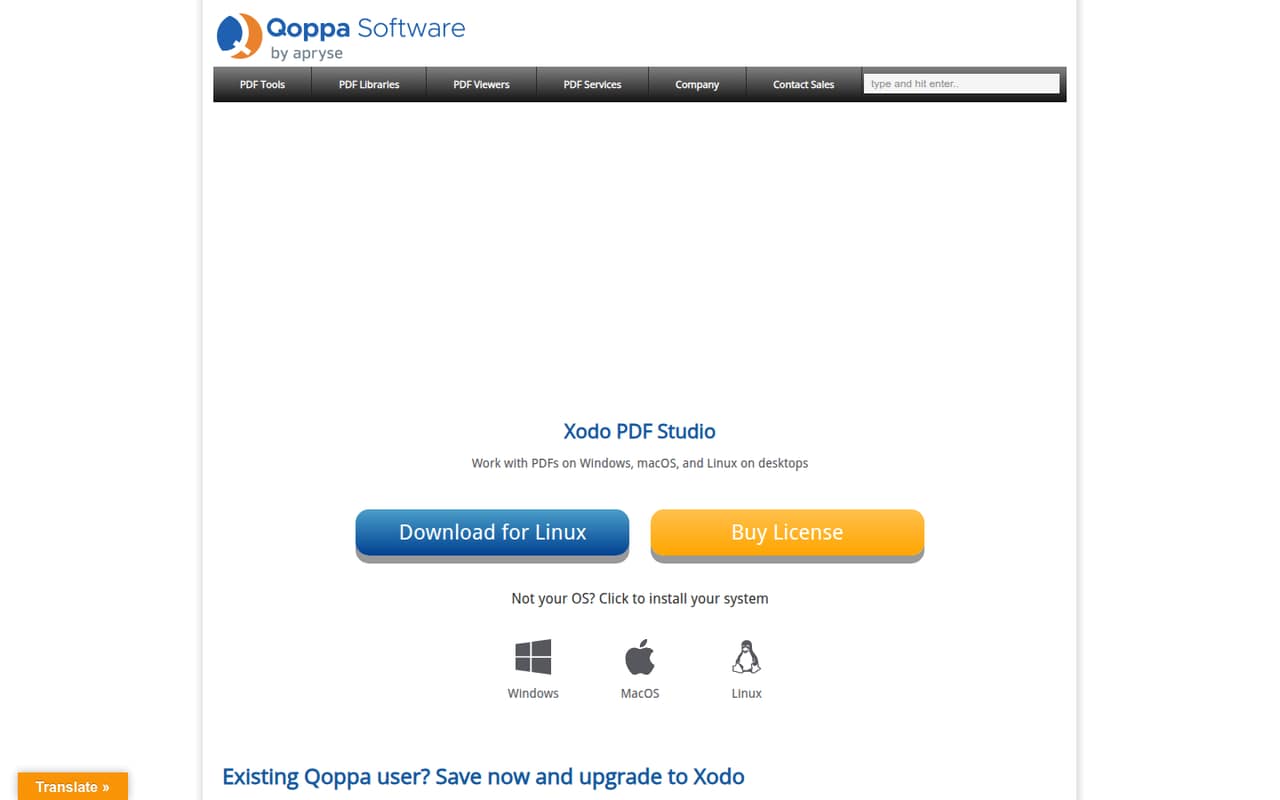
The catch is that Qoppa says PDF Studio will no longer be supported and points users to Xodo PDF Studio for ongoing updates and support. Xodo starts at $9.99 per user per month with annual billing, while the free option is an evaluation rather than a clearly described permanent plan.
Good fit if
- Teams that need desktop PDF editing
- Linux users needing PDF tools
- Buyers who prefer one-time licenses
Skip it if
- Teams needing supported Qoppa software
- Teams seeking a detailed free tier
- Groups needing published seat controls
ScoresHow it rates
What works
- Edits, merges, splits and converts PDFs
- Includes OCR, redaction and forms
- Supports Windows, macOS and Linux
- Legacy Pro license was a one-time purchase
- Xodo has monthly and annual billing
What doesn't
- Qoppa says legacy PDF Studio support is ending
- Free evaluation limits are not published
- Xodo's free-plan features are not published
- Team administration details are not published
- Price for an extra computer is not published
01Who PDF Studio is for
PDF Studio is a desktop PDF editor for Windows, macOS and Linux. It suits a solo operator or a small team of roughly 1–10 people that regularly edits documents, combines files, fills forms, applies signatures, runs OCR or redacts content. The tools also cover converting PDFs to HTML or images and turning Word files into PDFs.
For a team watching its budget, the older Qoppa PDF Studio Pro license was listed at $179 once, with volume prices for larger orders. But Qoppa says this version will no longer be supported and directs users to Xodo PDF Studio for continued updates and support. That makes the product a better fit for someone evaluating a legacy license carefully than for a team that wants to buy once and assume support will continue. Compare the current Xodo price before choosing.
02PDF Studio free plan and trial
The pricing listings mark a free option, but they do not describe an ongoing free plan or list which tools it includes. For legacy Qoppa PDF Studio, a free evaluation download is available; the vendor does not publish its feature limits or evaluation period in the available pricing details.
For Xodo PDF Studio, the listed offer is a 3-day trial, with a 14-day demo also shown. Those are evaluation options, not evidence of a permanent free tier. A small team should check the current download and checkout pages to confirm which trial applies and whether files or features are limited. If you need a supported product after evaluating, the listed Xodo subscription starts at $9.99 per user per month with annual billing.
03What a small team pays for PDF Studio
For ongoing support, Xodo PDF Studio is listed at $9.99 per user per month with annual billing ($119.88 per user per year), or $12.99 per user with monthly billing. That works out to $29.97 monthly, or $359.64 yearly, for three people; five people pay $64.95 monthly or $599.40 yearly. A perpetual-license option is listed at $240 per user, but confirm its terms before buying.
Legacy Qoppa PDF Studio Pro was listed at $179 per license, one time. Volume pricing is $129 each for 2–24 licenses, $109 each for 25–99, and $89 each for 100–249. That means three licenses at the listed volume rate would total $387, and five would total $645. Qoppa says the legacy product will no longer be supported, so the upfront saving comes with a support tradeoff. The add-on to register a third computer is listed, but its price is not published. The standard edition's historical $99 price is not a current standalone option.
04Getting started with PDF Studio
PDF Studio is desktop software, and Qoppa lists Windows, macOS and Linux support. The product's core workflow is familiar PDF work: open a document to edit or annotate it, combine or split files, fill forms, sign, run OCR or redact. Qoppa offers a free evaluation download for the legacy edition, while Xodo lists a 3-day trial and a 14-day demo.
The vendor does not publish a setup-time estimate, a detailed learning-curve guide or a list of integrations in the pricing information. For a small team, plan to install the desktop app on each user's computer and confirm that the version, license and operating system match your needs. Reddit users describe using PDF Studio for repairing scans, OCR and splitting documents, but those comments are individual reports rather than a setup guide. Ask the vendor about deployment and license management before rolling it out to several people.
05When small teams outgrow PDF Studio
The first reason to move on may be support, not team size: Qoppa says its PDF Studio will no longer be supported and encourages existing users to upgrade for ongoing updates and support. Xodo is the listed transition, but a growing team should confirm which features and license terms carry over before paying. Xodo's subscription price scales per user, so the bill rises directly with each added seat.
The vendor does not publish seat or usage limits for custom organization pricing, and the extra-computer add-on price is not listed. If your team needs shared administration, centralized deployment or a particular integration, ask whether those needs are covered; the available feature and pricing details do not settle that question. One Reddit commenter praised PDF Studio's repair and OCR work but also noted the acquisition and relayed untested reliability concerns about Xodo. Treat that as a reason to evaluate the current product, not as a verified reliability finding.
From the threadsWhat users say
Reddit sentiment is mixed but leans positive about the legacy editor's PDF handling and OCR. One commenter praised its repair tools, while another expressed concern about its acquisition and repeated reliability reports without testing them.
It treats PDFs 100% correctly
I Mostly use it to repair scans and badly OCRed pdfs, also resize pdfs and split it into pages
it's been acquired by Xodo, unfortunately
There are reports of Xodo being less reliable, but I didn't test
Questions people ask
Is PDF Studio still supported?
Qoppa says PDF Studio will no longer be supported and encourages existing users to upgrade for ongoing updates and support. The homepage directs visitors to Xodo PDF Studio. Confirm current support and upgrade terms with the vendor before purchasing a legacy Qoppa license.
Does PDF Studio have a free plan?
A free evaluation download is available for legacy PDF Studio, and Xodo lists a 3-day trial and a 14-day demo. The vendor does not publish details of a permanent free plan or specify which features an ongoing free tier would include.
Does PDF Studio work on Linux?
Yes. Qoppa PDF Studio is listed for Windows, macOS and Linux. Check the current Xodo listing or ask the vendor about operating-system support for the edition you plan to buy, since Qoppa says the legacy product will no longer be supported.
Can one PDF Studio license cover several people?
The legacy PDF Studio Pro listing describes a license key for one user on two computers. That does not establish a multi-user license. Xodo is priced per user, so a team should budget for each seat and ask the vendor about license administration.
What can PDF Studio do?
The listed features include editing, merging and splitting PDFs; converting PDFs to HTML or images; converting Word files to PDF; signing documents; filling forms and extracting data; OCR; redaction; viewing and annotating PDFs; and comparing document versions in Xodo.