
We may earn a commission if you buy through links on this page. It never changes a score or a ranking. How we make money
The bottom line
A feature-packed PDF editor with a one-time license price and some reported performance concerns.
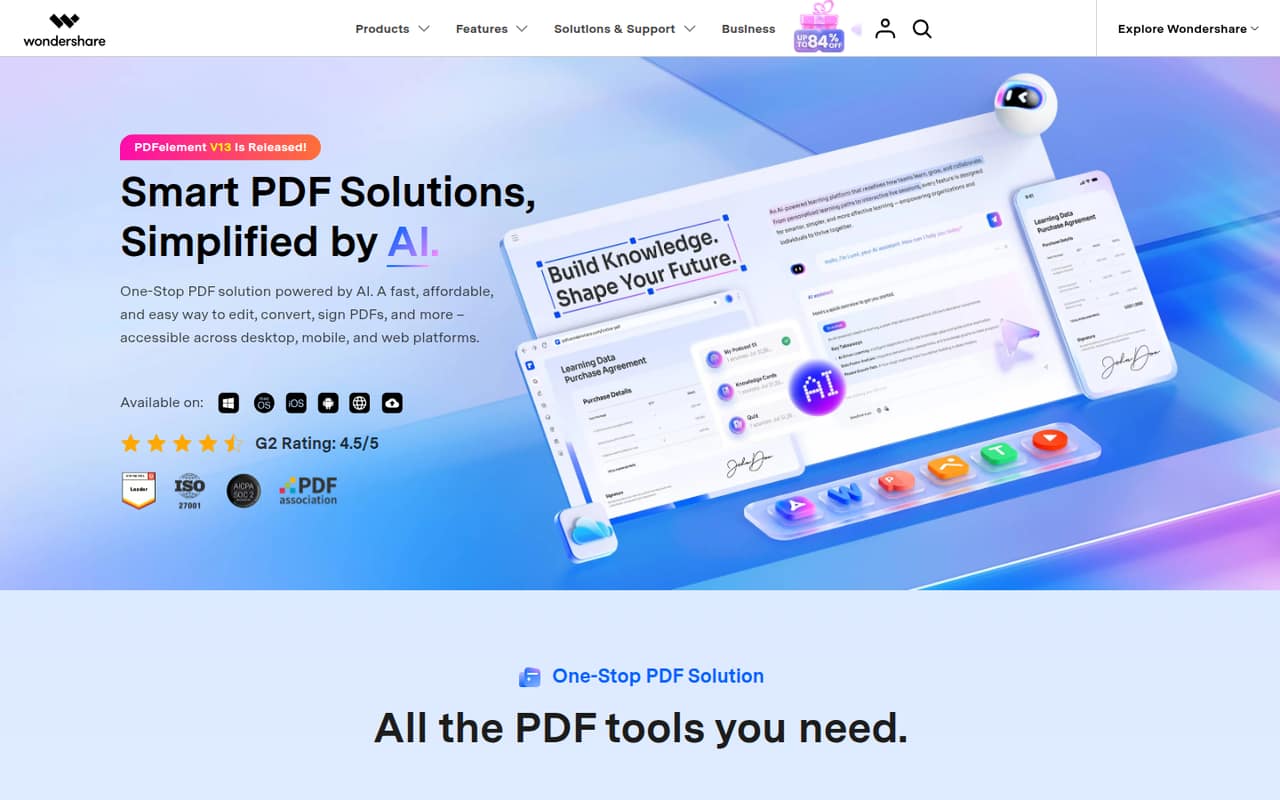
PDFelement combines PDF editing, conversion, OCR, e-signing, page organization, and AI document tools. It suits a small team that regularly handles complex PDFs and wants those jobs in one tool.
The free plan’s limits aren’t published, so check whether it covers your work before paying. The pricing page lists Personal at $129.99 per user as a perpetual license; Team is $139 per user, with additional seat prices not published.
Good fit if
- Teams that edit PDFs regularly
- OCR and conversion-heavy workflows
- People who prefer perpetual licenses
Skip it if
- Teams needing predictable monthly billing
- People who need published free-tier limits
- Teams sensitive to resource-heavy apps
ScoresHow it rates
What works
- Edits text, images, links, and more
- Converts PDFs to and from common formats
- OCR supports 26 languages
- Includes e-signing and signature tracking
- Organizes and compares PDF pages
What doesn't
- Free plan limits aren’t published
- Additional Team seat prices aren’t published
- No monthly billing is listed
- One Reddit user reports high resource use
- Integrations aren’t specified
01Who PDFelement is for
PDFelement fits a solo operator or a small team of roughly 1–10 people that handles PDFs often enough to justify a dedicated tool. It’s useful for editing text and images, converting documents, preparing scanned files with OCR, collecting signatures, and organizing pages. The AI tools can summarize and translate PDFs, chat with documents, and review contracts for key clauses.
For a team watching every subscription, the main budget question is whether everyone needs a paid seat. The pricing page lists a $129.99 perpetual license for one Personal user and a $139 perpetual license per Team user; it doesn’t publish the price for additional Team users. That’s an upfront purchase rather than a monthly subscription. If your team mostly reads PDFs or only makes occasional edits, start by checking the free plan. Its limits aren’t published, so confirm it handles your tasks before paying.
02PDFelement free plan and trial
The pricing page lists a free plan, but it doesn’t publish which features it includes, how many documents you can process, or where usage limits apply. The product description covers editing, conversion, OCR, e-signing, organization, and AI tools, but that doesn’t establish which are available for free. Check the current plan details with the vendor before relying on the free tier for team work.
A free trial isn’t listed on the pricing page. If the free plan doesn’t cover your needs, the cheapest listed individual option is PDFelement for Personal at $129.99 per user as a perpetual license. For multiple users, the listed PDFelement for Team price is $139 per user, with additional seat pricing not published.
03What a small team pays for PDFelement
The pricing page lists PDFelement for Personal at $129.99 per user, perpetual. That’s a one-time listed license price for one person, not a monthly or annual subscription. PDFelement for Team costs $139 per user, perpetual, and includes one user plus tools to provision, track, and manage licenses.
At the listed per-user rate, three Team users work out to $417 upfront; five work out to $695 upfront. These totals are simple per-seat math, not a separately published team bundle. The vendor says more users are available but doesn’t publish additional-seat pricing, so ask for a quote before budgeting for a larger group. No monthly billing is shown.
PDFelement for Education is listed at $39.99 per user per year, billed yearly, for students and educators. That works out to $3.33 per month when averaged across the year, but it isn’t monthly billing. The free plan is listed, but its limits and included features aren’t published.
04Getting started with PDFelement
PDFelement is available for desktop, mobile, and web, so a small team can consider which devices it needs to support before choosing licenses. The product covers several distinct jobs—editing, converting, OCR, signing, and organizing files—so it helps to agree on which tasks the team will use it for and who needs a paid seat.
The product description doesn’t specify setup time, integrations, or a step-by-step onboarding process. The pricing page says the Team plan includes tools to provision, track, and manage licenses, which may help whoever administers seats. For day-one use, confirm that the chosen plan includes the features your team needs, check the free plan’s limits, and ask the vendor about any integrations your workflow depends on. One Reddit commenter praised the app’s range of features but reported that it felt resource-heavy on their MacBook.
05When small teams outgrow PDFelement
The first pressure point is seat cost. The listed Team price is $139 per user as a perpetual license, so the upfront total rises with each seat: $417 for three users and $695 for five at the listed rate. The vendor doesn’t publish the price for additional Team users, which makes budgeting beyond the listed per-user price harder. Ask for a quote as your team grows.
You may also need to look elsewhere if your team requires monthly billing, published free-plan limits, or integrations the vendor hasn’t specified. User reports are mixed rather than conclusive: a commenter in one MacOS discussion said PDFelement seemed to do what they wanted but felt like a “huge resource hog” on their MacBook. Another Reddit post is from someone looking for an alternative and prioritizing lightweight performance. Those are individual accounts, but they’re a reason to check device fit before buying multiple licenses.
From the threadsWhat users say
The small amount of Reddit discussion is mixed. Some commenters value PDFelement’s OCR and conversion features, while another reports that it felt resource-heavy on a Mac.
Its OCR and file conversion features make it more versatile than PDF Expert, especially for academic work
it's a huge resource hog, even more than Acrobat
PDFelement is beautiful and seems to do everything I want
I’ve been using PDFelement for editing and managing PDFs, but I’m now looking for good alternatives
Questions people ask
Is PDFelement free?
The pricing page lists a free plan, but it doesn’t publish its included features or usage limits. Check the current plan details with the vendor to confirm whether it covers your editing, conversion, OCR, or signing needs.
How much does PDFelement cost for one person?
The pricing page lists PDFelement for Personal at $129.99 per user as a perpetual license. It lists PDFelement for Team at $139 per user, also perpetual. Neither plan is shown with monthly billing.
Does PDFelement include OCR?
Yes. PDFelement includes OCR for scanned text and can create editable or searchable PDFs. The product description lists support for 26 languages. The free plan’s OCR availability and limits aren’t published, so check those details before depending on it.
Can PDFelement sign and send PDFs for signing?
Yes. PDFelement supports signing PDFs, sending documents for signing, and tracking signature status. The pricing information doesn’t specify which signing features are included in the free plan, so confirm plan access with the vendor.
Does PDFelement have a free trial?
A free trial isn’t listed on the pricing page. The page does list a free plan, but its features and limits aren’t published. If you need to evaluate a particular feature before buying, ask the vendor whether a trial or demo is available.