
We may earn a commission if you buy through links on this page. It never changes a score or a ranking. How we make money
The bottom line
A useful free PDF toolkit, but regular use across a team can add up per membership.
Small teams that only edit a few PDFs now and then can start with PDFescape’s free online editor. It covers editing, annotations, forms and password protection, with a 10 MB and 100-page upload limit.
For regular work, Premium starts at $2.99 per month when billed annually, or $5.99 month to month. That can be reasonable for one person, but check the cost of separate memberships for a few teammates and whether its storage limits fit your workflow.
Good fit if
- Occasional PDF editing
- Small teams filling forms
- Budget-conscious solo users
Skip it if
- Large or frequent PDF uploads
- Teams needing published integrations
- Sensitive files without security details
ScoresHow it rates
What works
- Free online editor for occasional tasks
- Edits text, shapes, photos and images
- Fills existing forms and creates basic forms
- Premium adds merging and conversion
- Annual Premium pricing starts at $2.99 monthly
What doesn't
- Free uploads stop at 10 MB or 100 pages
- Free storage lasts seven days
- Premium monthly billing is $5.99
- Team seat terms are not published
- Security and integration details need checking
01Who PDFescape is for
PDFescape fits a small team that handles PDFs occasionally: filling out a form, adding a note, changing text or protecting a file with a password. The free online editor is a practical place to start if you have a tight budget and can work within its upload limits.
For a team of one to ten, it is best viewed as a task tool, not a shared document hub. The listed features cover editing, annotations, forms, sharing and viewing; Premium adds document jobs such as merging, conversion and compression. The pricing details don’t publish team seat terms, so don’t assume one subscription covers everyone. If several people edit PDFs regularly, work out the cost per person before rolling it out. A Windows desktop editor is also available, though the published plan details focus on online upload limits.
02PDFescape free plan and trial
The Free plan costs $0 and gives you an online editor with uploads up to 10 MB and 100 pages. It stores 10 recent documents for seven days. The listed tools include editing, annotations, form filling, password protection, sharing and viewing, making the free tier a reasonable fit for occasional PDF jobs.
The limits are clear: larger or longer files exceed the upload allowance, and storage is temporary. Premium raises uploads to 40 MB and 1,000 pages, stores 100 recent documents for 30 days, and adds tools including merging, conversion and compression. A Premium and Ultimate free trial is available, but the trial duration is not published. If a trial is important, confirm its length and cancellation terms before signing up.
03What a small team pays for PDFescape
Premium is the likely starting point for regular PDF work: the pricing page lists $5.99 per month, or $2.99 per month when billed annually. That works out to $71.88 for one person on monthly billing or $35.88 per year on annual billing. If each person needs a separate membership, three people cost $17.97 monthly or $8.97 per month equivalent annually ($107.64 per year). Five cost $29.95 monthly or $14.95 per month equivalent annually ($179.40 per year).
Ultimate costs $8.99 monthly or $5.99 per month billed annually. On the same per-person assumption, three memberships total $26.97 monthly or $17.97 per month equivalent annually ($215.64 per year); five total $44.95 monthly or $29.95 per month equivalent annually ($359.40 per year). Ultimate includes publishing up to three files. Additional memberships can publish more, but prices and overage costs are not published. Confirm seat and billing terms with the vendor before budgeting.
04Getting started with PDFescape
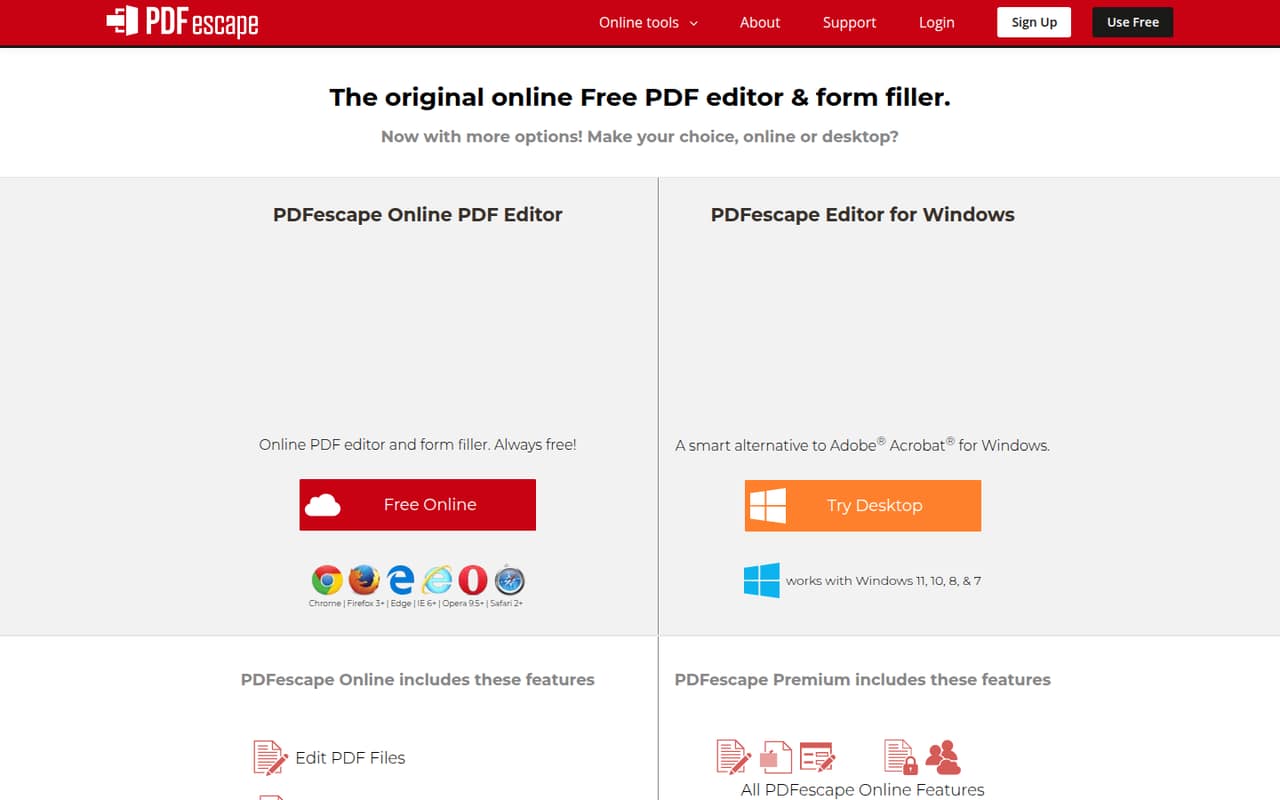
The online route is aimed at working with PDFs in a browser: the plan limits are stated per online upload, and the listed tools cover editing, form filling, annotations and sharing. The Windows desktop editor offers another way to use PDFescape, but the pricing details don’t specify installation steps or system requirements.
For a basic job, the tool set is straightforward to understand: edit or annotate a file, fill or create a basic form, then protect or share it. We don’t see named integrations or setup requirements published in the plan details, so ask the vendor if your team needs connections to cloud storage or other software. One Reddit commenter described the interface as user-friendly and its mobile compatibility as good, but that is one person’s report, not a product guarantee. A Reddit user also raised the question of server uploads; check the vendor’s privacy and security terms before adding sensitive documents.
05When small teams outgrow PDFescape
The first reason to upgrade is a file that exceeds Free’s 10 MB or 100-page upload limit. Regular users may also find seven-day storage too short. Premium raises the allowance to 40 MB and 1,000 pages, keeps 100 recent documents for 30 days, and adds merging, conversion, compression, watermarks and page numbers. Ultimate is the listed option for publishing up to three files and keeping 100 recent documents without expiration.
The second pressure is team cost: at the annual Premium rate, five separate memberships would total $179.40 per year, if each teammate needs one. Seat terms are not published, so verify them before committing. A Reddit commenter questioned whether using the online editor means uploading files to the company’s servers; the Reddit threads we read doesn’t resolve that concern. If your team needs clear answers on file handling, shared access or integrations, ask the vendor before moving sensitive or business-critical work into the tool.
From the threadsWhat users say
The Reddit comments are mixed but sparse: one thread recommends the free editor, while another commenter raises a concern about server uploads. A separate recommendation praises usability and mobile compatibility, but that is an individual report rather than broad consensus.
YSK about PDFescape, a great free online PDF editor
PDF files must be less than 10 MB and less than 100 pages
so you have to upload the pdf to their servers?
PDFescape offers a more user-friendly interface and better mobile compatibility
Questions people ask
Is PDFescape free to use?
Yes. PDFescape lists a free online plan with uploads up to 10 MB and 100 pages, 10 recent documents stored, and seven-day storage. It is intended for occasional PDF work within those limits. Premium and Ultimate are paid plans, and the vendor also lists free trials for both, though the trial duration is not published.
How much does PDFescape cost?
Premium is listed at $5.99 per month, or $2.99 per month when billed annually. Ultimate is $8.99 month to month or $5.99 per month billed annually. Free costs $0. For multiple people, confirm whether each person needs a separate membership; the pricing details do not publish team seat terms.
What does PDFescape Premium add?
Premium raises the online upload allowance to 40 MB and 1,000 pages, stores 100 recent documents for 30 days, and includes features such as PDF-to-Word conversion, merging, compression, watermarks and page numbers. The listed price is $5.99 monthly or $2.99 per month billed annually.
Is PDFescape safe for confidential files?
PDFescape lists password protection and password-based encryption among its features. That alone does not establish how the service handles uploaded files or what security safeguards it uses. Check the vendor’s privacy and security terms, and ask how files are stored and handled before using it for confidential documents.
Does PDFescape have a free trial?
A free trial is listed for Premium and Ultimate, but the trial duration is not published. Check the vendor’s current offer for its length, when billing begins and how to cancel before starting. The Free plan is separate and has no monthly charge, with upload and storage limits.