
We may earn a commission if you buy through links on this page. It never changes a score or a ranking. How we make money
The bottom line
Good PDF coverage, but a trial-only start and seat costs make it a careful buy for small teams.
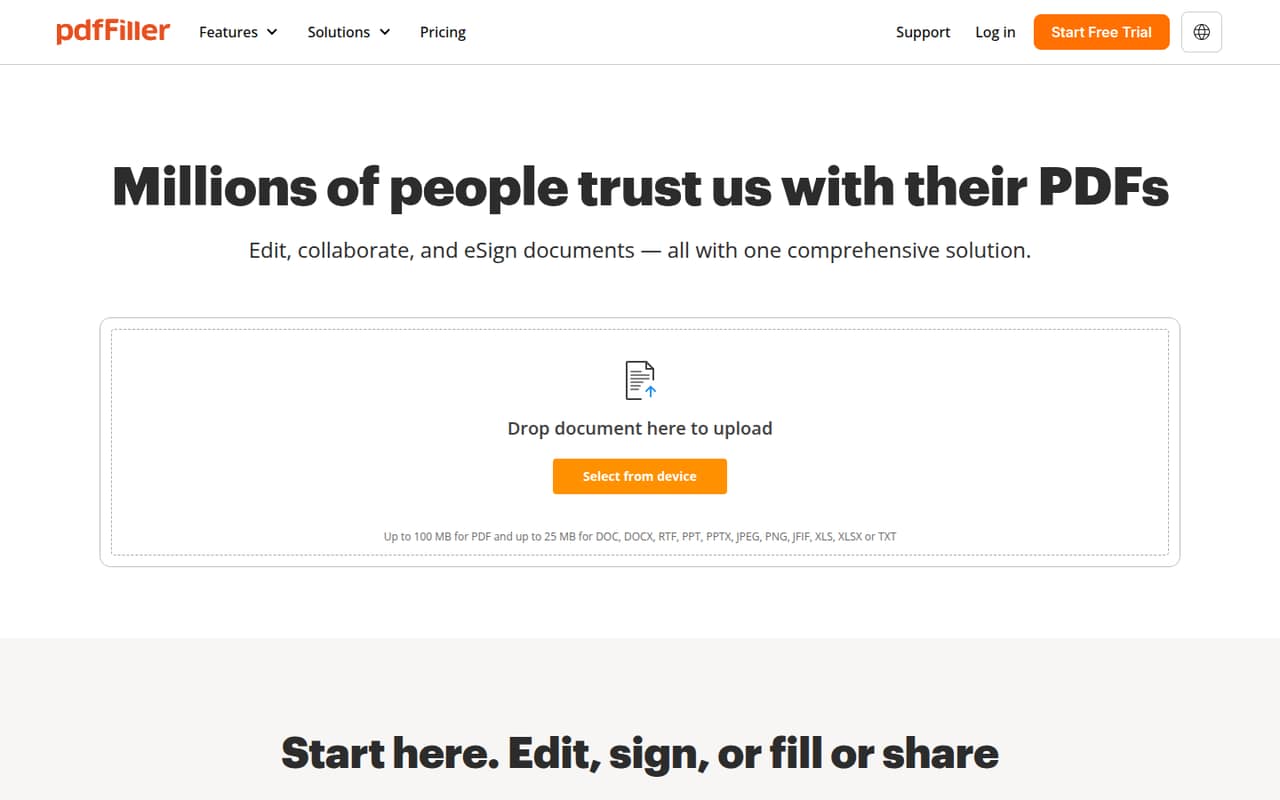
pdfFiller brings PDF editing, fillable forms, signatures, sharing, and conversion into a cloud-based workspace. That can suit a small team that handles documents regularly, rather than someone who only needs to fill a form now and then.
There’s no free plan, and some Reddit users complain that the paywall appears when they try to save finished work. Paid plans start at $8 per month with annual billing, but the actual cost for several seats depends on the plan.
Good fit if
- Teams handling forms every week
- Small groups sharing PDF workflows
- Businesses collecting electronic signatures
Skip it if
- Occasional PDF form fillers
- Teams needing a free tool
- Buyers who need clear seat totals
ScoresHow it rates
What works
- Edits, signs, shares, and converts PDFs
- Includes fillable-form creation tools
- Supports team document and folder sharing
- Offers role-based signature workflows
- Has plans for teams of up to five
What doesn't
- No free plan
- Usage limits are not published
- Plus seat pricing needs clarification
- Enterprise plans require minimum seat counts
- Reddit users report confusing paywalls and cancellations
01Who pdfFiller is for
pdfFiller makes the most sense for a small team that works with PDFs as part of its regular process: collecting completed forms, editing documents, routing signatures, or sharing files with coworkers. It combines those jobs in a cloud-based editor, with tools to add or remove text, redact, create fillable forms, organize pages, and convert files.
For a one-person business, Basic starts at $8 per month when billed annually, or $20 month to month. Teams should compare Plus and Premium carefully: Plus supports up to three users, while Premium is listed for up to five and charges per user. The pricing details leave some ambiguity about Plus seat totals, so confirm the full bill before choosing it.
If PDFs are an occasional chore, paying for a subscription may be hard to justify. Reddit commenters point to built-in PDF form filling and other alternatives, so pdfFiller is a better fit when its signing, collaboration, and document workflow features will get regular use.
02pdfFiller free plan and trial
pdfFiller does not have a free plan. The pricing information lists a 30-day free trial, but it does not spell out the trial’s feature limits or payment and cancellation terms. Check those details before starting, especially if you only need to edit and save one file.
That last step matters: users in Reddit discussions describe completing edits and then being asked to subscribe to save or download the work. Other commenters report trouble with trial cancellations and unexpected charges, while one says they received a refund after contacting support. These are individual accounts, not a statement of what every customer will experience, but they are a good reason to review the trial terms and set a reminder before signing up.
If you need ongoing access, the cheapest listed entry is Basic at $8 per month with annual billing, or $20 month to month.
03What a small team pays for pdfFiller
For one person, Basic is listed at $20 month to month or $8 per month with annual billing, billed as $96 for the year. Plus is listed at $30 month to month or $12 per month with annual billing ($144 for the year) and supports up to three users. The listing also describes Plus as one user, so ask pdfFiller whether the annual price covers all three seats before you budget around it.
For a team of five, Premium is the plan sized for up to five users. It costs $40 per user month to month, or $15 per user per month with annual billing. That works out to $200 per month for five people month to month, or $75 per month equivalent and $900 billed annually. A three-person team could use Plus if its seat terms check out, or Premium at $45 per month equivalent with annual billing.
Inbound fax is an extra $19.99 per month on Basic, $14.99 on Plus, and $9.99 on Premium. Usage limits and overage costs are not published. Enterprise plans have minimum seat counts and annual commitments, so they are not the obvious fit for most teams under ten.
04Getting started with pdfFiller
The core workflow is browser-based, and the product description also lists mobile access. A team can use it to edit PDFs, add form fields, organize pages, share documents, and send signature requests. Those jobs make the tool’s purpose fairly easy to understand, though the vendor does not publish a setup-time estimate.
For day one, decide who owns templates and folders, who can send documents for signature, and which plan has enough seats. The listed features cover sharing and collaboration, but ask pdfFiller about any specific connections to your existing storage, identity, or document systems before you buy; the product details here do not name integrations.
A Reddit user exploring the API says the documentation was difficult to navigate and that the API key appeared after starting a trial. That account concerns API work, not ordinary PDF editing, but teams planning a custom integration should check the docs and support process first.
05When small teams outgrow pdfFiller
The first pressure point is seats. Basic is for one user, Plus supports up to three, and Premium covers up to five. A team growing beyond five will need to ask about Enterprise: Basic for Enterprise has a 20-user minimum, while Premium for Enterprise starts at ten users. Both require an annual commitment, which can mean paying for seats a small team is not yet using.
The second pressure point is budget predictability. Premium’s annual price is per user, and fax costs extra; usage limits and overage charges are not published. Ask the vendor to confirm expected usage costs and the total seat price in writing before moving documents or workflows.
Some Reddit users describe being surprised by a subscription request when saving edited files, and commenters also report cancellation and billing disputes. One API-focused user criticizes the documentation and support experience, while another says a support representative handled a refund well. If those risks or the seat structure become a problem, compare the cost of a simpler PDF editor against the value of pdfFiller’s shared forms and signing workflows.
From the threadsWhat users say
Reddit sentiment is mostly negative around surprise paywalls, trial cancellation, and billing, though not every account is bad. One API user criticizes the documentation and support, while another reports getting a refund with help from a representative.
pdffiller.com wait until you've finished editing your document to hit you with the paid subscription required just to save it
Firefox can fill PDF forms and has other basic PDF editing capabilities built in nowadays
their API docs and support is not that good
I already did and got a refund. Their customer representative is very good in dealing with this kind of issue
Questions people ask
Is there a free version of pdfFiller?
No free plan is listed. pdfFiller offers a 30-day free trial, but the trial’s feature limits and cancellation terms are not published in the pricing details. Reddit users have reported being asked to subscribe to save edited files, so check the terms before uploading and editing a document you need to keep.
How much does pdfFiller cost per month?
Basic is listed at $20 per month, or $8 per month with annual billing and a $96 annual charge. Plus is $30 monthly or $12 per month with annual billing. Premium is $40 per user monthly or $15 per user per month with annual billing. Confirm Plus’s total seat price with pdfFiller.
Is pdfFiller easy to cancel?
The cancellation process and terms are not published in the pricing details. Some Reddit users report unexpected charges after trying to cancel a trial, while another says they got a refund after contacting support. Before starting a trial, check the cancellation steps and confirmation requirements, and keep a record of the cancellation.
Is pdfFiller safe to use?
The vendor's site describes cloud-based document editing and legally binding e-signatures, but it does not provide security or data-retention details. If your PDFs include sensitive business or customer information, ask pdfFiller about encryption, access controls, storage, and deletion policies before uploading files.
What happens if my team needs more than five seats?
The listed Premium plan supports up to five users. Basic for Enterprise has a 20-user minimum, while Premium for Enterprise starts at ten users; both require an annual commitment. If your team has six to nine people, ask pdfFiller what plan and total cost apply before assuming an Enterprise option is available.
Sources
- pdfFiller homepage
- pdfFiller pricing, compiled via web search from pdfeditify.com, trustradius.com, pdffiller.com, crozdesk.com, davidalex.com, tekpon.com, basicdocs.com
- Reddit: pdffiller.com wait until you've finished editing your document to hit you with the paid subscription required just to save it.
- Reddit: NEVER USE THEM
- Reddit: PDFfillers plan was to make me work hard on a document then sign up for a subscription so I don't loose 6 pages of work. The email EXPECTS you to not know about this.
- Reddit: Has anyone used PDFFiller services, If so how is it?