
We may earn a commission if you buy through links on this page. It never changes a score or a ranking. How we make money
The bottom line
Choose PDFsam Basic for free PDF splitting and merging; pay only when you need more tools.
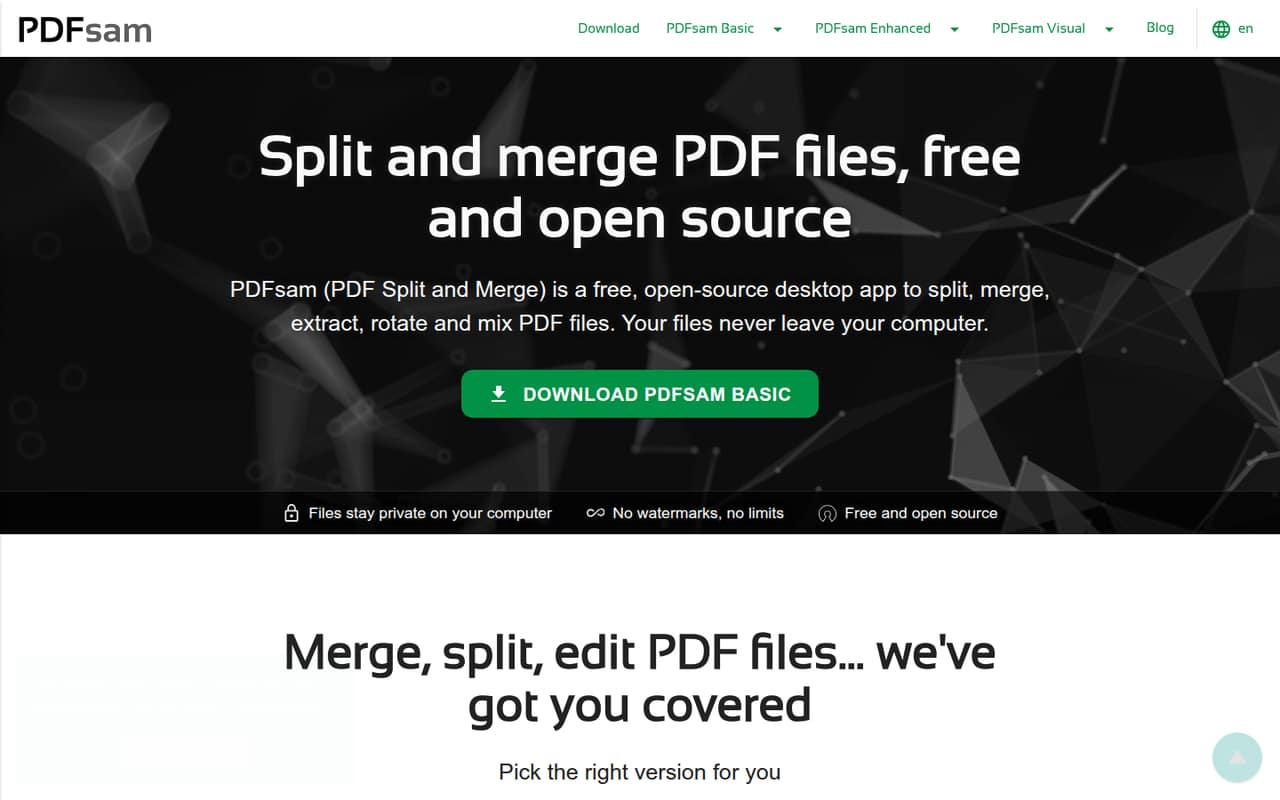
PDFsam Basic covers common PDF chores—merging, splitting, extracting and rotating pages—without a subscription, watermarks or file size limits. It works on Windows, macOS and Linux, and the pricing page lists free personal and commercial use.
For page organization, editing, OCR, forms or signatures, PDFsam sells separate Visual and Enhanced products. Those licenses are per user, so costs rise with each teammate; the listed subscriptions are billed annually.
Good fit if
- Small teams merging PDFs
- Teams splitting files without subscriptions
- People who prefer desktop software
Skip it if
- Teams needing shared PDF workflows
- Mac users needing Enhanced editing
- Teams avoiding annual per-user licenses
ScoresHow it rates
What works
- Basic is free for commercial use
- No Basic file size limits
- No watermarks on Basic PDFs
- Basic supports Windows, macOS and Linux
- Visual offers more than 25 tools
What doesn't
- Visual and Enhanced licenses are per user
- Monthly billing prices are not published
- Enhanced is Windows only
- Basic does not include Visual's page tools
- Team collaboration features are not listed
01Who PDFsam is for
PDFsam suits a solo operator or a small team of 1–10 people that needs to split, merge, extract or rotate PDFs without paying for every seat. Basic is free for personal and commercial use, so a budget-conscious team can install it on supported desktop systems without a subscription. The pricing page lists Windows, macOS and Linux support for Basic.
PDFsam is a suite, not one all-in-one plan. Basic handles core page operations; Visual adds page-based tools such as organizing, cropping and compressing; Enhanced is a Windows editor with conversion, OCR, forms and signatures. That makes it a practical fit when people mostly process files on their computers. We would look elsewhere if the team needs a shared online workspace: collaboration features are not listed among the product’s tools.
02PDFsam free plan and trial
PDFsam Basic is free for personal and commercial use, with no watermarks and no file size limits, per the pricing page. It supports Windows, macOS and Linux. Its core jobs include merging PDFs, splitting by page number, bookmarks, file size or text changes, and extracting or rotating pages. For a team whose PDF needs stop there, the free app may be all it needs.
The paid products have separate access rules. PDFsam Visual offers a 14-day trial for one user on two computers, with access to 25+ tools. Enhanced has a free registered option for viewing PDFs, ePub and comic books and creating PDFs from more than 300 file formats, but it is Windows only. Editing, OCR, forms and signatures require paid Enhanced plans.
03What a small team pays for PDFsam
Basic costs $0 for each user. If a team wants Visual continuously, the pricing page lists $34.90 per user per year, equivalent to $2.91 per user per month when spread across the year. That is $34.90 annually for one person, $104.70 for three, or $174.50 for five. The subscription includes one user, two computers and all tools. Visual Perpetual is $59 once per user: $177 for three or $295 for five.
For Windows editing, Enhanced Standard costs $69 per user per year: $69 for one, $207 for three, or $345 for five. Enhanced Pro is $89 per user per year; Pro + OCR Advanced is $129. Those plans also allow two computers per user. Monthly billing prices are not published; the listed subscriptions are annual. Visual priority support for business or volume licenses adds 20% of the license total, with a €99-per-year minimum.
04Getting started with PDFsam
PDFsam is desktop software, so the first step is choosing the app and operating system that match the job. Basic supports Windows, macOS and Linux. Enhanced is Windows only, and Visual licenses cover one user on two computers. A small team can start with Basic for splitting and merging, then decide whether anyone needs Visual or Enhanced rather than buying licenses for everyone upfront.
The listed tasks are straightforward file operations, but no setup time or learning curve is published by the vendor. The pricing and feature details do not list integrations, so teams should not assume PDFsam connects to their cloud storage, document management system or approval process. Plan to manage files through the desktop app unless the vendor confirms a particular integration. Reddit comments include both ordinary use and a report of an uninstall problem, so check the app source and removal guidance before installing it on managed computers.
05When small teams outgrow PDFsam
The first reason to upgrade is needing tools Basic does not include. PDFsam Visual adds more than 25 page tools, while Enhanced adds editing and conversion; its Pro plans add forms and security modules, and Pro + OCR Advanced includes OCR. Those paid licenses are per user, so a five-person team pays five times the per-user annual price if all five need the same plan.
A different limit is platform support: Enhanced is Windows only. The listed features focus on desktop PDF work, not shared review, centralized team administration or online collaboration. If several people need to work on the same documents together, ask the vendor whether its products cover that workflow before paying for seats. Reddit discussions are mixed: one post calls Basic a strong free, open-source option for merging and splitting, while other users have raised webcam or uninstall concerns. One commenter says the app’s author denied webcam-related code and invited an issue report.
From the threadsWhat users say
Reddit sentiment is mixed and limited: one post recommends Basic for merging and splitting, while separate threads raise webcam and uninstall concerns. A commenter reports the author said Basic’s code should not activate a webcam.
PDFsam Basic - Best for merging and splitting
I would try revouninstaller
there is absolutely nothing in the code that should use or activate the webcam
I use the app without security issues
Questions people ask
Is PDFsam free?
PDFsam Basic is free for personal and commercial use, with no watermarks or file size limits, per the pricing page. PDFsam Visual also has a 14-day free trial. Enhanced offers a free registered option for viewing files and creating PDFs, but editing, OCR and other paid modules require a license.
What does PDFsam Basic include?
Basic merges PDFs, splits them by page numbers, bookmarks, file sizes or changes in selected text, and extracts or rotates pages. The pricing page lists it for Windows, macOS and Linux, with no file size limits and no watermarks.
Does PDFsam work on Mac?
PDFsam Basic supports macOS, as well as Windows and Linux. PDFsam Enhanced is Windows only. The pricing details do not list macOS support for Enhanced, so check with the vendor if you need paid editing tools on a Mac.
Does PDFsam have a free trial?
PDFsam Visual has a 14-day free trial for one user on two computers, with access to 25+ tools. PDFsam Basic is free without a trial period. Enhanced has a free registered option for viewing and creating PDFs, but the listed editing modules are paid.
Can PDFsam edit PDFs or add signatures?
PDFsam Enhanced is the product for editing text and images, converting PDFs, and working with forms and signatures. Enhanced is Windows only. Basic focuses on operations such as merging, splitting, extracting and rotating pages rather than those editing features.