
We may earn a commission if you buy through links on this page. It never changes a score or a ranking. How we make money
The bottom line
Capable browser-based PDF tools, but the recurring price is steep for a small team.
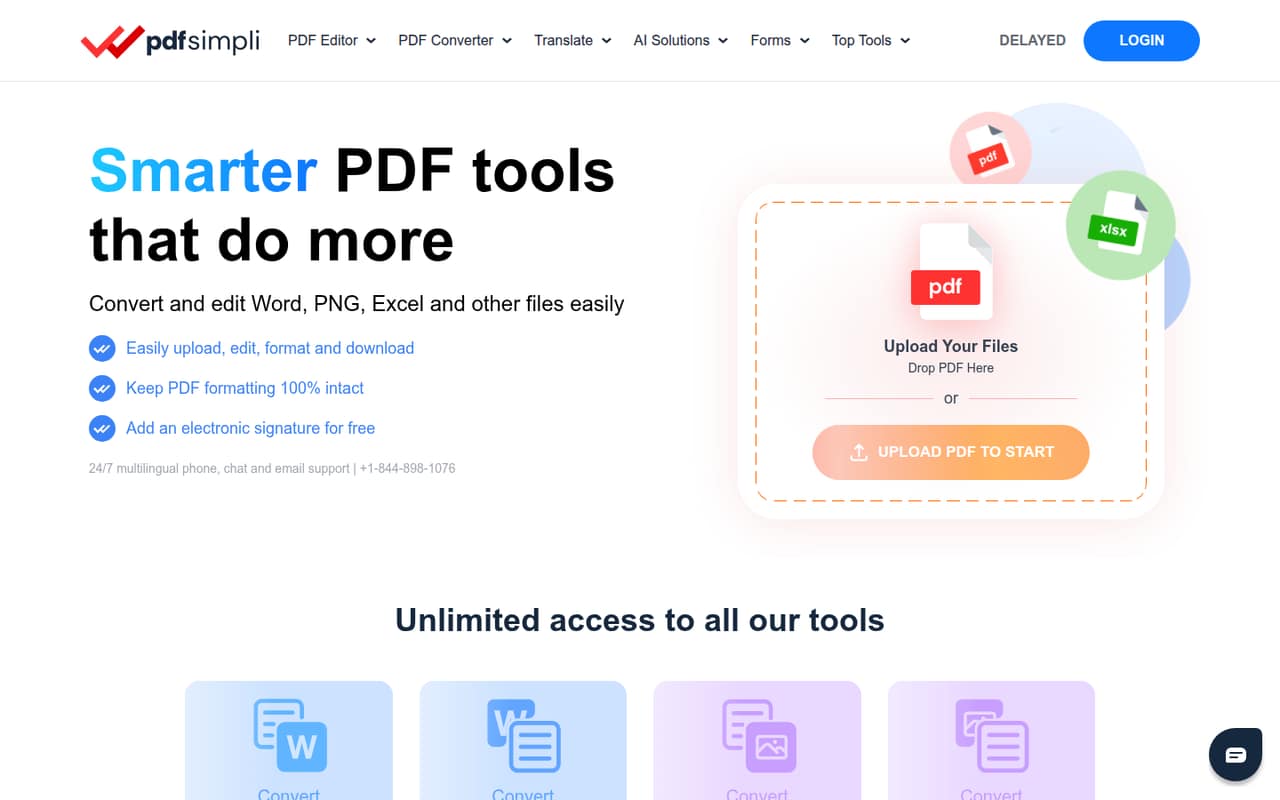
PDFSimpli bundles PDF conversion, editing, merging, signing, translation and form templates in a browser, with no software installation required, per its homepage. That covers plenty of everyday document work for a small team.
The catch is the price: there’s no free plan, and the short-access plans renew at $49.95 every four weeks after an introductory charge. The annual plan costs $299, while team pricing is not published.
Good fit if
- Teams with frequent PDF jobs
- People needing browser-based tools
- Document sharing with a small group
Skip it if
- Teams needing a free editor
- Buyers who avoid recurring charges
- Teams needing published seat pricing
ScoresHow it rates
What works
- Converts PDFs to and from common file formats
- Edits, merges, splits, rotates and compresses PDFs
- Offers e-signatures and password protection
- Translates documents into 130+ languages
- Runs in a browser without installation
What doesn't
- No free plan is listed
- Access plans renew at $49.95 every four weeks
- Bulk pricing is not published
- Team permissions and seat controls are unclear
- Reddit discussion includes sharp criticism of its business model
01Who PDFSimpli is for
PDFSimpli is aimed at people who regularly need to convert, edit, sign or organize documents without installing desktop software. A one-person business or a small team of up to five may find the browser-based toolkit convenient for routine jobs: changing PDFs into Word or Excel files, adding text, merging files, signing paperwork or using a form template.
The pricing page lists unlimited users on its limited and full access plans, but that doesn’t tell us how account access or team permissions work. The annual plan allows sharing with seven other users, and the full-access plan says users can share with nine family members or friends. Those details may suit a small group, but a team should confirm whether the sharing terms fit business use before paying. For budget-conscious teams that only edit PDFs occasionally, the lack of a free plan makes PDFSimpli a harder fit.
02PDFSimpli free plan and trial
PDFSimpli does not list a free plan or a free trial. The cheapest way to try the service is 3-DAY LIMITED ACCESS: the pricing page lists a $1.45 charge for the first three days, followed by renewal at $49.95 every four weeks. It includes unlimited edits and downloads, free digital signatures and conversions to Word, Excel, JPG and more.
That introductory charge is paid access, not a free trial. Set a reminder to review the subscription before renewal if you only need a short-term edit. The separate 3-DAY FULL ACCESS plan starts at $1.95 for the first three days and also renews at $49.95 every four weeks. For longer use, the annual plan costs $299 per year.
03What a small team pays for PDFSimpli
For one person, 3-DAY LIMITED ACCESS costs $1.45 for the first three days, then $49.95 every four weeks. The 3-DAY FULL ACCESS plan has a $1.95 introductory charge and the same renewal price. The annual plan is $299 per year, or about $24.92 per month when spread across the year.
For a team of three or five, the listed access plans still show $49.95 every four weeks, rather than a per-seat price: both list unlimited users. The annual plan allows sharing with seven other users, so its $299 annual price may cover a small group, subject to the vendor’s sharing terms. The pricing page doesn’t explain seat permissions or whether every kind of business sharing is included; ask before buying.
The Bulk Pricing Plan is the listed option for teams seeking a self-managed suite. Its calculator offers 5–100 users, but the Small Business Plan requires at least eight users and pricing is not published. No add-ons are listed.
04Getting started with PDFSimpli
PDFSimpli says it works in a browser without software installation, so a team can start with an internet-connected device instead of setting up a desktop app. The main workflow is to use the online tools for tasks such as converting, editing, signing or organizing a document. The feature list also includes forms and templates, which may help teams that often prepare similar paperwork.
The vendor does not publish setup steps, onboarding requirements or a list of integrations in the information available to buyers. That leaves practical questions for a small team: whether documents can move directly from its storage or email tools, how staff share access, and what support is available if a workflow breaks. The homepage says PDFSimpli does not store document data, but teams handling sensitive files should ask the vendor for details on retention and security before uploading them. Based on the browser-based setup, the initial learning curve looks modest; integrations and team administration are the bigger unknowns.
05When small teams outgrow PDFSimpli
The first pressure point is cost. A team that only needs occasional edits has no free tier to fall back on, and the short-access plans renew at $49.95 every four weeks. The annual plan lowers the monthly equivalent to about $24.92, but asks for $299 upfront. For teams of eight or more, the listed Small Business Plan may be relevant; its price is not published, so get a quote before budgeting.
The other concern is team administration. PDFSimpli lists sharing limits on some plans, but does not explain permissions, centralized billing or how its standard plans handle a growing company. Ask the vendor whether those controls meet your needs before putting more staff on the account.
Reddit discussion includes a sharply negative post criticizing PDFSimpli’s business model and charging approach. Commenters in that thread recommend other PDF tools, rather than describing their own experience with PDFSimpli. That is a reason to check renewal terms carefully, not proof of how the service performs.
From the threadsWhat users say
The Reddit discussion is strongly negative about PDFSimpli’s business model, with one post objecting to the pay-to-edit approach. Replies mostly point people toward other PDF editors, so there is little positive user sentiment about PDFSimpli itself in this discussion.
Why do you people think you can buy up dozens of domains that all redirect to your editor and somehow convince me to pay just to edit one document?
SimplePDF.com (and yes, it's a bit of a headache that the names are so similar)
I found pdfgear quite nice
Questions people ask
Is PDFSimpli free?
PDFSimpli does not list a free plan or free trial. Its 3-DAY LIMITED ACCESS plan charges $1.45 for the first three days, then renews at $49.95 every four weeks. The 3-DAY FULL ACCESS plan starts at $1.95 and has the same renewal price.
How much does PDFSimpli cost?
The short-access plans renew at $49.95 every four weeks after an introductory charge of $1.45 or $1.95 for the first three days. The annual plan costs $299 per year, about $24.92 per month. Bulk team pricing is not published.
How do I cancel a PDFSimpli subscription?
The vendor’s cancellation instructions are not published in the pricing information. Before subscribing, ask PDFSimpli how to cancel, when cancellation takes effect and whether access continues through the current paid period. Keep a copy of the confirmation and check the next billing date.
Does PDFSimpli store uploaded documents?
PDFSimpli’s homepage says it does not store document data. If your team handles sensitive or regulated files, ask the vendor for details about how documents are processed, whether any data is retained, and what security terms apply to your account.
Can my team share one PDFSimpli plan?
The limited and full access plans list unlimited users. The full-access plan says it can be shared with nine family members or friends, while the annual plan allows sharing with seven other users. The vendor does not explain team permissions in the listed plan details, so confirm business-use terms before subscribing.