
We may earn a commission if you buy through links on this page. It never changes a score or a ranking. How we make money
The bottom line
A feature-rich free editor for small teams that can live with browser-based work.
Photopea makes sense for small teams that need capable image editing without a recurring bill. Its free plan includes ads and limited PeaDrive storage and AI use; paid plans remove ads and add storage, history steps, and AI credits.
The trade-off is that Photopea runs in a browser, not as a full offline desktop app. Reddit users praise its Photoshop-like tools and convenience, while some report performance limits on larger projects.
Good fit if
- Budget-conscious design teams
- Quick PSD and image edits
- Teams of up to five
Skip it if
- Offline-first creative work
- Very large projects
- Teams needing advanced automation
ScoresHow it rates
What works
- Free plan includes core editing tools
- Opens and saves PSD files
- Supports image, design, and document formats
- Files are processed on your device
- Paid team plan covers up to five users
What doesn't
- Free workspace includes ads
- Free plan has 0.5 GB PeaDrive storage
- Free AI use is about one action daily
- Paid passes are prepaid, not auto-renewing
- Reddit users report slowdowns on larger projects
01Who Photopea is for
Photopea suits a solo designer or a small team of roughly two to five people that needs image editing but wants to keep software costs close to zero. It runs in a browser, processes files on your device, and opens and saves PSD files, along with formats such as PNG, SVG, PDF, AI, and Figma. That makes it useful for editing client assets, preparing web graphics, and handling occasional design tasks without a paid seat for every person.
The tool includes layers, masks, smart objects, filters, vector tools, and adjustments for several RAW formats. It also offers AI tools for removing backgrounds or replacing image areas from a text description. One Reddit thread describes it as a convenient “portable” Photoshop for quick edits. The main caveat is the browser-based workflow: teams that need offline work, extensive automation, or reliably smooth editing on very large projects should compare other tools before making Photopea their main production app.
02Photopea free plan and trial
Photopea has a Free plan at €0, and the pricing page lists no free trial for its paid plans. The free tier is for one user and includes ads in the workspace, 0.5 GB of PeaDrive storage, standard history steps, and about one AI action per day. It includes the editor itself, so a solo user can start without paying for the core image-editing tools.
The limits become more noticeable if you rely on AI, want a larger PeaDrive allowance, or find ads distracting. Premium (Single User) removes ads, raises storage to 5 GB, gives twice as many history steps, and includes 3,000 AI credits per month. For a team, the free plan is not a shared multi-seat tier: the paid Premium (Team of 5) plan is the listed option for up to five users. Paid access is sold as prepaid passes rather than an auto-renewing subscription.
03What a small team pays for Photopea
For one person, Premium (Single User) costs €8 per month, or €4.17 per user per month on the annual price. The pricing page says Premium is sold as prepaid 30-, 90-, or 365-day passes, so the annual figure is a monthly equivalent, not an auto-renewing monthly subscription.
For three or five people, Premium (Team of 5) costs €20 per month or €12.50 per month at the annual rate. That works out to €6.67 per seat for three people or €4 per seat for five on the monthly option; at the annual rate, it is €4.17 or €2.50 per seat per month, respectively. The package is capped at five users, so a team of six needs to look at Premium (Team of 20), listed at €70 monthly or €41.67 per month annually.
Paid plans include 5 GB of PeaDrive storage and AI credits, but the pricing page does not specify the team plans’ AI-credit quantity. The listed self-hosted option starts at $6,000 for 12 months, paid upfront; that is a very different cost from the small-team plans.
04Getting started with Photopea
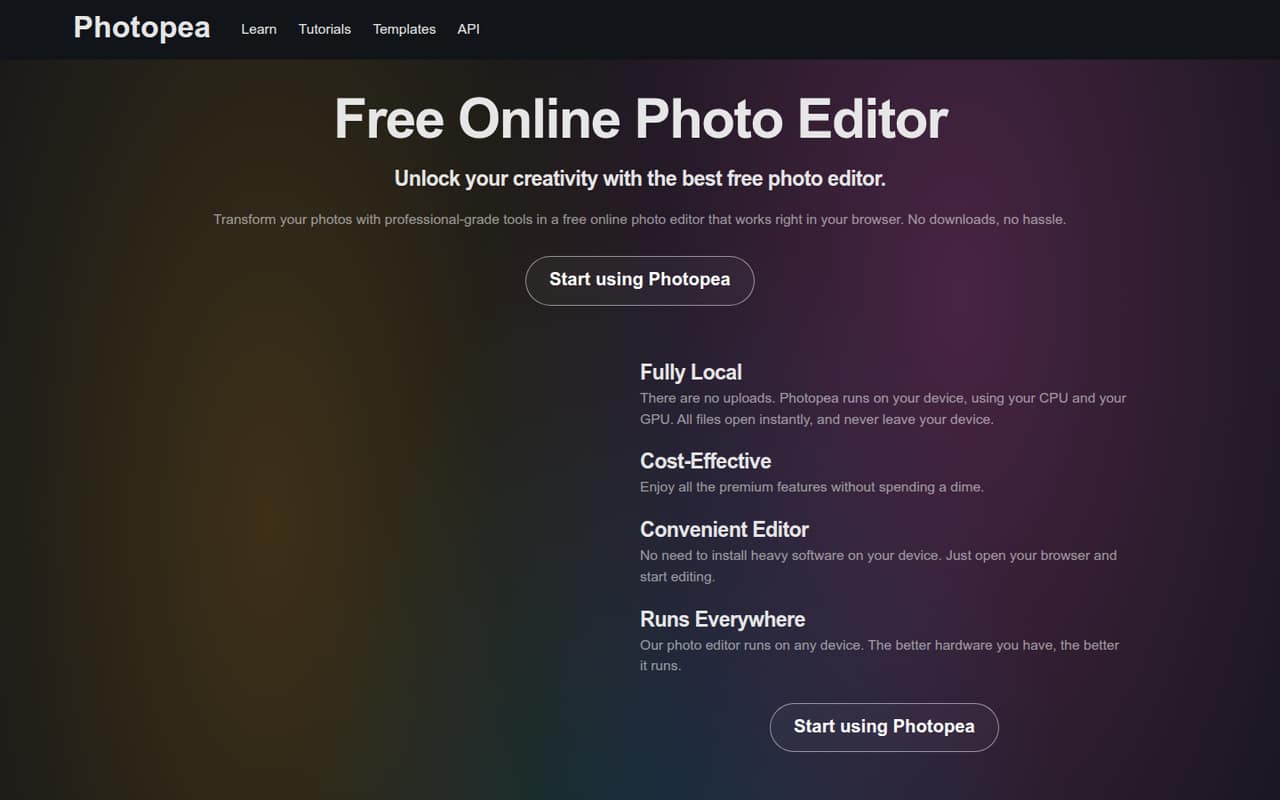
Getting started is straightforward: Photopea runs in a browser, so there is no desktop editor installation to plan for. The homepage says files are processed on your device and are not uploaded. Teams can open supported files such as PSD, PNG, SVG, PDF, AI, and Figma files, then edit them with layers, masks, filters, and vector tools.
The main setup effort is learning the interface and agreeing on a file workflow, rather than configuring a team of seats. The published product details do not list integrations or setup services, so ask the vendor if your team depends on a specific connection. One Reddit user says Photopea is convenient for fast edits, while another notes that the online nature of the tool limits it. A commenter also says it still needs an internet connection, so plan around browser access rather than treating it as an offline desktop app.
05When small teams outgrow Photopea
A team may outgrow Photopea when it needs to work offline, handle very large projects, or automate more complex production tasks. Reddit users mention browser performance as a drawback: one says Photopea can slow down on larger projects, while another points to limitations with plugins and action scripts. These are user reports, not a guarantee that every file or device will behave the same way.
Seat costs can also jump at a team boundary. Premium (Team of 5) covers up to five users; for six to 20, the listed plan is Premium (Team of 20), at €70 monthly or €41.67 per month on the annual rate. If your team only needs occasional editing, that may be more capacity than you want to pay for. Photopea’s listed features include AI tools and vector editing, but teams that depend on particular plugins, advanced automation, or offline access should check those needs before committing.
From the threadsWhat users say
Reddit users often like Photopea’s convenience and Photoshop-like editing for free. The recurring reservation is its browser dependence, with some users reporting performance or feature limits on heavier work.
I use it, it's preety convenient. But being an online tool caps it a bit. I use it as a "portable" Photoshop for some fast edits
it does much of what photoshop does but for free
Not limited by poor browser performance, possibility to use plugins and being able to work offline. Just a few reasons
However, photoshop is now on a ridiculously expensive subscription model, which is awful, and I don’t (really) need and of the additional features it offers, so instead I use photopea and just have to deal with the fact it gets slow and crashes
Questions people ask
Is Photopea similar to Photoshop?
Photopea supports PSD files and includes layers, masks, smart objects, filters, and image-editing tools. A Reddit user says it is similar to Photoshop in many aspects, including shortcuts they use. That does not mean every Photoshop feature, plugin, or workflow is a match.
Is Photopea free?
Yes. The Free plan costs €0 and includes one user, ads, 0.5 GB of PeaDrive storage, standard history steps, and about one AI action per day. Premium plans add an ad-free workspace, more storage and history, and AI credits.
Can Photopea work offline?
Photopea is a browser-based editor. A commenter on Reddit says an internet connection is still needed, so teams should not assume it can replace an offline desktop editor. If offline access is essential, confirm the current requirements with Photopea before choosing it.
Does Photopea support PSD files?
Yes. Photopea’s homepage calls PSD its main format and says it can open and save PSD files. It also supports many other formats, including PNG, SVG, PDF, AI, and Figma. Check a complex file’s layers, fonts, and effects in your own workflow before relying on it.
Is Photopea open source?
Photopea’s homepage describes a free browser-based editor, but it does not publish an open-source status on the vendor's site. Free access does not by itself mean the code is open source. Ask Photopea directly if licensing or inspecting the source code matters to your team.
Sources
- Photopea homepage
- Photopea pricing, compiled via web search from pcmag.com, freealternatives.to, saasranked.com, mrtechking.com, wikipedia.org, idcopy.net, photopea.com
- Reddit: Photopea: a near copy of Photoshop
- Reddit: R.I.P Photopea
- Reddit: If photopea exists? why use adobe?
- Reddit: Photopea VS. Photoshop