
We may earn a commission if you buy through links on this page. It never changes a score or a ranking. How we make money
The bottom line
A practical background remover for small teams that edit images now and then.
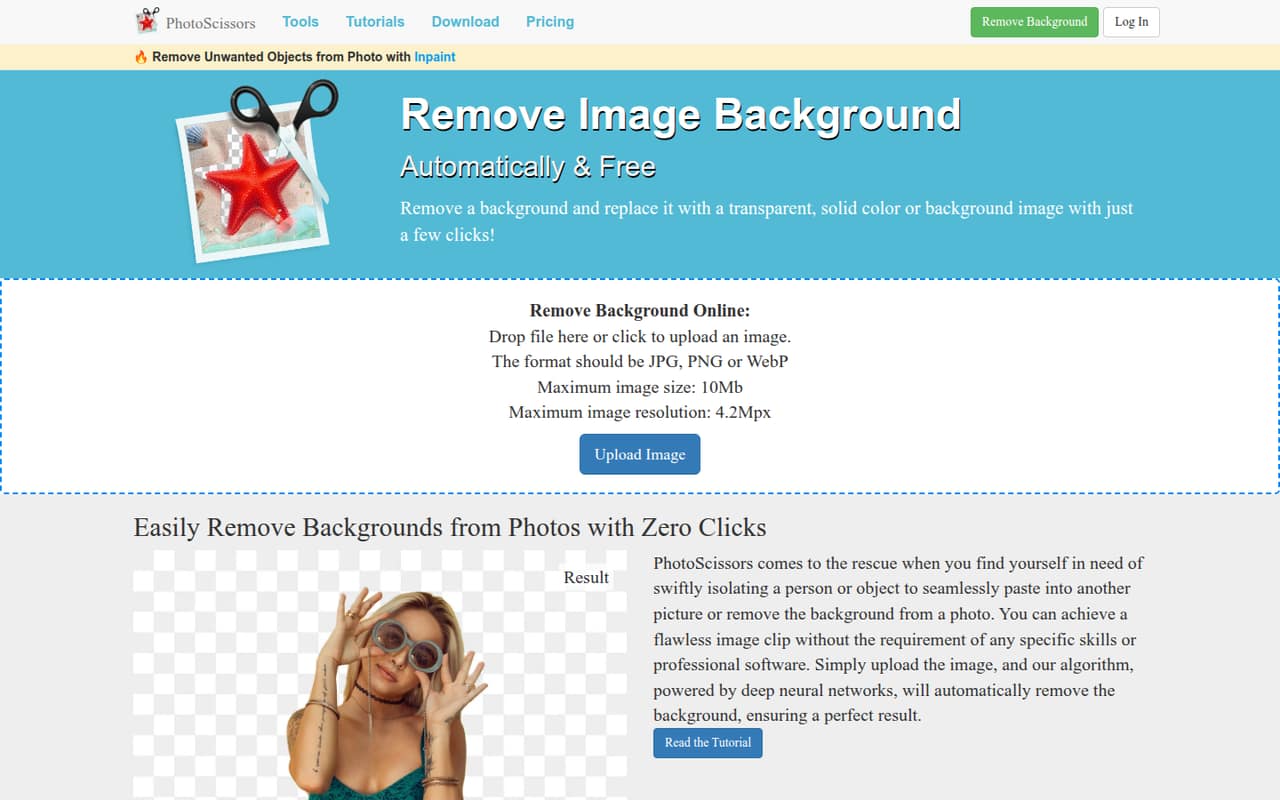
PhotoScissors removes photo backgrounds and lets you make them transparent, choose a solid color, or add another image. Its tools also cover hair, transparent objects, and selections by color, without requiring professional editing skills.
The free plan offers standard-definition downloads. Paid credit packs start at $4.99 for 10 images, and desktop processing costs $29.99 one-time for a one-year license. It suits occasional image work better than a team that needs shared seats or a monthly plan.
Good fit if
- Small teams editing occasional product photos
- People needing quick background cutouts
- Budget-conscious users buying image credits
Skip it if
- Teams needing published per-seat pricing
- High-resolution edits on the free plan
- Teams seeking a broad editing workflow
ScoresHow it rates
What works
- Free standard-definition image downloads
- Backgrounds can be transparent, solid, or image-based
- Tools handle hair and transparent objects
- Credit packs start at $4.99 one-time
- Desktop option includes unlimited offline processing
What doesn't
- Free downloads are standard definition
- Online uploads capped at 10 MB and 4.2 megapixels
- No monthly or annual subscription option listed
- Team or multi-seat pricing isn't published
- Desktop license lasts one year
01Who PhotoScissors is for
PhotoScissors fits a small team of one to 10 people that occasionally needs clean image cutouts for a store listing, presentation, or social post. It automatically separates a person or object from its background, then lets you leave the image transparent, use a solid color, or add a replacement image.
The hair-selection, transparent-object, and color-based tools offer more control when an automatic cutout needs refinement. That should be useful when the team has no dedicated designer; the product is positioned for people without professional editing skills. The online tool accepts JPG, PNG, and WebP files up to 10 MB and 4.2 megapixels.
For a tight budget, start with free standard-definition downloads and pay only when you need more. The credit packs are one-time purchases rather than recurring subscriptions. PhotoScissors is less clearly suited to shared team production: the pricing lists image credits and desktop licenses, not per-seat plans or team controls.
02PhotoScissors free plan and trial
The free plan includes standard-definition image downloads, according to the pricing page. That gives a solo user or small team a way to try the background-removal workflow without a subscription. The pricing material does not list a free trial, and it does not specify a free-download count or a resolution limit beyond describing the downloads as standard definition.
If you need paid downloads, the cheapest option is the 10 Credits pack: $4.99 one-time for 10 images, or 50¢ per image. The pricing page says credits remain valid for one year from the latest purchase. It also lists larger packs that lower the per-image cost, down to 3¢ with 1,000 credits. Check whether standard definition is enough before planning a team workflow around the free option.
03What a small team pays for PhotoScissors
The pricing page lists one-time purchases, not monthly or annual subscriptions. For a simple per-person comparison, if each person buys a 10-credit pack, one person pays $4.99; three people pay $14.97 total; five pay $24.95. Spread across 12 months, those totals work out to about $0.42, $1.25, and $2.08 per month respectively—but those are just arithmetic equivalents, not monthly billing. Each person would get 10 images.
Credits are priced by image, not by seat, and the vendor does not publish multi-seat rules. A shared 50-credit purchase costs $9.99, while 200 credits cost $19.99 and 1,000 cost $29.99. Ask the vendor how credits and access work for multiple users before budgeting around a shared pool.
For offline processing, PhotoScissors Desktop costs $29.99 one-time for Windows or Mac and includes unlimited processing with a one-year license. The PhotoScissors + Inpaint bundle is $49.98; a broader editing bundle is $84.95. The pricing page does not give a per-seat desktop rate.
04Getting started with PhotoScissors
For an online edit, upload a JPG, PNG, or WebP image within the 10 MB and 4.2-megapixel limits. PhotoScissors automatically cuts out the person or object; you can then set a transparent, solid-color, or image background and refine details such as hair or transparent objects. The product is presented as usable without professional editing skills, so the basic task should not require specialist training.
The desktop version is a separate one-time purchase for Windows or Mac, with a one-year license and unlimited offline processing. That option adds a desktop install and is worth considering if offline work matters. The vendor does not publish an integration list in the pricing details, so ask about any required connections to your storage, design, or publishing tools before rollout. No seat setup or team onboarding process is described in the published plan details.
05When small teams outgrow PhotoScissors
The first constraint is the online upload ceiling: files must be JPG, PNG, or WebP and no larger than 10 MB or 4.2 megapixels. Teams working with larger images will need another workflow or the desktop option; the published pricing does not specify desktop file limits. The free plan is also limited to standard-definition downloads, so frequent users may need paid credits.
A growing team may also want clearer shared access. Credit plans count images, and desktop pricing describes a one-year license, but the vendor does not publish multi-seat terms in the listed plans. Get those terms in writing before several teammates rely on one purchase. For regular use, the 200-credit pack costs $19.99 one-time; for high volume, 1,000 credits cost $29.99. If you need recurring billing, published seat costs, or a wider team editing setup, compare other tools before committing.
Questions people ask
Can PhotoScissors change the background of a photo online?
Yes. PhotoScissors removes the original background and lets you use a transparent background, a solid color, or another image. The online tool accepts JPG, PNG, and WebP uploads up to 10 MB and 4.2 megapixels. The free plan includes standard-definition downloads; paid credits are available for additional image downloads.
Can PhotoScissors remove a background but keep the subject?
Yes. The tool automatically cuts out a person or object and removes the background while retaining the selected subject. It also offers refinement tools for hair, transparent objects, and color-based selections. You can leave the result transparent or choose a replacement background.
Does PhotoScissors have a free plan?
Yes. The pricing page lists free standard-definition image downloads. It does not list a free trial or specify a free-download count in the pricing details. For paid downloads, the lowest listed credit purchase is $4.99 one-time for 10 images.
How much does PhotoScissors cost for a small team?
Paid online credits start at $4.99 one-time for 10 images, with larger packs costing $9.99 for 50, $19.99 for 200, and $29.99 for 1,000. These are image-credit prices, not published per-seat rates. Ask the vendor how multiple teammates can use a purchase.
Can I use PhotoScissors offline?
The pricing page lists PhotoScissors Desktop for Windows or Mac at $29.99 one-time. It includes unlimited offline image processing and a one-year license. The listed plan details do not specify multi-seat terms, so check with the vendor if several people need desktop access.