
We may earn a commission if you buy through links on this page. It never changes a score or a ranking. How we make money
The bottom line
Strong asset controls, but the price makes Pics.io a tough fit for a lean team.
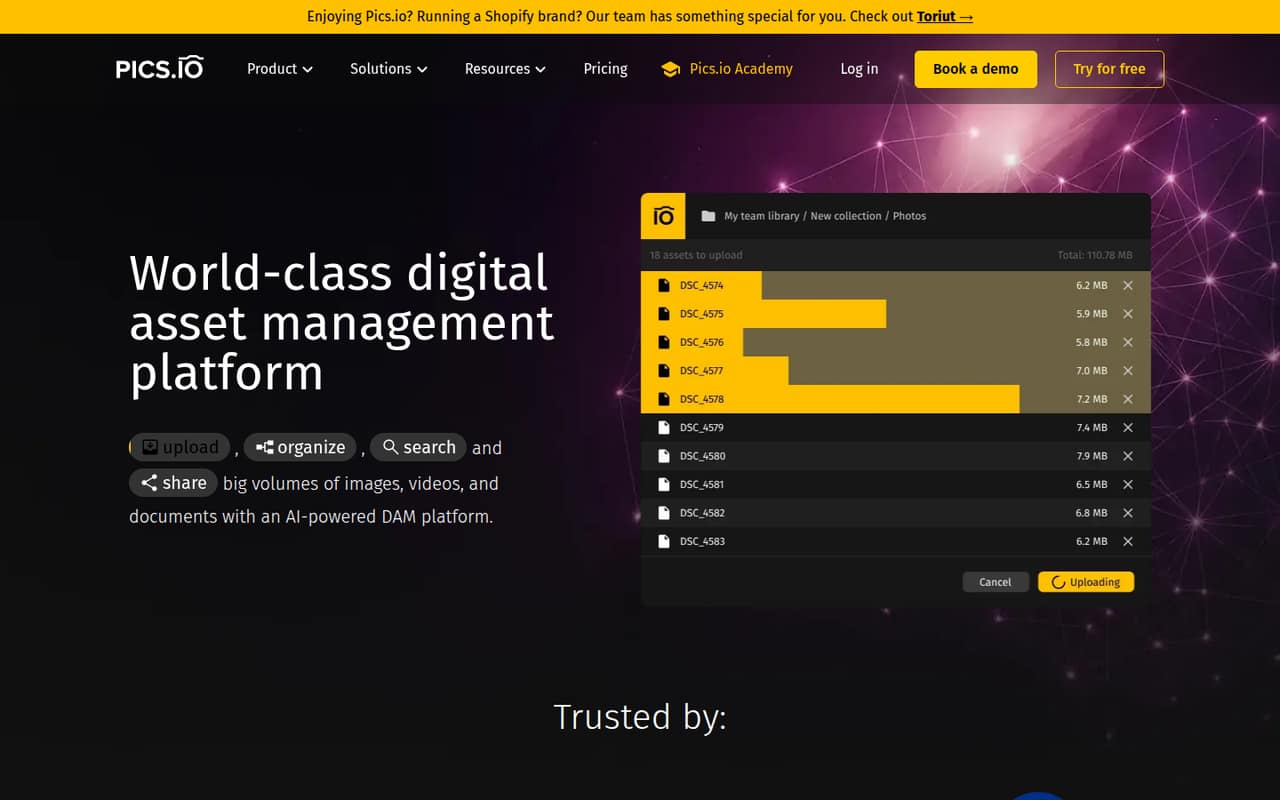
Pics.io brings image, video, audio, and document management together, with AI search, tagging, approvals, version control, and branded sharing portals. The homepage says it runs on Google Drive or Amazon S3, so it may suit teams already organizing media around either service.
There’s no free plan, and the pricing page lists Solo at $100 per month for one user. A team of up to 10 gets the Micro plan for $225 per month with annual billing or $250 month to month. That’s a serious commitment for a small team unless asset search, review, and rights control solve a real daily problem.
Good fit if
- Teams managing many media assets
- Brands with approval workflows
- Teams using Drive or Amazon S3
Skip it if
- Teams seeking a free DAM
- Small teams with tight budgets
- Teams managing only a few files
ScoresHow it rates
What works
- AI search covers metadata and text inside assets
- AI can generate image tags and descriptions
- Version history includes comparison and rollback
- Approval tools support comments and due dates
- Portals support passwords and expiring links
What doesn't
- There is no free plan
- Solo costs $100 per month
- Micro starts at $225 monthly with annual billing
- AI Kit adds a separate charge
- Setup time and trial terms are not published
01Who Pics.io is for
Pics.io is for teams that need a shared home for images, video, audio, and documents—not just another place to store a few files. Its AI search, tagging, approvals, version tracking, and rights controls are aimed at keeping assets findable and managing how teams review and share them. The homepage says the platform runs on Google Drive or Amazon S3.
For a small team, the fit starts to make sense when asset management is a real workflow: a brand team distributing approved files, an agency coordinating reviews, or a business with a large media library. The pricing page lists Solo at $100 per month for one user, and Micro at $225 per month with annual billing or $250 month to month for up to 10 users. That puts the likely budget at $100–$250 a month before add-ons. If your team only needs basic shared folders, that is a lot to pay for extra controls.
02Pics.io free plan and trial
Pics.io has no free plan, according to its pricing details. A free trial is not published, either, so ask the vendor whether your team can try the product before committing. That leaves no free tier for a small team to use as a long-term asset library.
The cheapest published option is Solo at $100 per month. It includes one user, 100 GB of storage or BYOS, 10 files per month for sharing, and a one-week audit trail. BYOS means the plan can use your own storage, but the pricing details do not specify any separate cost or setup requirements for that choice. Solo is monthly only. If you need multiple users, the next listed plan is Micro, which includes 10 users and starts at $225 per month with annual billing.
03What a small team pays for Pics.io
For one person, Solo costs $100 per month, or $100 per seat. It includes 100 GB of storage or BYOS and 10 shared files per month. For a team of three or five, Micro is the lowest listed multi-user plan: it includes 10 users and costs $250 monthly, or $225 per month with annual billing. At three seats, that works out to about $83.33 or $75 per used seat; at five, it’s $50 or $45. The plan price stays the same even if you use fewer than 10 seats.
Micro includes 1 TB of storage or BYOS, one free inbox, unlimited sharing, and a one-month audit trail. Extra users and storage are listed as add-ons, as are additional inboxes. The AI Kit is another potential expense, with tiers from $50 to $1,000 per month; monthly plans also have a one-time indexing fee whose amount is not published. CDN beta costs $100 per month and requires Pics.io storage. Ask the vendor for a full quote if you expect to need extra seats, storage, or AI.
04Getting started with Pics.io
The homepage says Pics.io runs on Google Drive or Amazon S3, which gives a small team two stated storage paths. It also describes tools for AI search, tagging, approvals, version control, and sharing portals. Those are useful capabilities, but the vendor does not publish an estimated setup time or a step-by-step onboarding requirement in the available product details.
Before signing up, decide where your files will live and who needs to manage approvals, rights, and external sharing. Those choices will shape how much work it takes to organize assets and set up the workflows your team wants. The pricing page includes three product trainings on the Small plan, but does not list training as included with Solo or Micro; extra training is listed at $50 on Micro and Small. One Reddit commenter describes the product as built on Google Drive, but that comment is not a setup guide. Ask the vendor what migration help and onboarding are available for your plan.
05When small teams outgrow Pics.io
Micro includes 10 users, 1 TB of storage or BYOS, unlimited sharing, and a one-month audit trail. If you need more than 10 users, the next listed plan is Small: 50 users, 3 TB of storage or BYOS, a six-month audit trail, five free inboxes, and three product trainings. Its price rises to $680 per month with annual billing or $800 month to month. That jump is worth checking against your actual seat and storage needs before expanding.
The pricing page also lists extra users and storage as paid add-ons, so growing within a plan can raise the bill too. Reddit reactions are mixed: one commenter questioned the value at $100–$700 per month, while another described use cases including designers, agencies, stores, and companies with many media assets. If your team does not need controlled approvals, asset rights, or advanced search, simpler shared storage may be enough. If those workflows matter, compare the cost of staying on Micro with the higher Small tier before adding seats.
From the threadsWhat users say
The available Reddit discussion is mixed and limited: one commenter questions whether the price matches the value, while others point to potential use for media-heavy businesses and describe its cloud storage approach. That is not enough user feedback to establish broad satisfaction.
You're going to have a really hard time selling your product at $100/mo for what you offer
Image Relay for instance is $99 or $500/mo and absolutely slaughters you in features
corporate archives, libraries, museums, etc
Build on top of Google Drive, cloud based digital asset management
Questions people ask
Does Pics.io have a free plan?
No. The pricing details list no free plan, and a free trial is not published. The cheapest listed plan is Solo at $100 per month for one user. It includes 100 GB of storage or BYOS, 10 files per month for sharing, and a one-week audit trail.
How much does Pics.io cost for a small team?
Solo costs $100 per month for one user. Micro includes 10 users and costs $250 month to month or $225 per month with annual billing. A team of three or five pays the same Micro plan price, even if it does not use all 10 included seats.
Does Pics.io work with Google Drive or Amazon S3?
The Pics.io homepage says the platform runs on Google Drive or Amazon S3. The pricing details also list storage options as a set storage amount or BYOS. Ask the vendor about the setup steps and any costs involved in using your own storage.
What can Pics.io AI do?
Pics.io describes AI search using natural language, metadata, filters, and text found inside images and documents. Its AI tagging can generate image tags and descriptions, with options to customize tone, length, and fields. The AI Kit is a separate paid add-on.
Can Pics.io control how shared assets are used?
Pics.io lists branded public or password-protected sharing portals, expiring links, format conversion, and usage terms. Its rights management tools can set asset usage windows and disable access through links, portals, and CDN when rights expire.