
We may earn a commission if you buy through links on this page. It never changes a score or a ranking. How we make money
The bottom line
Good monitoring coverage and unlimited users, but no free plan and no published monthly rates.
Pingdom covers uptime, page speed, transactions, and real visitor experience. Its plans list unlimited users, so a team of five pays the same starting price as one person: €14.33 per month with annual billing.
There’s no free plan, and monthly rates aren’t published. A 30-day trial gives teams a chance to evaluate it, but the ongoing cost makes Pingdom a better fit for teams that need more than a basic availability check.
Good fit if
- Teams monitoring transactions
- Teams tracking real visitor experience
- Small teams needing unlimited users
Skip it if
- Teams that require a free tier
- Buyers needing published monthly rates
- Teams seeking only a basic ping check
ScoresHow it rates
What works
- Uptime checks from over 100 locations
- Monitors transactions, page speed, and availability
- Real user data by browser, device, and location
- Unlimited users on the listed starting plans
- 30-day trial available
What doesn't
- No free plan
- Monthly billing rates aren’t published
- Starting quantities may not suit higher volumes
- Enterprise pricing requires a quote
- Setup effort and integrations aren’t clearly specified
01Who Pingdom is for
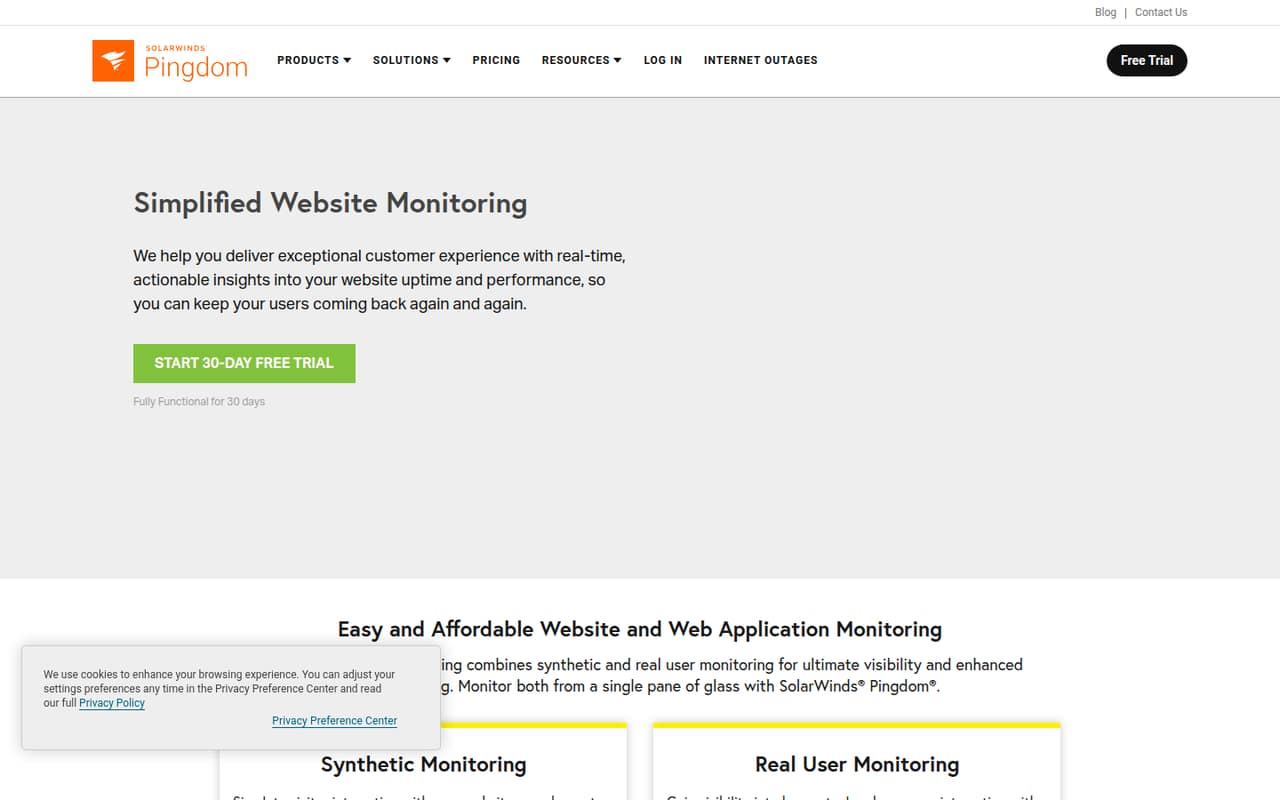
Pingdom is for small teams that need to know when a site is down and whether it feels slow to visitors. It can monitor availability, page speed, website transactions such as logins and checkouts, and real user experience across browsers, devices, and locations.
For a team of one to ten, the listed starting plans include unlimited users, so adding teammates doesn’t raise the starting price per seat. That makes it worth considering if several people need access to monitoring and reports. The trade-off is budget: there’s no free plan, and the lowest listed price is €14.33 per month with annual billing.
Choose Synthetic Monitoring for uptime, page speed, and transaction checks. Real User Monitoring is the better match for teams focused on actual visitor behavior. A small business that only needs a simple external uptime check may find the paid starting price hard to justify.
02Pingdom free plan and trial
Pingdom doesn’t have a free plan. The pricing page lists a 30-day free trial, but it doesn’t specify the trial’s feature limits or whether every plan is available during the trial. Check those details with Pingdom before relying on it for a production monitoring setup.
After the trial, the cheapest listed way in is either Synthetic Monitoring or Real User Monitoring, each starting at €14.33 per month with annual billing. Synthetic Monitoring’s starting quantity includes 10 uptime checks, one advanced check, and 50 SMS alerts. Real User Monitoring starts with 100,000 pageviews, unlimited sites, and 13-month data retention.
If you only need basic availability checks and can’t justify a recurring charge, Pingdom’s trial is a temporary evaluation option, not a free ongoing tier.
03What a small team pays for Pingdom
The pricing page lists Synthetic Monitoring and Real User Monitoring from €14.33 per month each, billed annually. It doesn’t publish monthly-billed rates. At the listed starting price, one person pays €14.33 per month, or €171.96 across a year. A team of three or five pays the same listed plan price because both plans include unlimited users; that averages about €4.78 or €2.87 per person monthly, respectively, but it isn’t a per-seat charge.
Synthetic Monitoring includes 10 uptime checks, one advanced check, and 50 SMS alerts at the starting quantity. Real User Monitoring starts at 100,000 pageviews, with unlimited sites and 13-month data retention. These are separate plans, so choose based on the monitoring job you need rather than assuming both are included at the starting price.
No add-ons are listed. If your needs exceed the published starting quantities, ask Pingdom what the next tier costs. Enterprise pricing is custom for organizations with 500,000 to over 5 million monthly pageviews.
04Getting started with Pingdom
Pingdom’s monitoring tasks range from uptime checks to advanced checks for transactions such as registrations, logins, and checkouts. Real User Monitoring takes a different route: it reports visitor experience by browser, device, and geographic location. Teams should decide which sites and journeys matter before choosing a plan, so they don’t pay for monitoring they won’t use.
Pingdom doesn’t publish a setup-time estimate or a list of integrations for a small team’s first day. The effort will depend on how many checks and transaction flows you want to configure; ask Pingdom about the setup steps and any integrations you rely on. The listed Synthetic Monitoring starting quantity includes one advanced check, which may be a practical first flow to evaluate.
Email and SMS alerts are available. The starting Synthetic Monitoring quantity includes 50 SMS alerts, so confirm alert limits and delivery options before rolling them out to the whole team.
05When small teams outgrow Pingdom
A team is likely to revisit its plan when it needs more than the starting quantities: 10 uptime checks and one advanced check for Synthetic Monitoring, or 100,000 monthly pageviews for Real User Monitoring. The pricing page doesn’t list the next step’s price for either plan. For larger visitor volumes, Enterprise covers 500,000 to over 5 million monthly pageviews and requires a quote.
More seats alone shouldn’t trigger an upgrade on the listed starting plans, since both include unlimited users. Instead, watch monitoring volume and the fit of the available checks. Ask Pingdom for costs before expanding, especially if your team needs monthly billing, which has no published rate.
Reddit discussions include a homelab user saying basic free accounts were no longer supported and that they didn’t want to pay £10 per month. That’s one user’s account, not a current price quote. Other threads discuss self-hosted alternatives, suggesting that cost and control matter to some prospective users.
From the threadsWhat users say
The Reddit discussion is limited and mostly concerns alternatives, with one user recalling that basic free accounts were no longer supported. Other commenters recommend or discuss different tools, so the material gives a mixed, cost-conscious picture rather than a broad verdict on Pingdom.
It seems that Pingdom are no longer supporting basic free accounts, which is a shame since I used them to monitor my homelab Internet connection externally
I don't really want to pay £10/mo for that, so can anyone recommend a similar service?
Anyone know selfhosted pingdom alternative?
I'm using Gatus for this
Questions people ask
What does Pingdom monitor?
Pingdom monitors website and web application availability and performance. Its features include uptime checks, page speed analysis, transaction monitoring, real user monitoring, alerts, and public status pages. The broader SolarWinds Observability offering also describes infrastructure monitoring, application performance monitoring, and log management.
Does Pingdom have a free plan?
No. The pricing information lists no free plan and a 30-day trial. It doesn’t specify the trial’s feature limits, so confirm what’s included with Pingdom before starting.
How much does Pingdom cost for a small team?
Synthetic Monitoring and Real User Monitoring each start at €14.33 per month with annual billing. Both list unlimited users, so the starting price is the same for a team of one, three, or five. Monthly billing rates aren’t published.
Can Pingdom monitor logins and checkouts?
Yes. Transaction monitoring can test website flows such as registrations, logins, and checkouts. The Synthetic Monitoring starting quantity includes one advanced check; ask Pingdom about the setup process and costs for additional checks.
Does Pingdom send monitoring alerts?
Yes. Pingdom offers email and SMS alerts for monitoring issues. The Synthetic Monitoring starting quantity includes 50 SMS alerts. The pricing information doesn’t specify alert limits beyond that starting quantity.