
We may earn a commission if you buy through links on this page. It never changes a score or a ranking. How we make money
The bottom line
Good for quick edits and AI creation; less appealing if you need free, unlimited saves.
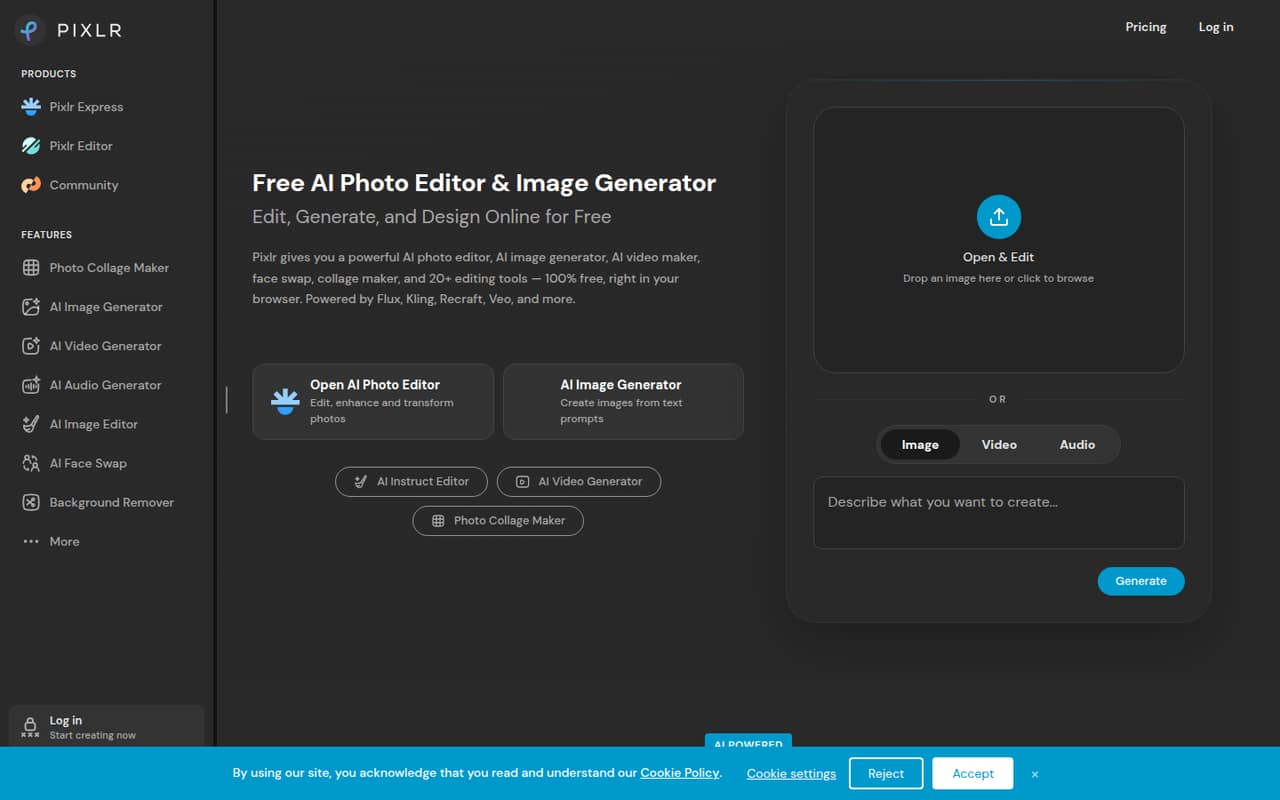
Pixlr brings photo editing and AI image, video, and audio tools into a browser-based suite. Plus starts at €2.49 per month, or €1.99 per month with annual billing, and includes unlimited saves.
The catch for budget-conscious teams: the current pricing lists no free plan, and AI work is measured in credits. Reddit users also report frustration with save limits and changes to the editing experience.
Good fit if
- Small teams making quick image edits
- Browser-based creative work
- Teams trying AI generation
Skip it if
- Teams needing a free editor
- High-volume AI generation on a budget
- Teams needing published support details
ScoresHow it rates
What works
- Photo editing and AI tools in one browser-based suite
- Background and object removal tools
- Plus includes unlimited saves
- Premium includes image, video, and audio models
- Annual billing is listed as 20% cheaper
What doesn't
- Current pricing lists no free plan
- AI credits vary by plan
- AI Credit Pack prices are not published
- Integrations and setup steps are not listed
- Reddit users report concerns about saves and history
01Who Pixlr is for
Pixlr is a fit for a small team of one to five people that needs quick image edits without installing desktop software. Its browser-based suite covers photo editing, background and object removal, collage making, and AI generation for images, video, and audio. That can suit a shop preparing product images, a founder making social graphics, or a team experimenting with AI content.
The entry price is low if only one or two people need the tools: Plus is listed at €2.49 per month, or €1.99 per month with annual billing. But the current pricing page lists no free plan, so Pixlr is less attractive for a team that only occasionally edits images and wants to spend nothing. Teams generating lots of AI content should compare the included credits and concurrent generation limits before choosing a plan. Pixlr is a creative tool, not a shared team workspace: the pricing details don't list collaboration controls or team administration, so ask Pixlr about those needs before buying.
02Pixlr free plan and trial
Pixlr's current pricing lists no free plan, and a free trial is not published. That makes this different from the free-editor reputation some long-time users describe on Reddit. One Reddit thread reports a policy of two saves a day, while other commenters say unlimited exported files moved behind a paywall; these are user reports, not a current plan specification.
The cheapest listed way in is Plus: €2.49 per month with monthly billing, or €1.99 per month with annual billing. It includes ad-free use, unlimited saves, one concurrent AI generation, 80 monthly AI Credits, and 960 AI Credits valid for the year. If your team wants to test the workflow before paying, check Pixlr's current site for any offer available at signup; a trial isn't listed in the pricing details.
03What a small team pays for Pixlr
Pixlr lists prices in euros. Plus costs €2.49 per month with monthly billing or €1.99 per month with annual billing. Assuming each person needs a separate subscription, three people come to €7.47 monthly or €5.97 per month on annual billing; five people come to €12.45 monthly or €9.95 per month on annual billing. Those annual figures are monthly equivalents, and the pricing page marks annual billing as saving 20%.
Plus covers basic use, with unlimited saves and 80 monthly AI Credits. If your team needs all image, video, and audio models, Premium is €9.99 monthly or €7.99 per month with annual billing. That works out to €29.97 or €23.97 for three people, and €49.95 or €39.95 for five, on the same per-person assumption. Premium includes 1,000 monthly AI Credits and four concurrent AI generations. Ultra and Ultra MAX offer higher AI capacity at higher prices. Pixlr lists AI Credit Pack top-ups, but their price isn't published. Team seat minimums aren't published either, so confirm billing with Pixlr before signing up.
04Getting started with Pixlr
Pixlr describes its editor as browser-based, so the core pitch is access through a web browser rather than installing desktop editing software. The product description lists photo editing, image generation, video generation, background removal, generative fill, and audio tools. For a small team, that means you can start by choosing the editing or generation task you need, rather than setting up a separate app for each one.
The pricing details don't list a setup guide, integrations, or team onboarding process. If your workflow depends on shared asset libraries, cloud storage connections, or centralized user management, ask Pixlr whether those are supported before you buy. Reddit users have praised the convenience of opening the editor online, but some also report that changes made editing less convenient. Plan time for teammates to learn the current interface and agree where finished files will be stored; don't assume Pixlr replaces a shared file system.
05When small teams outgrow Pixlr
The first pressure point is AI capacity. Plus allows one concurrent AI generation and 80 monthly AI Credits; Premium raises that to four concurrent generations and 1,000 monthly credits. Ultra and Ultra MAX raise capacity further, but the higher tiers cost more, and AI Credit Pack prices aren't published. If several people generate content regularly, work out expected usage before choosing a plan.
The other pressure point is trust in the editing and saving workflow. Reddit users report frustration with a two-saves-a-day policy, changes to unlimited exports, and missing work in history. Those posts reflect individual experiences and may not describe current account behavior, but they're worth checking if editable projects or dependable history matter to your team. Pixlr may also be a poor fit if you need published details on team seats, integrations, or support. As your workflow grows, compare those requirements with what Pixlr confirms directly before adding subscriptions.
From the threadsWhat users say
Reddit sentiment is mixed but leans negative among users discussing changes to saves and the editing experience. Some users still value Pixlr's speed and convenience, while others say they are looking elsewhere.
2 saves a day? That doesn't work for me
and apparently everything is gone ?
with their updated format that somehow makes editing harder and less convenient
it was so quick and easy to use and free
Questions people ask
How much does Pixlr cost?
Pixlr lists Plus at €2.49 per month with monthly billing, or €1.99 per month with annual billing. Premium is €9.99 monthly or €7.99 per month with annual billing. Higher tiers are Ultra and Ultra MAX. Prices are listed in euros, and annual billing is marked as saving 20%.
Does Pixlr have a free plan or trial?
The current pricing lists no free plan, and a free trial isn't published. Reddit users have described past free access and later save limits, but those reports aren't a current plan description. Plus is the cheapest listed subscription and includes unlimited saves.
What can Pixlr do with AI?
Pixlr describes tools for generating images from prompts and other inputs, generating video from text or images, and generating, cloning, and transforming audio and speech. It also lists AI background removal and generative fill, which adds or replaces a selected image area from a description.
Is Pixlr safe for confidential images?
We can't confirm suitability for confidential work from the product and pricing details alone. Premium lists a private AI generation mode, but that isn't the same as a full privacy or data-retention policy. Review Pixlr's current privacy terms and ask how uploaded files and generated content are handled before sharing sensitive images.
Can Pixlr replace a desktop photo editor?
Pixlr offers browser-based photo editing and AI tools, so it can cover quick image tasks without desktop software. Whether it can replace your current editor depends on your workflow and required features. Reddit users report mixed experiences with recent editing changes, so check that your team's key tasks work in the current editor.