
We may earn a commission if you buy through links on this page. It never changes a score or a ranking. How we make money
The bottom line
Good value for interface design and whiteboarding, with portability and support concerns to check first.
Small teams that need interface design, prototypes, whiteboards, and developer handoff can start with Pixso’s free plan. It limits you to three design files, three whiteboard files, and one project; paid Team seats start at $4 per month for collaborators, with creator seats at $12.
The trade-off is confidence in the ecosystem: Reddit users report mixed experiences with support, bugs, and file portability. We’d try it on a low-risk project and confirm import and export needs before moving important design work.
Good fit if
- Small teams watching design costs
- Teams needing whiteboards and UI design
- Designers sharing specs with developers
Skip it if
- Teams requiring confirmed .fig export
- Teams relying on fast vendor support
- Adobe CC font-dependent design teams
ScoresHow it rates
What works
- Free plan includes unlimited viewer seats
- Free plan allows unlimited draft files
- Paid plans include unlimited files and pages
- Creator, developer, and collaborator seat prices
- Whiteboards, prototypes, and developer handoff
What doesn't
- Free plan limits design files to three
- Free plan limits whiteboards to three
- Annual Team seat pricing is not published
- Reddit users report poor support experiences
- A Reddit user says .fig export is missing
01Who Pixso is for
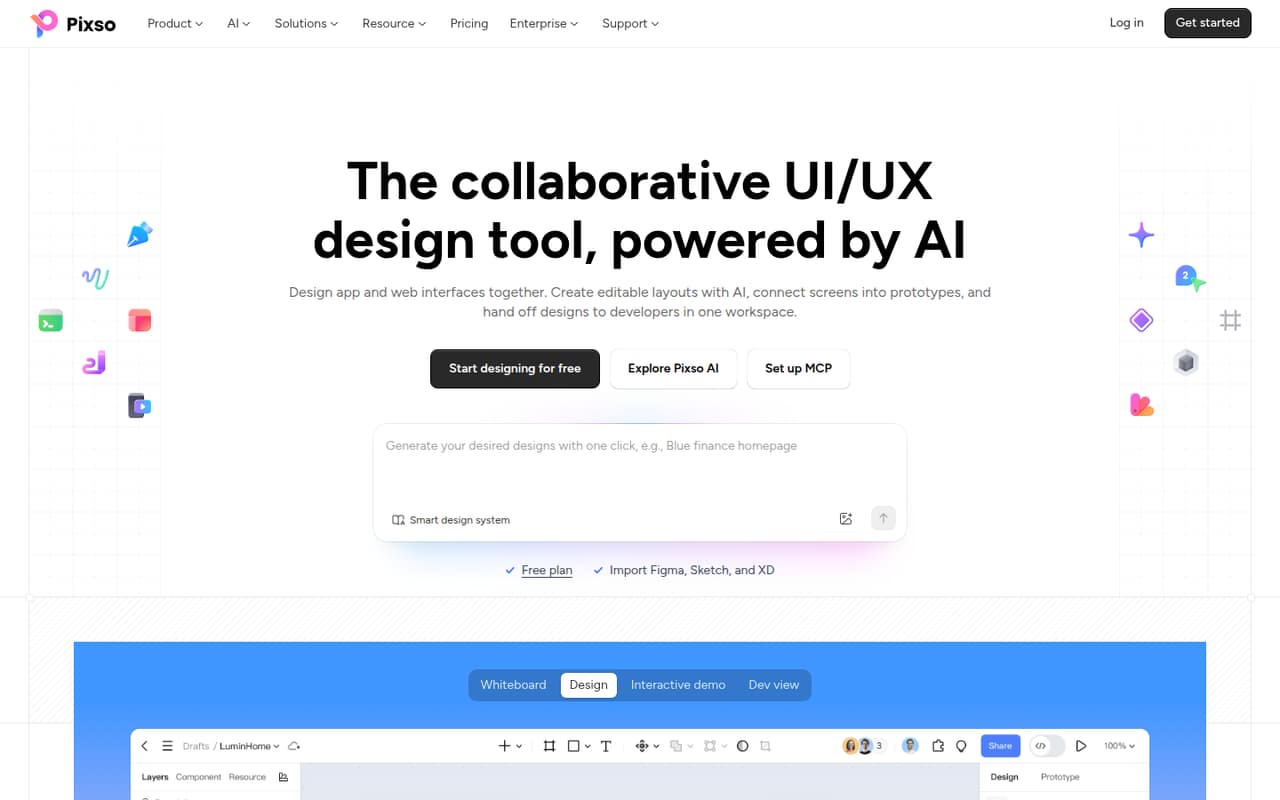
Pixso is aimed at teams designing web and app interfaces together. A founder, a couple of designers, and a developer can use it to create layouts, connect screens into interactive prototypes, share feedback, and pass design details to developers. Whiteboards give the team a place to organize research, requirements, and plans alongside design work.
For a team of one to five people watching its software budget, the free plan is a reasonable place to start, especially if the project fits within three design files and one project. When you need more room, Team seats are priced by role: creators are $12 per month, developers $8, and collaborators $4. That can keep the bill lower than buying every teammate a creator seat. Pixso is less suited to a team that must move files freely between design tools or depends on quick vendor support; Reddit users raise concerns about both.
02Pixso free plan and trial
Pixso’s Free plan costs $0 and includes unlimited viewer seats and unlimited draft files. It also allows three design files, three whiteboard files, and one project. That gives a small team space to explore the editor, share drafts with viewers, and try a limited project before paying.
The limits matter if you have several active client or product projects: the plan caps design files and whiteboard files at three each, and projects at one. The pricing page lists no free trial; instead, Pixso offers the ongoing Free plan. It does not publish a free-plan upgrade price separate from its Team seat rates. For more working space, the lowest listed Team seat is the $4-per-month Collaborator seat, while a designer who creates work needs the $12 Creator seat.
03What a small team pays for Pixso
The pricing page lists Team seats monthly: Creator at $12, Developer at $8, and Collaborator at $4 per seat. Annual Team pricing is not published. One designer on a Creator seat pays $12 per month. A three-person team with one Creator, one Developer, and one Collaborator pays $24 per month. A five-person team with two Creators, two Developers, and one Collaborator pays $44 per month. Those totals assume each person’s work fits the assigned seat type; three or five Creator seats would cost $36 or $60 per month, respectively.
Team seats include unlimited projects, files, and pages, unlimited version history, and team resource and font libraries. The pricing page lists no add-ons. Enterprise is priced per year: Creator is $23.33 per seat, Developer $10, and Collaborator $7.50. Monthly Enterprise pricing is not published. Ask Pixso about seat definitions and billing details before choosing a mix.
04Getting started with Pixso
The pricing page and product description explain what Pixso can do, but the vendor does not publish a setup-time estimate. A small team can plan to choose seat roles, create or move project files, set up shared libraries, and agree how designers will hand off specs and assets to developers. The actual effort depends on how much existing work and how many design-system resources you need to bring over.
Pixso’s listed tools include UI design, prototypes, whiteboards, team libraries, and Dev view. A commenter on r/Adobe_XD reports that Adobe CC fonts were a problem because Pixso supported fonts downloaded to the machine, not Adobe CC fonts. Another Reddit user says importing Figma, XD, and Sketch files worked for them, but current import support is not published in the pricing details. Confirm imports, fonts, and any required integrations with Pixso before moving a live project.
05When small teams outgrow Pixso
The Free plan is likely to feel tight when a team needs more than three design files, three whiteboard files, or one project. Team seats remove those listed limits, with prices from $4 to $12 monthly per seat depending on role. If you need advanced permissions, seat management, SSO, or a custom domain, Pixso lists those under Enterprise, but the prices are annual and per seat.
A bigger concern may be working outside Pixso. One Reddit commenter says the lack of .fig export made their work feel trapped and limited collaboration; treat that as a user report and verify current export options with the vendor. Reddit users also report slow or unhelpful support, and one Adobe-focused commenter cites font compatibility as a reason to rule Pixso out. Teams with strict file portability or support needs should confirm those points before committing core work.
From the threadsWhat users say
Reddit sentiment is mixed: users praise Pixso’s feature set and whiteboard, while others raise concerns about support, bugs, and portability. Those reports are individual experiences, so small teams should verify their own file and support requirements before committing.
All in all, worth the price for me just for the whiteboard tool
Support will pass your ticket around for weeks or months and throw you in loops until you forget about it
Biggest thing missing is .fig export, without it all the work you do is trapped there
I tried the importing figma, xd, sketch,azure and it works fine. I think it has potential in the future
Questions people ask
What does Pixso’s free plan include?
The Free plan includes unlimited viewer seats and unlimited draft files, plus three design files, three whiteboard files, and one project. It can suit a small team trying the tools or working on a contained project, but the file and project caps may mean upgrading once work expands.
How much does Pixso cost for a small team?
Team seats are listed monthly at $12 for a Creator, $8 for a Developer, and $4 for a Collaborator. For example, one of each costs $24 per month. Annual Team pricing is not published, so ask Pixso about billing terms before budgeting for a longer commitment.
Can I import or export Figma files in Pixso?
A Reddit user reported importing Figma, XD, and Sketch files successfully, while another commenter complained that .fig export was missing. These are user reports, not a current compatibility guarantee. Pixso’s pricing information does not publish import or export details, so confirm the formats you need with the vendor.
Does Pixso include developer handoff?
Yes. Pixso lists Dev view for sharing design specs, code references, and supported assets with developers. Team plans also list unlimited files and pages, version history, and shared resource and font libraries. Check with Pixso if your team needs a specific code format or asset type.
Does Pixso offer a free trial?
The pricing page lists a Free plan at $0 and no separate free trial. The free plan allows unlimited viewer seats and draft files, but caps design files at three, whiteboards at three, and projects at one. The vendor does not publish a trial period or separate trial terms.