
We may earn a commission if you buy through links on this page. It never changes a score or a ranking. How we make money
The bottom line
Good for finding and reviewing creative files; check storage and per-seat costs as your team grows.
Playbook is worth considering if your small team spends time sorting, finding, sharing, and reviewing creative files. Its free plan includes 100GB or 300 assets, so a solo user can try the core library without a subscription.
Paid plans start at $10 per member per month. That’s manageable for a solo creative, but a team of five pays $50 monthly on Pro or $100 on Team at the listed rates.
Good fit if
- Creative teams managing visual assets
- Solo users organizing a file library
- Teams needing review and approval tools
Skip it if
- Teams needing SAML on a small budget
- Groups with mostly nonvisual files
- Teams needing published setup guarantees
ScoresHow it rates
What works
- Free plan includes 100GB or 300 assets
- Visual search finds assets by description
- Review tools include frame-accurate comments
- Share links can have passwords and expiry dates
- MCP connections support compatible AI tools
What doesn't
- Free plan is limited to one member
- Free plan allows only 1,000 API calls monthly
- Pro and Team charges rise with each member
- Extra storage costs $25 per 1TB monthly
- Enterprise pricing is not published
01Who Playbook is for
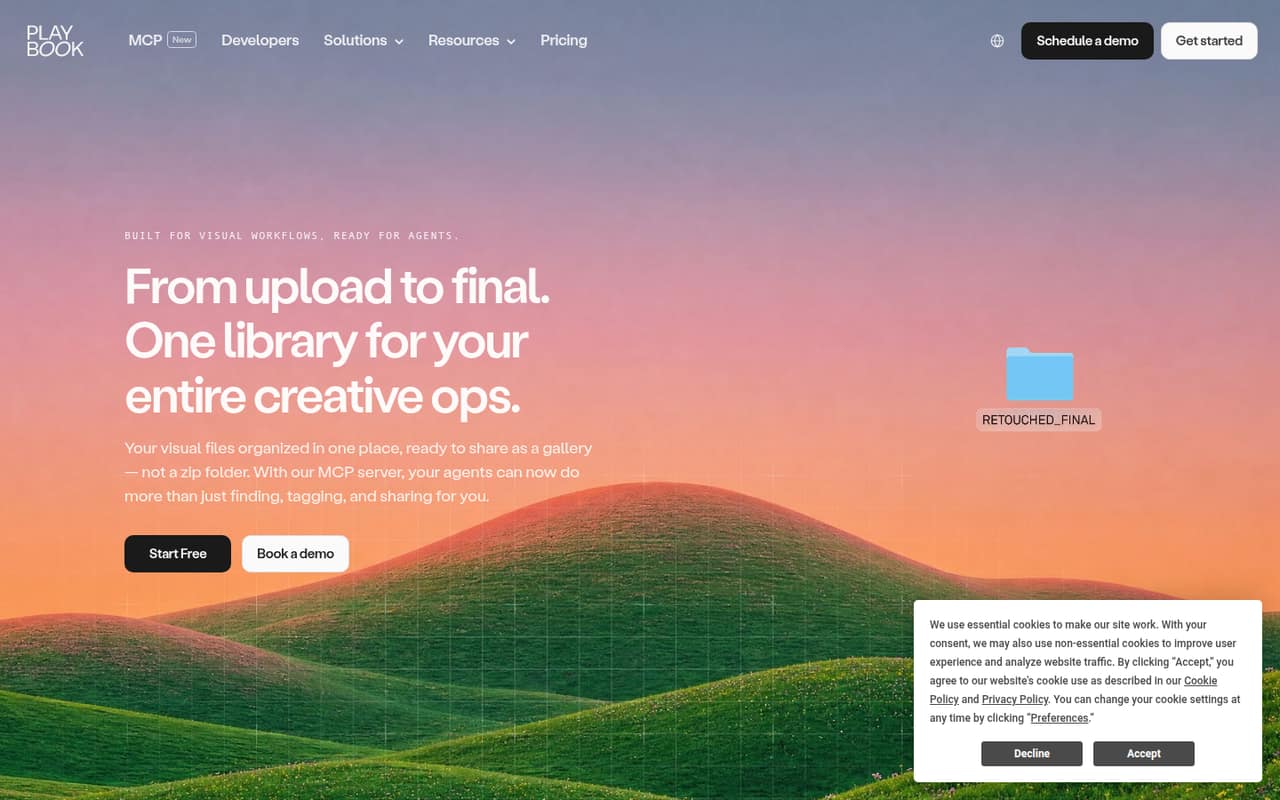
Playbook is aimed at people who work with creative files and need more than a folder structure. It organizes images, video, documents, and other assets with previews, tags, and versions. Teams can search visually, share files, and leave review comments and approval reactions.
For a solo creative or a small studio of one to a few people, Pro starts at $10 per member monthly. A team that needs AI tagging or unlimited custom fields may prefer Team at $20 per member monthly. The free plan is a sensible starting point for one person sorting a modest library. For three people, the listed monthly rates work out to $30 on Pro or $60 on Team; five seats cost $50 or $100. It is most relevant when finding and reviewing assets is a regular job, not just an occasional chore.
02Playbook free plan and trial
Playbook’s Free plan costs $0 and includes 100GB or 300 assets, one member, three guests, one publish page, and 1,000 API calls per month. That gives a solo user room to organize a starter library and share with a few guests.
The limits are important for a working team: Free allows only one member, and the asset allowance is capped at 300 even if storage remains. It also has one publish page and a smaller API allowance than Pro. The source lists no free-trial period. If multiple people need member access, the cheapest paid option is Pro at $10 per member per month. Its listed features include 2TB of storage, unlimited assets and guests, unlimited publish pages, and 20,000 API calls monthly.
03What a small team pays for Playbook
Pro is listed at $10 per member per month, and Team at $20. At those rates, one person pays $10 on Pro or $20 on Team; three seats cost $30 or $60 monthly; five seats cost $50 or $100. The pricing lists the same per-member amounts for monthly and annual billing, while also saying annual billing saves 45% on Pro and 20% on Team. Check the checkout total before choosing annual billing, since the separate annual totals are not clear from those figures.
Pro includes 2TB of storage plus 1TB per added member, up to 10TB. Team includes 3TB plus 2TB per added member, also up to 10TB. Extra Pro members are listed at $10 each monthly, and extra Team members at $20. Storage beyond the plan allowance costs $25 per additional 1TB per month, up to 10TB total. Team adds AI tagging for images and videos, unlimited custom fields, and 200,000 monthly API calls. Enterprise pricing is per organization and not published.
04Getting started with Playbook
The basic job is to upload creative files, then use previews, tags, and versions to keep the library organized. Playbook also offers visual search, review comments, and sharing controls, so teams can bring file-finding and feedback into the same workspace. The vendor does not publish a setup-time estimate in the available product details, so we would not budget a specific number of hours without checking with Playbook.
A small team can start with the library and invite members or guests as needed. On day one, the main question is whether you need an AI connection: Playbook describes MCP connections for compatible AI tools to search, tag, and move assets. It does not name specific compatible tools in the available details. If your team does not use those connections, you can begin with uploads, organization, and sharing rather than making AI setup a prerequisite.
05When small teams outgrow Playbook
The first squeeze may be the Free plan’s one-member limit or its 300-asset cap. Moving to Pro gives a team member access, unlimited assets and guests, and more storage, but the $10 charge is per member. Five Pro seats come to $50 monthly at the listed rate; Team doubles that to $100 for five seats.
Storage is another reason to review the bill as the library grows. Pro and Team top out at 10TB, with extra storage listed at $25 per additional 1TB monthly. Teams that need AI tagging, unlimited custom fields, or a larger API allowance may move from Pro to Team. Organizations that need SAML SSO, unlimited members, or custom storage have Enterprise, but its organization-level price is not published. Ask the vendor for a quote before planning around those features.
Questions people ask
Does Playbook use AI?
Yes. Playbook describes visual search and AI actions for repetitive asset tasks. The Team plan lists AI tagging for images and videos. Its MCP connections can let compatible AI tools search, tag, and move assets; the available product details do not name specific compatible tools.
What does Playbook’s free plan include?
Free includes 100GB or 300 assets, one member, three guests, one publish page, and 1,000 API calls per month. It is a useful starting point for one person, but a multi-member team needs a paid plan.
Can teams review video in Playbook?
Playbook supports frame-accurate comments, internal notes, and approval reactions. Its library supports video as well as images, documents, and other creative files.
Can I share Playbook files privately?
Playbook’s sharing controls include review links with password protection and expiration dates. The Free plan includes one publish page; Pro lists unlimited publish pages.
What is the difference between Playbook Pro and Team?
Pro is listed at $10 per member monthly and includes 2TB of storage plus 1TB per added member, up to 10TB. Team is $20 per member monthly, with 3TB plus 2TB per added member, AI tagging, unlimited custom fields, and 200,000 API calls monthly.