
We may earn a commission if you buy through links on this page. It never changes a score or a ranking. How we make money
The bottom line
A useful AI assistant inside familiar slide apps, but small teams pay per seat from day one.
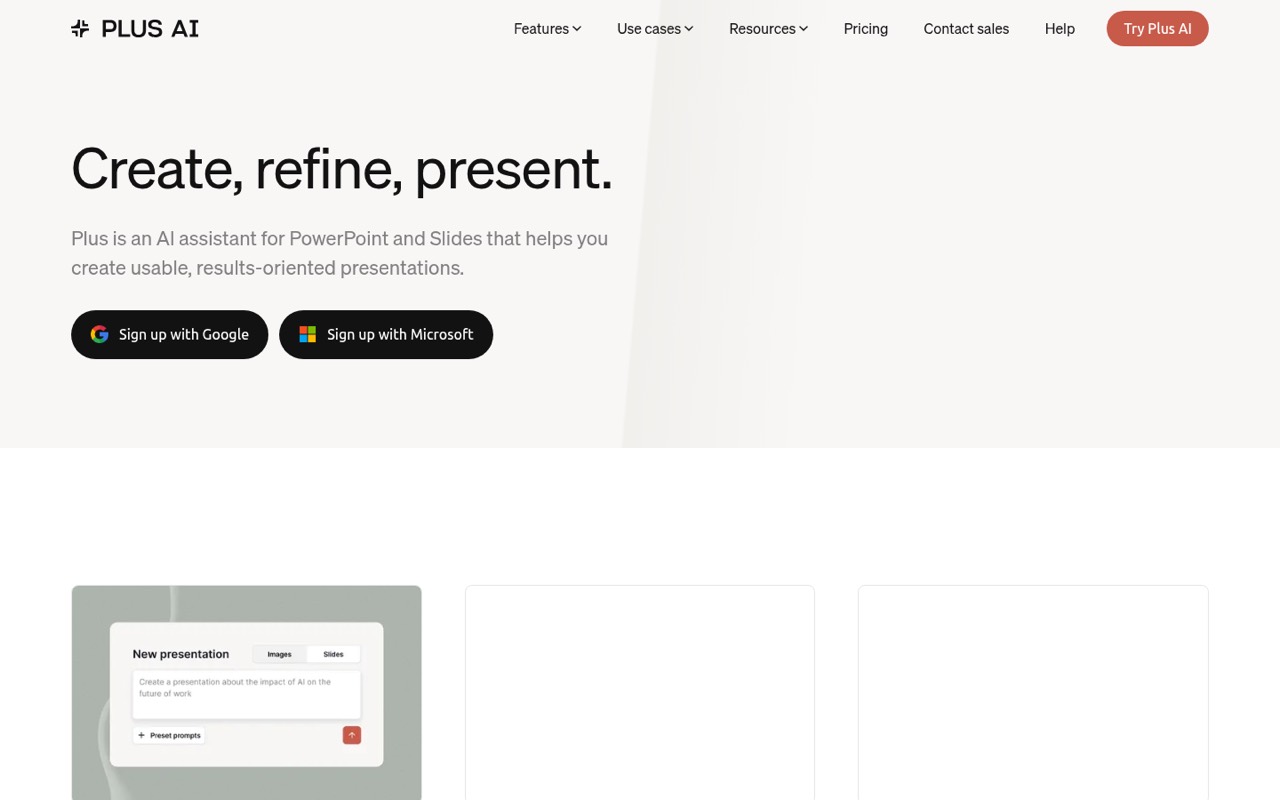
Plus AI creates and edits presentations inside Google Slides and PowerPoint. It can draft from prompts or uploaded files, then help rewrite slides and change their layouts without moving your work into a separate presentation app.
For a small team, the main catch is the per-user price and lack of a free plan. Basic starts at $10 per user per month with annual billing, or $15 month to month. Reddit discussions mention Plus AI as an option, but offer little direct feedback on the product itself.
Good fit if
- Teams already using Slides or PowerPoint
- People making decks from source documents
- Small teams refining existing presentations
Skip it if
- Teams that need a free plan
- Groups avoiding per-seat subscriptions
- Buyers needing proven user feedback
ScoresHow it rates
What works
- Works inside Google Slides and PowerPoint
- Creates decks from prompts or documents
- Can rewrite and remix existing slides
- Adds editable charts, tables, and icons
- Basic starts at $10 per user monthly
What doesn't
- No free plan
- Costs rise with each paid seat
- Basic includes 1,500 monthly AI credits
- Team branding starts at the Team plan
- Reddit offers little direct Plus AI feedback
01Who Plus AI is for
Plus AI suits a solo presenter or a small team of 1–10 people that already works in Google Slides or PowerPoint. It helps create a presentation from a prompt or uploaded document, then refine wording, add individual slides, or remix layouts. The result stays in the slide tools the team already uses.
For a budget-conscious team, the fit depends on how often people make decks. Basic costs $10 per user per month with annual billing, or $15 month to month. That can make sense for regular presentation work; occasional users may find the subscription hard to justify. A team that needs PDF, DOCX, or TXT uploads and AI image generation will need Pro, listed at $20 per user per month with annual billing. Team-wide branding and templates start at Team, so Plus AI is less suited to a small group that needs those features at Basic pricing.
02Plus AI free plan and trial
Plus AI has no free plan. The pricing page lists a 7-day free trial, but it does not publish the trial’s AI credit allowance, eligible features, or what happens to work created during the trial. Check those details before relying on the trial for a client or team presentation.
The cheapest listed paid option is Basic: $10 per user per month with annual billing, or $15 per user per month with monthly billing. It includes 1,500 AI credits per month, Google Slides and PowerPoint, single-slide insertion, and rewrite and remix tools. That’s the entry point for someone who wants to keep using Plus AI after the trial. If your team needs PDF, DOCX, or TXT uploads, the pricing page lists those on Pro, not Basic.
03What a small team pays for Plus AI
Basic is $10 per user per month with annual billing or $15 with monthly billing. That works out to $30 or $45 a month for three seats, and $50 or $75 for five. These are monthly equivalents based on the listed per-user prices; the pricing page does not state the full annual payment amount here.
Pro is $20 per user per month annually or $25 monthly: $60 or $75 for three seats, and $100 or $125 for five. Choose it for 3,000 monthly AI credits, PDF, DOCX, and TXT uploads, AI image generation, or its listed unlimited team members. Team costs $30 annually billed or $40 monthly per user, so three seats are $90 or $120 a month, and five are $150 or $200. It adds team branding and templates. The pricing page lists no add-ons or seat minimums. The main cost to watch is the per-seat jump when a feature you need sits on a higher plan.
04Getting started with Plus AI
Plus AI works inside Google Slides and PowerPoint, so it fits teams that want to keep presentations in those apps. Its listed workflow includes generating a deck from a prompt or document, inserting individual slides, rewriting text, and remixing layouts. The product description also lists image generation and editable charts, tables, and icons.
The vendor does not publish setup steps or a learning-curve estimate in the pricing information. The pricing page lists a 7-day trial, which gives a team a chance to check whether the add-in fits its slide workflow before paying. For a shared team setup, check which plan covers the required features: Basic lists the core slide tools, Pro lists document uploads and AI image generation, and Team adds shared branding and a preset library. Confirm any IT or account setup requirements with the vendor before rolling it out.
05When small teams outgrow Plus AI
The first pressure point is usage: Basic includes 1,500 AI credits per user per month, while Pro lists 3,000 and Team 6,000. Max lists unlimited credits but costs $200 per user per month with annual billing or $240 monthly. A team that needs PDF, DOCX, or TXT uploads moves to Pro; one that wants team-wide branding and templates moves to Team. Those upgrades multiply across seats.
A different reason to move on is fit. Plus AI is built around Google Slides and PowerPoint, so teams wanting a different presentation workflow may prefer another tool. Reddit discussions mention Plus AI as a possible option for working with a client template, but do not report a clear verdict on it. In a broader discussion about strict brand standards, a commenter was skeptical that AI slide tools preserve them. Treat brand consistency as something to check in the trial, not an assured outcome.
From the threadsWhat users say
Other slide-tool discussions raise broader questions about brand consistency, so we’d verify template fit during the trial.
I'm considering Gamma, Plus AI, and NextDocs, but I've never used any of them
In my experience the short answer is no
Basically, I already have a presentation template from my client
when i was presenting live the flow felt a lot more natural than a traditional deck
Questions people ask
What is Plus AI and what does it do?
Plus AI is an assistant for making and refining presentations in Google Slides and PowerPoint. It can draft a deck from a prompt or uploaded document, add individual slides, rewrite wording, and remix layouts. The product description also lists image generation and editable charts, tables, and icons.
Does Plus AI have a free plan?
No. The pricing page lists no free plan, but it does list a 7-day free trial. The vendor does not publish the trial’s credit allowance or feature limits on the published pricing details, so check those before starting. After the trial, Basic is the cheapest listed plan.
Does Plus AI work with PowerPoint and Google Slides?
Yes. The pricing page lists both Google Slides and PowerPoint on Basic. Plus AI is designed to create and refine presentations within those apps, so teams can keep working in their existing slide workflow rather than switching to a separate presentation editor.
Which Plus AI plan supports document uploads?
Pro lists PDF, DOCX, and TXT uploads, along with 100K+ character prompts. The product description says Plus AI can work with PDFs, Word documents, PowerPoint files, and text files. Check with the vendor which file types are supported on the plan you’re considering.
Can Plus AI use my team’s branding?
The Team plan lists custom logos, colors, and fonts, plus team-wide branding and templates. Basic and Pro do not list those features. If matching a strict brand guide is important, use the trial to check how your existing templates and slide styles work with Plus AI.
Sources
- Plus AI homepage
- Plus AI pricing page
- Reddit: The Best AI Presentation Tools in 2026 - I tested all of them so you don't have to
- Reddit: What are the best AI presentation tools in 2026? I tested them all so you don't need to
- Reddit: Half a year with AI slide tools and I keep coming back to PowerPoint. Curious if others have found something that actually sticks.
- Reddit: Best AI tool for presentations if I already have a slide template?