
We may earn a commission if you buy through links on this page. It never changes a score or a ranking. How we make money
The bottom line
A useful free starting point for image edits, with unclear costs once your team needs more.
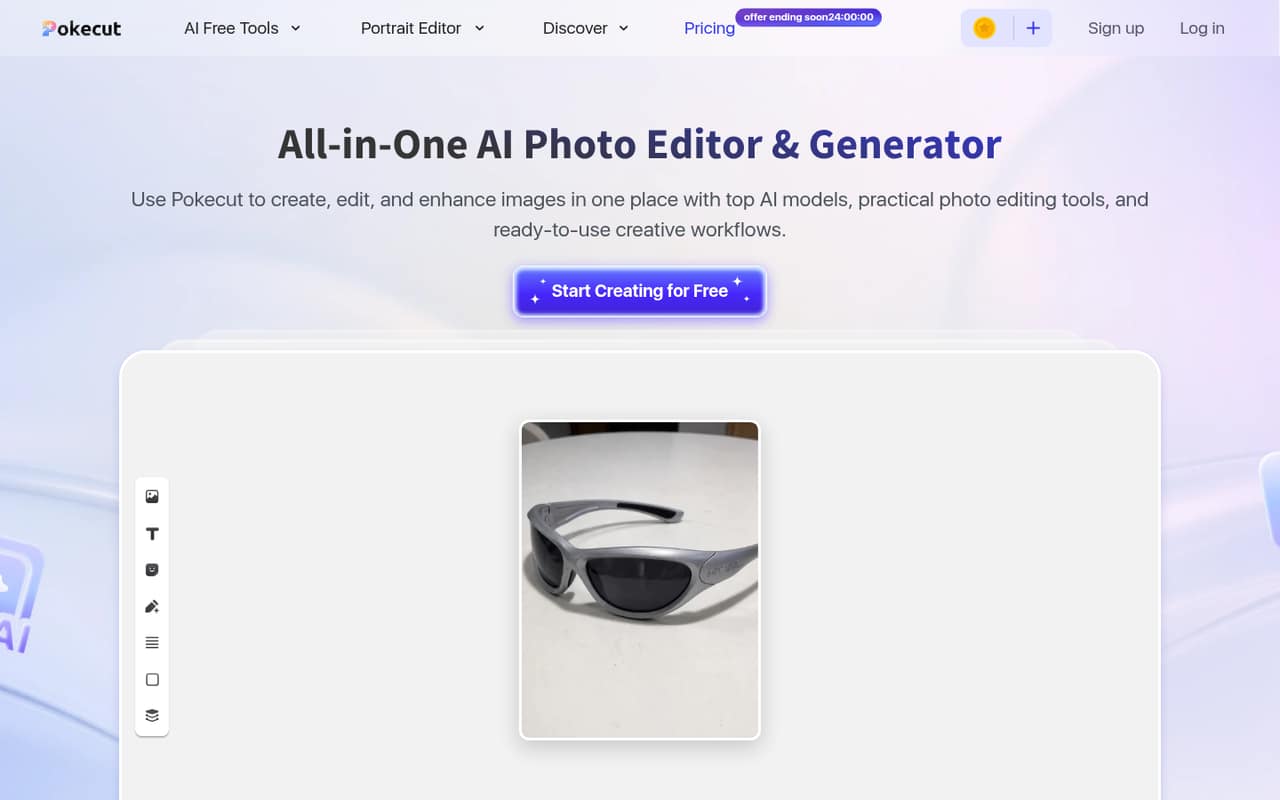
Pokecut bundles background removal, object erasing, image enhancement, portrait edits, generation, collages, and batch editing in an online editor. Its listed Free plan costs $0 and includes batch editing for up to 50 images, but monthly credits are limited and the amount is not published.
For a small team, the sticking point is the budget: paid monthly and annual prices are not published on the vendor's site. We’d try the free plan for occasional image work, but ask for a written team quote before building a regular workflow around it.
Good fit if
- Solo creators editing portraits
- Small shops processing product images
- Teams with occasional image tasks
Skip it if
- Teams needing predictable paid costs
- High-volume editing beyond 50 images
- Teams requiring confirmed integrations
ScoresHow it rates
What works
- Free plan is listed at $0
- Batch editing supports up to 50 images
- Includes background removal and object erasing
- Offers portrait editing and image generation
- Free listing includes unlimited cloud storage
What doesn't
- Free monthly credit amount is unpublished
- Paid monthly prices are unpublished
- Paid annual prices are unpublished
- Team-seat pricing is not published
- No separate free trial is listed
01Who Pokecut is for
Pokecut is aimed at people who need to prepare portraits, product photos, travel images, or creative content without assembling a set of separate editing tools. For a one-person business or a small team of up to 10, it may suit occasional jobs such as removing a background, clearing an unwanted object, improving a portrait, or resizing a batch of images.
The fit is strongest when the work is image editing rather than a broader team workflow. The homepage says batch editing handles up to 50 images, which could help a small shop or marketing team with recurring but bounded tasks. The Free plan is listed at $0, so it is a low-cost way to see whether the available tools cover your needs. But the monthly credit allowance is limited and its amount is not published, while paid prices are not published on the vendor's site. We’d treat it as a free starting point, not a confirmed budget choice for a growing team.
02Pokecut free plan and trial
The Free plan is listed at $0 per month. Its listed inclusions are limited monthly credits, batch editing for up to 50 images, more than 10,000 design templates, unlimited cloud storage, HD downloads, and Ultra Enhance. Pokecut also describes tools for background removal, object erasing, portrait edits, image generation, and collages.
The important catch is that the monthly credit allowance is limited, but the amount is not published. That makes it hard to know how many edits a solo user or small team can complete before hitting a cap. A separate free trial is not listed. Start with the free plan and check how credits apply to the tools you need; ask Pokecut for the current allowance before relying on it for regular production work.
03What a small team pays for Pokecut
The available pricing listing puts Free at $0 per month. On that price alone, one person costs $0 monthly or $0 annually; three people would total $0 per month or $0 per year, and five would also total $0 per month or $0 per year if each has a free account. That is simple arithmetic on the listed free price, not a published team plan. Whether multiple people can share an account or workspace is not stated.
Paid-plan monthly and annual prices are not published on the vendor's site, so we can’t give reliable totals for one, three, or five paid seats. The available listing doesn’t name paid add-ons or their prices either. Before rolling Pokecut out to a team, ask for the per-seat price, billing terms, credit allowances, and whether any needed tools require an upgrade. Without those details, the free plan is the only priced option we can put in a small-team budget.
04Getting started with Pokecut
Pokecut is described as an online photo-editing platform, so the basic starting point is working with images in the online editor. The advertised tasks—background removal, object erasing, enhancement, portrait edits, and batch editing—are easy to understand as jobs, though we can’t confirm how many steps each takes from the published details.
The vendor does not publish setup effort, integrations, or team-administration details in the information we can cite. A solo user can begin by checking whether the free credits cover a typical edit. For a small team, decide who will manage image files and ask whether Pokecut connects to the storage, ecommerce, or social tools you already use. One Reddit thread is a product launch announcement that describes the tools as “easy-to-use,” but it is not a detailed setup guide or an independent account of onboarding.
05When small teams outgrow Pokecut
The first possible pinch point is the Free plan’s limited monthly credits: the allowance is not published, so a team can’t forecast when it may need more. Batch editing is capped at up to 50 images, which may also be too little for a larger recurring workload. Paid prices and seat costs are not published, making an upgrade difficult to budget for in advance.
A growing team should ask about credit limits, paid-plan costs, shared workspaces, and integrations before making Pokecut part of a regular production process. If those answers don’t fit, compare tools with published team pricing and workflow details. One Reddit thread is a launch announcement rather than a detailed customer report, so it offers little evidence about how Pokecut performs as teams grow. We’d keep the free plan for small jobs until the vendor confirms the cost and limits of a larger setup.
From the threadsWhat users say
The Reddit material is a single promotional launch post, so it gives a positive description of the product but little independent evidence about customer experience. We’d treat sentiment as limited rather than as proof of how the tool works for teams.
easy-to-use AI editing tools
free, handy features all in one place
Whether it’s for creative projects, social media, or professional use
We’re excited to introduce our new product: Pokecut AI Image Editor!
Questions people ask
What is Pokecut?
Pokecut is an online AI photo-editing platform for portraits, product images, travel photos, and creative content. Its listed tools include background removal, object erasing, image enhancement, portrait editing, image generation, collages, and batch editing. The homepage says batch editing supports up to 50 images.
Does Pokecut have a free plan?
Yes. The Free plan is listed at $0 per month and includes limited monthly credits, batch editing for up to 50 images, more than 10,000 design templates, unlimited cloud storage, HD downloads, and Ultra Enhance. The amount of monthly credits is not published, so check with Pokecut if you need to estimate regular usage.
How much does Pokecut cost for a team?
The Free plan is listed at $0. Paid monthly and annual prices are not published on the vendor's site, and team-seat costs are not stated. If each person uses a free account, the listed price adds up to $0 per person, but that does not confirm shared team access. Ask Pokecut for a team quote before budgeting.
Can Pokecut edit multiple images at once?
Yes. Pokecut describes batch editing for tasks such as resizing, enhancing, and editing backgrounds, and its homepage says it supports up to 50 images at once. The free listing also includes batch editing. The monthly credit allowance is limited, but its amount is not published, so ask how batch jobs use credits.
Does Pokecut offer a free trial or integrations?
A separate free trial is not listed; Pokecut instead lists a Free plan at $0 per month. Integration details are not published in the information available to us. If your team needs to connect image editing with storage, ecommerce, or social tools, ask Pokecut which integrations it supports before committing to a workflow.