
We may earn a commission if you buy through links on this page. It never changes a score or a ranking. How we make money
The bottom line
Porter automates cloud app operations, but Standard fees sit on top of your cloud bill.
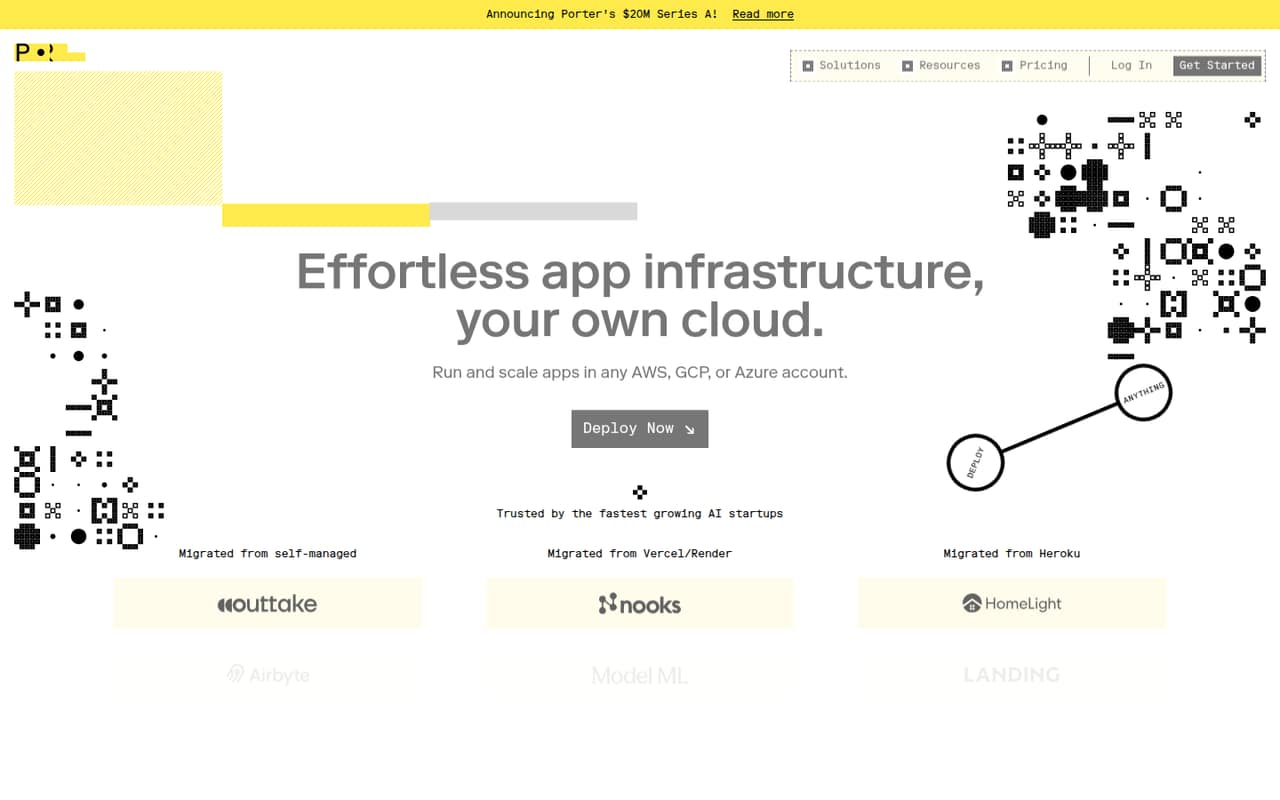
Porter deploys and manages apps in your own AWS, GCP, or Azure account. Git and Docker deployments, automated CI/CD, preview environments, autoscaling, monitoring, and infrastructure management make it a capable toolkit for a small engineering team.
Standard starts at $6 per GB of RAM and $13 per vCPU per month, with underlying cloud costs extra. There’s no standard free plan or trial listed, so budget for both Porter and your cloud provider before committing.
Good fit if
- Small engineering teams with cloud accounts
- Teams deploying from Git or Docker
- Apps that need autoscaling and previews
Skip it if
- Teams that need a free ongoing plan
- Nontechnical teams without cloud support
- Teams seeking one predictable bundled bill
ScoresHow it rates
What works
- Runs apps in your own AWS, GCP, or Azure account
- Deploys from Git or Docker
- Automates builds and deployment on every push
- Standard includes unlimited applications
- Preview environments and autoscaling are included
What doesn't
- No standard free plan or free trial is listed
- Cloud provider charges are extra
- Monthly cost depends on RAM and vCPU usage
- No annual billing option is listed
- Enterprise pricing requires a custom quote
01Who Porter is for
Porter is for small engineering teams—whether one person or a group of up to ten—who want to deploy apps in an AWS, GCP, or Azure account they control. It manages app infrastructure there, so teams can deploy from Git or Docker without treating each deployment and operations task as a separate manual project.
The job is broader than getting code online: Porter includes automated CI/CD, preview environments for pull requests, autoscaling, monitoring, infrastructure management, upgrades, and CVE patches. That can suit teams operating several apps or needing deployment tools without moving their infrastructure to a separate hosted platform.
Budget matters. Standard charges by RAM and vCPU, not by seat, and the underlying cloud bill is separate. A small team should estimate its resource needs before signing up. Porter is a less obvious fit if the team has no cloud account, wants a free plan, or needs one bundled price that includes hosting.
02Porter free plan and trial
Porter lists no standard free plan and no free trial. Its homepage advertises six months free for startups, but the eligibility rules and what the promotion covers aren’t published in the pricing details. Ask Porter to confirm whether your company qualifies and which charges are included before counting on that offer.
The cheapest listed way in is Standard: $6 per GB of RAM per month and $13 per vCPU per month. That’s a usage-based starting rate, not a fixed monthly package, and the underlying AWS, Azure, or GCP charges remain separate. Standard includes unlimited applications, preview environments, and autoscaling. Before choosing it, estimate the RAM and vCPU your apps will use and check whether the startup promotion applies.
03What a small team pays for Porter
Standard is priced by resource, not by seat, so a one-person team and a five-person team aren’t charged different rates just because of headcount. The bill depends on the RAM and vCPU they use. Porter lists $6 per GB of RAM per month and $13 per vCPU per month. For example, a footprint using 1 GB of RAM and 1 vCPU costs $19 per month at those rates, before cloud provider charges.
That example applies whether one person or five people share that same footprint; it isn’t a prediction of what their apps will consume. For the same usage across 12 months, the listed rates work out to $72 per GB of RAM and $156 per vCPU. Porter lists no annual billing option or annual discount.
The biggest extra cost for a small team is its AWS, Azure, or GCP bill, which isn’t included. Standard has unlimited applications, but usage can still drive the Porter charge upward. Enterprise is custom-priced, with volume discounts available above 40 vCPU or 80 GB of RAM. Contact Porter for a quote if you approach those levels.
04Getting started with Porter
Plan for engineering involvement: Porter manages infrastructure in your own AWS, GCP, or Azure account, and deployments come from Git or Docker. Your team will need to decide which cloud to use and what it wants to deploy. Porter says it automates infrastructure setup, monitoring, upgrades, and CVE patches, but that doesn’t make the initial cloud and app decisions disappear.
Porter lists automated CI/CD, with every push building and deploying automatically, plus a preview environment for each pull request. Autoscaling can be based on usage or custom metrics. Those features give a small team useful deployment and operations tools once its apps are configured.
Porter doesn’t publish a setup-time estimate in the pricing details. The learning curve will depend on how comfortable your team is with cloud infrastructure and resource choices. Git and Docker are the deployment routes listed; check with Porter about the specific onboarding steps and cloud permissions required for your setup before scheduling a migration.
05When small teams outgrow Porter
Porter doesn’t set a published app limit on Standard: the plan includes unlimited applications. The more likely growing-team pressure is resource use. Standard charges separately for RAM and vCPU, so apps that need more of either increase the Porter bill, while AWS, Azure, or GCP charges remain on top.
A team may also need features reserved for Enterprise. That plan offers advanced RBAC, SAML-based SSO, premium support, and on-prem installation. Porter lists volume discounts as available above 40 vCPU or 80 GB of RAM, but Enterprise pricing is custom, so ask for a quote rather than assuming a particular saving.
There’s no seat-based upgrade point: adding teammates alone doesn’t change the listed Standard rates. Revisit the fit when the app’s resource needs grow, when access controls or support requirements change, or when your team wants a different hosting arrangement. If you need a predictable all-in bill, remember that Porter’s listed price excludes the cloud provider’s charges.
Porter in the news
Questions people ask
Does Porter have a free plan?
Porter lists no standard free plan and no free trial. Its homepage advertises six months free for startups, but the offer’s eligibility and included charges aren’t published in the pricing details. Ask Porter to confirm the terms. Otherwise, Standard is the cheapest listed plan, priced by RAM and vCPU usage.
How much does Porter Standard cost?
The pricing page lists Standard at $6 per GB of RAM per month and $13 per vCPU per month. Those are resource rates, not a per-seat price. Your total depends on usage, and the AWS, Azure, or GCP bill is separate.
Does Porter include cloud hosting?
No. Porter manages app infrastructure in your own AWS, GCP, or Azure account, and its pricing lists those underlying cloud costs as extra. Include your cloud provider’s bill when estimating the total cost of running an app with Porter.
What does Porter Standard include?
Standard includes unlimited applications, preview environments, and autoscaling. Porter also lists deployments from Git or Docker, automated CI/CD, monitoring, and infrastructure management among its capabilities. Standard is billed by RAM and vCPU usage.
When should a team consider Enterprise?
Enterprise may be worth discussing if you need premium support, advanced RBAC, SAML-based SSO, or on-prem installation. Porter also lists volume discounts above 40 vCPU or 80 GB of RAM. Enterprise pricing is custom, so contact Porter for a quote.