
We may earn a commission if you buy through links on this page. It never changes a score or a ranking. How we make money
The bottom line
Powerful workflow and RPA options, with annual pricing and a learning curve to weigh.
Power Automate can handle everyday approvals and notifications as well as desktop RPA, process mining, and workflows across more than 1,000 prebuilt connectors. That range is useful if your team already works in Microsoft tools, but it may be more tool than a small team needs for a few simple automations.
There’s no free plan listed: the free trial lasts 30 days and limits you to UI-based cloud flows with standard connectors. Power Automate Premium starts at $15 per user per month, billed yearly, so five people cost $900 per year before add-ons.
Good fit if
- Teams already using Microsoft tools
- Approvals and routine business workflows
- Teams automating legacy desktop tasks
Skip it if
- Teams wanting a permanent free tier
- People seeking a no-learning setup
- Teams needing casual monthly billing
ScoresHow it rates
What works
- More than 1,000 prebuilt connectors
- Cloud flows and desktop RPA
- Attended automation in Premium
- Natural-language authoring with Copilot
- Process and task mining options
What doesn't
- No free plan is listed
- Trial lasts only 30 days
- Paid plans are billed yearly
- Unattended bots cost more
- Some users report a steep learning curve
01Who Power Automate is for
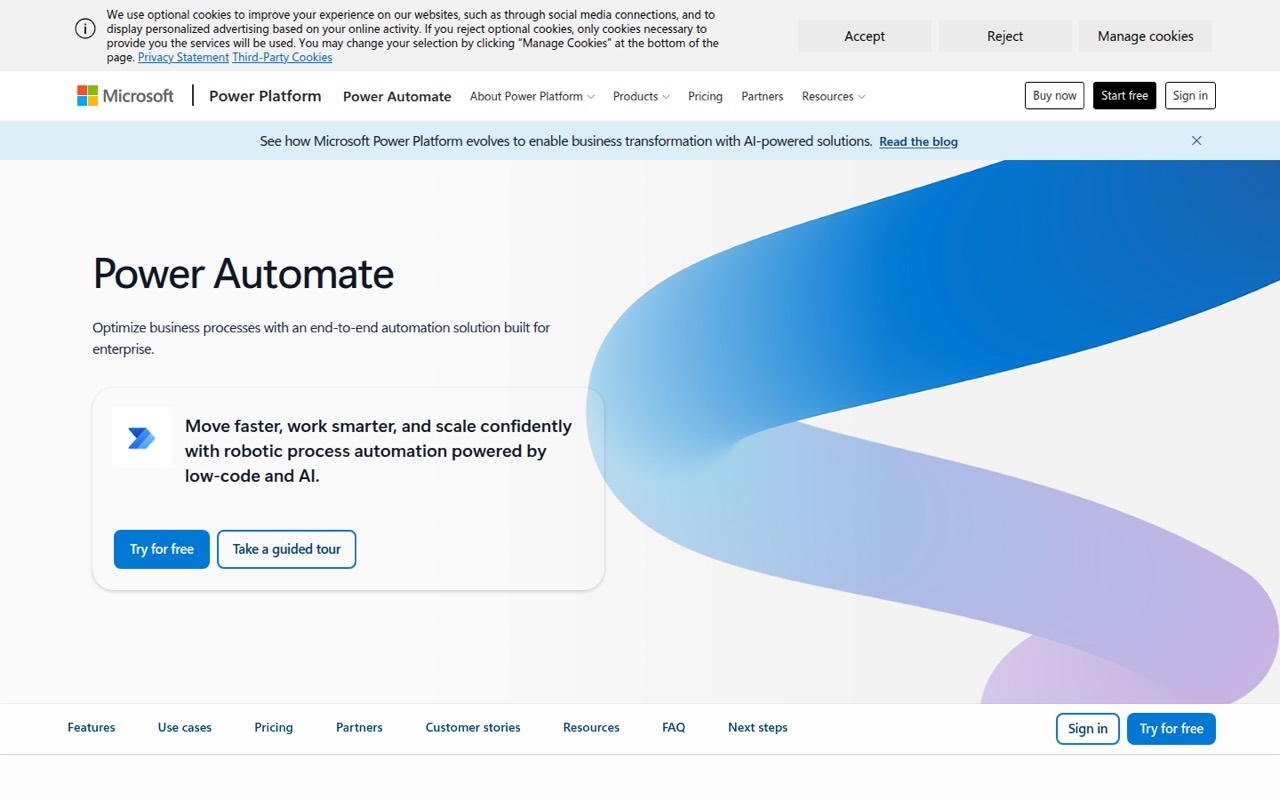
Power Automate makes the most sense for a small team that already uses Microsoft tools and has repeatable work to automate: approvals, notifications, file creation, or handoffs between people. It builds cloud flows for apps and services, and desktop flows that can automate actions in legacy systems. The product also lists AI-assisted authoring, process mining, and more than 1,000 prebuilt connectors.
For a team of one to ten, the price depends on who needs a paid user license and whether you need unattended bots. Premium is $15 per user per month when paid yearly; five licensed users work out to $75 per month, billed annually. That can be reasonable when it replaces recurring manual work, but it is a lot to pay just to experiment with a few basic flows. If your needs are simple, start with the 30-day trial and confirm the connectors and licensing fit before committing.
02Power Automate free plan and trial
Power Automate does not list a permanent free plan. Its free trial costs nothing for 30 days and includes UI-based cloud flows with standard connectors. That gives a small team a short window to try basic cloud automation before buying, but the trial does not include a paid-plan entitlement to attended desktop flows, process and task mining, or Dataverse storage.
The cheapest paid option listed is Power Automate Premium at $15 per user per month, paid yearly. It includes cloud flows, attended desktop flows, process and task mining with 50 MB of data stored, and Dataverse capacity. The trial is a useful starting point if you can define a small workflow to test; it is not a long-term free tier for a team.
03What a small team pays for Power Automate
For cloud flows and attended desktop automation, the listed entry point is Power Automate Premium at $15 per user per month, paid yearly. One person is $15 per month on that billing basis, or $180 for the year. Three users are $45 per month, or $540 annually; five are $75 per month, or $900 annually. These are per-user calculations from the listed price, not monthly-billing rates; a monthly payment option is not listed.
If your team needs unattended desktop bots, Power Automate Process is $150 per bot per month, paid yearly, and Hosted Process is $215 per bot per month, paid yearly. Hosted Process includes a Microsoft-hosted Azure virtual machine. Those bot plans are a different cost model from Premium’s per-user price, so confirm how many bots your workflow requires. The Process Mining add-on is $5,000 per tenant per month, paid yearly, and is listed for Premium only. Copilot Studio has custom pricing, and agent features require an Azure subscription.
04Getting started with Power Automate
For a small team, start with one workflow that has a clear trigger and outcome, such as an approval or a notification. Reddit users describe using flows for calendar approvals, SharePoint status changes, employee onboarding, and purchasing requests. The trial’s UI-based cloud flows and standard connectors give you a limited way to try a basic cloud process before you choose a paid plan.
Power Automate lists more than 1,000 prebuilt connectors and the option to build custom ones, so check that the apps you need are covered. If your workflow involves desktop actions, legacy systems, or process mining, allow more time to learn the relevant features; those are broader jobs than a simple cloud flow. Reddit learners recommend starting with small work projects and building competence with the basics. One person asking how to learn described Microsoft courses and videos that moved quickly from simple examples to unfamiliar terminology, so expect to look things up as your flows grow.
05When small teams outgrow Power Automate
The first budget check is the jump from a trial to paid seats: five Premium users cost $900 per year at the listed rate, and a monthly billing price is not listed. Teams that need unattended desktop automation face a separate per-bot charge of $150 per month for Process or $215 for Hosted Process, both paid yearly. Deep process analysis can be a much bigger commitment: the Process Mining add-on is $5,000 per tenant per month, paid yearly.
A growing team may also outgrow the learning curve before it outgrows the feature set. Some Reddit users praise Power Automate for broad workplace workflows, while others report undocumented pitfalls and frustration when complex flows meet production limits. One commenter said they would use it for something small and simple but were unhappy with it for more demanding work. If flows become hard to own or maintain, review who is responsible for each process and whether a simpler automation or code-based approach fits better.
From the threadsWhat users say
Reddit sentiment is mixed: people describe useful workplace automations, but some warn about learning complexity and frustrating limits. Users’ experiences vary with the task and how far they push the tool.
Calendar approvals, other approvals for business workflows
unknown limitation
Don’t try to learn everything, focus on building competence with the basics
I’d recommend starting with Zapier for versatility or Power Automate if you’re on a budget and also use Microsoft tools
Questions people ask
Is Power Automate free?
There is no permanent free plan listed. Power Automate offers a free 30-day trial with UI-based cloud flows and standard connectors. After the trial, the listed paid plans start with Premium at $15 per user per month, paid yearly. If your team needs more than basic cloud flows, check the plan details before relying on the trial.
How much does Power Automate cost for a small team?
Power Automate Premium is listed at $15 per user per month, paid yearly. That works out to $45 per month, billed annually, for three users, or $75 per month for five. The annual totals are $540 and $900, respectively. Unattended desktop automation uses per-bot plans with separate prices.
Can Power Automate automate desktop apps?
Yes. Power Automate offers desktop flows for robotic process automation. Premium includes attended desktop flows, while Power Automate Process and Hosted Process include unattended desktop flows. Hosted Process also lists a Microsoft-hosted virtual machine on Azure. Choose based on whether a person needs to attend the automation or it must run unattended.
Does Power Automate connect to non-Microsoft apps?
The product lists more than 1,000 prebuilt connectors and the option to build custom connectors, covering apps, data, and services in cloud or on-premises workflows. Check the connector list for the specific services your team uses and verify any plan or licensing requirements before building a workflow around them.
Is Power Automate hard to learn?
It depends on the workflow. Reddit users describe starting with small work projects and learning the basics before tackling more complex flows. One learner said tutorials could jump quickly from simple examples to unfamiliar terms. For a small team, start with one straightforward approval or notification and expect more learning if you move into desktop RPA or complex processes.
Sources
- Power Automate homepage
- Power Automate pricing page
- Reddit: What do you use Power Automate for?
- Reddit: What is the best Automation tool? (from people who have used a few like, Zapier, Make, IFTTT (If This Then That) and Microsoft Power Automate?)
- Reddit: MS Powerautomate is the biggest shit ever invented.
- Reddit: How did you learn Power Automate?