
We may earn a commission if you buy through links on this page. It never changes a score or a ranking. How we make money
The bottom line
Worth considering for recurring decks; confirm how guest access and paid seats work first.
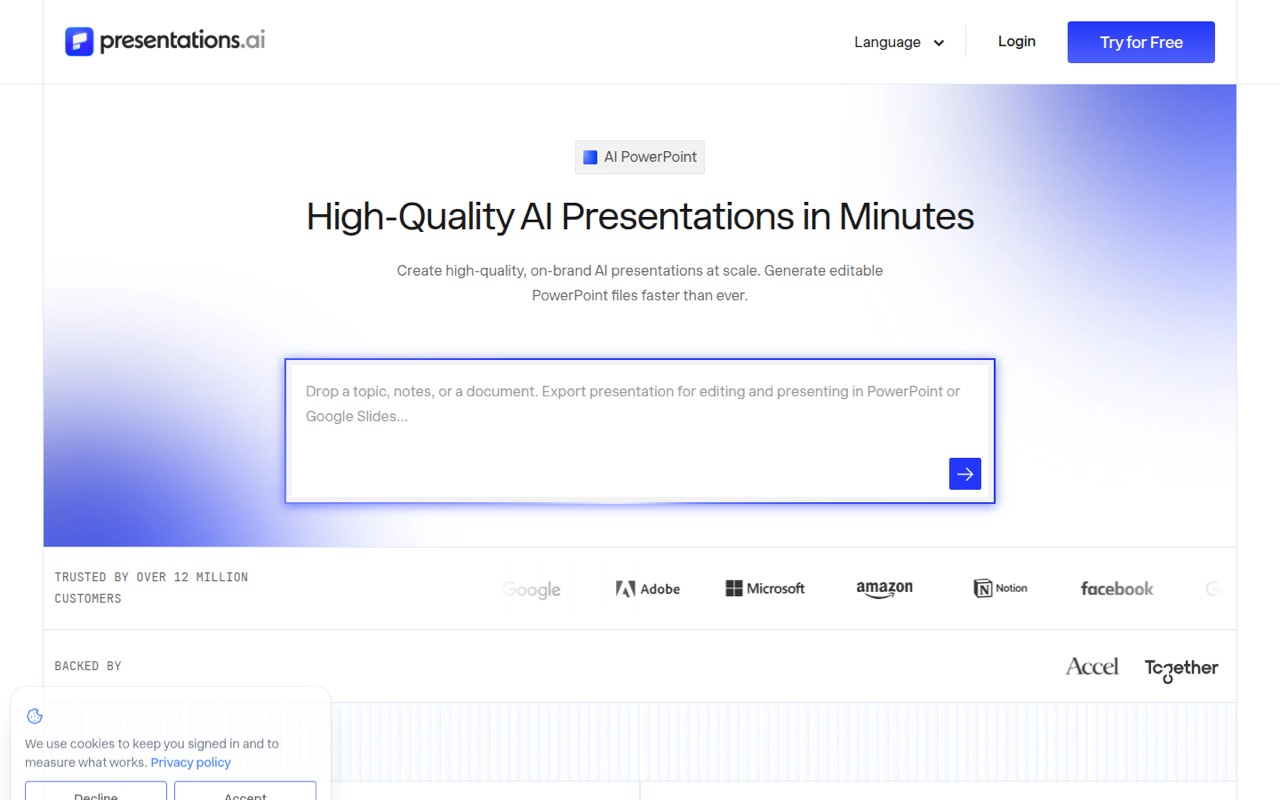
A small team that makes regular presentations may save time with Presentations.AI: it generates decks from prompts, documents, URLs, or ChatGPT conversations, then exports editable PowerPoint files. Starter is free, with 200 credits and a 20-slide limit.
Pro costs $20 per month when billed annually and includes 5,000 credits, brand customization, and up to 10 guests. That is a clear starting price, but the vendor does not list a separate monthly rate or clarify whether every teammate needs a paid subscription. Confirm seat costs before budgeting for a rollout.
Good fit if
- Teams making recurring sales decks
- Founders who need editable PowerPoint exports
- Small teams standardizing brand styling
Skip it if
- Teams needing a published monthly rate
- Teams requiring confirmed per-seat pricing
- Occasional users needing over 20 slides
ScoresHow it rates
What works
- Starter plan is free
- Generates decks from prompts, documents, and URLs
- Exports editable PowerPoint files
- Brand Sync applies website colors and fonts
- Pro includes up to 10 guests
What doesn't
- Starter is limited to 20 slides
- Credit use per deck isn't published
- Pro has 10 MB of brand asset storage
- Separate month-to-month rates aren't listed
- Paid-seat rules aren't clearly stated
01Who Presentations.AI is for
A small team that regularly prepares pitches, sales materials, or internal presentations is the clearest fit. Presentations.AI turns prompts, documents, URLs, or ChatGPT conversations into slide decks, and its listed PowerPoint export is editable. That makes it more relevant to teams that need to keep working on a deck than to people who only want a static preview.
For a one-to-five-person team, Starter is a low-cost way to make occasional decks, while Pro is the listed paid entry point for regular use. Pro includes brand customization and up to 10 guests, which may suit a team sharing presentations, but the vendor does not clarify whether each teammate needs a paid subscription. Ask about seat rules before treating the listed $20 rate as a team price. Teams needing repeatable, brand-matched decks may also value Brand Sync and the Refresh feature, which updates data in a master template while keeping its design locked.
02Presentations.AI free plan and trial
Starter is free and includes 200 credits, the Starter AI model and agent, and decks of up to 20 slides. The pricing page lists no free trial period, and the free plan is the cheapest way to try the product.
The limit is not only the credit allowance: a deck cannot exceed 20 slides on Starter. The vendor does not publish how many credits a typical deck uses, so we can't translate 200 credits into a reliable number of presentations. If you need more credits, advanced AI features, high-quality PowerPoint export, presentation tracking, or brand customization, those are listed under Pro, which costs $20 per month when billed annually. Check the plan details before relying on export quality or credit capacity for an important project.
03What a small team pays for Presentations.AI
Starter costs $0. Pro is listed at $20 per month when billed annually, or $240 per year; Gold is $100 per month billed annually, or $1,200 per year. The pricing page does not list separate month-to-month rates.
If each person needs a separate Pro subscription, three subscriptions would total $60 per month equivalent, billed as $720 per year. Five would be $100 per month equivalent, or $1,200 per year. Those are per-subscription calculations, not confirmed team quotes: Pro includes up to 10 guests, and the vendor does not explain whether guests can use the product without separate paid seats. Ask before multiplying the price across your roster.
Gold would cost $300 per month equivalent for three subscriptions or $500 for five, with annual billing of $3,600 or $6,000. It adds 50,000 credits, frontier models and agents, and unlimited guests and brand asset storage. No add-ons are listed. Pro includes 10 MB of brand asset storage.
04Getting started with Presentations.AI
For a first deck, the listed inputs are simple: a prompt, document, URL, or ChatGPT conversation. The product description says Brand Sync can pull a logo, fonts, and colors from a pasted website URL. That gives a small team a path from published material to a branded deck without first building a presentation template from scratch. The vendor does not publish a setup-time estimate, so plan for some review and editing rather than assuming the first draft is ready to send.
A team that only needs generated decks may not need integrations on day one. For data-linked work, the listed connectors include Salesforce, HubSpot, Sheets, Tableau, and more than 50 others. The product also lists API, Zapier, and Make options for programmatic generation. Connector setup steps and requirements are not specified in the pricing details; check the relevant docs or ask the vendor if a live data connection is essential.
05When small teams outgrow Presentations.AI
The first upgrade point is Starter's 200-credit allowance or 20-slide maximum. If those limits get in the way, Pro raises the allowance to 5,000 credits and adds advanced AI features, high-quality PowerPoint export, tracking and analytics, brand customization, and up to 10 guests. The vendor does not publish how many credits different deck tasks use, so a team should check its actual needs before estimating capacity.
A team may need to consider Gold when it wants 50,000 credits, frontier AI models and agents, a shared knowledge base, unlimited guests, or unlimited brand asset storage. That is a significant jump from Pro: $100 per month billed annually instead of $20. Another reason to pause before growing the account is uncertainty about paid seats: guest limits are listed, but the vendor does not explain team billing. Get a written quote if several people need full access.
Questions people ask
Is Presentations.AI free?
Yes. The Starter plan costs $0 and includes 200 credits, the Starter AI model and agent, and decks of up to 20 slides. The vendor does not publish how many credits a typical presentation uses, so the credit count alone does not show how many decks you can make.
How much does Presentations.AI Pro cost?
The pricing page lists Pro at $20 per month when billed annually, or $240 per year. It does not list a separate month-to-month rate. Pro includes 5,000 credits, brand customization, high-quality PowerPoint export, tracking and analytics, and up to 10 guests.
How much would Presentations.AI cost for a team of five?
If all five people need separate Pro subscriptions, the listed annual-billing rate works out to $100 per month equivalent, paid as $1,200 per year. But Pro includes up to 10 guests, and the vendor does not clarify whether guests need paid subscriptions. Confirm seat rules before budgeting.
Can Presentations.AI export editable PowerPoint files?
Yes. The product lists native PowerPoint export as an editable .pptx file for use with PowerPoint or Google Slides. High-quality PowerPoint export is listed as a Pro feature. Check the plan details if export quality or editing in a specific application is central to your workflow.
Can Presentations.AI use our brand and live data?
The product lists Brand Sync, which pulls a logo, fonts, and colors from a pasted website URL. Its Refresh feature swaps new data into a master template while keeping the design locked. Listed connectors include Salesforce, HubSpot, Sheets, Tableau, and more than 50 others; connector setup requirements are not published in the pricing details.