
We may earn a commission if you buy through links on this page. It never changes a score or a ranking. How we make money
The bottom line
A feature-rich Mac proxy, with a useful free taste and a five-seat minimum for team plans.
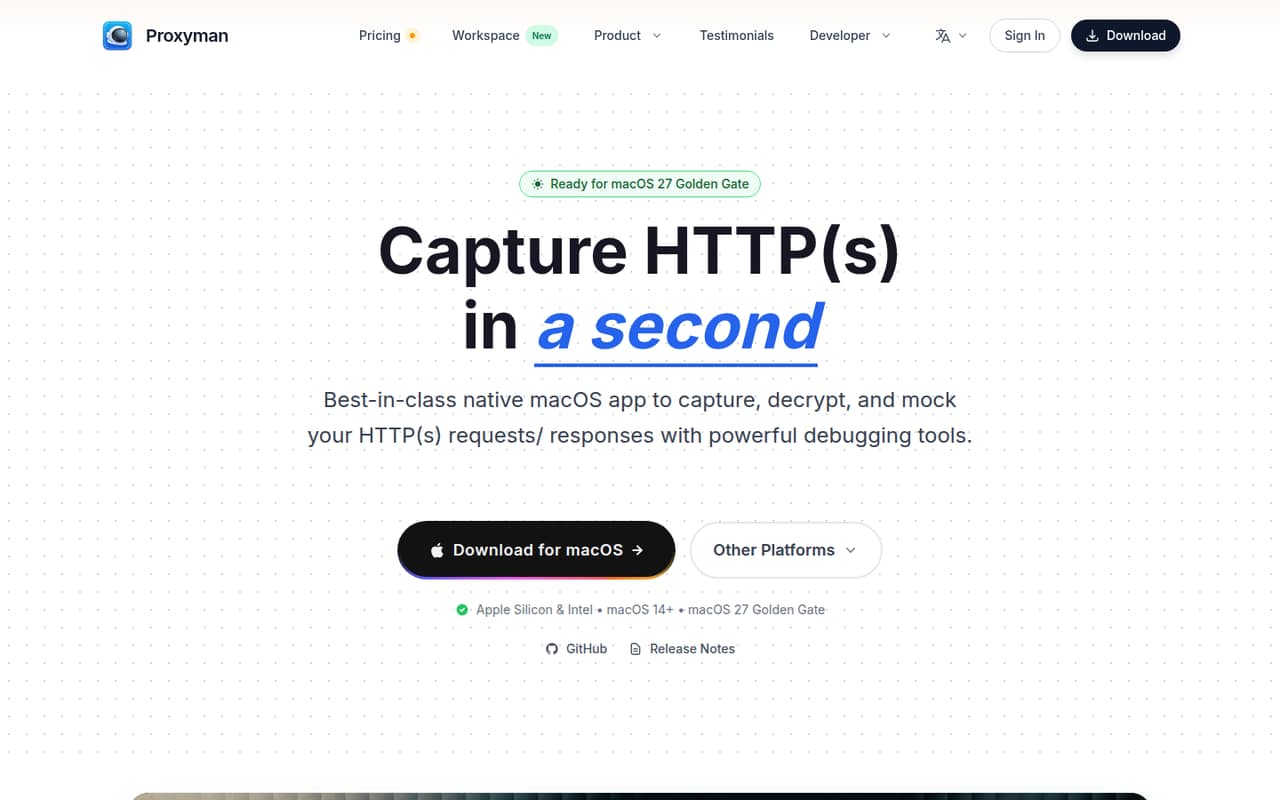
Proxyman captures and decrypts HTTP(S) traffic so developers can inspect and debug requests and responses. Filters, breakpoints, response mocking, WebSocket inspection, and an MCP server cover a lot of debugging work in one native macOS app.
The free plan is limited to one debugging tools rule and excludes mobile apps and premium tools. A single Standard license costs $89 one time, but teams seeking shared team-plan features face a five-seat minimum—even when they only have three people.
Good fit if
- Mac developers debugging HTTP(S) traffic
- Small teams mocking API responses
- Teams inspecting mobile app connections
Skip it if
- Teams needing a free mobile proxy
- Three-person teams wanting team billing
- Windows-first development teams
ScoresHow it rates
What works
- Captures and decrypts HTTP(S) traffic
- Filters requests by multiple criteria
- Can edit requests and responses on the fly
- Mocks responses from local files
- MCP server supports AI-assisted debugging
What doesn't
- Free plan allows just one debugging rule
- Free plan excludes iOS and Android apps
- Team plans require at least five seats
- Team Subscription is billed yearly
- Setup time and learning curve aren't published
01Who Proxyman is for
Proxyman is for developers who need to see what their apps send and receive over HTTP(S). It captures and decrypts traffic, then lets you filter requests, inspect headers and bodies, edit requests or responses with breakpoints, and mock responses from local files. It can also inspect live WebSocket frames, including binary and Protobuf payloads.
For a one-to-ten-person team, the fit depends on how many people need a license. One developer can start with the $89 Standard license; two can share the Personal license’s two seats and devices. A three-person team can buy separate individual licenses, but Proxyman’s team plans start at five seats. That makes the team plans a harder fit for small, tight-budget groups. Proxyman is a native macOS app, so it suits Mac-based development rather than teams looking for a cross-platform desktop proxy.
02Proxyman free plan and trial
The free Trial plan is useful for evaluating basic debugging, but it is tightly capped. The pricing page lists one debugging tools rule, a limited feature set, no premium debugging tools, and no iOS or Android apps. It does not publish a trial duration.
That single-rule ceiling can matter if your work depends on mapping local responses: one Reddit thread reports that Proxyman limited that mock amount to one endpoint, while a commenter says a paid license unlocks unlimited Map Local Rules. Treat the free version as a way to check whether the workflow suits you, not as a no-cost plan for a team relying on mobile debugging or multiple rules. The cheapest paid entry is Standard at $89 one time for one seat and one device.
03What a small team pays for Proxyman
For one developer with one device, Standard is $89 one time and includes one seat, one device, one year of updates, and a perpetual license. Personal is listed at $99 for two seats and two devices, with one year of updates; the pricing page shows $178 crossed out beside that price. Three separate Standard licenses would cost $267 up front.
Team plans start at five seats, so a three-person team cannot buy either team option at its actual size. The Team Subscription is $12 per seat per month, billed yearly: five seats work out to $60 per month, or $720 for a year. The Team one-time purchase is listed at $99 per seat, with a five-seat minimum, or $495 for five seats; it includes one year of updates. The pricing page labels this option per seat per year, so confirm renewal terms with Proxyman before buying. Optional team-license renewal is $79 per seat for one year. Education licenses are 50% off by contacting support; custom and volume pricing require contacting Proxyman.
04Getting started with Proxyman
Proxyman is a native macOS app, and the core job is straightforward to understand: capture traffic, inspect requests and responses, and use filters or debugging rules to narrow down what you need. The pricing page does not publish a setup-time estimate or describe how long it takes a new team to learn the app, so we would not budget a specific onboarding time without checking the current setup instructions.
The feature set has several tools to learn, including breakpoints, response mocking, WebSocket inspection, and the MCP server for AI assistants. A team that only needs to inspect traffic can start with the core capture workflow, then add those tools when needed. The published plan details do not name any third-party integrations required on day one. If you plan to connect an AI assistant through MCP or debug mobile devices, check Proxyman’s current instructions and confirm which license covers your use.
05When small teams outgrow Proxyman
The first pressure point is the free plan’s one-rule limit. A Reddit user looking for an alternative reported that the latest update limited their mock amount to one endpoint; a commenter said a paid license unlocks unlimited Map Local Rules. If your team relies on several rules or mobile debugging, the free version may stop being enough quickly.
The next hurdle is seats. Team plans require at least five, so a three- or four-person group pays for more seats than it has people if it wants Team Subscription or the team one-time purchase. Subscription costs also add up year after year: five seats are $720 annually at the listed rate. Individual perpetual licenses may suit a smaller group better, but they do not remove the need to check which team features you require. If you need a platform other than macOS, Proxyman’s native macOS focus may also be a reason to choose another tool. Reddit feedback is positive overall, but one buyer’s rule limit shows why checking your exact workflow matters.
From the threadsWhat users say
The Reddit comments shown are mostly positive, with users praising the product and its interface. One discussion flags a limit on mocking rules, so teams should check whether the free plan covers their workload.
I use proxyman regularly, love the product!!
This is a fantastic app with a very slick UI
with the latest update Proxyman limits this mock amount to only 1 endpoint
Looks good, I use Charles at the moment but this looks to have a few more useful features
Questions people ask
What does Proxyman do?
Proxyman is a native macOS HTTP(S) proxy for capturing and decrypting network traffic. Developers can inspect requests and responses, filter traffic, edit requests or responses with breakpoints, mock responses, and inspect WebSocket frames. It also has an MCP server that lets AI assistants inspect traffic and create debugging rules.
Is Proxyman free to use?
Yes. Its free Trial plan includes one debugging tools rule and a limited feature set, but excludes premium debugging tools and iOS or Android apps. The pricing page does not publish a trial duration. For one seat and one device, the cheapest paid license is Standard at $89 one time.
Is Proxyman safe to use?
Proxyman captures and decrypts HTTP(S) traffic, so captured data may include information you should treat as sensitive. Use it only on traffic you are authorized to inspect, and follow your organization’s security practices for handling captures. Before adopting it, ask Proxyman about any security or data-handling requirements relevant to your setup.
How much does Proxyman cost for a small team?
Standard costs $89 one time for one seat and one device. Personal is listed at $99 for two seats and devices. Team plans require at least five seats: Team Subscription costs $12 per seat per month billed yearly, while the one-time team option is listed at $99 per seat.
Does Proxyman work with iOS and Android apps?
Proxyman supports debugging mobile-device connections, but its free Trial plan does not include iOS or Android apps. The paid Standard plan lists one device, and Personal lists two devices and two mobile seats. Check the current license details with Proxyman if your team needs specific mobile-platform coverage.
Sources
- Proxyman homepage
- Proxyman pricing page
- Reddit: [OS] I built Proxyman. Now I'm building TCP Viewer, a simpler Wireshark alternative for Mac
- Reddit: Proxyman - Modern and Delightful Web Debugging Proxy on macOS
- Reddit: Mock API call - An alternative to Proxyman
- Reddit: Proxyman - 40% off for macOS and iOS