
We may earn a commission if you buy through links on this page. It never changes a score or a ranking. How we make money
The bottom line
PurelyHR covers core HR tasks, but the required Staff plan and separate modules complicate budgeting.
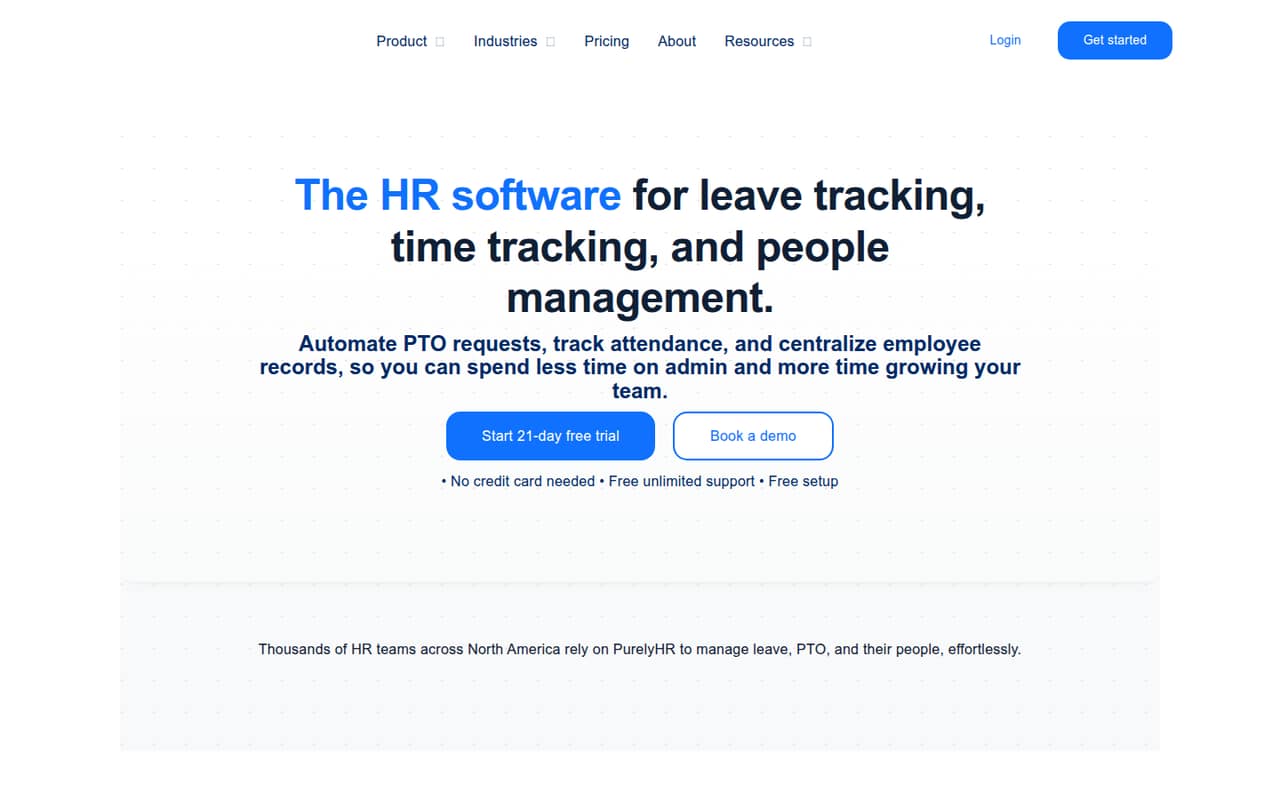
PurelyHR brings employee records, leave, time tracking, performance reviews, and certification tracking into one modular HR product. Staff is the required foundation, starting at $5.18 per employee per month with annual billing, and there’s a 21-day trial.
For a small team, the main catch is that useful modules cost extra and their active-user counts are set separately. Seat limits and overage costs aren’t published, so get a complete quote before choosing it.
Good fit if
- Small teams centralizing HR records
- Businesses with clear leave policies
- Teams choosing HR tools module by module
Skip it if
- Teams needing a free ongoing plan
- Buyers who need a fixed all-in price
- Teams requiring published seat limits
ScoresHow it rates
What works
- Staff centralizes employee information and provides an employee portal
- Leave, time, and performance modules are available
- Annual billing is listed as 10% off
- A 21-day free trial is available
- Eligible nonprofits can request an additional discount
What doesn't
- Staff is required before adding other modules
- There is no free plan
- Seat limits are not published
- Overage costs are not published
- Module pricing makes the total harder to estimate
01Who PurelyHR is for
PurelyHR is aimed at small and midsize businesses that want employee records and HR processes in one place. It can suit a team of 1–10 people if someone needs to manage employee information, time-off requests, attendance, or reviews without buying every module at once.
The Staff plan is the required starting point. It provides a centralized employee portal and is billed by active users. From there, a team can add modules such as Time-Off, Time-Clock, Time-Sheet, Performance, or Talent. That modular approach may fit a small company with specific HR needs, but the separate prices mean the budget depends on which tasks you want covered.
PurelyHR is less straightforward for a buyer who needs a known all-in cost before choosing. Seat limits and overage costs aren’t published, so ask for a quote based on your team size and the modules you expect to use.
02PurelyHR free plan and trial
PurelyHR doesn’t have a free plan. The pricing page lists a 21-day free trial, but it doesn’t specify which modules or user limits the trial includes. Confirm those details with the vendor before starting, especially if you want to test a particular workflow with several employees.
The cheapest paid entry is Staff, required for the other modules. It starts at $5.75 per employee per month with monthly billing, or $5.18 per employee per month with annual billing. That gets a small team the employee portal and centralized employee information; leave management, time tracking, and other capabilities require separately priced modules. If you need those features, ask for the full monthly and annual price rather than treating Staff as the total.
03What a small team pays for PurelyHR
Staff is listed at $5.75 per employee per month with monthly billing, or $5.18 per employee per month with annual billing. That puts one person at $5.75 monthly or $5.18 per month on annual billing. For three people, Staff comes to $17.25 monthly or $15.54 per month on annual billing. For five, it’s $28.75 monthly or $25.90 per month on annual billing.
Those figures cover Staff only. The pricing page lists Time-Off at $28.75 monthly or $25.88 with annual billing, Time-Clock and Time-Sheet at $17.25 or $15.53, and Performance at $28.75 or $25.88. Warnings is listed at $5.75 or $5.18; Talent is $17.25 or $15.53. Each module has an active-user count set separately, so confirm how that affects your quote before adding the rates together. Staff is required, seat limits aren’t published, and overage costs aren’t published. Eligible nonprofits can request an additional discount.
04Getting started with PurelyHR
PurelyHR’s listed features suggest that setup means organizing employee information and deciding how your team handles time off, attendance, and any other workflows you buy. The product includes employee records and onboarding tools, but no setup-time estimate is published. We wouldn’t budget a specific number of hours without a vendor walkthrough and a plan for moving your existing records.
Before signing, ask PurelyHR for its setup checklist, data-import options, and guidance for configuring leave policies and approvals. Also confirm whether the payroll, calendar, or accounting tools your team relies on connect to PurelyHR; integration details aren’t included in the listed pricing information. For a small team, choose the modules you need first and confirm their active-user counts. That should make both the rollout and the first invoice easier to manage.
05When small teams outgrow PurelyHR
The first pressure point is cost: Staff is only the required foundation, and each additional module has a separate price. A team that starts with employee records and later adds leave, time tracking, and performance reviews should recheck its full quote as needs change. The listed module rates don’t by themselves make clear how the active-user count affects the final bill, so get that in writing.
The second pressure point is planning around limits. PurelyHR doesn’t publish seat limits or overage costs in its pricing details. Ask what happens when your headcount grows or a module’s active-user count changes, and whether any extra charges apply. If your team needs a firm cost ceiling or published usage limits to approve software, that lack of pricing detail may be reason to compare options. Also confirm that the integrations and workflows you need are available before building more processes around the product.
Questions people ask
Does PurelyHR have a free plan?
No. PurelyHR lists a 21-day free trial, but no ongoing free plan. The trial’s module and user limits aren’t specified in the pricing details, so ask the vendor what you can access before starting. The cheapest paid option is Staff, which is required for the other modules.
How much does PurelyHR cost for five employees?
Staff for five employees is $28.75 per month with monthly billing, or $25.90 per month with annual billing. Those prices cover Staff only. Leave management, time tracking, and other modules cost extra, and each module has its own active-user count. Ask PurelyHR for the total based on your chosen modules.
What does the PurelyHR Staff plan include?
Staff is the required foundation for PurelyHR’s other modules. The pricing page lists a centralized employee portal and says the plan is billed by active users. The employee-records feature set also includes centralizing employee information and onboarding new hires. Staff does not include every separately priced module.
How long is the PurelyHR free trial?
PurelyHR lists a 21-day free trial. The pricing details don’t specify which modules or how many users are included during the trial. If you want to assess leave management, time tracking, or another specific workflow, confirm access to that module with the vendor before you begin.
Are PurelyHR’s modules included in the Staff price?
No. Staff is required, and the pricing page lists additional modules separately, including Time-Off, Time-Clock, Time-Sheet, Performance, Warnings, and Talent. Each module has an active-user count set separately. Ask PurelyHR to confirm the full price for your chosen modules and team size.