
We may earn a commission if you buy through links on this page. It never changes a score or a ranking. How we make money
The bottom line
Good for turning long videos into social clips; confirm seats and platform support before budgeting.
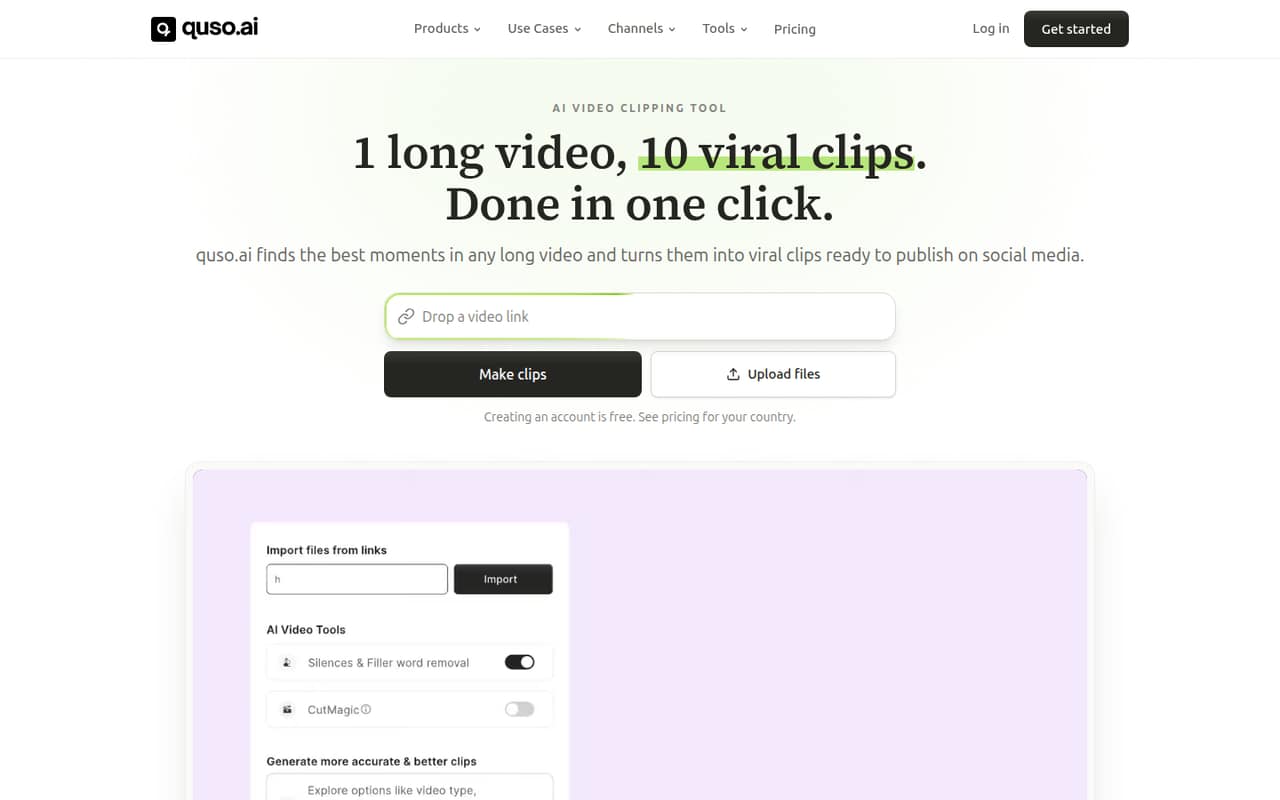
QusoAI turns long videos, podcasts, and streams into short clips with captions and editing tools. It also offers social scheduling, analytics, a brand kit, and content planning. The free plan is enough to try basic clipping and TikTok publishing, but exports have a watermark and are limited to 720p.
Paid plans start at $29 per month for Lite. Essential costs $39 and adds scheduling to seven platforms, while Growth costs $49 and includes analytics. Those prices are per plan, not published per-seat rates, so a small team should confirm how multiple users are billed.
Good fit if
- Creators repurposing long videos
- Small teams publishing social clips
- TikTok-first video workflows
Skip it if
- Teams needing published seat pricing
- Teams requiring named platform integrations
- Editors seeking a free watermark-free plan
ScoresHow it rates
What works
- Free plan includes 75 monthly credits
- Three clip aspect ratios on Free
- Animated captions support 99 languages
- Essential schedules to seven platforms
- Growth includes analytics and branded templates
What doesn't
- Free exports are 720p and watermarked
- Free data retention lasts seven days
- Paid seat pricing is not published
- The seven supported platforms are not named
- No add-ons are listed
01Who QusoAI is for
QusoAI is for creators and small teams that already have long videos and want more short-form posts from them. It can find moments in videos, generate clips, add animated captions, resize footage, and provide editing tools such as filler-word and silence removal. A brand kit can apply fonts, colors, and a logo.
For a solo creator, the Free plan is a low-risk way to try clipping, while Lite costs $29 per month for a more regular 1080p workflow. A team of three to ten should look carefully at how QusoAI bills multiple people: the pricing lists plan prices, but not per-seat rates or team-seat rules. Essential is the more relevant tier if you need scheduling to seven platforms. Growth adds analytics and branded templates. If your main need is editing finished videos rather than turning long recordings into social clips, QusoAI’s feature set may be more than you need.
02QusoAI free plan and trial
The Free plan costs $0 and includes 75 credits per month, 720p exports with a watermark, and clips in 16:9, 9:16, and 1:1 formats. It also includes TikTok publishing and seven days of data retention. That makes it a reasonable way to see whether the clip workflow suits your content before paying.
The limits matter if you want polished clips for other channels: Free exports carry a watermark, resolution stops at 720p, and the listed publishing option is TikTok. The plan details do not specify how many clips 75 credits will produce, so check the credit cost for your typical video before relying on it. QusoAI lists no free trial separately. Lite is the cheapest paid plan at $29 per month and includes 100 credits, unlimited 1080p clips, TikTok publishing, and 10GB of storage.
03What a small team pays for QusoAI
QusoAI lists Lite at $29 per month, Essential at $39, and Growth at $49. The listed annual totals are $348, $468, and $588 respectively. Those totals equal the monthly prices multiplied by 12; the pricing does not publish a separate discount. Free costs $0.
For budgeting, if every person needs a separate plan, Lite would be $29 monthly or $348 annually for one person; $87 monthly or $1,044 annually for three; and $145 monthly or $1,740 annually for five. On Essential, the same headcounts would cost $39/$468, $117/$1,404, and $195/$2,340. These are simple per-plan calculations, not confirmed seat quotes: QusoAI does not publish seat rules or team pricing, so ask how multiple users are billed.
Essential adds scheduling to seven platforms and AI filler and silence removal. Growth adds analytics, priority support, unlimited branded video templates, and 75GB storage. The pricing lists no add-ons.
04Getting started with QusoAI
QusoAI’s listed workflow centers on turning a long video into clips, then captioning, resizing, editing, and publishing them. That is a clear job for a small content team, but QusoAI does not publish a setup-time estimate in the pricing details. We would budget time to check how credits map to your video volume and to establish a repeatable review process before scheduling posts.
The plan details list TikTok publishing on Free and Lite, and scheduling to seven platforms on Essential. They do not name all seven platforms or publish a full integration list. If your team depends on a particular social channel, confirm it is supported before choosing a plan. The brand kit can apply your fonts, colors, and logo, but the setup steps and any account or permission requirements are not published. For day one, verify platform coverage, user access, and credit usage with QusoAI.
05When small teams outgrow QusoAI
The first reason to upgrade is a plan limit: Free has 75 credits, 720p watermarked exports, TikTok publishing, and seven days of data retention. Lite raises the allowance to 100 credits, removes the listed 720p cap with unlimited 1080p clips, and includes 10GB of storage. Essential provides 300 credits, scheduling to seven platforms, and AI filler and silence removal. Growth offers 600 credits, analytics, priority support, unlimited branded video templates, and 75GB of storage.
A team may outgrow the fit before it outgrows the feature list. QusoAI does not publish seat pricing or user limits, so teams adding collaborators should confirm whether they need separate subscriptions and what access each person gets. The listed plans top out at Growth, and no higher tier or add-ons are listed. If your video volume exceeds 600 credits, or you need a feature or social platform not named in the plans, ask QusoAI what options are available before building the workflow around it.
Questions people ask
Does QusoAI have a free plan?
Yes. QusoAI’s Free plan costs $0 and includes 75 credits per month, 720p exports with a watermark, three clip aspect ratios, TikTok publishing, and seven days of data retention. The listed plan does not include watermark-free exports or publishing to the seven platforms offered on Essential.
How much does QusoAI cost for a team?
The listed plans cost $29 per month for Lite, $39 for Essential, and $49 for Growth. QusoAI does not publish per-seat prices or team billing rules. If each of three people needed a separate Lite plan, the arithmetic would be $87 per month, but confirm the actual seat arrangement with the vendor.
What is the cheapest QusoAI plan with 1080p exports?
Lite is the cheapest listed paid plan with unlimited 1080p clips. It costs $29 per month and includes 100 credits, TikTok publishing, and 10GB of storage. The Free plan includes 720p exports with a watermark, not the 1080p export benefit listed for Lite.
Which social platforms can QusoAI publish to?
The plan details specifically name TikTok publishing on Free and Lite. Essential includes scheduling to seven platforms, but the pricing does not name all seven. Confirm that your required social channels are supported before choosing a plan, especially if your publishing workflow depends on a platform other than TikTok.
What does QusoAI’s Growth plan include?
Growth costs $49 per month and includes 600 credits, unlimited branded video templates, social media analytics, priority support, and 75GB of storage. The listed annual price is $588. The plan details do not publish per-seat billing, so a team should confirm whether that price covers its intended users.