
We may earn a commission if you buy through links on this page. It never changes a score or a ranking. How we make money
The bottom line
Ramp’s free plan is compelling; budget for an extra platform fee if you need Plus.
Small teams that want company cards, expense tracking, bill payments, and accounting automation in one place should consider Ramp. Its Free plan costs $0 per user per month and includes unlimited cards, while Plus is $15 per user monthly or $12 per user monthly equivalent with annual billing, plus a team-size platform fee.
The trade-off is that Plus’s total price isn’t clear until Ramp quotes the platform fee, and Reddit users disagree about their experience. Some praise the expense tools and fraud alerts; others report glitches, support problems, or auditing gaps.
Good fit if
- Small teams starting with free cards
- Finance teams automating spend workflows
- Teams consolidating finance tools
Skip it if
- Teams needing a fixed Plus total
- Buyers requiring confirmed integrations upfront
- Teams unhappy with variable fraud alerts
ScoresHow it rates
What works
- Free plan includes unlimited cards
- Cards, expenses, bills, and banking together
- Free plan includes 24/7 chat support
- Plus includes 24/7 phone support
- Enterprise offers local currency cards in 30+ countries
What doesn't
- Plus adds an unpublished team-size platform fee
- Procurement is an extra-cost add-on
- Enterprise pricing is custom
- Free-plan approval limits need confirmation
- Reddit users report mixed reliability and support
01Who Ramp is for
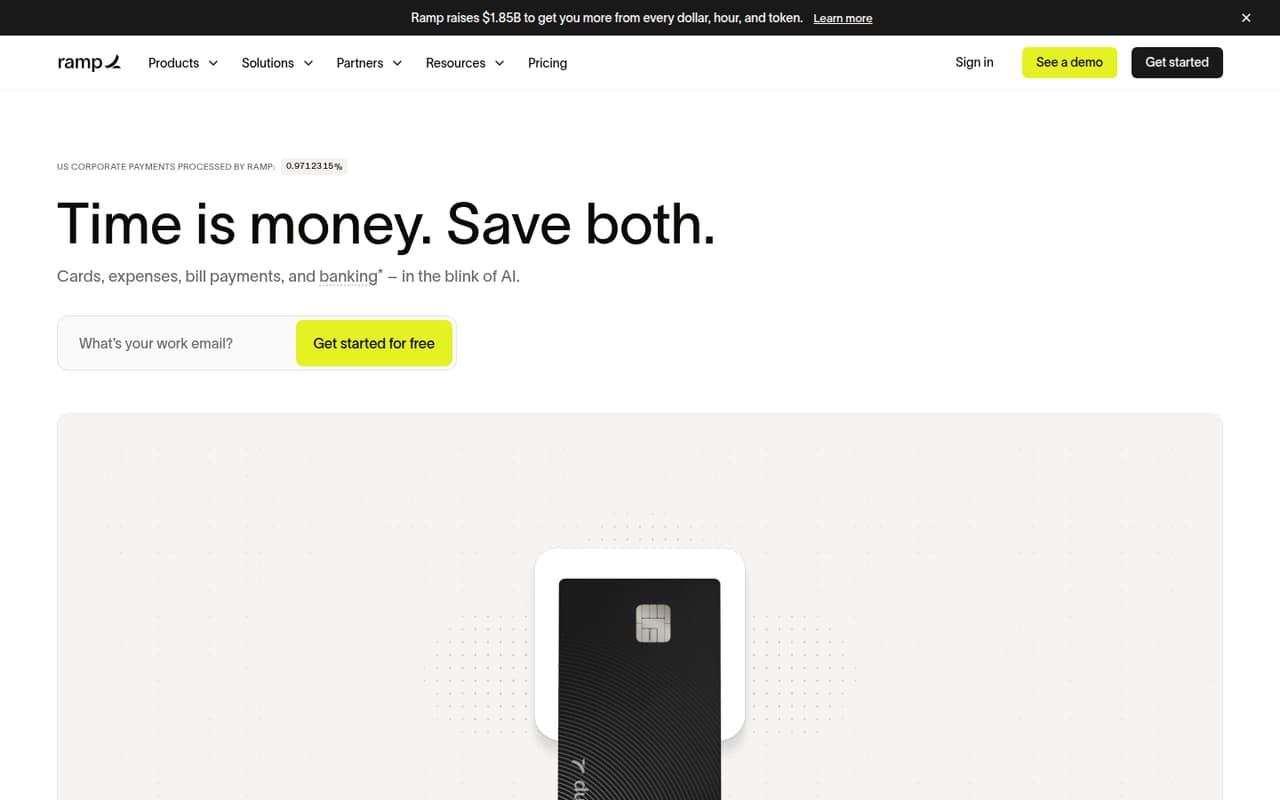
Ramp is worth considering if your small team wants company cards, expense workflows, bill payments, and accounting automation in one finance platform. The Free plan makes it possible to start without a per-user subscription, so it can suit a founder or a team of a few people watching every recurring cost. It includes unlimited cards, per the pricing page.
Ramp may also fit teams that have outgrown tracking spending across separate tools and want approval and purchasing workflows in the same system. Plus is aimed at teams automating finance work, while Enterprise is for teams needing full customization. The catch for a 1–10-person team is that Plus adds a platform fee based on team size, and Ramp doesn’t publish the amount. Ask for a full quote before budgeting. Ramp’s homepage says teams can switch in days, not months, but that is the vendor’s claim, not a guarantee for every setup.
02Ramp free plan and trial
Ramp’s Free plan costs $0 per user per month. The pricing page lists unlimited cards, 24/7 chat support, 2% on FDIC-insured checking, and 4.47% in an Investment Account. It also lists 1099 filing at $0.65 per IRS filing, with state filing free. Ramp does not list a free trial; the free plan is the no-cost starting option.
The main question is whether Free covers your approval needs. A commenter on r/AccountingDepartment said they thought the free version lacked advanced approval workflows; that is an individual user’s understanding, not a published plan limit. Confirm which approval and audit features are included before relying on Free for formal controls. Plus adds phone support and offers procurement as an add-on, but comes with a team-size platform fee.
03What a small team pays for Ramp
For one person, Free is $0 monthly. Plus is $15 per user monthly, or $12 per user monthly equivalent with annual billing. That makes Plus $15 a month for one seat, or $12 a month equivalent on annual billing, before its team-size platform fee. Ramp does not publish that fee’s amount.
For three people, Plus works out to $45 monthly, or $36 monthly equivalent with annual billing, plus the platform fee. For five, it is $75 monthly or $60 monthly equivalent, again plus the fee. Annual billing is required for the lower listed rate. Enterprise has custom annual pricing.
Procurement is available as a Plus or Enterprise add-on, and its price isn’t published. Accounts Receivable is also an add-on with no published price. If your team files 1099s, the listed charge is $0.65 per IRS filing; state filing is free. Ask Ramp for a quote that includes the platform fee and any add-ons you need.
04Getting started with Ramp
Ramp’s homepage says teams can switch in days, not months. That sets an expectation, but the actual setup effort will depend on your workflows and the accounting connections you need. Ramp describes accounting automation and connections with accounting tools, but confirm that your specific system and data flow are supported before you sign up.
For day one, map who needs cards, spending limits, approvals, bill payment access, and accounting responsibilities. A Reddit user praised setting limits for employees and vendors, and another said receipt matching helped reduce manual work. Those are user reports, not a guarantee of how much time your team will save. If you depend on QuickBooks Online or NetSuite, ask Ramp to confirm the integration and any migration steps. A commenter considering a NetSuite move specifically raised that requirement, so it’s sensible to check early.
05When small teams outgrow Ramp
You may need to move beyond Free when your team requires advanced approval workflows or other controls that aren’t included in your setup. One Reddit commenter believed advanced approvals were missing from Free and said the paid version handled their needs; verify the feature list with Ramp rather than treating that account as a definitive plan rule.
Plus can become harder to budget as seats and add-ons grow: its per-user price sits alongside a platform fee based on team size, and procurement and Accounts Receivable have unpublished prices. Enterprise may suit teams seeking full customization, but pricing is custom and billed annually. Reddit experiences are mixed: some users praise cards, receipt matching, and fraud alerts, while others report glitches, auditing gaps, and support frustration. One nonprofit user said a demo would cost over $10,000 per year for their needs, a reminder to compare a tailored quote against your budget.
From the threadsWhat users say
Reddit sentiment is divided. Some users praise the cards, expense workflows, and fraud alerts, while others report glitches, auditing concerns, and frustrating support.
I've tried a bunch of tools but nothing was as good as Ramp
The fraud detection can be a little sensitive and it's a bit annoying when sometimes legitimate transactions get caught up
Glitches and errors daily, fraud is rampant, missing key features needed for auditing
I use the paid version and it handles all of this
Questions people ask
Does Ramp cost money to use?
Ramp has a Free plan at $0 per user per month. Plus costs $15 per user monthly, or $12 per user monthly equivalent with annual billing, and also has a platform fee based on team size. Enterprise pricing is custom and billed annually. Add-ons and 1099 filing can add charges.
What does Ramp’s Free plan include?
The pricing page lists unlimited cards, 24/7 chat support, 2% on FDIC-insured checking, and 4.47% in an Investment Account. It also lists 1099 filing at $0.65 per IRS filing, with state filing free. Confirm the approval and control features your team needs before relying on Free.
How much does Ramp Plus cost for a small team?
Plus is $15 per user monthly or $12 per user monthly equivalent with annual billing, plus a platform fee based on team size. Three seats are $45 monthly or $36 monthly equivalent annually; five are $75 or $60, respectively, before that fee. Ramp does not publish the fee amount.
Does Ramp offer a free trial?
Ramp’s listed entry option is its Free plan, which costs $0 per user per month. A free trial is not listed. The Free plan includes unlimited cards and 24/7 chat support, but check with Ramp whether its approval and accounting features fit your requirements before moving company workflows onto it.
Can Ramp connect to my accounting software?
Ramp describes accounting automation and connections with accounting tools. Before signing up, confirm that it supports your specific accounting system and the workflow you need, especially if you’re planning a migration. Ask Ramp about setup requirements, supported data flows, and any costs tied to your configuration.