
We may earn a commission if you buy through links on this page. It never changes a score or a ranking. How we make money
The bottom line
Good for quick cutouts and light batches; check credit needs before putting it in a team workflow.
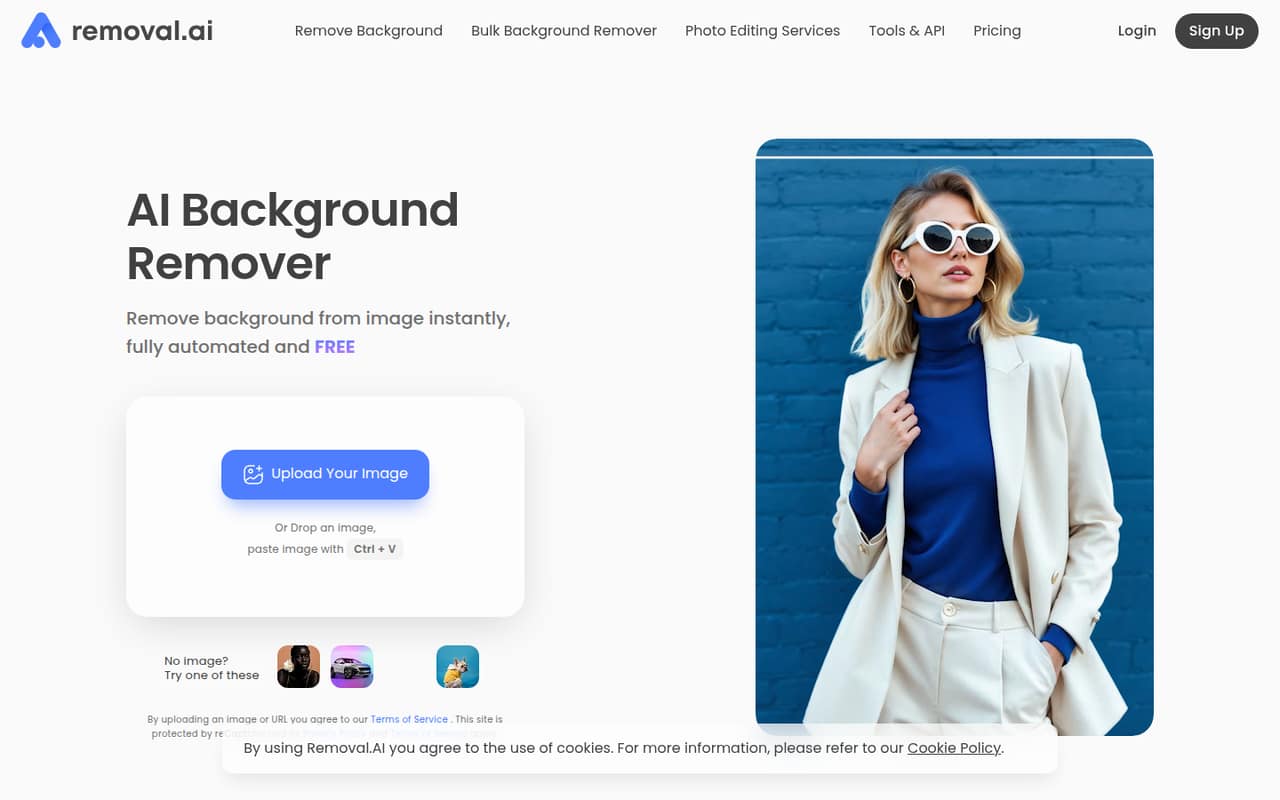
Removal.AI removes image backgrounds and offers an online editor for replacements, text, effects, presets and templates. A small team can start with free low-resolution personal use, while HD downloads and larger workloads use credits.
The pricing page lists a $5.99 monthly plan for 100 credits, plus one-time packs. There is no listed per-seat price or annual billing price, so budget by image volume and confirm how your team will share access.
Good fit if
- Occasional product photo cutouts
- Small teams editing image batches
- Teams needing background removal API
Skip it if
- Teams needing published seat pricing
- High-volume users on a tight budget
- Workflows requiring confirmed integrations
ScoresHow it rates
What works
- Free low-resolution use for personal projects
- Background replacement and editing tools included
- Bulk upload supports up to 100 images
- One-time credit packs remain usable for three years
- Monthly credits roll over up to five times the budget
What doesn't
- Free-use resolution and usage limits aren't specified
- No seat-based pricing is listed
- No annual billing price is listed
- HD downloads use credits
- API and high-volume pricing require a custom quote
01Who Removal.AI is for
Removal.AI suits a solo operator or a small team of roughly 1–10 people that needs cutouts for product listings, marketing images or app content. It removes image backgrounds, makes transparent cutouts and lets you replace a background with a color or another image. The online editor also offers text, effects, foreground edits, presets and templates.
The fit is strongest when image editing is an occasional task rather than a full design workflow. The free option covers low-resolution images for personal use; paid credits cover HD downloads and larger workloads. A team can upload batches of up to 100 images, but the pricing page charges by credits, not by user seat. Before adopting it across a team, check whether the account and credit setup match how your people need to work together; team access terms aren't published.
02Removal.AI free plan and trial
Removal.AI offers free use for low-resolution images and personal use, according to the product description. The vendor doesn't publish the exact free-image resolution, a monthly image allowance or a complete list of restrictions, so check those limits before relying on it for recurring work. HD downloads use credits.
There is no separate free-trial period listed. The cheapest paid entry is a one-time $1.89 pack for 3 credits, or $0.63 per image; the credits are usable for three years. For steadier use, the monthly plan starts at $5.99 for 100 credits, listed at $0.05 per image. Those are image allowances, not user seats, so a team should estimate its monthly image count rather than assume each person needs a separate subscription.
03What a small team pays for Removal.AI
The pricing page lists the Monthly 100 credits plan at $5.99 per month, with unused credits rolling over up to five times the monthly budget. That's $71.88 over 12 months at the listed monthly rate; no annual billing price is listed. Because Removal.AI sells credits rather than seats, one person and a team of three or five pay the same $5.99 if they share one 100-credit allowance and account access supports their workflow. Seat access terms aren't published.
For comparison, three separate 100-credit plans would cost $17.97 monthly, and five would cost $29.95 monthly. Those are arithmetic examples, not per-seat prices or a required setup. If each person needs their own allowance, each plan carries 100 credits. Larger options include 450 credits for $25.99 monthly and 1,150 for $63.99 monthly. One-time packs start at $1.89 for 3 credits; the listed 25-credit pack costs $8.99. There are no listed add-ons. API and high-volume options use custom quotes.
04Getting started with Removal.AI
The simplest starting point is the online editor: upload an image, remove its background, then use the editor to replace the background or add text and effects. Bulk uploads support up to 100 images in one upload, which can help with a batch of product photos. The product description doesn't publish a setup time or detail a training process, so we can't put a reliable number on the learning curve.
For day-one use, a browser and the images you want to edit are the apparent basics. The homepage describes API access for integrating background removal into existing systems, but implementation steps, supported platforms and named integrations aren't specified in the available product details. Teams that need an automated pipeline should ask the vendor about API requirements and pricing before planning a launch. Check account access and credit sharing with the vendor too, since team administration details aren't published.
05When small teams outgrow Removal.AI
The first pressure point is image volume. The $5.99 monthly plan includes 100 credits, while the next listed monthly tier provides 450 credits for $25.99. If your team regularly processes more than its allowance, it will need a larger credit plan or a custom option. Monthly plans let unused credits roll over up to five times the monthly budget, but they don't remove the need to budget for processing volume.
A second trigger is workflow complexity. Removal.AI describes API access, high-volume solutions for businesses processing 10,000 or more images per month, and unlimited API access, but those custom options require a quote. The vendor doesn't publish per-seat rates, team administration details or a list of integrations. If your growing team needs predictable seat costs, documented access controls or confirmed connections to other software, ask the vendor whether those needs are covered before scaling. If not, a tool with published team terms may be easier to budget.
Questions people ask
Does Removal.AI have a free plan?
Yes. Removal.AI offers free use for low-resolution images and personal use. The vendor doesn't publish the exact resolution, image allowance or all restrictions. HD downloads use credits, so confirm the free limits before planning regular business use.
How much does Removal.AI cost per month?
The pricing page lists a starting monthly plan of $5.99 for 100 credits, or $0.05 per image. Unused credits roll over up to five times the monthly budget. Larger monthly plans are available, and no annual billing price is listed.
Does Removal.AI charge per user or per image?
The listed plans are credit-based, with prices and allowances tied to images rather than published user seats. The vendor doesn't publish team seat pricing or account-sharing terms. Ask about access for multiple team members before buying for a shared workflow.
Can Removal.AI process images in bulk?
Yes. The product description says bulk uploads can process up to 100 images in one upload. The pricing details don't specify a separate bulk-upload fee, but HD downloads use credits, so check how your intended output affects your allowance.
Are Removal.AI credit packs a one-time purchase?
Yes. The listed lifetime credit packs are one-time purchases, and their credits are usable for three years. Packs start at $1.89 for 3 credits. Monthly subscriptions are also available, starting at $5.99 for 100 credits.