
We may earn a commission if you buy through links on this page. It never changes a score or a ranking. How we make money
The bottom line
Resi brings resilient streaming and useful delivery options, but small teams pay at least $99 a month.
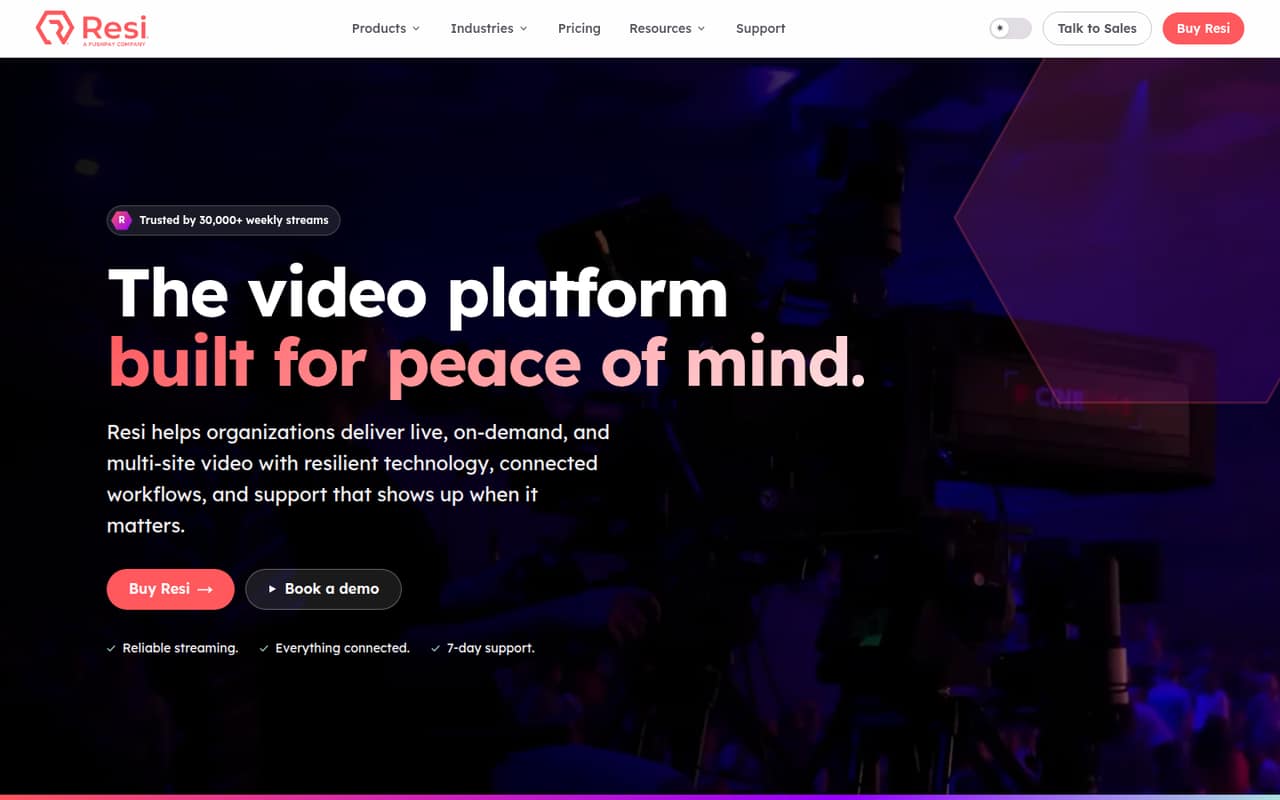
Resi is for organizations that need to stream live video to social platforms, websites, apps or multiple locations. Its plans cover live streaming, on-demand libraries and multisite delivery, with an emphasis on keeping streams going through unstable internet conditions.
There’s no free plan, and the cheapest paid option is $49 per month for on-demand video. Live streaming starts at $99 per month, while website streaming starts at $159. That can make sense for a team with a real broadcast need, but it’s a steep starting point for occasional streams.
Good fit if
- Organizations with regular live events
- Teams streaming to multiple locations
- Groups hosting a video library
Skip it if
- Teams wanting a free live plan
- Occasional, low-stakes streamers
- Small teams needing per-seat pricing
ScoresHow it rates
What works
- Live, on-demand and multisite plans
- Social plan streams to Facebook and YouTube
- Website plans include a white-labeled player
- Pro includes 1 TB monthly bandwidth
- Homepage lists seven-day support
What doesn't
- No free plan or listed free trial
- Live streaming starts at $99 per month
- Add-on prices are not published
- No seat-based pricing is listed
- Enterprise pricing is custom
01Who Resi is for
Resi is built for organizations that need to deliver live or recorded video, rather than a small team looking for a simple meeting tool. Its plans cover streams to Facebook and YouTube, website and app delivery, local or remote multisite destinations, and on-demand video libraries. The Resilient Streaming Protocol is designed to keep video flowing when internet conditions become unstable.
For a team of one to ten, the right fit depends on the job: Social Only costs $99 per month for broadcasts to Facebook and YouTube; website streaming starts at $159; and on-demand hosting starts at $49. Multisite plans start at $129. Those prices are easier to justify if video is a regular part of your work, such as events, services or training. For occasional internal updates or a handful of social videos, the monthly commitment may be more than you need.
02Resi free plan and trial
Resi has no free plan, and a free trial is not listed. The cheapest way in is On Demand — Starter at $49 per month, which includes 1 TB of secure cloud storage, uploads up to 1080p, unlimited views and downloads, three adaptive bitrate levels for uploaded videos, and Google Analytics integration.
That plan is for hosting a video library, not live streaming. If your team needs live broadcasts to Facebook or YouTube, the entry point is Live Streaming — Social Only at $99 per month. For streams on your website, Live Streaming — Starter Lite costs $159 per month. Before signing up, ask Resi whether it can arrange a trial or demo for your intended setup; neither is listed in the pricing details.
03What a small team pays for Resi
Resi lists plans by service, not by seat. For a team of one, Live Streaming — Social Only is $99 per month. The same plan costs $99 total for three people or five; split evenly, that’s $33 each for three or $19.80 each for five. These are illustrative per-person shares, not per-seat prices. The listed monthly rates and annual-billing monthly equivalents match.
If you need a website player, Live Streaming — Starter Lite costs $159 per month: $53 per person for three, or $31.80 for five. Live Streaming — Pro costs $299 per month, with 1 TB of monthly bandwidth for websites and apps, DASH and HLS app streaming, and 30-day temporary video storage.
Watch the add-ons: Studio AI, RTMP Destinations, Automated Subtitles, extra Software Encoder licenses, Additional Venues and 16-Channel Audio are optional, but their prices aren’t published. Ask for a full quote before budgeting.
04Getting started with Resi
Plan the setup around where your video needs to go. Social Only covers Facebook and YouTube. Starter Lite adds a white-labeled web embed player, while Pro adds app streaming through DASH and HLS. Resi also lists an RTMP Destinations add-on for platforms that accept a stream key. On-demand plans include Google Analytics integration.
The available pricing details don’t spell out the installation steps, required equipment for each workflow, or how long setup takes. Resi’s E1301 Mini Encoder is listed with 10-bit 3G-SDI and an SDI loop out, but the published details don’t say which plan or setup requires it. Ask Resi to confirm hardware, encoder licensing, destination configuration and any training needed for your use case before you buy. The homepage lists seven-day support and an average response time under 30 minutes, which may help when you’re getting a stream ready.
05When small teams outgrow Resi
Resi’s limits are tied to the plan and delivery needs, not the number of people on your team. A website streamer may outgrow Starter Lite’s 200 GB monthly bandwidth and need Pro’s 1 TB, app streaming and 30-day temporary video storage. Organizations that need up to 4K streaming or up to 5 TB of monthly bandwidth need Enterprise, with custom pricing.
For multisite delivery, Overflow covers one local network destination; LAN + Cloud Failover covers two local destinations and cloud failover. Multisite Pro offers two remote or local destinations, while Multisite Enterprise adds up to 4K UHD at 30 fps. On-demand libraries may need to move beyond Starter’s 1 TB storage to Pro’s 7 TB or Enterprise’s 15 TB. Since Resi doesn’t list seat-based prices, adding teammates doesn’t show a defined per-person jump—but bandwidth, storage, destinations and unpriced add-ons can raise the bill.
Questions people ask
What is Resi streaming?
Resi is a video platform for live, on-demand and multisite delivery. Its Resilient Streaming Protocol is designed to keep video flowing when internet conditions become unstable. Depending on the plan, teams can stream to social platforms, websites, apps or multiple destinations.
Does Resi have a free plan or trial?
Resi has no free plan, and a free trial is not listed. The cheapest paid option is On Demand — Starter at $49 per month for hosting a video library. Live streaming starts at $99 per month with Live Streaming — Social Only.
How much does Resi cost for live streaming?
Live Streaming — Social Only costs $99 per month for Facebook and YouTube streams. Live Streaming — Starter Lite is $159 per month for website streaming, and Live Streaming — Pro is $299 per month for more bandwidth and app delivery. Enterprise pricing is custom.
How much does Resi Studio AI cost?
Studio AI is an optional add-on, but Resi doesn’t publish its price in the listed pricing details. The feature description says it offers clips, transcripts, scheduling and more. Ask Resi for a quote and confirm whether it can be added to your chosen plan.
How does Resi work with RTMP destinations?
Resi lists RTMP Destinations as an optional add-on for sending one stream to platforms that accept a stream key. The add-on price isn’t published. Confirm which destinations are supported and whether the add-on fits your plan before budgeting.