
We may earn a commission if you buy through links on this page. It never changes a score or a ranking. How we make money
The bottom line
Resolver brings risk work together, but small teams need a custom quote before they can judge the cost.
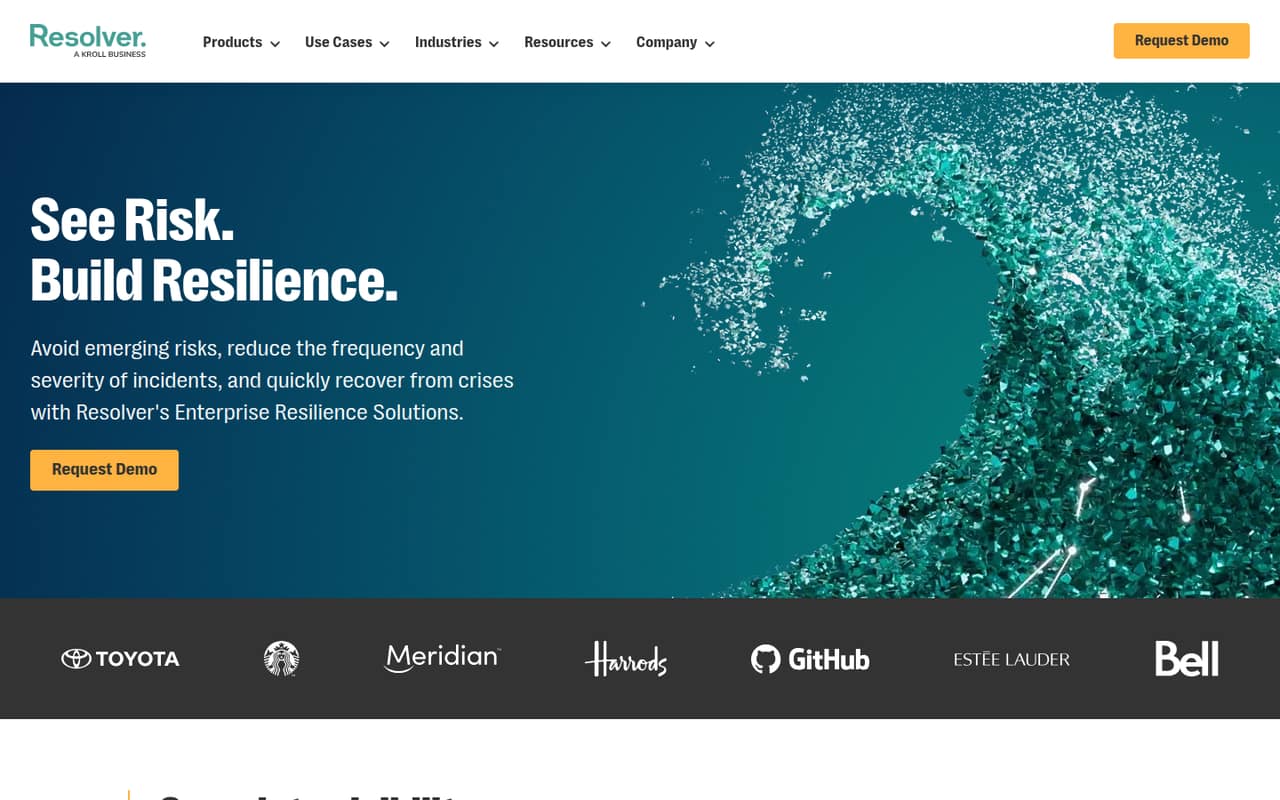
Resolver combines risk management, audits, incident investigations, compliance tracking and online risk intelligence in a configurable platform. Its feature range may suit teams coordinating several risk programs, but smaller teams should first check which modules and services they actually need.
There’s no public free plan, trial details or starting price. Resolver licenses by active user and uses custom quotes, so we can’t calculate what one, three or five seats will cost. Ask for a quote that spells out billing, support, integrations and any optional modules.
Good fit if
- Teams coordinating several risk programs
- Organizations managing audits and incidents
- Buyers with budget for custom software
Skip it if
- Teams that need a free starting plan
- Buyers requiring published per-seat prices
- Small teams seeking a quick setup
ScoresHow it rates
What works
- Covers risk, audits, incidents and compliance
- Includes online risk and reputation workflows
- Connects risks with potential impacts and controls
- Offers data visualization for risk programs
- Licensing is based on active users
What doesn't
- Starting price is not published
- No public free plan
- Trial availability is not published
- Optional services and integrations cost extra
- Setup effort and integration details are unclear
01Who Resolver is for
Resolver is for organizations that need to coordinate risk, audits, incidents, compliance or online threats in one configurable platform. It can be relevant to a team of 1–10 if those jobs are important enough to justify a custom-priced system; the vendor doesn’t publish a minimum team size.
In plain terms, Resolver helps teams connect risks to impacts, assess controls, track actions, investigate incidents and manage compliance obligations. It also offers online risk monitoring, social-channel moderation, data visualization and AI-assisted workflows. That’s a wide remit for a small team, so we’d start by listing the specific programs you need it to cover rather than buying for every possible use case.
The budget fit is harder to judge. Licensing is based on active users, but Resolver doesn’t publish a per-user rate or a starting price. Small teams should ask for a quote covering their actual seats and required modules before comparing it with narrower tools.
02Resolver free plan and trial
Resolver doesn’t offer a public free plan, and trial availability isn’t published. That means a small team can’t use a free tier to check whether the workflows fit before committing. Ask Resolver whether it can provide a demo or trial, and whether that access includes the modules your team is considering.
The cheapest way in is a custom quote: the available pricing information lists a Custom plan with licensing based on active users. There’s no published minimum seat count, starting price or trial price, so we can’t say what the smallest paid setup will cost. Before agreeing, ask what is included in the quote, which features are modular, and whether onboarding, integrations and support are extra. Those details matter when a few seats are sharing a limited budget.
03What a small team pays for Resolver
Resolver uses custom quotes, with licensing based on active users. The starting price, billing unit, monthly price and annual price are not published. That prevents a reliable per-seat calculation: the cost for one person is not published, and neither are totals for three or five people. Monthly-versus-annual savings can’t be calculated either.
Ask Resolver for quotes covering one, three and five active users, and request both monthly and annual options if available. Confirm whether the quoted seat count can change during the contract and how the vendor defines an active user; those terms aren’t published in the pricing details.
Optional services, integrations, support and modular solutions may affect the total, but their prices are not published. Request an itemized quote that separates the core platform from each add-on, plus any setup or ongoing charges. Without those figures, a small team can’t compare Resolver’s total cost with a per-seat GRC subscription or know whether a broader feature set pays off.
04Getting started with Resolver
Resolver is configurable, and its listed workflows cover several different jobs: risk and audit, incident investigations, compliance tracking and online risk. That breadth gives a team room to shape the platform around its programs, but it also means setup is likely to involve choosing which workflows and modules to configure. That’s a practical planning consideration, not a published setup estimate.
Resolver doesn’t publish a setup-time estimate, a step-by-step onboarding outline or a list of integrations in the available details. Integration availability and costs should be confirmed with the vendor before signing. For day one, make a short list of the systems and data your team needs to connect, and ask which are supported and whether any require paid services.
For a 1–10 person team, also ask who configures the workflows and what training or support is included. Resolver lists optional support, but its scope and price aren’t published. Don’t assume setup is self-serve or included in the license without confirmation.
05When small teams outgrow Resolver
A small team may outgrow Resolver’s budget fit before it outgrows its feature set. If the quote for a few active users, required modules, integrations and support exceeds what your team can justify, a narrower tool with public per-seat pricing may be easier to budget for. Resolver doesn’t publish enough pricing detail to set a universal point where the switch makes sense.
Growing teams should also check how the active-user license works as access expands. The available pricing information doesn’t publish a seat limit, volume discount, feature ceiling or upgrade tier, so ask how costs change when more people need access. Confirm whether new risk programs require additional modules or services, and what happens to the contract when your needs change.
Resolver’s broad scope may remain useful if the team needs its risk, incident and compliance workflows together. The decision is less clear if you only use a small part of the platform or need predictable pricing. Get a quote for today’s seats and a likely larger team before committing.
Questions people ask
What is Resolver used for?
Resolver is a configurable platform for risk, incidents, compliance and online threats. Its listed capabilities include risk and audit management, incident reporting and investigations, compliance tracking, online risk monitoring, data visualization and AI-assisted workflows. Teams can use it to connect related risk work and track actions across programs.
How much does Resolver cost?
Resolver uses custom quotes and licenses based on active users. A starting price, per-user rate, billing unit and monthly or annual totals are not published. Ask for an itemized quote for your seat count, including any modules, integrations, services and support your team needs.
Does Resolver have a free plan or trial?
Resolver has no public free plan. Trial availability is not published, so a team should ask the vendor whether a trial or other evaluation access is available and what it includes. Confirm that it covers the modules and workflows you would expect to use after purchase.
Does Resolver work for a small team?
It may fit a small team that needs several risk programs in one platform, but the cost is difficult to judge without a custom quote. Resolver licenses by active user and doesn’t publish a minimum team size or per-seat price. Ask for costs at your current and expected seat counts.
What should we ask Resolver before buying?
Request an itemized quote for your planned active users and required modules. Ask about billing terms, integrations, setup, training, support and any optional services or ongoing charges. Also confirm how Resolver defines an active user and whether adding seats or programs changes the price.