
We may earn a commission if you buy through links on this page. It never changes a score or a ranking. How we make money
The bottom line
Worth a look for document-heavy workflows; the per-seat cost is tough to justify for storage alone.
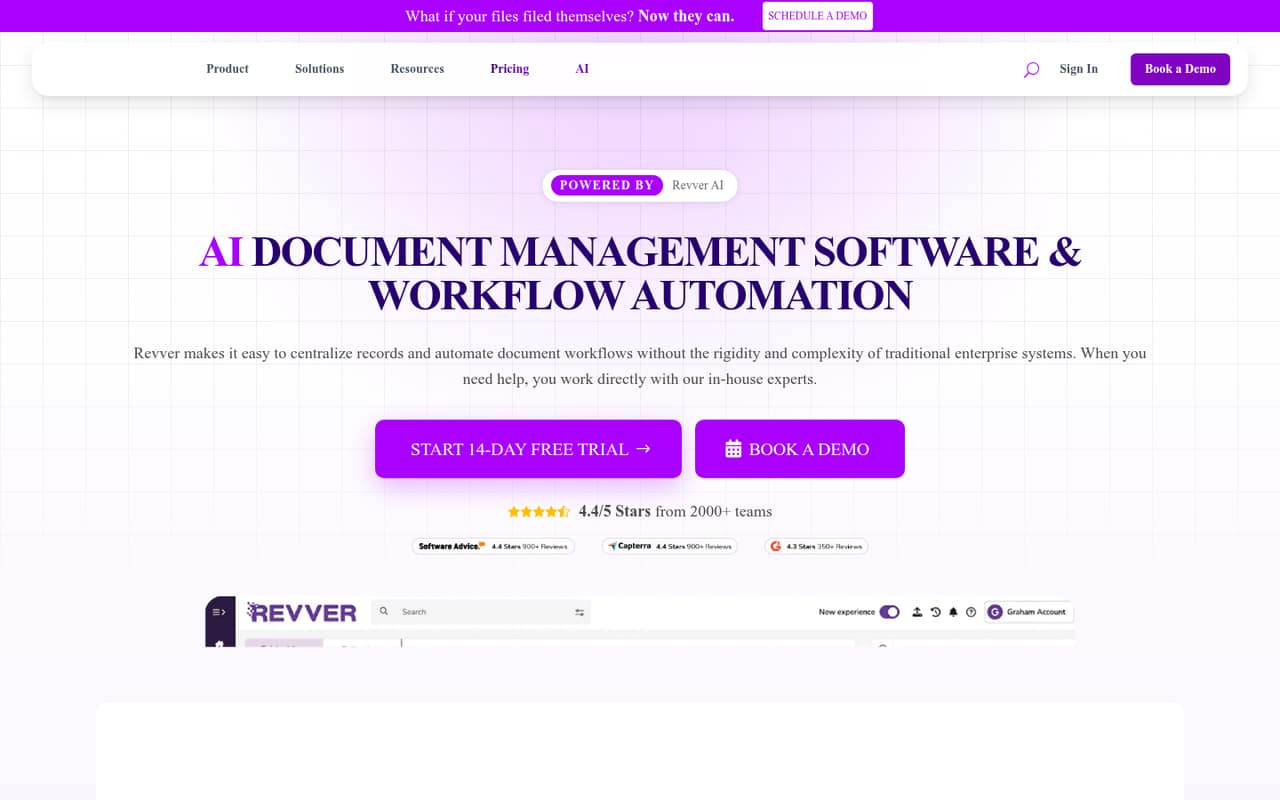
Revver centralizes documents and adds workflow automation, AI filing and search, sharing, and governance tools. That breadth can suit a small team handling approvals and client records, not just basic file storage.
There’s no free plan. Basic lists at $25 per user monthly, with lower license-volume pricing advertised; onboarding and implementation can add costs. One Reddit user praised its client portal in practice, while another called the software terrible.
Good fit if
- Teams automating document approvals
- Firms organizing client records
- Teams sharing files with guests
Skip it if
- Teams wanting free document storage
- Small teams needing only basic folders
- Buyers who need published setup costs
ScoresHow it rates
What works
- Centralized records with metadata and versioning
- No-code workflows for reviews and approvals
- AI tools for summaries and filing
- Guest sharing is included with a package
- Office 365 integration is listed
What doesn't
- No free plan; trial lasts 14 days
- Basic lists at $25 per user monthly
- Annual prices are not published
- Onboarding package prices are not published
- Reddit feedback ranges from useful to very negative
01Who Revver is for
Revver is for teams that handle enough paperwork to need more than shared folders: small firms managing client files, approvals, and recurring document tasks are a natural fit. It brings records into one system, with folder templates, metadata, version history, search, and tools to route documents for review or approval.
For a team of one to ten, the budget question is whether those workflow and governance tools will save enough admin time to justify a per-user subscription. Basic lists at $25 per user monthly, before any license-volume pricing. That can be a steep starting point if all you need is a place to upload and find files. Teams that need workflows, AI-assisted processing, guest sharing, and access controls have more reason to consider it. Revver lists separate plans for document access, participating in document work, and managing workflows and accounts.
02Revver free plan and trial
Revver does not offer a free plan. The pricing page lists a 14-day free trial, but does not spell out the trial’s user, storage, or feature limits. Ask Revver what the trial includes before building a team workflow around it.
The cheapest listed paid option is Basic at $25 per user per month. The pricing page also says license-volume pricing can bring Basic as low as $4 per user, but it does not publish the volume thresholds. Basic is described for teams starting with document management and includes document access and storage. For a team that needs to test beyond the trial or keep using the product, budget for the standard per-user price unless Revver confirms a lower quote.
03What a small team pays for Revver
The pricing page lists Basic at $25 per user per month: that is $25 for one person, $75 for three, or $125 for five, before any volume discount. Essentials lists at $67 per user, or $201 for three and $335 for five. Full lists at $87 per user, or $261 for three and $435 for five. These are monthly calculations from the listed per-user prices, not published team bundles.
Annual billing prices are not published. The page advertises license-volume rates as low as $4 for Basic, $39 for Essentials, and $56 for Full, but does not explain the qualifying license volume. Guest access is included with a package, and the FAQ says teams can have as many guest users as needed. Four onboarding packages are available, but their prices are not published. Setup, professional services, and implementation fees are excluded from the listed license prices, so ask for a full quote before signing.
04Getting started with Revver
Setup means making decisions about folder templates, metadata, access controls, and the workflows your team wants to automate. Revver includes a no-code workflow builder for document tasks, reviews, approvals, and routing, but the vendor does not publish a setup timeline or a step-by-step estimate of the work involved. Four onboarding packages are available; ask what each covers and costs.
For day-one collaboration, Revver lists guest sharing, annotations, comments, and Office 365 integration. Its AI tools cover summaries, classification, filing, and extraction. A small team should decide who can access which records and agree on metadata and folder conventions before importing files. That is practical preparation, not a vendor-published setup requirement. A Reddit commenter at a tax firm said the portal features handled client uploads and downloads, while describing the product as doing the job rather than anything special.
05When small teams outgrow Revver
Revver’s plan ladder is about how much document work your team manages: Basic covers document access and storage, Essentials is for participating in and driving document work, and Full adds work, process, and account management. A team may need to move up as it takes on more workflow or account-management needs. At listed prices, those upgrades raise the bill from $25 to $67 or $87 per user monthly. For five seats, that is $125, $335, or $435 a month, before any volume pricing.
The other reason to move on may be that your needs are simpler than Revver’s feature set. In one Reddit thread, a CFP user called Revver terrible after switching to it; a commenter at a tax firm said its portal did the job. Another Reddit commenter suggested a full practice-management tool instead. Those are individual opinions, not a consensus, but they underline the need to check workflow fit and total cost before committing.
From the threadsWhat users say
The Reddit comments are mixed and sparse: one user reports a poor experience, while a tax-firm commenter says Revver does the job and uses more portal features. That is not enough to treat either view as representative.
Nothing special, but it does the job
We are now using Revver which is just terrible
Fairly inexpensive and my guess it does a lot more than what I’m using it for
I would suggest looking at a full practice management solution
Questions people ask
What does Revver do?
Revver is document management and workflow software. It centralizes records, supports metadata and versioning, and automates document tasks such as reviews, approvals, and routing. It also lists AI tools for summaries, classification, filing, and data extraction.
How much does Revver cost?
The pricing page lists Basic at $25 per user monthly, Essentials at $67, and Full at $87. It also advertises lower license-volume rates, but does not publish the thresholds or annual prices. Onboarding and implementation may add costs.
Does Revver have a free plan?
No. Revver lists a 14-day free trial, but the trial’s user, storage, and feature limits are not published. Basic is the cheapest listed paid plan at $25 per user monthly, before any qualifying volume pricing.
Can guests access Revver documents?
Yes. Revver lists secure file sharing and external access through its Guest option, which is included with a package. Its FAQ says teams can have as many guest users as needed.
How do you download a document from Revver?
Revver supports document access and secure file sharing, but the exact download steps depend on how your account is set up. Ask your account administrator or Revver support for instructions and to confirm that your permissions allow access to the file.