We may earn a commission if you buy through links on this page. It never changes a score or a ranking. How we make money
The bottom line
Useful live-broadcast capabilities, but no public pricing or free entry point.
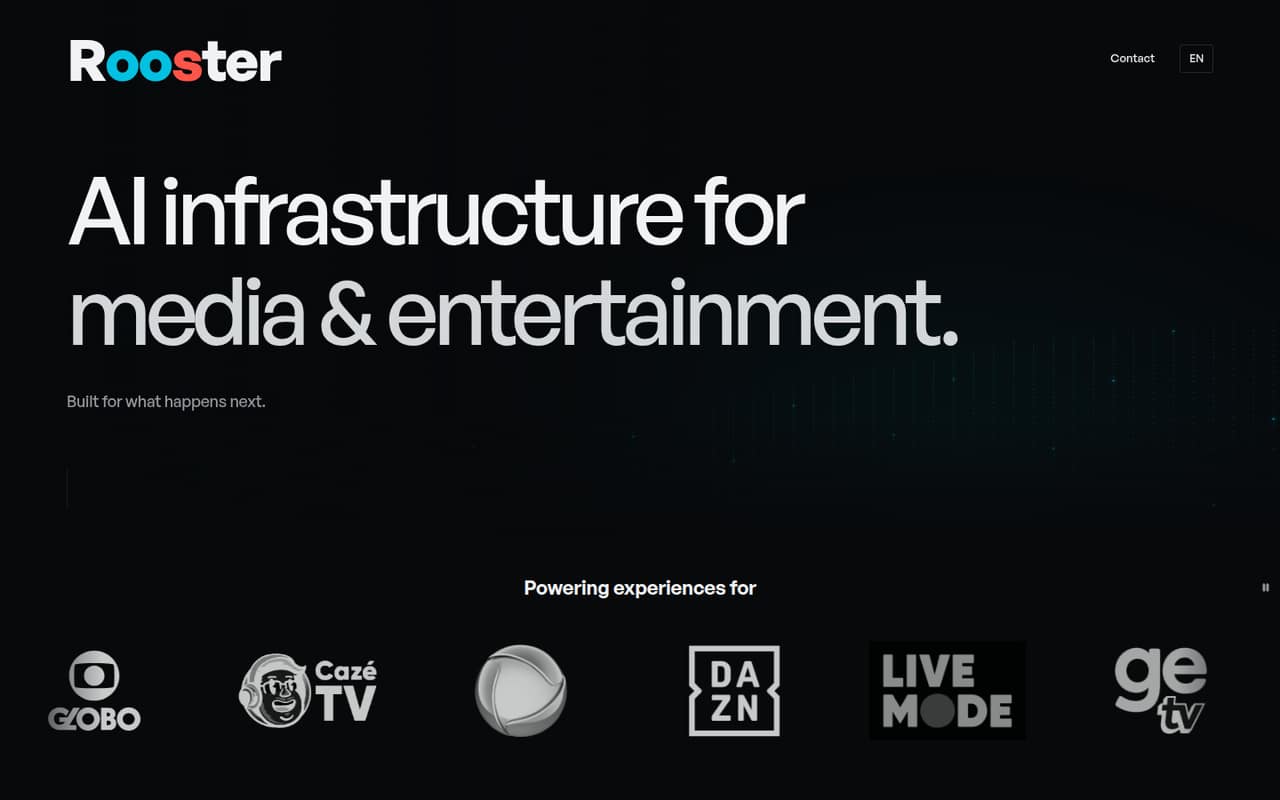
Rooster is AI infrastructure for media and entertainment. Its Control Room platform brings broadcast management, live chat moderation, polls, audience analytics, and AI content suggestions together for live events.
For a small team, the main drawback is buying uncertainty: Rooster lists no public plan prices, free plan, or trial. You’ll need to contact the vendor for a quote and confirm what the product includes at your team size.
Good fit if
- Media teams managing live broadcasts
- Stream operators handling busy chat
- Teams needing interactive live polls
Skip it if
- Teams seeking a free tool
- Buyers needing upfront seat costs
- Teams wanting a general scheduler
ScoresHow it rates
What works
- Manages live broadcasts and stream elements
- Includes tools for live chat moderation
- Offers AI content suggestions during events
- Supports interactive polls during streams
- Monitors broadcast interactions and performance
What doesn't
- Public plan prices are not listed
- No free plan is listed
- No free trial is listed
- Seat limits and plan tiers are unpublished
- Setup details and integrations need confirmation
01Who Rooster is for
Rooster is for media and entertainment teams that run live broadcasts and need tools to manage what happens on stream. Its Control Room platform covers broadcast elements, live chat, polls, audience interactions, and AI suggestions for operators. That makes it more relevant to a small production or streaming crew than to a typical office team looking for a meeting or work scheduler.
A team of 1–10 should consider Rooster if live events are central to its work and broadcast management is currently spread across separate tools or manual processes. The right budget depends on the vendor’s custom quote: public seat prices aren’t listed, so it’s difficult to judge whether it fits a lean team’s spend before contacting sales. Ask for pricing at your exact team size and check which features come with that quote. If you only need occasional streams or basic chat, the published details aren’t enough to tell whether Rooster is worth the cost.
02Rooster free plan and trial
Rooster does not list a free plan or free trial in its pricing information. That leaves a small team without a published way to try the platform before committing. The product description outlines features, but it doesn’t give a free-tier allowance, usage cap, or trial duration.
The cheapest way in is to contact Rooster for a quote; the site directs custom inquiries to a contact form. Before scheduling a sales conversation, ask whether the vendor offers a guided demo or a time-limited evaluation, and whether either has a fee. Also confirm what the quote includes: broadcast management, chat tools, polls, analytics, and AI content suggestions are described as platform capabilities, but public pricing details don’t map them to specific plans.
03What a small team pays for Rooster
Rooster’s pricing page lists no monthly or annual prices and directs custom inquiries to a contact form. So the cost for one person is not published, and we can’t calculate a per-seat rate. The same goes for a three-person or five-person team: there’s no public figure to multiply, and no monthly-versus-annual comparison to make.
The available pricing information lists no public plan tiers or add-on prices either. That means a small team should ask for a written quote covering its intended number of users, billing frequency, and required features. Specifically, confirm whether chat moderation, interactive polls, AI content suggestions, and live analytics are included or priced separately. Ask about any minimum commitment, onboarding charges, or usage-based fees before budgeting. Until Rooster shares those terms, its entry price and total cost for a few seats remain unknown.
04Getting started with Rooster
Rooster’s product description explains what Control Room does, but it doesn’t publish a setup checklist, onboarding time, or learning curve. We can’t say how long a small team will need to configure a broadcast or train operators. The feature list names Google authentication for managers accessing broadcasts and stream elements; it doesn’t identify other integrations.
Before buying, ask Rooster to walk through the setup for your broadcast workflow, including how managers connect, control stream elements, moderate chat, and launch polls. Confirm which streaming services and audience platforms it supports, and whether your team needs technical help to configure them. For a 1–10-person crew, a guided walkthrough could clarify the day-one work, but onboarding details and support options should be confirmed with the vendor rather than assumed.
05When small teams outgrow Rooster
The clearest reason to reconsider Rooster as a team grows is uncertainty about cost and scale. Public pricing doesn’t show seat limits, plan tiers, or how a larger team’s quote changes. A five-person team can’t use published rates to forecast the next hire or compare monthly and annual billing, so ask the vendor how pricing changes as users and broadcasts increase.
Capability fit matters too. Rooster describes broadcast management, chat moderation, polls, AI suggestions, and live analytics, but the public details don’t specify limits or supported integrations. A growing operation should confirm whether its streaming services, access controls, and reporting needs are covered before relying on the platform. If the quote doesn’t fit your budget or the vendor can’t confirm the workflow you need, compare alternatives before moving more events into Rooster.
Questions people ask
What is Rooster?
Rooster describes itself as AI infrastructure for the media and entertainment industry. Its Control Room platform helps teams manage live broadcasts, stream elements, audience engagement, and broadcast content in real time. The listed features include chat tools, polls, live analytics, and AI content suggestions.
Does Rooster have a free plan?
Rooster does not list a free plan or free trial in its pricing information. The site directs custom pricing inquiries to a contact form. If you need to evaluate the product before paying, ask the vendor whether it offers a demo or a time-limited trial.
How much does Rooster cost?
Rooster does not publish monthly or annual plan prices. Its site directs pricing inquiries to a contact form, so the cost for one user or a small team is not available publicly. Ask for a quote that spells out billing frequency, included features, and any extra fees.
What features does Rooster include?
Rooster lists broadcast management, live chat tools, AI content suggestions, interactive polls, and live analytics. It also describes Google authentication for managers accessing broadcasts and stream elements. Public pricing information does not map these features to specific plans.
What integrations does Rooster support?
The listed feature information names Google authentication for manager access, but does not detail other integrations. Before buying, ask Rooster whether it supports your streaming services and audience platforms, and whether any connections require extra setup or fees.