
We may earn a commission if you buy through links on this page. It never changes a score or a ranking. How we make money
The bottom line
Rosie handles calls and website questions around the clock, starting at $49 monthly, with no free plan.
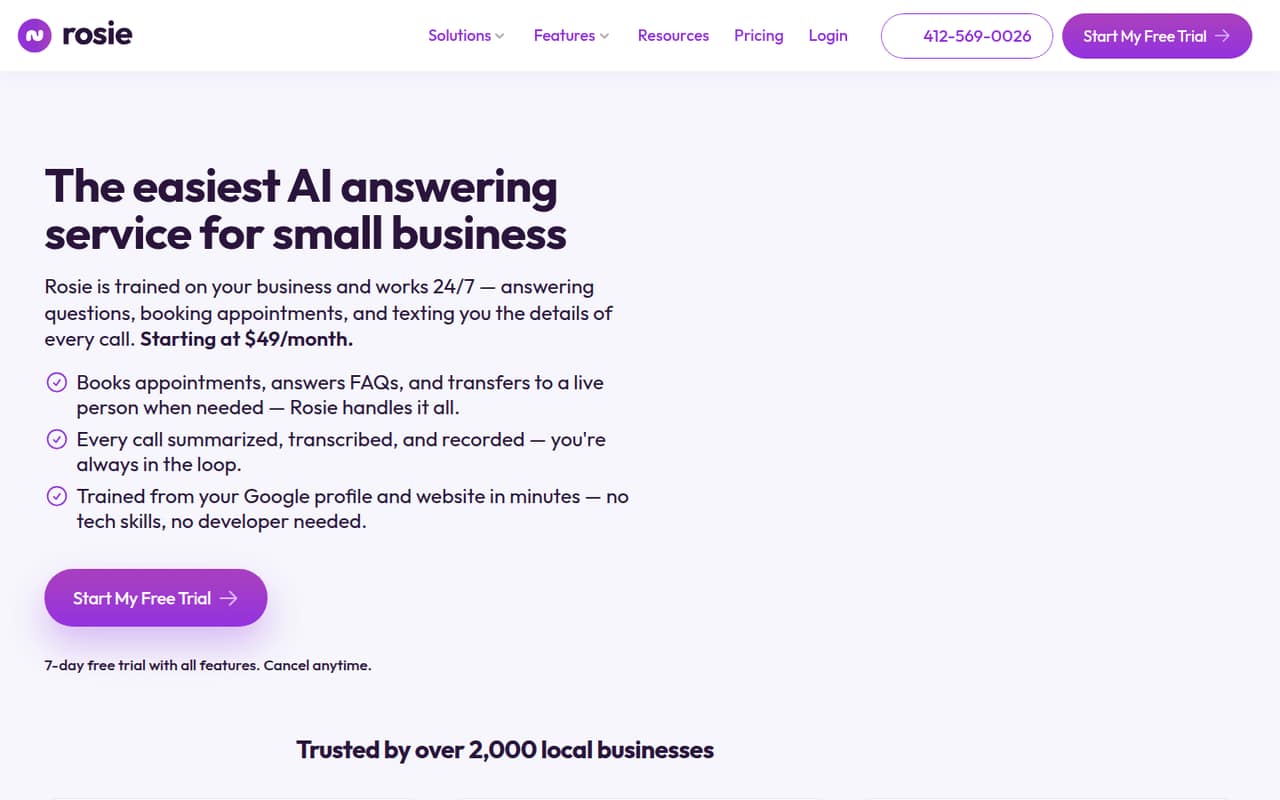
Rosie answers business calls 24/7, handles common questions, books appointments, filters spam, and can transfer callers to a person. Website chat is included on every plan.
The cheapest plan is $49 per month, or $40.83 per month with annual billing. There’s no free plan, and the Professional plan includes 250 minutes monthly, so check your call volume before choosing it.
Good fit if
- Small businesses missing calls
- Owners who need appointment booking
- Teams wanting after-hours call coverage
Skip it if
- Businesses needing a free plan
- High-volume callers on a tight budget
- Teams needing published seat rules
ScoresHow it rates
What works
- Answers calls and questions 24/7
- Website chat is included with every plan
- Can book appointments or text scheduling links
- Call records include summaries, transcripts, and recordings
- Annual billing offers two months free
What doesn't
- No free plan
- Professional includes 250 minutes monthly
- Website Texting costs extra
- Seat and user-access rules aren't published
- Setup time and support details aren't published
01Who Rosie is for
Rosie fits a small business that needs someone—or something—to answer the phone when the owner is busy, off the clock, or with another customer. It can answer questions around the clock, book appointments or text callers a scheduling link, filter spam, and route calls to a person when needed.
For a one-person shop, the Professional plan is the cheapest listed option: $49 monthly, with 250 minutes and two message-taking scenarios. A team of 3 or 5 may also find it useful if missed calls are costing them leads, but the pricing page doesn’t list a per-seat charge or spell out user-access rules. Treat Rosie as call coverage, not a replacement for every conversation: callers can be transferred to a person, and the service sends call summaries, transcripts, and recordings. Website chat is included on every plan.
02Rosie free plan and trial
Rosie doesn’t list a free plan. The pricing page lists a 7-day free trial, but doesn’t specify in the published pricing details whether the trial includes all plans, minutes, or features. Confirm those terms before starting, especially if you want to test appointment booking or call transfers.
The cheapest published way to keep using Rosie is Professional at $49 per month. Annual billing brings the listed equivalent to $40.83 per month, with two months free compared with paying monthly. Professional includes 250 minutes per month, two message-taking scenarios, appointment links by text, spam detection, and the website chat widget. The trial is a short evaluation window, not a continuing free tier, so budget for a paid plan if you keep the service.
03What a small team pays for Rosie
Professional costs $49 monthly, or $40.83 per month with annual billing. That’s the listed plan price whether you’re budgeting for one person or a small business with 3 or 5 people: Rosie’s pricing is by plan, not a published per-seat rate. The vendor doesn’t publish seat or user-access rules, though, so confirm how your team can use one account. Dividing the price for comparison only, $49 works out to $16.33 per person for three people or $9.80 for five; the annual equivalents are about $13.61 and $8.17. Those figures aren’t separate seat prices.
Scale is $149 monthly or $124.17 per month with annual billing; it includes 1,000 minutes, calendar booking, and warm and live transfers. Growth costs $299 monthly or $249.17 per month annually, with 2,000 minutes and waterfall transfers. Website chat is free with all plans. Website Texting is an add-on at $50 monthly for 25 conversations, then $1 per additional conversation.
04Getting started with Rosie
Rosie says it learns about a business from its website and Google Business Profile. That gives it a way to answer business-specific questions, but the vendor doesn’t publish a setup-time estimate or a step-by-step account of what owners need to configure. We’d ask how to review or correct the information it learns before sending real callers its way.
The plan features suggest a small business can begin with call answering, then add appointment links, booking, or transfers depending on the plan. Professional includes a website chat widget, and the service can send call summaries, transcripts, recordings, and notifications. The published details don’t specify which calendar systems Rosie connects to, how phone numbers are set up, or whether there are extra steps for routing calls. Setup effort and learning curve are therefore hard to gauge from published details; confirm the integrations and onboarding process with Rosie before purchase.
05When small teams outgrow Rosie
The first sign to consider an upgrade is call volume. Professional includes 250 minutes monthly; Scale raises that to 1,000, and Growth to 2,000. If your business regularly needs more than its plan’s allowance, ask Rosie how overages work and what they cost—the pricing details don’t list overage rates. Moving up also makes sense when you need features such as calendar appointment booking and warm or live transfers, which are listed on Scale rather than Professional.
Growth adds 2,000 minutes, unlimited message-taking scenarios, waterfall transfers, custom agent training, and white-glove onboarding. If your needs exceed the listed Growth limits or you need a defined price for more staff, the vendor’s published details don’t answer those questions. Ask about minute overages, seat access, and higher-volume options before committing. Website Texting can also add cost as conversations increase: it’s $50 monthly for 25, plus $1 per additional conversation.
Questions people ask
Does Rosie have a free plan?
No free plan is listed. Rosie offers a 7-day free trial, but the published pricing details don’t specify which plans or features the trial includes. The cheapest listed paid option is Professional at $49 per month, or $40.83 per month with annual billing.
How much does Rosie cost for a small business?
Professional is $49 per month, or $40.83 per month with annual billing. Scale is $149 monthly, and Growth is $299 monthly. Rosie’s listed prices are plan prices, not per-seat rates; ask the vendor how many teammates can access an account.
What does Rosie’s Professional plan include?
Professional includes 250 minutes per month, two message-taking scenarios, appointment links by text, spam detection, and a website chat widget. The plan costs $49 monthly or $40.83 per month with annual billing.
Can Rosie book appointments and transfer calls?
Yes. Professional includes appointment links sent by text. Scale lists calendar appointment booking and warm and live call transfers. Growth adds waterfall transfers. Rosie can also route calls to a person when needed.
Does Rosie include website chat?
Yes. Website chat is listed as free with every plan, and the Professional plan includes a website chat widget. Website Texting is a separate add-on: $50 per month for 25 conversations, then $1 per additional conversation.