
We may earn a commission if you buy through links on this page. It never changes a score or a ranking. How we make money
The bottom line
Good mockup coverage; unclear pricing and team licensing make the buying decision harder.
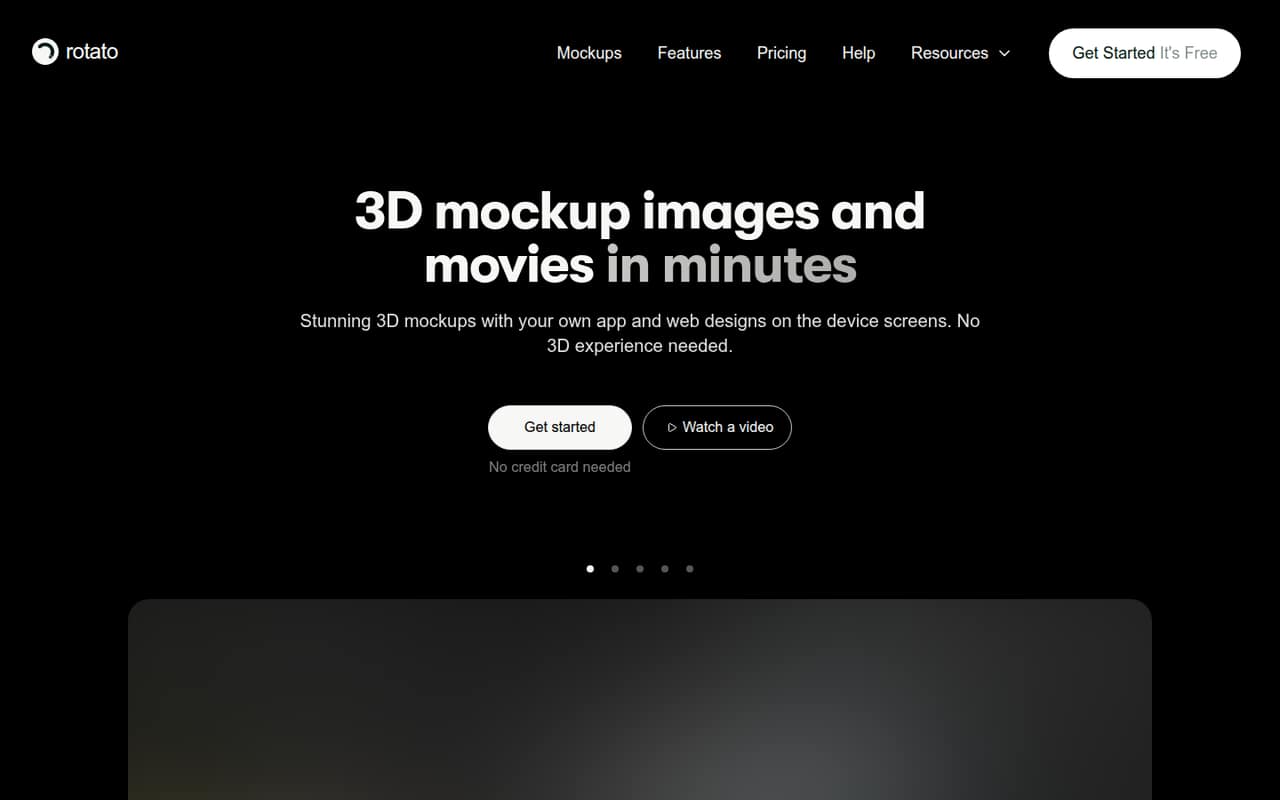
Rotato creates 3D device mockup images and videos from app or web designs. Its listed features include 30+ devices, animation, custom scenes, App Store exports and a Figma plugin. The homepage says no 3D experience is needed.
For a small team, the sticking point is price clarity. The pricing cards describe one-time payments, but the comparison section also lists Premium at $239/year. Basic, Standard and per-seat prices aren't published consistently, so get a quote before budgeting.
Good fit if
- Designers making app store visuals
- Small teams producing launch videos
- Figma users needing device mockups
Skip it if
- Teams needing clear per-seat pricing
- People seeking a full 3D suite
- Designers who need template variety free
ScoresHow it rates
What works
- 30+ prepared device mockups
- Creates both images and videos
- Includes animation and multi-device scenes
- Figma plugin is listed
- Basic includes all phone mockups
What doesn't
- Exact prices aren't consistently published
- Premium billing terms conflict across the page
- Basic includes no templates
- Free plan limits aren't specified
- Small-team licensing terms aren't clear
01Who Rotato is for
Rotato is aimed at designers and small teams that need attractive images or videos showing an app or website on a device screen. That can suit a one-person design shop, a startup preparing launch materials, or a team of up to 10 making product pages and App Store visuals. The vendor lists phones, laptops and desktops among its 30+ prepared devices.
The practical job is to place a design into a device mockup, then adjust the scene's background, device color, reflections and virtual camera. Rotato also lists animation, video export, multi-device scenes, App Store templates and a Figma plugin. The homepage says no 3D experience is needed, which makes it more approachable than building device scenes from scratch in a general 3D tool. It is a focused mockup maker, though—not a replacement for a broader 3D workflow. For a small team watching subscriptions, the main question is whether the time saved justifies a purchase when plan prices and small-team licensing aren't clear.
02Rotato free plan and trial
Rotato is listed as having a free plan and an unlimited free trial. The vendor doesn't publish the free option's exact limits in the available pricing details, so we can't confirm which devices, templates, exports or video features it includes. Check those specifics before making free use part of a launch plan.
The cheapest paid tier named is Basic, for hobbyists. It includes all phone mockups, no templates and six months of updates. Its price isn't published consistently, so there is no reliable dollar figure for the lowest-cost purchase. Standard adds 30+ mockup devices, 18 premium video templates, multi-device scenes, 4K and smaller exports, and 12 months of updates. If the free option doesn't cover your needed export or device, ask the vendor to confirm the Basic price and license terms before buying.
03What a small team pays for Rotato
The pricing cards describe Basic, Standard and Premium as one-time purchases with no monthly or yearly fees. However, the pricing comparison section also shows Premium at $239/year. Because those billing terms conflict, and prices for Basic and Standard aren't published consistently, we can't give a dependable cost for one person or calculate totals for three or five seats.
The page doesn't make per-seat pricing for small teams clear. Ask Rotato whether each person needs a license, whether seats can share a purchase, and whether the $239/year Premium figure is current before comparing team costs. Premium is described for agencies and freelancers and includes 100 premium video templates, 30+ devices, multi-device scenes, 12 months of updates and two premium website templates. Enterprise/custom quotes are available for teams buying more than 10 licenses; purchase orders, invoices and bank transfers are listed. A student plan is mentioned, but its price and terms aren't published. The figures above aren't enough to set a reliable small-team budget.
04Getting started with Rotato
The homepage says no 3D experience is needed, and the listed workflow is aimed at putting an app or web design onto a prepared device. That suggests less setup than creating a device scene from scratch, but the vendor doesn't publish a setup-time estimate or a detailed learning curve. We wouldn't promise a same-day rollout without checking the workflow against your team's design files.
For day one, confirm how your team will bring designs into Rotato and whether the listed Figma plugin fits that process. The published material doesn't specify supported file formats or integration steps, so ask the vendor if your team doesn't work in Figma. Once a design is in place, the listed controls cover backgrounds, device colors, reflections and virtual camera adjustments. Teams that need App Store images can also check the included export and templates. The product page doesn't spell out training or support response times, so confirm those if several people will need help getting started.
05When small teams outgrow Rotato
Rotato may stop fitting when your team needs clearer multi-user licensing, more predictable costs or capabilities beyond device mockups. The pricing page lists custom Enterprise quotes for teams buying more than 10 licenses, but doesn't clarify how licensing works for a three- or five-person team. Ask about seat rules before expanding your group.
The plans also differ in template coverage. Basic has no templates; Standard lists 18 premium video templates, while Premium lists 100. A team that relies on a wider range of templates may need to move up, but the plan prices aren't published consistently enough to calculate that jump. Standard and Premium list 12 months of updates, compared with six months for Basic. If your work calls for something outside prepared device scenes, animation and mockup exports, Rotato's listed focus may no longer fit; the vendor doesn't present it as a general-purpose 3D suite.
Questions people ask
Does Rotato have a free plan?
Rotato is listed as having a free plan and an unlimited free trial. The vendor doesn't publish the free option's exact limits in the available pricing details, so check whether it includes the devices, templates and export types you need before relying on it.
How much does Rotato cost?
The pricing cards describe one-time purchases, but a comparison section also lists Premium at $239 per year. Prices for Basic and Standard aren't published consistently. Ask Rotato for current prices and billing terms before budgeting, especially if several people need licenses.
What does Rotato Basic include?
Basic is described as the hobbyist plan. It includes all phone mockups, no templates and six months of updates. Its price isn't published consistently, so confirm the current amount and license terms with Rotato before buying.
Can I use Rotato with Figma?
The homepage lists a Figma plugin. The available product details don't explain its setup steps or supported workflows, so confirm those with Rotato if your team needs to move designs from Figma into mockups.
Can Rotato export videos and App Store images?
Rotato lists animated mockups that can be exported as video, along with App Store image export and App Store templates. Plan inclusions vary: Basic has no templates, while Standard and Premium list different numbers of premium video templates.