
We may earn a commission if you buy through links on this page. It never changes a score or a ranking. How we make money
The bottom line
Strong signing features, but the practical team plan starts at $15 per seat monthly billed yearly.
RSign is worth considering if your team needs reusable templates, guided signing, digital forms, or bulk sending. The pricing page lists a $7-per-user Personal plan with annual billing, but shared templates and no-code workflows start with Standard at $15 per user per month billed yearly.
There’s no free plan, and the page doesn’t publish a free-trial offer. API access and custom integrations are marked as add-ons with unpublished prices, so teams that need those should ask for a quote before budgeting.
Good fit if
- Small teams sharing signing workflows
- Teams reusing common document templates
- Businesses sending forms in bulk
Skip it if
- Teams that require a free plan
- Solo users needing more than 10 envelopes
- Buyers needing published API pricing
ScoresHow it rates
What works
- Personal plan includes 10 envelopes monthly
- Standard adds shared templates and no-code workflows
- Business includes bulk sending and conditional logic
- Digital forms support filling, signing, and data extraction
- Signing certificates include a cryptographically sealed audit trail
What doesn't
- No free plan is listed
- Free-trial availability is not published
- Standard costs $25 per user monthly without annual billing
- API and custom-integration prices are not published
- Enterprise pricing requires a custom quote
01Who RSign is for
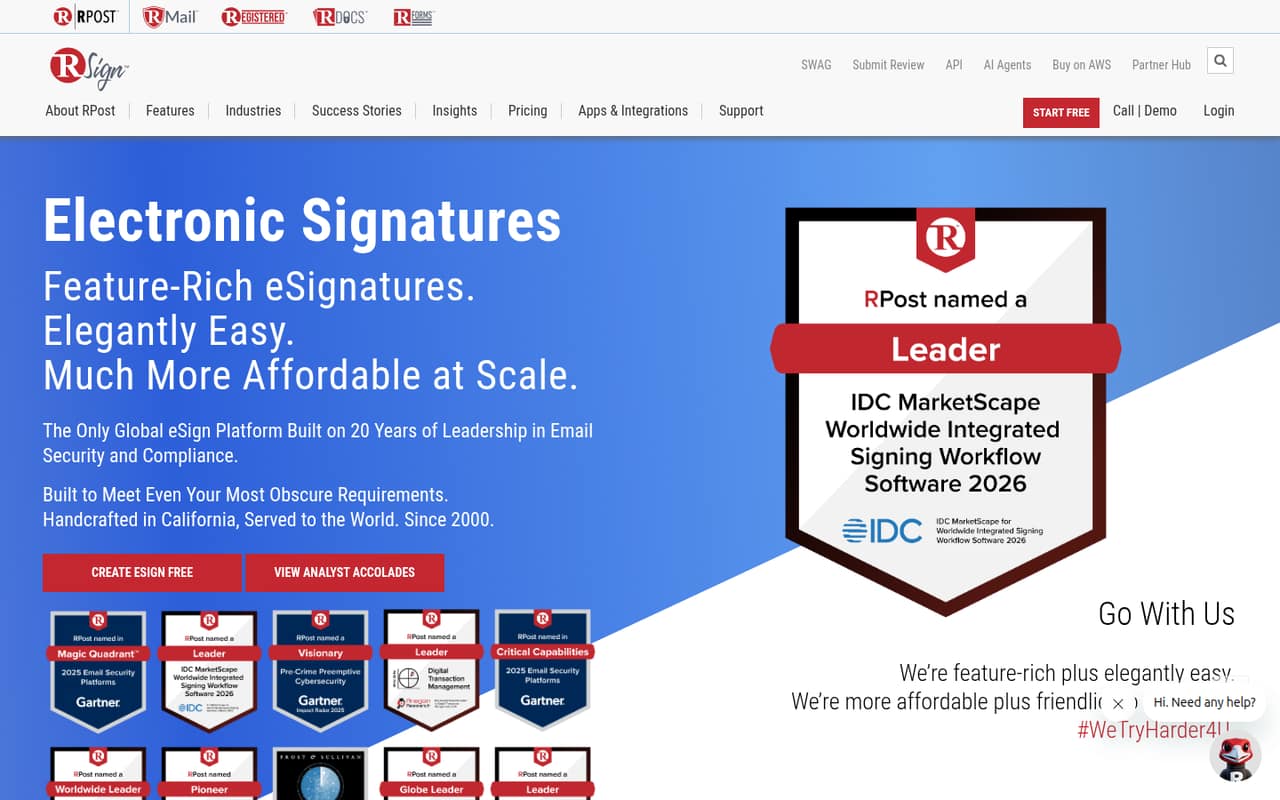
RSign fits small teams that send the same agreements, forms, or other documents repeatedly and want a shared signing process. It turns documents and forms into guided signing experiences, supports reusable templates, and offers digital forms for filling, signing, and data extraction. The homepage also highlights identity authentication and signing certificates with a cryptographically sealed audit trail.
For a solo user, Personal covers basic signing at $7 per month with annual billing, or $12 with monthly billing. A team of two to ten people should look first at Standard: it includes shared templates and no-code eSign workflows, which Personal does not list. Standard costs $15 per seat per month billed yearly, or $25 with monthly billing. Business is for teams sending more documents or needing bulk send, conditional logic, SMS delivery, and 100 envelopes per user monthly.
02RSign free plan and trial
RSign does not list a free plan, and the pricing page does not publish whether a free trial is available. That means a small team should budget for a paid plan rather than count on testing the product at no cost.
The cheapest way in is Personal: $7 per user per month with annual billing, paid yearly, or $12 per user per month with monthly billing. It includes 10 envelopes per month, drag-and-drop fields, reusable templates, and cloud-storage support. It is aimed at individuals, so it does not list shared templates or no-code workflows. For a team that needs shared templates, Standard is the entry point at $15 per user per month billed yearly, or $25 monthly. Ask RSign whether it can arrange a trial before committing.
03What a small team pays for RSign
The pricing page lists Personal at $12 per user monthly or $7 per user per month billed yearly. One person pays $12 month to month, or $84 for a year at the annual rate. Personal includes 10 envelopes monthly, but it is not the team plan.
Standard is the relevant starting point for shared work. One seat costs $25 monthly or $15 per month billed yearly. Three seats come to $75 monthly, or $45 per month on annual billing ($540 for the year). Five seats cost $125 monthly, or $75 per month on annual billing ($900 for the year). Standard includes 50 envelopes per user monthly, shared templates, and no-code workflows.
Business costs $35 per user monthly or $25 per user per month billed yearly, with 100 envelopes, bulk send, and conditional logic. API access, custom integrations, Connect webhooks, and the developer sandbox are marked as add-ons; prices are not published. Ask for those costs, and any support add-on pricing, before choosing.
04Getting started with RSign
RSign’s listed tools cover more than sending a document for signature: the platform includes guided signing, reusable templates, forms, bulk signing, and API workflows. A sensible first rollout for a small team is to choose one commonly used document, make it a template, and settle on a shared signing workflow before adding more forms or automation. That’s a practical starting approach, not a vendor-published setup process.
The vendor does not publish setup time or a detailed learning curve in the pricing details. Standard lists no-code eSign workflows, which may suit teams that want to configure workflows without building an integration. RSign lists API access, custom integrations, Connect webhooks, and a developer sandbox as paid add-ons with unpublished prices. Named app integrations and their setup steps are not listed, so confirm whether your current tools are supported before planning a day-one connection.
05When small teams outgrow RSign
The first pressure point is volume. Personal includes 10 envelopes per user each month, Standard includes 50, and Business includes 100. If the team regularly sends more than its plan allowance, or needs bulk sending, Business is the listed next step. It costs $25 per user per month with annual billing or $35 with monthly billing.
A second trigger is workflow complexity. Business adds conditional logic, RForms static links, and SMS delivery. Teams that need single sign-on, multi-factor authentication, custom branding, or custom integrations will need Enterprise, which has custom pricing. API access and some integration options are marked as add-ons, but their prices are not published, so they can change the budget before an upgrade is necessary. RSign may also stop being a fit if the team needs a free option or wants published integration costs; the pricing page lists neither a free plan nor prices for those add-ons.
Questions people ask
Does RSign have a free plan?
No free plan is listed on RSign’s pricing page. The cheapest listed option is Personal, at $7 per user per month with annual billing or $12 with monthly billing. It includes 10 envelopes per month, drag-and-drop fields, reusable templates, and cloud-storage support.
Does RSign offer a free trial?
The pricing page does not publish whether RSign offers a free trial. If you want to assess the product before paying, ask the vendor whether a trial or guided demo is available, and confirm whether it includes the plan features your team needs.
Which RSign plan is best for a small team?
Standard is the listed fit for teams that need shared templates and no-code eSign workflows. It costs $15 per user per month billed yearly or $25 per user monthly. Personal costs less, but its listed features do not include shared templates or team workflows.
How many envelopes do RSign plans include?
Personal includes 10 envelopes per month, Standard includes 50 per month, and Business includes 100 per month. The listed plans charge per user, so check with RSign how envelope allowances apply across your account before choosing a plan.
Does RSign include API access in the listed plan prices?
API access, custom integrations, RSign Connect webhooks, and the developer sandbox are marked as add-ons rather than included plan features. Their prices are not published. Ask RSign for an itemized quote if your workflow depends on API access or custom connections.