
We may earn a commission if you buy through links on this page. It never changes a score or a ranking. How we make money
The bottom line
A generous free host for solo shows, with paid plans for monetization and teams.
A small team can start a podcast on RSS.com without paying for hosting: the Free plan lists unlimited episodes and storage. It also offers paid plans for monetization, multiple shows, team access, and video.
We like the value for a new show, but check the plan details before budgeting for a group. Pro lists unlimited team members; seat terms for Plus aren't published in the pricing details.
Good fit if
- New podcasters on a tight budget
- Teams managing several shows
- Creators adding ads or subscriptions
Skip it if
- Teams needing published seat pricing
- Businesses needing custom integrations on Free
- Audio-only creators who need no analytics
ScoresHow it rates
What works
- Free plan lists unlimited episodes and storage
- Free plan includes a podcast website
- Paid plans add monetization options
- Pro includes unlimited team members
- Max supports unlimited audio and video podcasts
What doesn't
- Free plan requires a card before episode two
- Free distribution lists Apple Podcasts and Spotify
- Plus seat limits are not published
- Custom and Enterprise pricing is not listed
- Annual prices are billed yearly
01Who RSS.com is for
RSS.com is a podcast host for people who need somewhere to publish episodes, distribute a show, review audience data, and explore monetization. For a solo creator or a small team of up to 10 people, it can cover the basics without a separate hosting bill: the Free plan lists unlimited episodes and storage, while Pro includes unlimited team members.
The free option suits a new show with little or no budget. A creator looking to earn from ads or paid Apple Podcasts subscriptions can compare Plus, listed at $15 per month with annual billing. Teams managing several podcasts may find Pro, at $26 per month annually, a better fit because it supports up to 10 podcasts. Max is for publishers who want unlimited audio and video podcasts. This is a podcast publishing tool, not a general-purpose marketing workspace.
02RSS.com free plan and trial
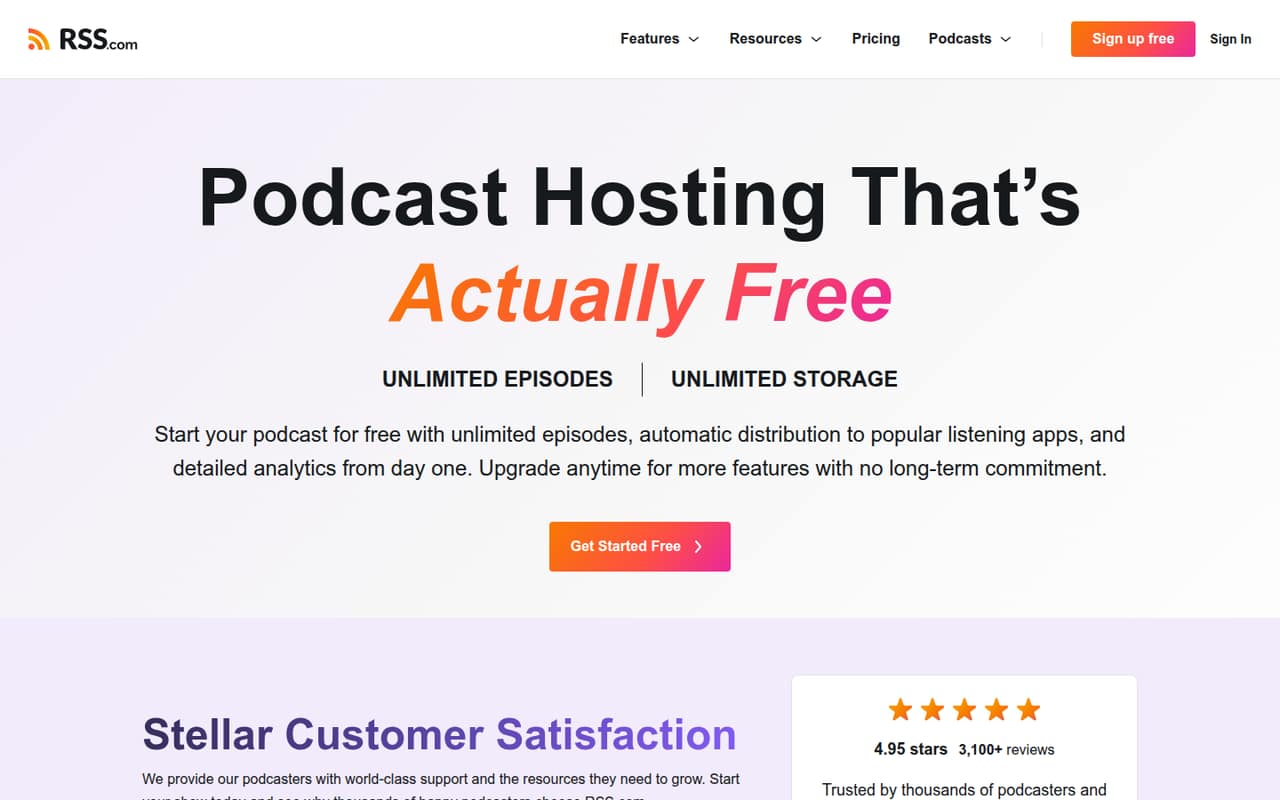
The Free plan costs $0 and lists unlimited episodes and downloads, unlimited storage, a free podcast website, and publishing to Apple Podcasts and Spotify. That is enough to get a show online without a hosting subscription. RSS.com also describes distribution to major listening apps, but the Free plan's pricing details specifically name Apple Podcasts and Spotify.
There is no free trial listed in the pricing details; the product has a free plan instead. The catch: RSS.com requires a credit card before you publish your second episode. The Free plan does not list paid subscriptions, automatic ads, advanced analytics, or video publishing. Those are paid-plan features, so check the plan comparison if you need them before launching.
03What a small team pays for RSS.com
Prices are per month, with a lower equivalent for annual billing that is billed yearly. Free is $0. Plus is $19.99 month to month or $15 per month annually; Pro is $34.99 monthly or $26 per month annually. The pricing page lists unlimited team members on Pro, so a three-person or five-person team using one Pro plan pays the same listed subscription: $34.99 monthly, or $26 per month billed yearly. That works out to about $11.66 or $8.67 per person for three people, and $7 or $5.20 for five.
For one person, Free is the lowest-cost option; Plus is the cheapest paid plan. Pro is the listed fit for teams that need multiple podcasts, with a limit of 10 shows. Max costs $49.99 monthly or $37 per month annually and adds unlimited audio and video podcasts. Seat terms for Plus aren't published, and no add-ons are listed.
04Getting started with RSS.com
RSS.com does not publish a setup-time estimate in the pricing details. A new creator will need to prepare episodes and show information, then publish and distribute the podcast; the Free plan lists publishing to Apple Podcasts and Spotify. Paid plans add features such as analytics, transcripts, and monetization, depending on the tier.
One new podcaster on Reddit said the free option was fairly user friendly and made it easy to get a podcast out. Another host described the service as easy to use, but those are individual reports, not a guarantee of how quickly your team will be ready. The published material does not include setup documentation, so ask RSS.com what steps are required to bring an existing show over or connect any workflow your team relies on. For day one, confirm the listening apps you want to reach and whether your chosen plan includes the publishing features you need.
05When small teams outgrow RSS.com
A show can outgrow Free when it needs features such as automatic ads, paid Apple Podcasts subscriptions, AI-generated transcripts, or advanced analytics; the pricing page lists those on Plus. Teams with more than one show may need Pro, which supports up to 10 podcasts and unlimited team members. Max is the next listed tier for unlimited audio and video podcasts, one-upload publishing to Apple Podcasts and YouTube, and full API access.
The clearest planning gap is seat pricing: Pro lists unlimited team members, but Plus seat terms aren't published. Custom and Enterprise pricing is also not listed, so ask RSS.com for a quote if you need its listed enterprise features, such as real-time geotargeting or video at scale. Reddit users report positive experiences with ease of use and features, but the discussions don't establish how the service performs for every growing team.
From the threadsWhat users say
Reddit comments are mostly positive about ease of use, value, and the included features. Some favorable replies come from RSS.com staff or leadership, so we would treat the praise as anecdotal rather than independent consensus.
I'm new to podcasting, and I have been using the free option. I like that it is fairly user friendly and has lots available for me and made it easy to get my podcast out there
Fro what I can see, rss, seems to have the most bang for your buck for a new podcast
RSS.com is solid, been using it for a year. Switched from Podbean, wouldn't go back
The analytics are amazing. Very helpful and informative to growing a podcast
Questions people ask
Is RSS.com free?
Yes. RSS.com's Free plan is listed at $0 per month and includes unlimited episodes and downloads, unlimited storage, a free podcast website, and publishing to Apple Podcasts and Spotify. A credit card is required before you publish your second episode. Paid plans add features such as monetization and advanced analytics.
How much does RSS.com cost?
The pricing page lists Plus at $19.99 per month or $15 per month with annual billing; Pro at $34.99 monthly or $26 annually; and Max at $49.99 monthly or $37 annually. Annual prices are per-month equivalents billed yearly. Custom and Enterprise pricing is not listed.
Does RSS.com support video podcasts?
Yes. The Max plan lists unlimited audio and video podcasts, plus publishing to Apple Podcasts and YouTube with one upload. It also lists 70% of eligible video ad revenue and full API access. If video is a requirement, check with RSS.com about the features and terms included in your plan.
Can a team share an RSS.com account?
Pro and Max list unlimited team members. Pro also lists hosting for up to 10 podcasts, while Max lists unlimited audio and video podcasts. The pricing details don't state team-seat terms for Plus, so ask RSS.com before choosing that plan for a group.
What monetization options does RSS.com offer?
RSS.com lists automatic ads, paid Apple Podcasts subscriptions, listener donations, affiliate opportunities, and Value 4 Value payments among its monetization options. Plus lists automatic ads from 10 downloads and paid Apple Podcasts subscriptions. Pro lists a 70% share of ad revenue with PAID; check plan details for eligibility and terms.