
We may earn a commission if you buy through links on this page. It never changes a score or a ranking. How we make money
The bottom line
RustDesk offers affordable, self-hosted remote access if your team is ready to manage the setup.
Small teams that want control over their remote-access setup should give RustDesk a look. Its free self-hosting option covers the basics, while paid plans start at $11.88 per month equivalent, billed annually.
The trade-off is hands-on setup: you run the server and configure clients, and some networks may block the ports RustDesk uses. It’s a good value for technical teams, but a less obvious fit if you want a managed service with minimal admin.
Good fit if
- Technical teams that self-host
- Budget-conscious remote support
- Teams wanting data control
Skip it if
- Teams avoiding server upkeep
- Users on restrictive networks
- Teams needing polished Wayland support
ScoresHow it rates
What works
- Free, open-source self-hosting option
- Data stays under your control
- Supports Windows, macOS, Linux, and Android
- Custom client can use your branding
- Individual plan allows unlimited concurrent connections
What doesn't
- Self-hosting requires infrastructure and configuration
- Paid plans are billed annually only
- Some public Wi-Fi may block its ports
- Wayland support is reported as immature
- More than 90 configuration options can add complexity
01Who RustDesk is for
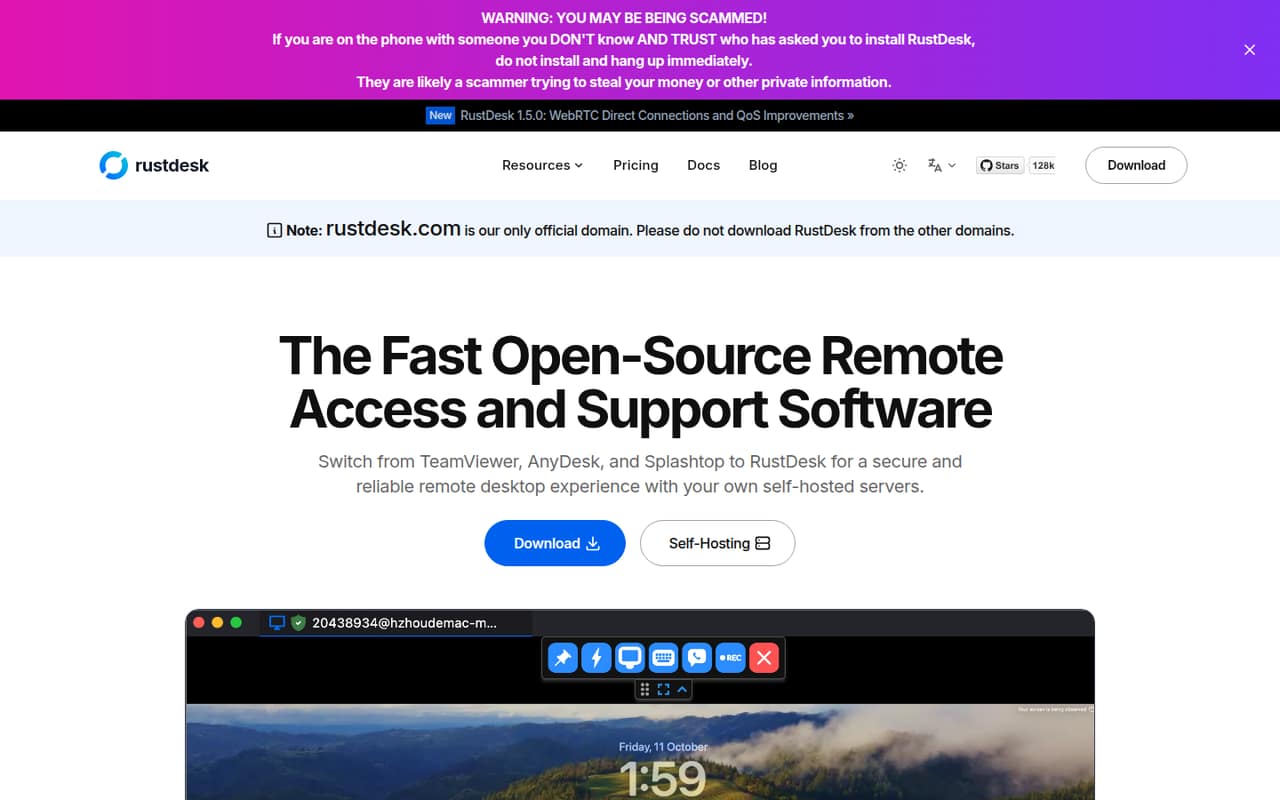
RustDesk fits solo operators and small teams that need to reach computers remotely for support or routine access. It is open-source remote-access software, and the vendor positions it as an alternative to tools such as TeamViewer, AnyDesk, and Splashtop. Its main distinction is that you can run the server on your own infrastructure rather than hand that job to a service provider.
That makes it appealing to a team of one to ten people that watches subscription costs and has someone comfortable managing servers and client settings. You can connect across Windows, macOS, Linux, and Android, and the vendor highlights options for custom client branding and a web client hosted on your domain. If you just need occasional access and don't want to maintain infrastructure, the free option may still be worth considering—but be realistic about the admin work. RustDesk is a practical fit when control matters more than a hands-off setup.
02RustDesk free plan and trial
RustDesk’s Free plan is for self-hosting users and costs $0. The pricing page lists open-source software, online status, and community support. That is a useful starting point for a solo user or a small team willing to host and manage its own server.
The free tier’s published inclusions don’t list managed-device allowances, login-user limits, or paid-plan features such as OIDC single sign-on and LDAP integration. Ask the vendor which limits apply to your intended setup before you depend on it for a team. RustDesk does not list a free trial. If you want paid features for one login user, the Individual plan is the cheapest published paid option at $11.88 per month equivalent, billed annually. Free is the sensible first step if the listed features cover your needs.
03What a small team pays for RustDesk
For one paid login, Individual costs $11.88 per month equivalent when billed annually, or $142.56 for a year. It includes one login user, 20 managed devices, unlimited concurrent connections, 2FA, and a web console. The Free plan costs nothing if its listed inclusions are enough.
For three or five people, Basic is $23.88 per month equivalent, billed annually: $286.56 for the year. That works out to $7.96 per person each month for three people, or about $4.78 for five. Basic includes ten login users and 100 managed devices, plus OIDC (SSO) and LDAP integration. The price is the same for either team size within those included counts.
Customized and Customized V2 also start at $23.88 per month equivalent, with ten users and 100 devices included. Additional users cost $1.20 each and devices cost $0.12 each. Customized V2 also charges $24 per additional concurrent connection. Paid plans are annual-only, and licenses do not auto-renew.
04Getting started with RustDesk
Plan for more setup than you would with a service that handles its own infrastructure. RustDesk highlights self-hosted servers, a web client you can host on your server and domain, and more than 90 configurable options. Your team will need to decide where to run the server and how to configure clients before remote access is ready. The vendor does not publish a setup-time estimate.
A commenter on r/rustdesk says the documentation is easy to follow for people familiar with Linux app stacks, and describes creating custom install packages with scripts. That suggests a manageable learning curve for a technical admin, but not necessarily for a small team without one. For day-one team needs, Basic lists OIDC single sign-on and LDAP integration; Individual lists 2FA and a web console. RustDesk supports Windows, macOS, Linux, and Android. A commenter also reports connection trouble on hotel Wi-Fi that blocks the ports RustDesk uses, so check network access for the places your team works.
05When small teams outgrow RustDesk
RustDesk may stop fitting when your team no longer wants to operate its own server or needs predictable access on networks that restrict traffic. In one r/selfhosted thread, a user says public and corporate Wi-Fi blocked the ports their self-hosted RustDesk setup used. That is a real deployment concern for teams supporting people from hotels or locked-down offices.
On the account side, Individual covers one login user and 20 managed devices. Basic covers ten users and 100 devices for $23.88 per month equivalent, billed annually. Customized plans let teams add users and devices for separate fees; Customized V2 adds a charge for extra concurrent connections. If you need more than those included counts, check the add-on bill before committing.
Reddit feedback is mixed rather than uniformly glowing: a commenter praises self-hosting, while also saying Wayland support is immature. If your setup depends on Wayland, test that use case before moving a whole support workflow. Teams that want someone else to handle infrastructure may also prefer a managed remote-access product.
From the threadsWhat users say
Reddit users value self-hosting and the control it offers, but discussions also flag setup, network access, and Wayland concerns. Security comments are divided between reassurance about key pairs and reminders that configuration matters.
The selfhosted option is killer feature
The Wayland support is still immature
software is only ever as safe as the idiot installing it
RustDesk uses random ports (21115, 21116, 21118, etc.) that are closed in most public and corporate WiFi networks
Questions people ask
Is RustDesk open-source?
Yes. RustDesk describes itself as open-source remote-access and support software. Its Free plan lists open-source software, online status, and community support. You can self-host its servers, which gives your team control over its infrastructure, but it also means your team takes on the server setup and administration.
Is RustDesk safe to use?
No remote-access tool is automatically safe in every setup. A commenter on r/rustdesk points to key pairs used for handshakes with the ID, relay, or API server, while other commenters emphasize configuration choices such as setting your own ID and passwords. Review the documentation and security settings for your deployment before granting access.
Which operating systems does RustDesk support?
RustDesk lists support for Windows, macOS, Linux, and Android. A commenter on r/rustdesk reports that Wayland support is still immature, so teams that rely on Wayland should check that specific workflow before rolling RustDesk out broadly.
Can we host RustDesk ourselves?
Yes. RustDesk highlights self-hosted servers as a way to keep data under your control. You can also host its web client on your server with your domain name. Self-hosting means your team needs to manage the infrastructure and client configuration; the vendor does not publish a setup-time estimate.
What does the RustDesk free plan include?
The pricing page lists open-source software, online status, and community support for Free self-hosting users. It does not list managed-device or login-user allowances for that plan. If you need published user and device limits, Individual lists one login user and 20 managed devices, while Basic lists ten users and 100 devices.
Sources
- RustDesk homepage
- RustDesk pricing page
- Reddit: How Safe is RustDesk
- Reddit: Free web console for Rustdesk, meet BetterDesk mod
- Reddit: So RustDesk is useless without websocket - any self-hosted alternatives?
- Reddit: I’ve open-sourced USBridge Remote: a self-hosted, P2P alternative to RustDesk/AnyDesk with Moonlight integration and native Wayland support