
We may earn a commission if you buy through links on this page. It never changes a score or a ranking. How we make money
The bottom line
A capable tax workflow tool, if the time saved justifies a per-return quote your firm can afford.
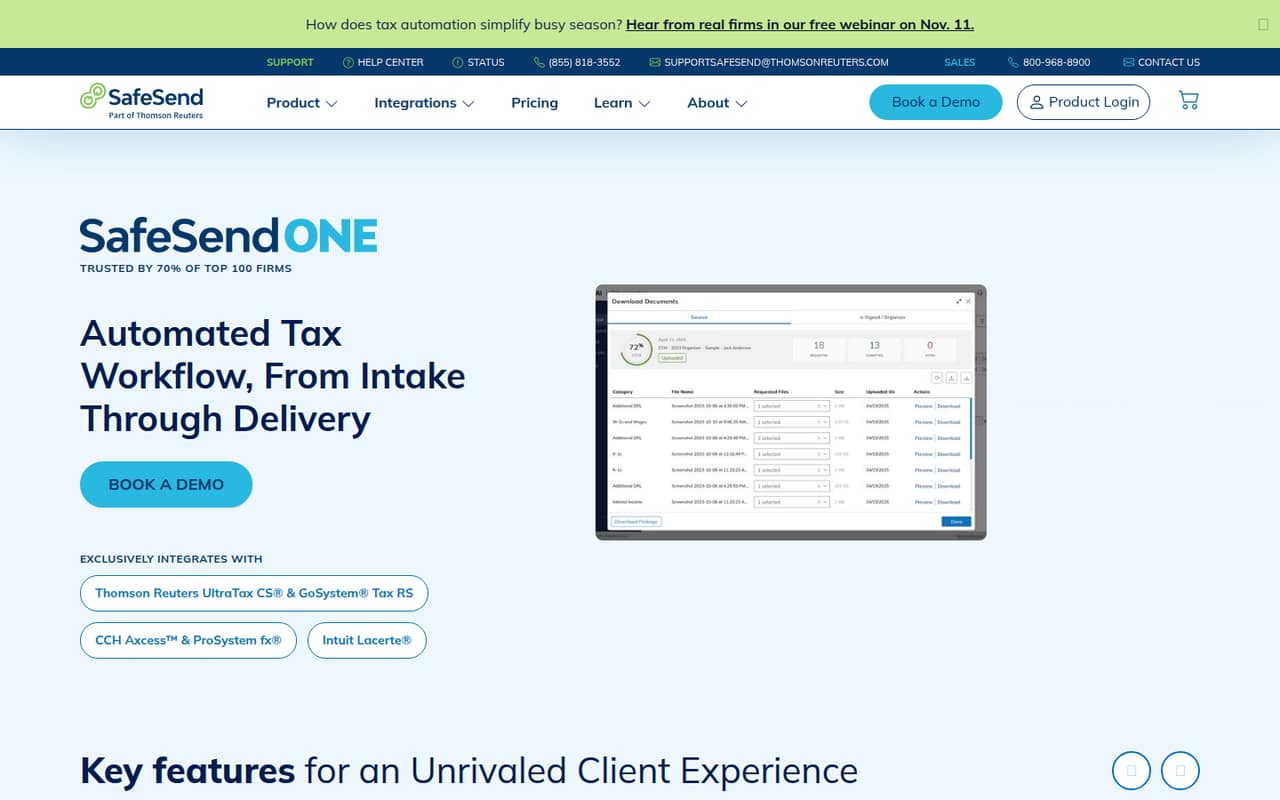
SafeSend automates parts of tax work from client intake to return delivery, including document requests, e-signatures, and payment. It fits firms that want a focused tax workflow tool rather than a general practice-management system.
There’s no free plan or published starting price, so a small firm needs a quote before budgeting. Reddit users often praise delivery and signatures, while some report client tech hurdles and extra effort sorting incoming documents.
Good fit if
- Firms automating tax return delivery
- Teams handling many e-signatures
- Practices that can budget per return
Skip it if
- Firms needing a free tool
- Teams requiring predictable seat pricing
- Clients who struggle with online workflows
ScoresHow it rates
What works
- Combines intake, signatures, and return delivery
- Supports batch e-signatures and deadline reminders
- Includes secure transfers and client dropboxes
- PDF tools cover markups and cross-references
- Several Reddit users praise its delivery workflow
What doesn't
- No free plan or trial is listed
- Prices are custom-quoted, not published
- Exact seat and usage limits are unpublished
- Some clients need help with online signing
- One firm reported unreadable photo uploads
01Who SafeSend is for
SafeSend is built for tax and accounting firms, not general small businesses. A one-to-ten-person practice could use it to collect client documents, send engagement letters and questionnaires, prepare files for review, get signatures, and deliver returns. Its return-delivery tools also handle payment and K-1 distribution, per the feature list.
It is most compelling when return assembly and signature follow-up take meaningful staff time, and the firm can absorb a per-return or per-delivery cost. It is less appealing if you need a free option or want a simple monthly bill per employee. Reddit users describe a polished delivery experience and faster signing, but also say staff may still need to monitor signed forms and help some clients through the process. For a small team, the key question is whether those workflow gains outweigh the quoted cost and any client support time.
02SafeSend free plan and trial
The available pricing information lists no free plan, and no free-trial terms are published. That means a small firm should not plan on testing the full workflow at no cost; ask SafeSend whether a trial or limited evaluation is available before committing.
The listed entry options are Essential Gather for firms focused on return gathering and Essential Deliver for return delivery. Both use custom quotes and pay-per-return or per-delivery pricing. Which is the cheapest way in depends on the work you need covered; the vendor does not publish a starting price or exact usage limits. If you only want return delivery, ask for an Essential Deliver quote. If you need intake and document gathering, ask whether Essential Gather covers your workflow and what the quote includes.
03What a small team pays for SafeSend
The listed plans are Essential Gather, Essential Deliver, and Premium. Each is custom-quoted and priced per return or delivery. Monthly and annual rates are not published, and no per-seat fee is stated. So we can’t calculate a reliable price for one person, three people, or five; the bill is not presented as a seat-based subscription. Exact seat and usage limits are also unpublished.
No add-on prices are listed. Ask for a quote using your expected return volume, which workflows you need, and the number of staff who will use the system. Also confirm any minimum purchase or upfront commitment: one solo user on Reddit said a minimum purchase would take years to use up. Another commenter put their cost at about $15 per return, but that is an individual report, not a published rate. With no public price, compare the quote against staff time saved and include client support and follow-up in your estimate.
04Getting started with SafeSend
SafeSend covers several steps, so a firm should map its current process before rollout: intake, document requests, review, signatures, and delivery. The feature list includes Gather AI for drafting engagement letters, questionnaires, and document request lists, plus document sorting. It also lists batch e-signatures, mail merge, and reminders.
The vendor does not publish setup time or an integration list in the available information. Before signing, ask which tax preparation and document systems connect to your workflow, what configuration is included, and how staff are trained. Reddit reports suggest the learning curve is not just for the firm: some clients find access codes, uploads, or signing confusing. One commenter said an admin still needs to monitor returned signed forms. A small team should name someone to handle those exceptions and decide how to manage paper, email, and portal submissions alongside SafeSend.
05When small teams outgrow SafeSend
SafeSend may stop making financial sense when the per-return quote outweighs the staff time saved, especially for firms with lower return volumes. One Reddit commenter questioned whether roughly five minutes saved per return justified an estimated $15 cost; that is an individual estimate, not a vendor price. Ask for your own quote and run the math against your actual process.
The tool may also be a poor fit if your firm wants published seat limits, predictable monthly billing, or a broad all-in-one practice platform. Exact usage limits are not published, so growing firms should confirm how volume changes the quote before scaling. Reddit users also describe clients sending unreadable document photos and continuing to use other delivery methods, which can leave staff sorting files across channels. Some firms report that older or less tech-comfortable clients need hands-on help. If your volume, client mix, or workflow changes, revisit the quote and support burden each season.
From the threadsWhat users say
Reddit sentiment leans positive on return delivery and signatures, with some firms praising the client experience. Reservations center on price, client tech support, and handling documents arriving through multiple channels.
We love it. Clients like it too
It certainly reduces assembly time and expedites the signature process
There doesn’t appear to be a way to restrict file types being uploaded to SS Organizers
if the majority of your clientele is over 65, it will cause more headaches than it's worth
Questions people ask
What is SafeSend used for?
SafeSend One is tax automation software for tax and accounting firms. It supports client intake, document preparation and review, e-signatures, and tax return delivery. Listed features include engagement letters, document requests, secure file transfer, PDF review tools, payment, and K-1 distribution.
Does SafeSend have a free plan or trial?
The available pricing information lists no free plan, and trial terms are not published. Ask SafeSend whether it offers a trial or limited evaluation. Its listed Essential Gather and Essential Deliver options use custom quotes and per-return or per-delivery pricing.
How much does SafeSend cost?
SafeSend’s listed plans use custom quotes, with pricing per return or delivery. Monthly and annual prices are not published, and no per-seat fee is stated. Ask for a quote based on your return volume, the features you need, and any minimum purchase or commitment.
Does SafeSend support gift tax returns?
The available feature information does not specify which tax return types SafeSend supports, including gift tax returns. Ask the vendor to confirm support for your return types and any workflow differences before buying.
How do I upload a tax return to SafeSend?
SafeSend supports return delivery, but the available information does not give step-by-step upload instructions. Your firm’s setup may affect the process. Ask your firm administrator or consult SafeSend’s current documentation for the correct way to prepare and send a return.