
We may earn a commission if you buy through links on this page. It never changes a score or a ranking. How we make money
The bottom line
Good for organizing personal work with AI; less certain as a shared workspace for a growing team.
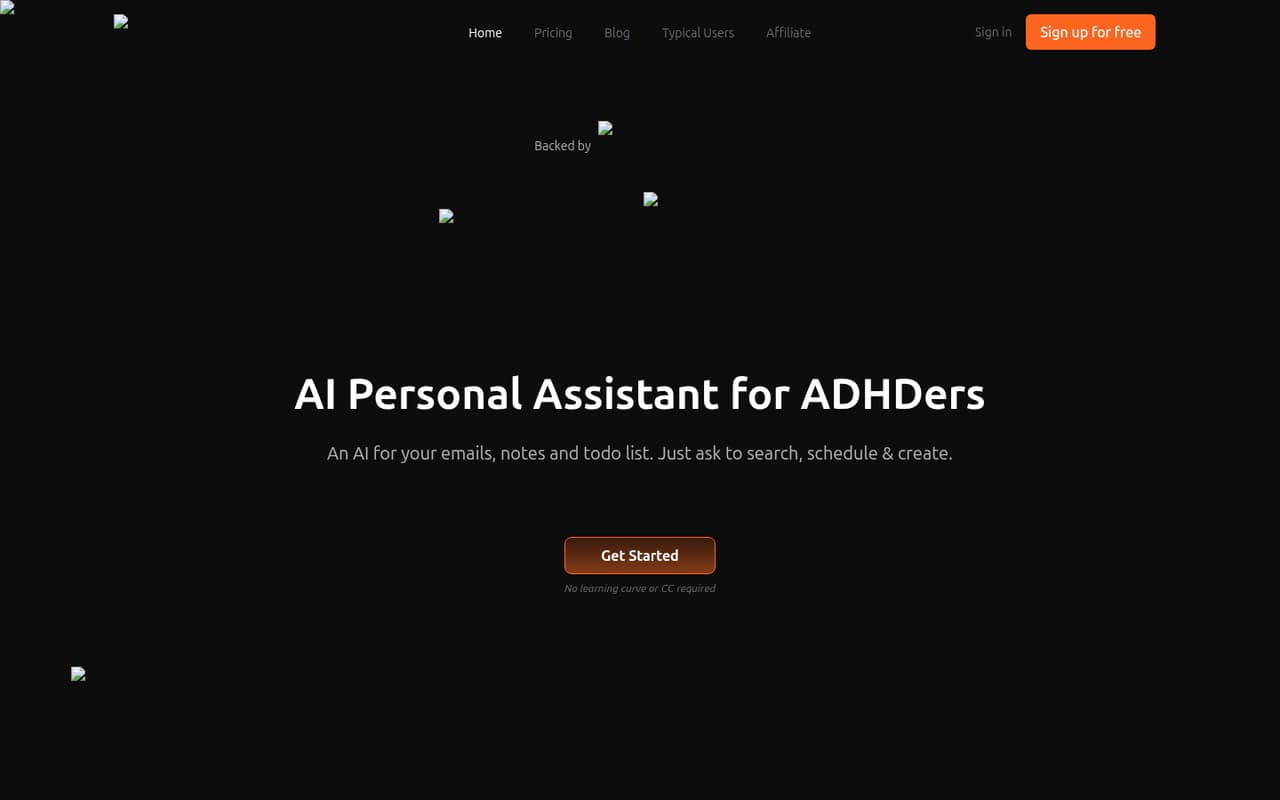
Saner.AI brings notes, emails, files, and tasks into one place, with AI search and planning from its assistant, Skai. The free plan is useful for a small trial, while paid plans start at $8 per month.
For a team, the main question is whether each person gets enough value from an individual assistant. Reddit feedback ranges from enthusiastic to reports of confusing AI responses and lost data, so test your own workflow before relying on it.
Good fit if
- Solo workers juggling notes and email
- Small teams trying AI on a budget
- People who want tasks from messages
Skip it if
- Teams needing shared project controls
- Outlook-first work environments
- People who need guaranteed data recovery
ScoresHow it rates
What works
- Free plan includes 100 notes
- Searches across notes and files
- Turns messages and brain dumps into tasks
- Connects Calendar, Slack, Drive, and Gmail
- Starter costs $8 per month
What doesn't
- Free plan limits AI use and storage
- External AI models cost extra
- Standard still caps AI requests at 100 daily
- Annual price is not published
- Some Reddit users report data and AI problems
01Who Saner.AI is for
Saner.AI is aimed at people who want notes, email, files, and tasks in one searchable place. For a one-to-five-person team, it may suit workers who manage their own information and want AI to find details, draft writing, or turn a brain dump into tasks. It is a personal assistant, not an obvious replacement for a shared project-management system.
The free plan makes it possible to try without adding a subscription. For heavier use, the pricing page lists Starter at $8 per month and Standard at $16 per month. That can be reasonable when each person gets daily value from the assistant, but costs add up if every teammate needs a separate plan. Saner.AI lists connections for Calendar, Slack, Drive, and Gmail, which may help bring existing work into one place. Teams that need shared ownership, admin controls, or dependable Outlook support should confirm those needs with the vendor before committing.
02Saner.AI free plan and trial
The pricing page lists a free plan at $0 per month, with 30 AI messages per month and 30 AI requests per month. It also includes 100 notes, 100MB of storage, and PDF uploads up to 1MB per file. Those limits are enough to explore search, capture, and task workflows, but regular daily use could run into the AI allowance quickly.
The page does not list a free trial for paid plans. Starter is the cheapest paid option at $8 per month. It raises the allowances to 30 AI messages and 30 AI requests per day, 1,000 notes, 5GB of storage, and PDFs up to 5MB each. If you plan to test with real work files, check whether their size and your expected daily AI use fit before moving a team onto the free plan.
03What a small team pays for Saner.AI
The pricing page lists Starter at $8 per month and Standard at $16 per month. Assuming each teammate needs a separate subscription, Starter costs $8 for one person, $24 for three, or $40 for five each month. Standard costs $16 for one, $48 for three, or $80 for five. The page also shows a yearly option marked 20% off, but does not publish the annual prices; subscriptions auto-charge monthly.
Starter is the lower-cost fit for lighter use: it includes 30 AI messages and 30 AI requests per day, 1,000 notes, 5GB of storage, and 5MB PDFs. Standard raises storage to 100GB and allows unlimited notes and AI messages subject to reasonable-use rules, but AI requests are still capped at 100 per day. External AI models cost extra per token; users can pay as they go or bring their own API keys. For a small team, ask Saner.AI to confirm whether plans are billed per user and what usage an external model might add.
04Getting started with Saner.AI
A practical first step is to connect only the sources your team actually uses. Saner.AI lists Calendar, Slack, Drive, and Gmail syncing, plus note capture through Chrome, voice notes, and file uploads. Start with one or two sources, then try searching for an existing detail and turning a message or brain dump into a task before importing more information.
Setup effort will depend on how much information you connect and how organized it already is; the vendor does not publish a setup-time estimate. Reddit feedback is mixed on the learning experience: one launch commenter criticized the tutorial and said the interface felt hard to focus on, while another user praised the app's information gathering and task suggestions. That makes a small, low-risk trial sensible. Before connecting work accounts, verify that the integrations you need are available for your account and that the resulting task workflow fits your team's habits.
05When small teams outgrow Saner.AI
You may outgrow the free plan when 30 monthly AI messages or requests, 100 notes, or 100MB of storage no longer cover your work. Starter raises those limits, but a five-person team would pay $40 per month at the listed monthly price if each person needs a subscription. Standard costs $80 for five on the same assumption and still limits AI requests to 100 per day.
A different kind of growth problem is team coordination. Saner.AI is described as a personal assistant; confirm whether it supports the shared ownership and administration your team needs before treating it as a central team workspace. Reddit users have reported problems including a crash and deleted data, frustrating AI responses, and a task feature that missed items. Those are individual reports, not proof that every user will see the same issues, but they make backups and a careful trial important. One commenter also said Saner.AI did not work with Outlook for work.
From the threadsWhat users say
Reddit sentiment is divided: some users praise the way Saner.AI connects information, while others describe unreliable AI behavior, data concerns, or usability friction. Support replies appear in launch discussions, but the user reports make a cautious trial worthwhile.
reads EVERY bit of information you give it (email streams, files etc.) and understards and connects them extermely well
it crashed and deleted my data with no way of recovering it
design is lacking structure, too much whitespace, clutter, lacks clear and easy structure for the brain to easily focus
I do everything on my phone that not related to my day job, so that's huge
Questions people ask
Is Saner.AI free?
Yes. The pricing page lists a free plan at $0 per month with 30 AI messages and 30 AI requests per month, 100 notes, 100MB of storage, and PDFs up to 1MB per file. There is no free trial listed for paid plans. Starter is the cheapest paid plan at $8 per month.
How much does Saner.AI cost for a small team?
The listed monthly prices are $8 for Starter and $16 for Standard. If each teammate needs a subscription, three people would cost $24 or $48 per month, respectively; five would cost $40 or $80. The pricing page shows a yearly option marked 20% off but does not publish the annual prices.
What apps does Saner.AI connect to?
Saner.AI lists syncing for Calendar, Slack, Drive, and Gmail. It also supports capturing notes through Chrome, voice notes, and file uploads. Check with the vendor about the specific account types and permissions your team needs before connecting work data.
Does Saner.AI work with Outlook?
One Reddit commenter said Saner.AI did not work with Outlook for work. That is an individual report, not a guarantee about every Outlook setup. If Outlook is central to your team, ask Saner.AI to confirm current support for your account before buying or connecting work email.
Does Saner.AI charge extra for AI models?
Yes, external AI models cost extra per token, according to the pricing details. Saner.AI says users can pay as they go or use their own API keys. Ask the vendor which model options are available to your account and check expected usage costs before enabling an external model for a team.