We may earn a commission if you buy through links on this page. It never changes a score or a ranking. How we make money
A small team may not need another AI subscription if a free plan already handles the work. For source-heavy document review, NotebookLM is our top pick to try first; Glue is worth a look for groups of up to five people exploring AI chat. Both list free plans. Paid starting prices range from $4.99 to $30 among these picks, but a starting price does not tell you what your team will pay: seat pricing, limits, and shared features vary. Match the tool to a recurring job, then check the cost and plan limits before inviting everyone.
Quick picksThe shortlist
 NotebookLMNotebookLMBest for source-heavy work · $4.99/mo
 GlueGlueBest free team chat · $6/mo
 IdeaMapIdeaMapBest for team brainstorms · $7/mo
 RayyanRayyanBest for research reviews · $4.99/mo
 MapifyMapifyBest for visual research notes · $5.99/mo
 ChatPDFChatPDFBest for PDF questions · $6.42/mo
 Saner.AISaner.AIBest for personal work · $8/mo
 YouMindYouMindBest for research and creation · $20/mo
 SuperhumanSuperhumanBest for email and docs · $12/mo
- Inbox ZeroInbox ZeroBest for AI email drafts · $18/mo
 SlideSpeakSlideSpeakBest for report-to-slide work · $29/mo
 ShortwaveShortwaveBest for shared team email · $30/mo
 AutoNotesAutoNotesBest for clinical notes · $16/mo
 ScholarcyScholarcyBest for paper summaries · Free
 ScreenpipeScreenpipeBest for personal work memory · $20.83/mo
 PopAiPopAiBest for occasional slides · Free
 PoisedPoisedBest for speaking practice · $10/mo
01Compared at a glance
| Tool | Score | From | Free plan | Trial |
|---|---|---|---|---|
| NotebookLMNotebookLM | 7.8 | $4.99/mo | Yes | 12 months |
| GlueGlue | 7.0 | $6/mo | Yes | 30 days |
| IdeaMapIdeaMap | 6.6 | $7/mo | Yes | — |
| RayyanRayyan | 7.1 | $4.99/mo | Yes | — |
| MapifyMapify | 7.0 | $5.99/mo | Yes | — |
| ChatPDFChatPDF | 6.8 | $6.42/mo | Yes | — |
| Saner.AISaner.AI | 6.4 | $8/mo | Yes | — |
| YouMindYouMind | 6.8 | $20/mo | Yes | — |
| SuperhumanSuperhuman | 6.8 | $12/mo | Yes | — |
| Inbox ZeroInbox Zero | 6.5 | $18/mo | Yes | 7 days |
| SlideSpeakSlideSpeak | 7.0 | $29/mo | Yes | — |
| ShortwaveShortwave | 6.5 | $30/mo | No | 14 days |
| AutoNotesAutoNotes | 7.2 | $16/mo | No | — |
| ScholarcyScholarcy | 6.2 | Free | Yes | 7 days |
| ScreenpipeScreenpipe | 6.2 | $20.83/mo | Yes | — |
| PopAiPopAi | 6.2 | Free | Yes | — |
| PoisedPoised | 3.5 | $10/mo | Yes | — |
02The picks, in detail
- Best for source-heavy workNotebookLMNotebookLM
NotebookLM is our first pick for small teams that regularly review source-heavy documents or build study materials. It has a free plan and a listed starting price of $4.99, making it an accessible place to start. Its fit is clearest when the work centers on sources; check whether the free plan's limits and paid options match your team's daily use before making it a shared workflow.
What works
- Answers questions using published sources
- Citations link to relevant passages
- Creates audio discussions and study materials
What doesn't
- Free plan limits chats and audio each day
- Reddit users report hallucinations
- Paid options are bundled with Google AI or Workspace
- Best free team chatGlueGlue
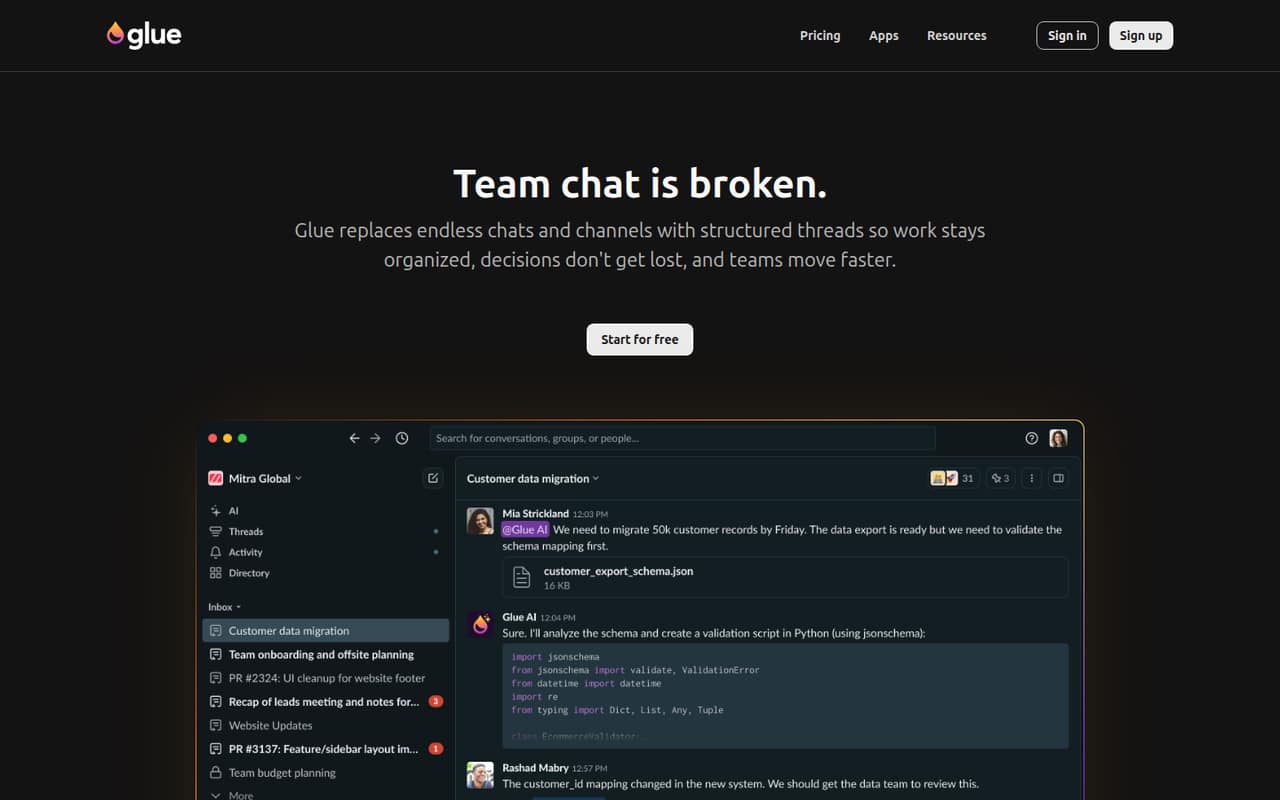
Glue is a strong low-cost trial for a group of up to five people curious about AI in chat or looking to reduce channel sprawl. Its free plan covers five users, and the listed starting price is $6. Before moving team conversations into it, check the group limits and upgrade prices: the free-seat count alone does not establish what a larger team will pay.
What works
- Five users are free on Startup
- Unlimited messages and history on Startup
- Unlimited integrations on Startup
What doesn't
- Startup is limited to five groups
- Startup includes only one admin
- Users beyond five cost $6 monthly each
- Best for team brainstormsIdeaMapIdeaMap
IdeaMap suits small teams running brainstorms, facilitators leading group sessions, and groups turning published material into mind maps. A free plan supports trying it with a small group; the listed starting price is $7, with paid plans adding room capacity at a per-seat cost. Check how many people your sessions need and what that capacity costs before scheduling regular team work around it.
What works
- Free plan includes unlimited users and ideas.
- AI can generate, expand, and organize ideas.
- Turns PDFs, photos, audio, and URLs into mind maps.
What doesn't
- Free plan limits rooms and attendees per room.
- Annual-billing prices are not published.
- Basic and Pro charge per user.

- Best for research reviewsRayyanRayyan
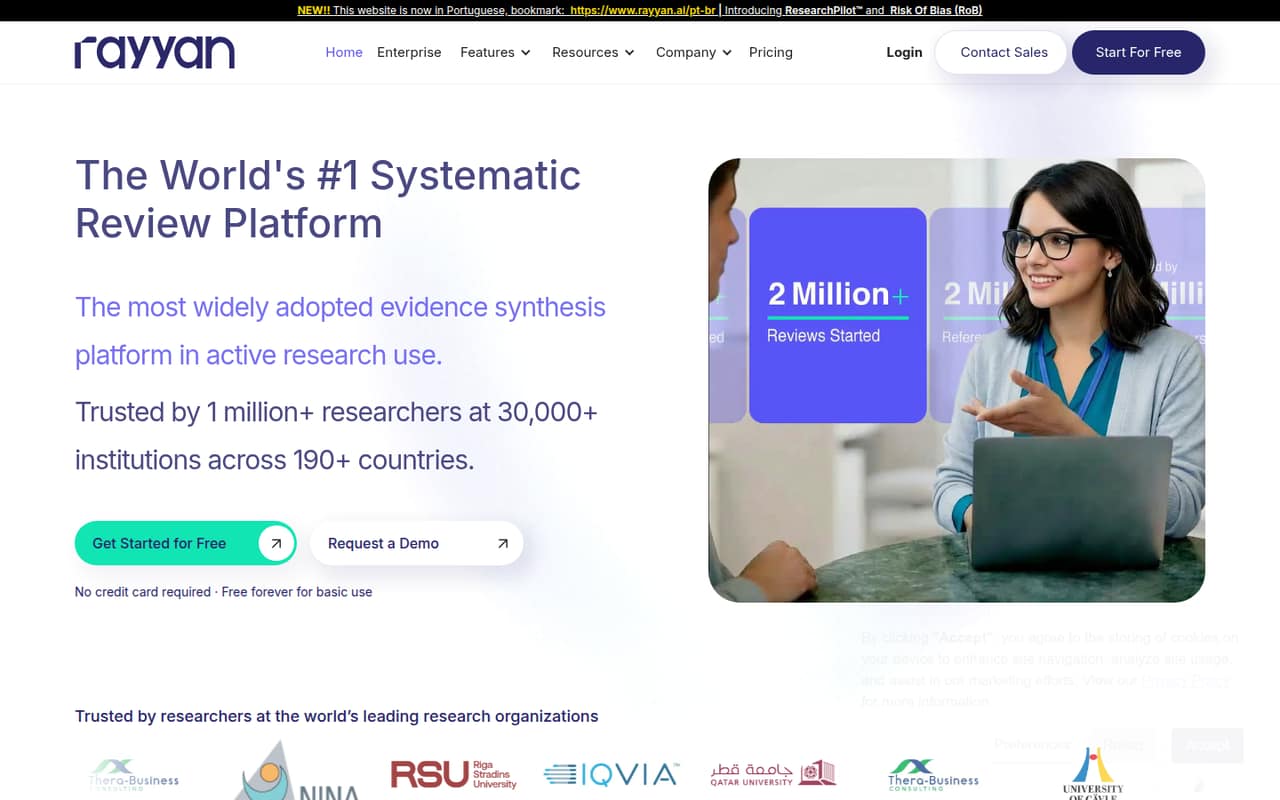
Rayyan is the focused choice for researchers sharing systematic-review screening or doing structured extraction. Its free tier makes it possible to start without paying, and the listed starting price is $4.99. Paid seats can add up quickly, so the price deserves a close look if several people need access. It is a better fit for research teams with a defined review process than for general-purpose task management.
What works
- Free plan includes up to three active reviews
- Team workbench can divide and assign review workloads
- Mobile app supports screening offline
What doesn't
- Free mobile app access stops at 100 decisions
- Additional Essential and Advanced seat prices are not published
- Business / Academic requires five licenses
- Best for visual research notesMapifyMapify
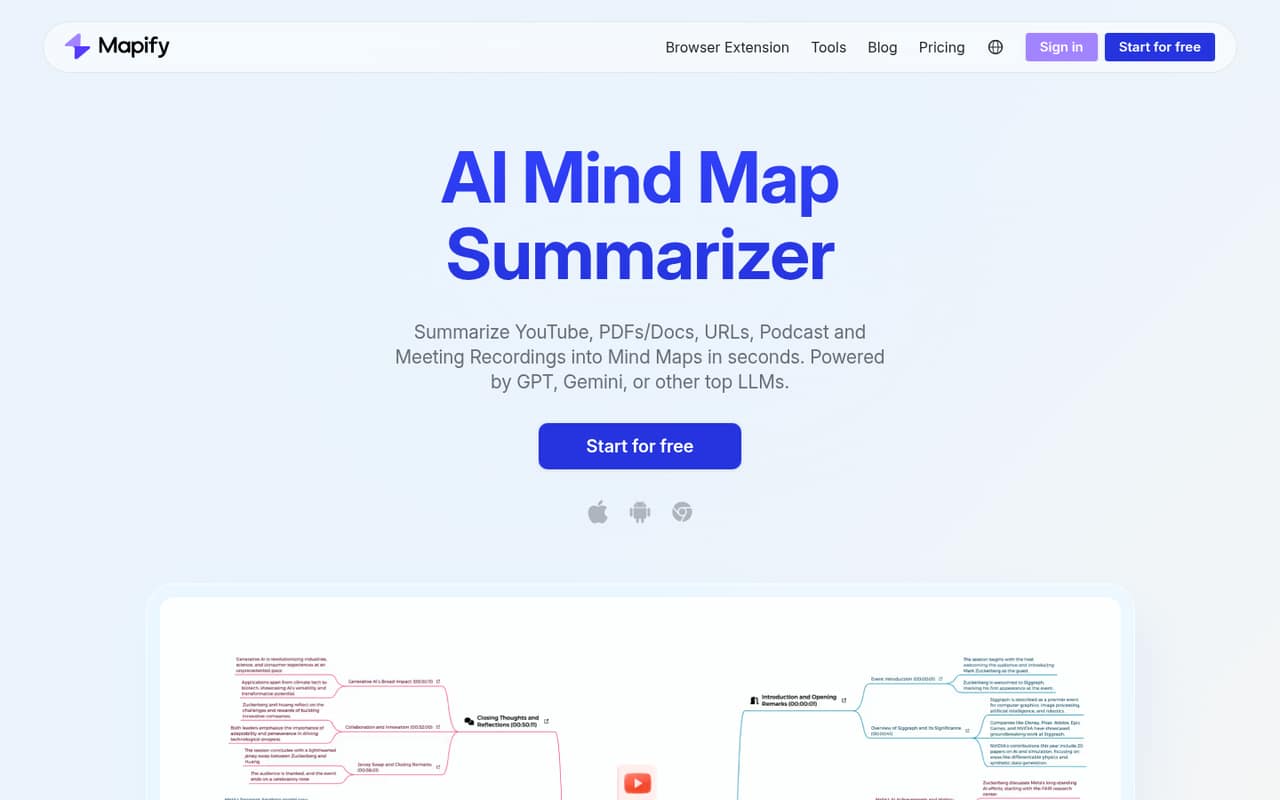
Mapify is aimed at small teams summarizing research, learning from long videos, or sharing visual notes. The free plan offers a way to try those workflows, and the listed starting price is $5.99. Team buyers should check how shared work and paid seats are priced: predictable shared pricing is less clear from the published positioning than the core research-to-map use case.
What works
- Maps content from several common formats
- Free plan includes 30 one-time AI credits
- Free plan lists map editing
What doesn't
- Free plan limits PDFs and videos to five each
- Free credits are one-time, not monthly
- Team pricing requires contacting sales
- Best for PDF questionsChatPDFChatPDF
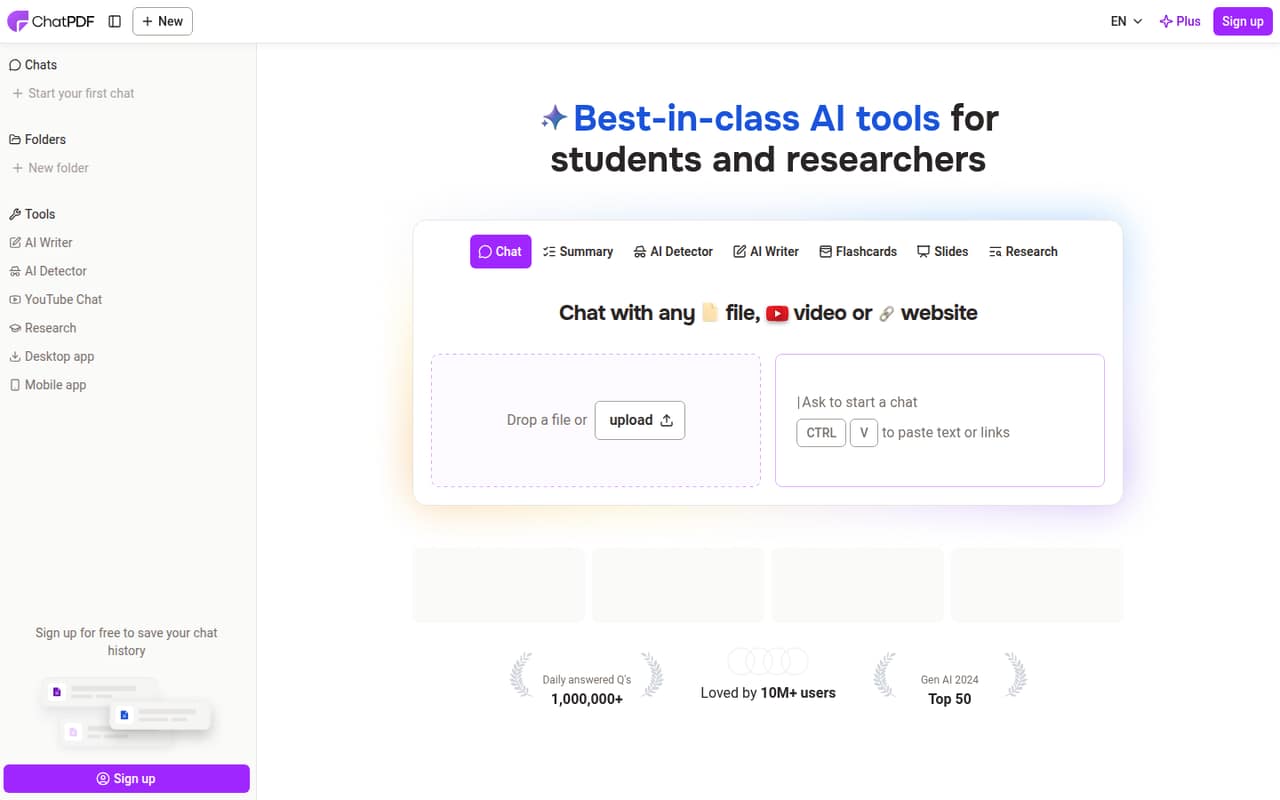
ChatPDF fits occasional PDF research, report review, and questions across several files. It has a free plan and a listed starting price of $6.42, but free limits and team pricing may make it less comfortable as a shared tool for a growing group. It makes most sense when document questions are an occasional job; ask the vendor how access and limits work for multiple teammates.
What works
- Answers link back to source references
- Free plan includes two documents daily
- Can ask questions across multiple files
What doesn't
- Free plan caps messages at 20 per day
- Free uploads stop at 10 MB per PDF
- Plus pricing differs across checkout notes
- Best for personal workSaner.AISaner.AI
Saner.AI is a budget-minded option for solo workers organizing notes and email or turning messages into tasks. Its free plan gives a small team a way to try the personal-work use case, and its listed starting price is $8. The main question is whether it works well as a shared workspace: check team access and collaboration details before relying on it for group coordination.
What works
- Free plan includes 100 notes
- Searches across notes and files
- Turns messages and brain dumps into tasks
What doesn't
- Free plan limits AI use and storage
- External AI models cost extra
- Standard still caps AI requests at 100 daily
- Best for research and creationYouMindYouMind
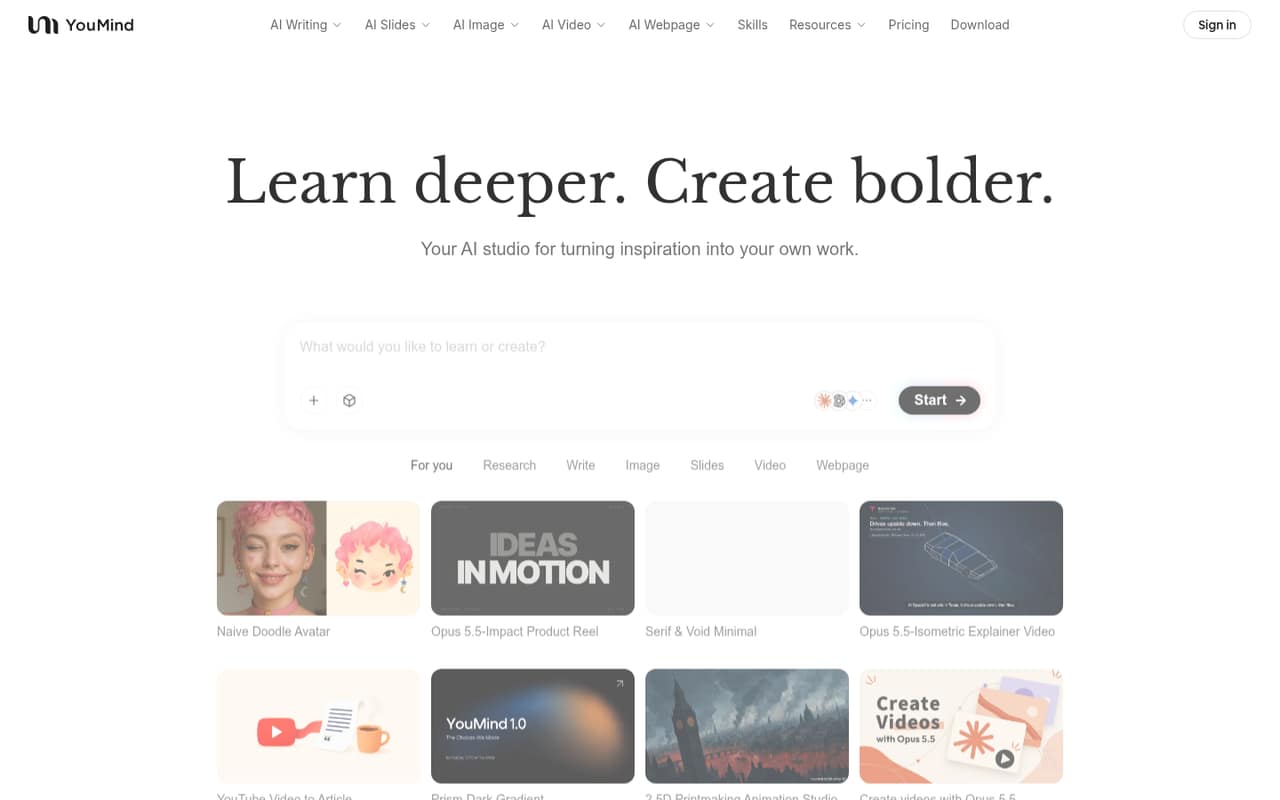
YouMind brings research and varied content creation into one workspace, with solo researchers and creators as its clearest audience. A free plan is available, and the listed starting price is $20. Small teams should keep an eye on credits and seat costs before making it a regular production tool. It is worth considering when the range of creation work matters more than the lowest paid starting price.
What works
- Free plan includes 2,000 monthly credits
- Free plan allows 100 saved materials
- Writing, slides, images, videos and webpages
What doesn't
- Free plan is capped at 100 saved materials
- Starter allows five concurrent tasks
- Credit top-up pricing isn't published
- Best for email and docsSuperhumanSuperhuman
Superhuman combines email, writing, and docs, and is positioned for teams working across connected apps or languages. It has a free plan and a listed starting price of $12. That combination may appeal to a small team, but the seat math matters before inviting everyone. Confirm what the plan includes per person and whether the connected-app setup suits your existing way of working.
What works
- Free plan includes unlimited forms
- Free plan has seven-day version history
- Docs connects to 800+ tools
What doesn't
- Pro and Business charges multiply per member
- Free plan has limited translation
- Free plan allows 1GB per doc

- Best for AI email drafts
Inbox ZeroInbox Zero
Inbox Zero starts with a free email client, while its AI inbox help starts at $18 per user per month billed annually. That makes it relevant to teams with inbox-heavy individual work, AI reply drafts, or a preference for keyboard-first email. At the listed rate, three users would be $54 per month billed annually. Check that the paid AI features—not just the free client—solve a recurring problem.
What works
- Free app available on web, desktop and iPhone
- AI can draft email replies
- Reply Zero flags messages needing responses
What doesn't
- Free app excludes the AI assistant
- Starter includes one email account per user
- Seat limits are not published
- Best for report-to-slide workSlideSpeakSlideSpeak
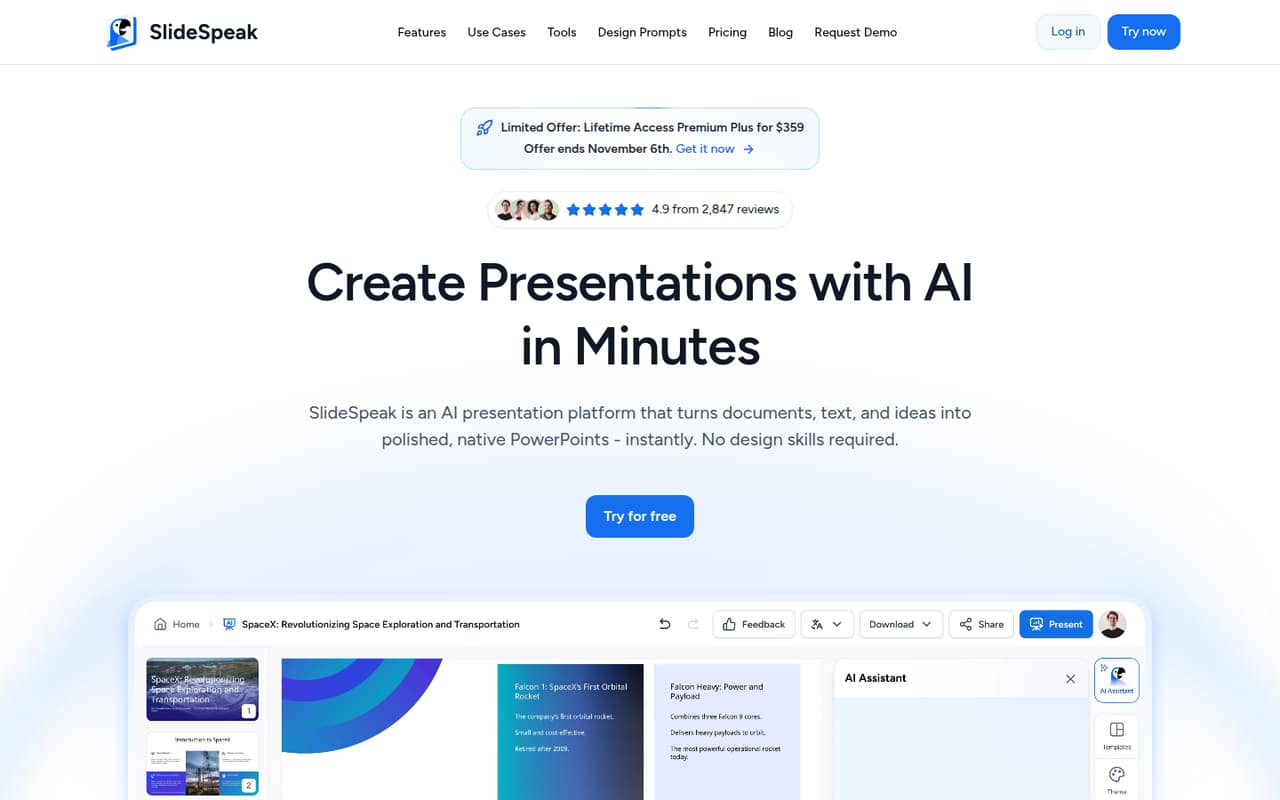
SlideSpeak targets teams turning reports into slides, people making a few decks a month, and users who need editable PowerPoint files. It has a free plan and a listed starting price of $29. That can be a practical fit for a specific presentation job, but costs add up by person. Confirm the team price and free-plan limits before making it the standard way to produce decks.
What works
- Makes slides from PDFs, Word, Excel, text, or ideas
- Free plan includes 100 credits
- Exports native PowerPoint files
What doesn't
- Free plan has a 50 MB file limit
- Free credits cover about three presentations
- Premium costs $30 monthly per subscription
- Best for shared team emailShortwaveShortwave
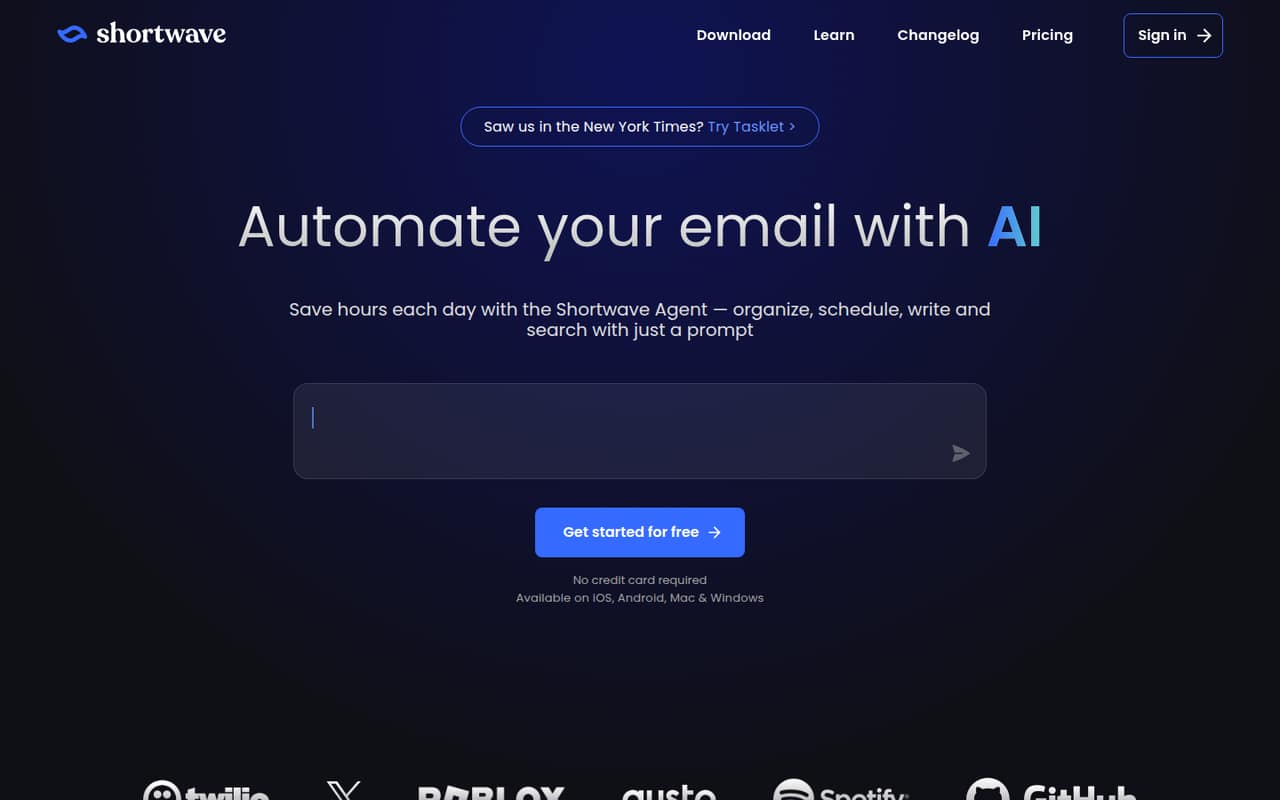
Shortwave is the pick for email-heavy teams of three to five that want shared threads, ownership, or AI email search. It has no free plan and starts at $30 per seat, so even a small group should confirm the total before committing. Its team-email focus is more specific than a general productivity suite; ask about billing and the features included at the starting price.
What works
- AI can organize inbox messages and identify to-dos
- Draft and improve emails in your writing style
- Search email and analyze team email and attachments
What doesn't
- No free plan
- Business starts at $30 per seat monthly
- Annual billing rates are not published
- Best for clinical notesAutoNotesAutoNotes
AutoNotes is built for therapists and clinicians writing notes regularly, especially practices that want custom note formats and scheduling in the same workflow. The listed starting price is $16 per clinician, with payment from day one. That makes it a niche but relevant choice for clinical teams, not a free general-purpose assistant. Confirm the billing period and what a practice needs to pay for its clinicians.
What works
- Generates notes from typed summaries, dictation, and audio
- Supports SOAP, DAP, BIRP, and other formats
- Customizable templates, output formats, and clinical style
What doesn't
- No free plan or published free trial
- Charges per clinician rather than per practice
- Recording and calendar sync require Workspace
- Best for paper summariesScholarcyScholarcy
Scholarcy is intended for researchers screening papers, summarizing articles, and organizing study-ready cards. A free plan is listed, but Plus pricing is unclear, making it difficult for a small team to forecast the cost of regular use. It may suit occasional reading and research organization; ask the vendor for current paid-plan prices and team terms before budgeting for several users.
What works
- Summarizes papers, articles, textbooks, text and videos
- Adjusts summaries from brief to researcher-level
- Highlights key points and contributions
What doesn't
- Free plan limits summaries and one-at-a-time exports
- Plus monthly and annual prices aren't published
- No per-seat or team pricing is listed
- Best for personal work memoryScreenpipeScreenpipe
Screenpipe is for people who want searchable work history and are comfortable with local capture; it supports Mac, Windows, and Linux. A free plan is listed, with a starting price of $20.83. Teams should note that device sync costs more and that shared context is still missing. It is a stronger fit for individual work memory than for keeping a whole team aligned.
What works
- Free plan includes one device
- Runs on macOS, Windows, and Linux
- Local screen, audio, and meeting capture
What doesn't
- Free search is limited to recent work
- Business costs $42 per seat monthly
- Business does not include shared team context
- Best for occasional slidesPopAiPopAi
PopAi is worth considering when a team makes presentations occasionally, wants to start slides from documents, or also needs presentation and document tools. A free plan is listed, but a starting paid price is not published. Try it for the occasional job, then get clear pricing and cancellation details from the vendor before paying or building it into a routine.
What works
- Creates presentations from prompts and source files
- Editable outline lets you adjust slide structure
- Browser editor supports text, image, and layout changes
What doesn't
- Paid plan prices aren’t published
- Seat and team billing terms aren’t clear
- Free credits are a one-time total

- Best for speaking practicePoisedPoised
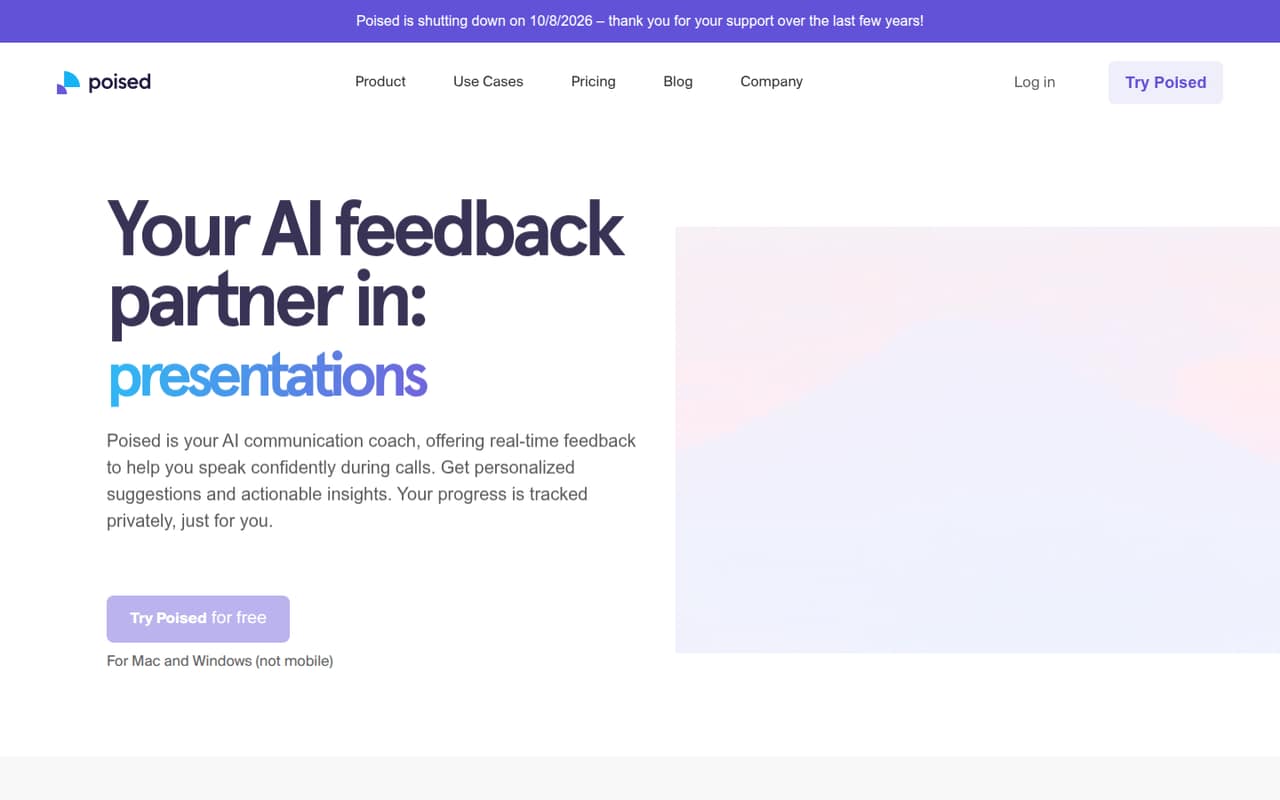
Poised is aimed at individuals practicing meeting communication and small teams seeking live speaking feedback; Mac users looking for free dictation are another stated audience. A free plan is listed, with a starting price of $10. But unclear plans and a passed shutdown date make it hard to recommend for an ongoing team workflow. Verify that the product is currently available and ask the vendor about service plans before signing up.
What works
- Real-time feedback on filler words and interruptions
- Meeting notes, summaries, and action items
- Private progress tracking over time
What doesn't
- Homepage lists an October 8, 2026 shutdown
- Starter plan features are not published
- Team pricing is custom
03How we chose
We ranked these tools for teams of one to ten, giving weight to what a free plan covers, the listed starting price, and whether a few seats look affordable. We also considered how narrow or broad each tool's job is: a focused use case can be easier to evaluate than a new workspace for the whole team. Plan limits, setup questions, vendor documentation, and Reddit sentiment are useful checks before buying. We did not run hands-on tests, benchmarks, or trials, so the rankings reflect small-team fit based on the stated use cases and pricing details—not measured performance.
04Check the real cost before adding seats
A starting price is not always the price your whole team pays. Check whether the vendor charges per user, per clinician, or by another measure, and whether the listed price is monthly or annual. Inbox Zero is explicit: AI inbox help starts at $18 per user per month billed annually, so three users would be $54 per month on that basis. Shortwave lists $30 per seat and has no free plan. Other tools here mention per-seat costs or costs that grow with people, but the billing period or team total may need confirmation.
Ask the vendor what happens when you add a seat, what the free plan limits, and whether collaboration features require a paid tier. If the price is not published clearly, get the quote and cancellation terms in writing before adopting the tool.
05Match the tool to a recurring job
Choose one repeated task to improve, rather than asking an AI tool to organize the whole company. NotebookLM and ChatPDF are aimed at working with sources and documents; IdeaMap and Mapify focus on visual thinking; SlideSpeak and PopAi center on presentations. Rayyan and AutoNotes serve more specialized research and clinical workflows. A close fit can make the decision easier: you can tell whether the tool helps with that job before adding more people.
Then check setup and team fit. Ask what information people need to bring in, whether the tool supports shared work, and what happens when your team grows beyond the free-plan audience. A personal work-memory or email assistant may help individuals without giving coworkers shared context. If several people need the same workspace, confirm access, permissions, and seat costs first.
Questions people ask
Which AI productivity tool is best for a small team?
For source-heavy document work, NotebookLM is our top pick: it has a free plan and a listed starting price of $4.99. For a group of up to five people exploring AI in chat, Glue offers a free plan for five users. The better choice depends on the job your team repeats most.
Which tools on this list have a free plan?
NotebookLM, Superhuman, IdeaMap, Poised, ChatPDF, Glue, Rayyan, Saner.AI, Screenpipe, YouMind, PopAi, Inbox Zero, Scholarcy, Mapify, and SlideSpeak list free plans. Shortwave has no free plan. Check current terms and limits with each vendor before relying on a free tier.
How much do AI productivity tools cost for a few people?
Listed starting prices range from $4.99 to $30 for tools with a stated starting price, but those figures do not all specify the same billing basis. Inbox Zero lists $18 per user per month billed annually, and Shortwave lists $30 per seat. Confirm billing periods and team totals with each vendor.
What should a team check before choosing an AI productivity tool?
Check free-plan limits, seat pricing, billing periods, and whether paid features are needed for shared work. Ask how the tool handles team access and what changes as you add users. For specialized tools, confirm that the vendor still offers the product and that the workflow fits your team's recurring task.