
We may earn a commission if you buy through links on this page. It never changes a score or a ranking. How we make money
The bottom line
A capable frontline training platform, but no free option or published price makes budgeting hard.
Schoox combines an enterprise learning management system with tools to connect skills, learning and business performance. Its strongest fit is frontline training, onboarding and compliance—not a small team looking for a simple, low-cost course library.
The pricing page lists custom quotes, with no published starting price, free plan or free trial. For a team of a few people, ask for a quote before investing time in setup.
Good fit if
- Frontline and deskless teams
- Employee onboarding and compliance
- Training customers or partners
Skip it if
- Teams that need a free plan
- Buyers who need clear per-seat pricing
- Teams seeking a basic course library
ScoresHow it rates
What works
- Supports mobile learning for deskless employees
- Covers onboarding, talent development and compliance training
- Can serve customers, partners and franchisees
- Includes tools to measure learning impact
- Tailors quotes to learner count and access frequency
What doesn't
- No free plan or free trial is listed
- Monthly and annual rates aren't published
- A few-seat budget can't be calculated upfront
- Course Marketplace content costs extra
- Reddit users report trouble finding or accessing courses
01Who Schoox is for
Schoox makes the most sense for a small team whose work depends on training frontline or deskless employees. It combines an enterprise learning management system with a Learning Impact Suite, supporting onboarding, talent development and compliance training. Mobile learning is intended to make corporate training accessible to employees who aren't at a desk.
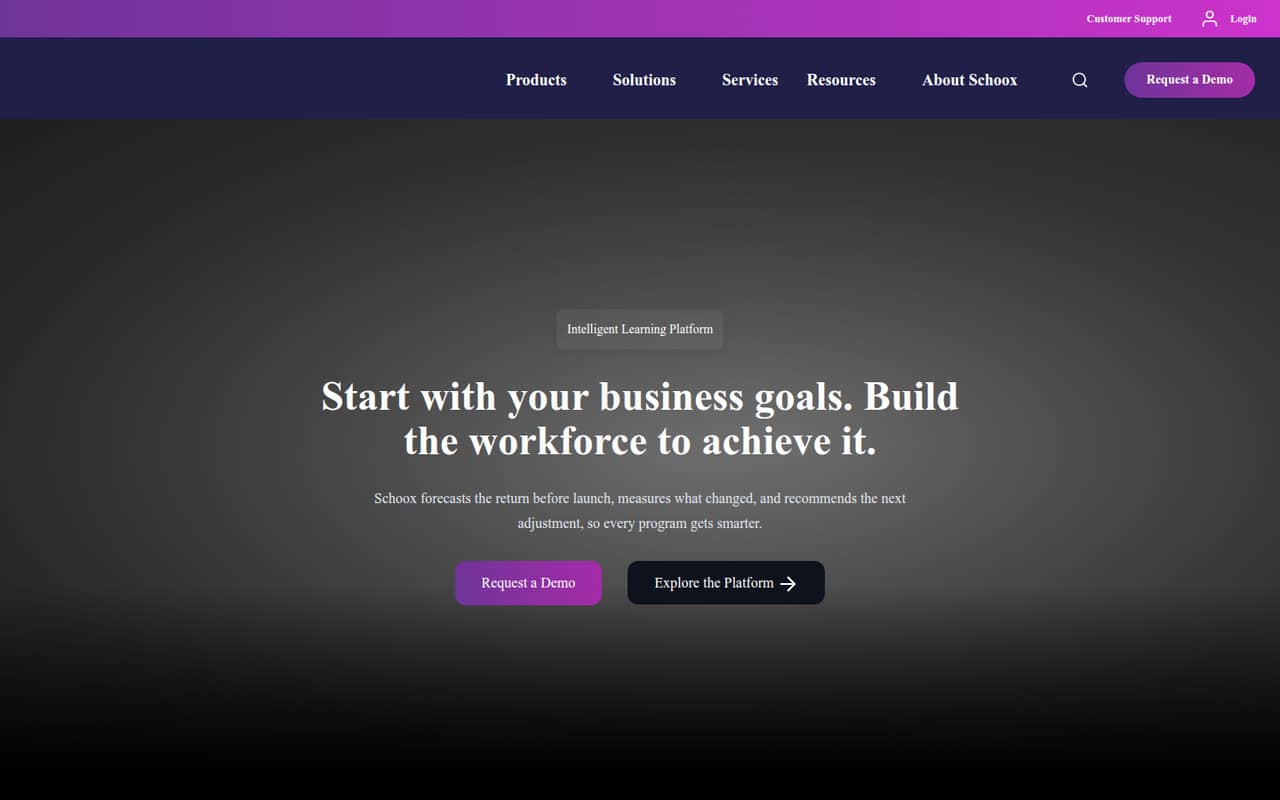
It can also serve people outside the company, including customers, partners and franchisees, through custom-branded learning environments. The platform's workforce skills features aim to identify capability gaps, while its impact tools forecast return before launch and measure what changed.
For a team of 1–10, the key question is whether those needs justify a tailored enterprise quote. A small office team that only needs occasional training may find the buying process and custom pricing harder to justify. Schoox is a stronger candidate when frontline training, external learners or performance measurement are central requirements.
02Schoox free plan and trial
The pricing information lists no free plan and no free trial. That means a small team can't start with a no-cost tier to check whether the platform fits its training workflow.
The cheapest way in is a custom quote. Schoox says pricing is tailored to learner count, whether users are internal or external, and how often they access the platform. Those factors may help shape a quote around a smaller deployment, but the vendor doesn't publish a minimum price or a small-team plan.
Before asking for a proposal, decide who needs access and whether you need employee training only or an extended-enterprise setup. Also ask whether the quote includes the content you need: Schoox Course Marketplace content is a separately licensed optional add-on.
03What a small team pays for Schoox
The pricing page lists custom pricing rather than a monthly or annual rate. It says quotes are tailored to learner count, internal or external users, and access frequency. The vendor doesn't publish a starting price, so we can't calculate a reliable cost for one person or compare the monthly and annual cost for three or five seats.
For a small team, request a quote for your exact headcount and ask whether occasional learners count the same as frequent users. Also ask for the total cost with any setup or services your rollout requires; those charges aren't listed in the pricing details.
Schoox Course Marketplace content is a separately licensed optional add-on, and its price isn't published. If your team needs ready-made courses, ask for the platform quote and content quote separately. Without those numbers, Schoox is difficult to compare with per-seat tools on a tight budget.
04Getting started with Schoox
Schoox's product description covers onboarding, frontline training, compliance and extended-enterprise learning, but the pricing information doesn't spell out setup steps, implementation time or integration requirements. For a small team, ask the vendor what is needed to configure courses, assign learners and manage any custom-branded environments.
A useful first call should clarify how employees sign in, how managers assign or approve training, and whether your existing HR or identity systems need to connect. Those requirements can change the work involved, and the vendor's quote should make clear whether setup help is included.
Reddit discussions show that some employees have run into access or course-finding problems in employer-specific setups. One Frito-Lay commenter said a manager shared a QR code to reach a course. That isn't enough to judge every deployment, but it is a good reason to ask for a walkthrough of the learner experience and course assignment process.
05When small teams outgrow Schoox
For a small team, the first strain may be budget clarity rather than a published seat cap: Schoox doesn't list per-seat rates or a standard small-team plan. As headcount and learner access change, the quote may need to be revisited. Ask how added users, external learners and higher access frequency affect the total before you commit.
You may also need to reconsider the fit if your team wants a self-serve free tier, a clear monthly price or a simpler training setup. The Course Marketplace is optional and separately licensed, so teams relying on its content should include that cost in their comparison.
Reddit users describe practical snags in some employer deployments: trouble logging in, difficulty locating assigned courses, and uncertainty over incomplete lessons or approvals. Others complain that some training feels like checking a box rather than learning. These accounts are not proof of a universal Schoox problem, but growing teams should verify course discovery, completion tracking and the learner experience before expanding.
From the threadsWhat users say
Reddit comments show mixed-to-negative experiences in specific employer deployments. Users mention access and course-finding snags, as well as frustration when training feels like a completion metric instead of useful learning.
Personally have always been encouraged to do it in downtime while clocked in/ kept at the end of my shift to finish up before I clock out
No one can figure out which one still needs to be completed, or if it’s a glitch
I could not find it assigned to me in Schoox either
we dont get compensated for doing them outside of work in TN at least
Schoox in the news
Questions people ask
What is Schoox used for?
Schoox is an intelligent learning platform for workforce performance. It combines an enterprise learning management system with a Learning Impact Suite and supports onboarding, talent development, frontline and compliance training, and learning for customers, partners and franchisees.
How much does Schoox cost?
The pricing page lists custom pricing and does not publish monthly or annual rates or a starting price. Quotes are tailored to learner count, internal or external users, and access frequency. Ask Schoox for a quote based on your team size and training needs.
Does Schoox have a free plan or trial?
The pricing information lists neither a free plan nor a free trial. A small team should ask Schoox whether it can see a product walkthrough or discuss a limited rollout before requesting a full quote; those options aren't listed as standard plans.
Does Schoox include course content?
Schoox Course Marketplace content is a separately licensed optional add-on, not part of a published standard price. The Marketplace price isn't published. Ask the vendor which courses are available for your needs and whether content licensing is included in your quote.
Can Schoox train deskless employees?
Yes. Schoox describes mobile learning as a way to make corporate training accessible to deskless employees. Ask for a walkthrough on the devices and login experience your team will use, and confirm how employees find assigned courses and track completion.