
We may earn a commission if you buy through links on this page. It never changes a score or a ranking. How we make money
The bottom line
Strong polish for Mac demos; the lack of a free plan makes team costs harder to justify.
Screen Studio is for Mac users who want a finished-looking demo without building every zoom, caption, and cursor effect by hand. It includes useful editing and export options, but each seat costs $29 monthly or $108 per year, and there’s no free plan or trial listed.
For a solo creator making regular tutorials, the time-saving features may earn their keep. For a small team that records occasionally, the yearly bill for several seats is a real commitment, especially when Reddit users point to free alternatives.
Good fit if
- Mac teams making regular product demos
- Solo creators publishing tutorials
- Teams that want polished exports
Skip it if
- Teams that need a free recorder
- Windows users
- Occasional recording on a tight budget
ScoresHow it rates
What works
- Automatic or manual animated zooms
- Screen and camera layout options
- Transcript-based editing and filler removal
- Local audio cleanup on Mac
- Captions and wide, square, or vertical framing
What doesn't
- No free plan or free trial listed
- Monthly billing costs $29 per seat
- Yearly plan charges $108 upfront per seat
- One seat per listed plan
- Each video is limited to 30 minutes
01Who Screen Studio is for
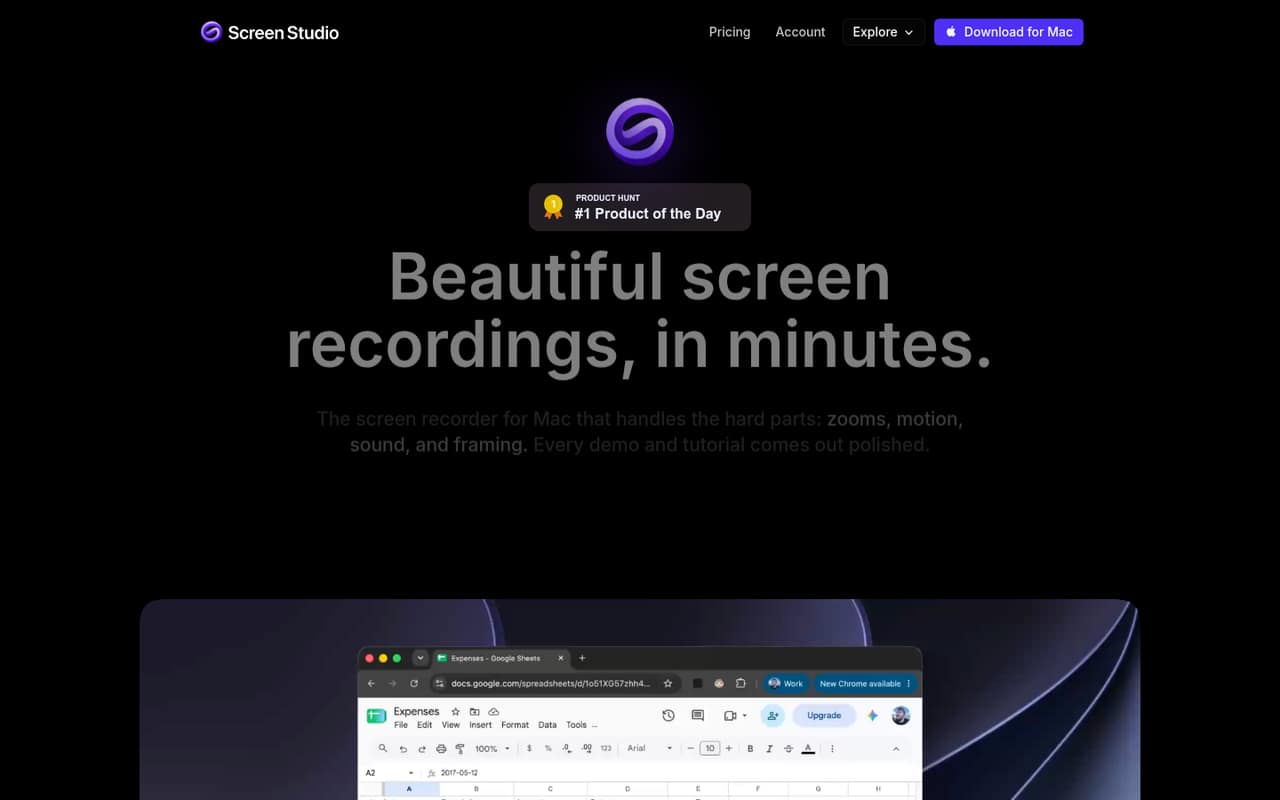
Screen Studio is a Mac screen recorder for solo creators and small teams making product demos, courses, tutorials, or social videos. It records your screen, then helps polish the result with animated zooms, cursor effects, camera layouts, captions, and audio cleanup. You can share a link or export a video.
That makes it a better fit for a team publishing demos regularly than for a five-person company that only records a walkthrough once in a while. A small team can use it to create consistent-looking videos without assembling a separate editing workflow for every clip. The trade-off is the per-seat subscription: the listed plans include one seat, so a team needs to budget for each person who needs access. If your budget is tight, Reddit discussions point to free screen-recording alternatives, though those tools may not match Screen Studio’s exact feature set.
02Screen Studio free plan and trial
Screen Studio has no free plan or free trial listed in the pricing information. There’s no free tier to use for occasional recordings or to test the workflow before paying, so the cheapest standard option is the Yearly plan at $108 per seat, billed annually. That works out to $9 per month per seat, but you pay the annual amount upfront.
The Monthly plan costs $29 per seat. Both listed plans include one seat, shareable links up to 1080p, up to 60 fps, and videos up to 30 minutes long. Verified students and educators have an Education plan listed at $64.80 billed annually per seat. If you want to check whether the editing style suits your team before committing, ask Screen Studio about any current trial or refund terms; they aren’t listed here.
03What a small team pays for Screen Studio
The Monthly plan costs $29 per seat. That comes to $29 for one person, $87 for three people, or $145 for five people each month. The Yearly plan is $108 per seat, billed annually, or $9 per month per seat: one person pays $108 upfront, three pay $324, and five pay $540. Those totals assume each person needs a seat.
Both plans list shareable links up to 1080p, video up to 60 fps, and a maximum length of 30 minutes per video. The listed add-ons are none, and the pricing information doesn’t identify extra charges for those features. The main cost difference is how you pay: Monthly avoids an annual commitment but costs more per seat; Yearly lowers the monthly equivalent but requires the full amount upfront. Education is listed at $64.80 billed annually for verified students and educators, but the listed plan includes one seat.
04Getting started with Screen Studio
Screen Studio is a Mac recorder, so a Mac is the starting requirement. The product description centers the workflow on recording, then using automatic or manual zooms, camera layouts, cursor effects, transcript editing, audio cleanup, and captions. That gives a small team several ways to polish a video in one tool, rather than exporting first to add every effect elsewhere.
The setup steps, learning curve, and supported integrations aren’t published in the information available here. The listed sharing option is a shareable link, and exports can be framed for wide, square, and vertical video. For day-one planning, ask the vendor whether your team’s preferred storage, publishing, or collaboration tools connect directly, and whether teammates need separate seats. Reddit users discuss Screen Studio alongside other Mac recording apps, but those comments don’t establish a specific setup time or integration list.
05When small teams outgrow Screen Studio
The first pressure point is cost: the listed plans include one seat, so a team of five pays $145 monthly or $540 upfront for a year. That may be worthwhile for regular video production, but it’s a steep recurring expense if only one person records or the team publishes rarely. The second is the 30-minute video limit; teams producing longer recordings will need another workflow or should ask the vendor about options.
You may also want a different tool if your team isn’t on Mac, needs a free tier, or expects integrations the vendor doesn’t publish. Reddit discussion around this category is mixed: one user says Recordly replaced Screen Studio, while some commenters criticize automatic zooms as distracting. That doesn’t prove Screen Studio will be a poor fit for your videos, but it’s a reason to consider whether you want automatic motion or prefer a simpler edit before paying for several seats.
From the threadsWhat users say
Reddit discussion around polished screen recorders is split: some users value automatic zoom and cursor effects, while others prefer free alternatives or find auto-zoom distracting. These comments aren’t a broad review of Screen Studio, so sentiment is mixed rather than decisive.
I use Recordly, it has completely replaced Screen Studio for me
Auto-zooming is a gimmicky and horrible way to present anything
Zooms don't follow the cursor but do automatically generate in areas deemed 'interesting
The first thing I noticed was the waaaay better cursor smoothing
Questions people ask
Can I buy Screen Studio as a one-time purchase?
The listed plans are Monthly at $29 per seat and Yearly at $108 per seat, billed annually. There isn’t a one-time purchase option in the pricing information. If you need a perpetual license, ask Screen Studio whether it offers one outside the listed plans.
Does Screen Studio have a free version?
No free plan or free trial is listed. The cheapest standard option is the Yearly plan at $108 per seat, paid upfront. Verified students and educators have an Education plan listed at $64.80 per seat, billed annually.
Is Screen Studio worth it for a small team?
It may be worth paying for if your team regularly makes demos or tutorials and values automatic zooms, camera layouts, captions, and transcript editing. At $29 monthly or $9 per month on annual billing, per seat, the cost is harder to justify for occasional recordings.
Can Screen Studio record videos longer than 30 minutes?
The listed plans support videos up to 30 minutes each. The pricing information doesn’t list a higher limit or an add-on for longer videos. If your team needs longer recordings, ask Screen Studio whether another plan or workflow supports them.
Can Screen Studio record Netflix, and is that legal?
Screen Studio is described as a Mac screen recorder, but the vendor's site doesn’t address recording Netflix or the legal and account-policy questions around it. Screen Studio doesn’t grant rights to record or redistribute protected content. Check applicable law and the service’s terms before recording.
Sources
- Screen Studio homepage
- Screen Studio pricing, compiled via web search from therundown.ai, docsie.io, screen.movie, screenforge.co, cursorclip.com, matte.app
- Reddit: [OS] I made a free, open-source Screen Studio alternative that adds auto-zoom, cursor animations and more to your videos
- Reddit: Tight Studio - a Screen Studio alternative, is now free after a year of weekly releases and thousands of users
- Reddit: Does anyone have a cheaper or free screen studio alternative?
- Reddit: Would an open-source alternative to Screen Studio for auto-zooming screen recordings be useful?